Canva Brush is a vision-language model that edits designs by understanding layout and layers, not just pixels. Released in late October 2026, it targets Canva users and design teams who want fast, on-brand changes without leaving the editor. It competes with Adobe Firefly and Canva's own Magic Edit by reasoning about the whole canvas before changing a pixel.
Core Features
- Runs an agentic loop: it reads a design's structure and applies edits from a text command to a full deck restyle.
- Understands layers, so it moves one element without disturbing the rest of the composition.
- Operates 69% faster and at 46% lower cost per task than Canva's previous design agent.
- Works inside Canva Pro, Magic Studio, and the Dream Lab tab, with no separate tool to open.
- Keeps brand-kit rules, so generated text and colors stay inside approved guidelines.
- Treats each agentic step as an editable action, so undo and redo stay granular, not a flat raster change.
Use Cases / Best For
- Marketers resizing and rebranding a campaign across dozens of social and slide templates.
- Small teams that lack a dedicated designer but need consistent, polished output.
- Agencies applying bulk layout fixes across a client's deck in one pass.
Pricing
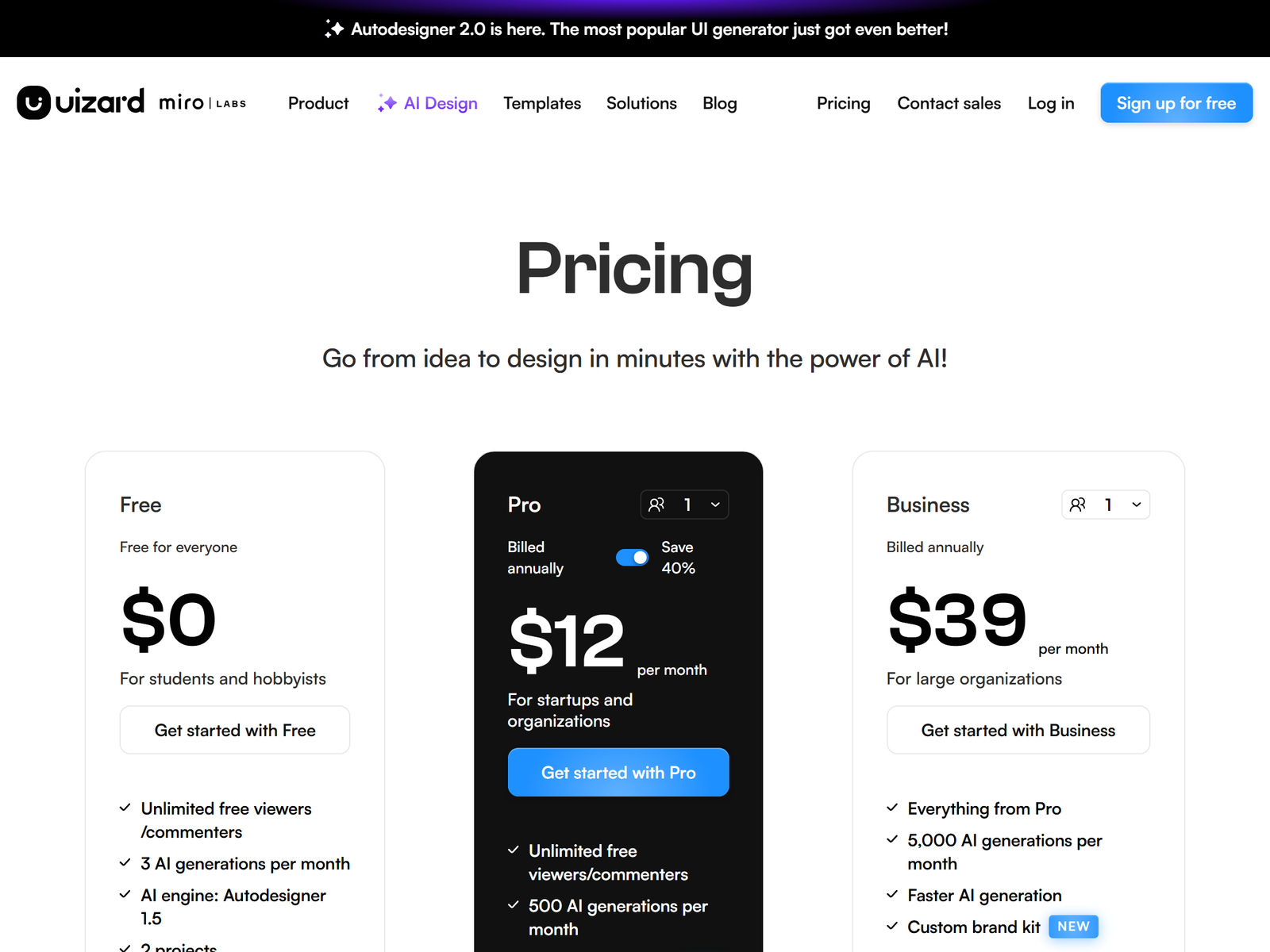
Brush is included with Canva Pro, which starts at $15/month for individuals, so there is no separate fee. Compare it with other AI design tools.
Our Take
Best for high-volume Canva shops that live inside the editor. The trade-off is vendor lock-in: outputs stay in Canva's format, so handing layered source to an external designer is harder than with open files.