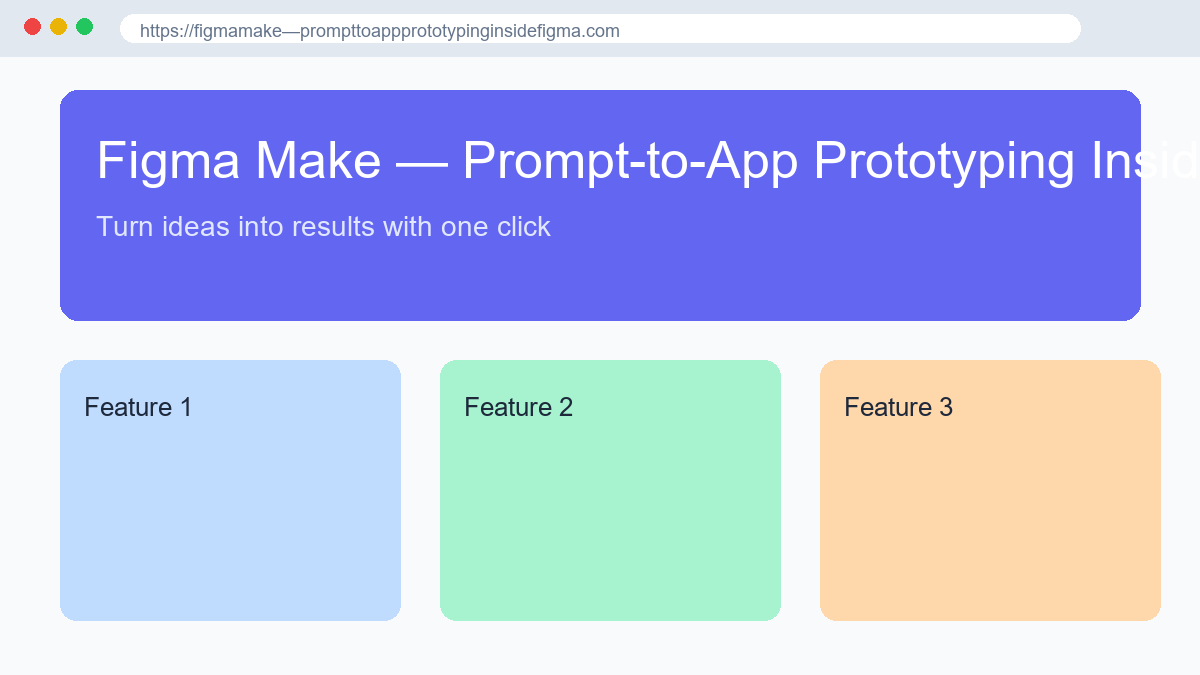
Figma Make is Figma's prompt-to-app tool that turns a sentence, a screenshot, or an existing Figma frame into a working prototype for product designers, PMs, and front-end engineers who already live in the Figma ecosystem. It is not a full app builder; it is a functional prototyping surface that generates real React and TypeScript code running in a live browser preview, so stakeholders click through an actual app instead of a mockup.
Core Features
- Generates interactive React/TypeScript apps from a text prompt, an image, or a selected Figma frame, with real state and form validation.
- Powered by Claude Sonnet 4 with a model selector that also exposes Gemini and Opus options for harder tasks.
- Supabase backend integration that provisions a real Postgres database, email/password auth, and storage when you ask for login or data.
- Design-aware editing: point at any element and describe the change, or attach your Figma libraries so output matches brand tokens.
- One-way GitHub push, Figma MCP server access, and Make Kits for reusable team conventions.
Use Cases
- Designers who want to validate a flow in a clickable prototype before handing specs to engineering.
- PMs testing a feature idea with users in under two hours instead of writing a long PRD.
- Engineers who want a concrete artifact from design context rather than inferring intent from static frames.
- Agencies building client demos that need real interactions, not just pretty screens.
Pricing
Figma Make is included in your Figma plan through an AI-credit system. The free Starter tier gives 500 credits per month (150/day cap); the Professional seat runs about $16–$20 per seat per month with 3,000 credits, and Organization/Enterprise tiers add more. Extra credit packs are available pay-as-you-go.
Our Take
Best for teams already designing in Figma who want prototypes with real behavior fast — the trade-off is code quality: output lands as large single files and the GitHub push is one-way, so treat it as a prototype, not production. Compare it with other AI Design tools.