Introduction
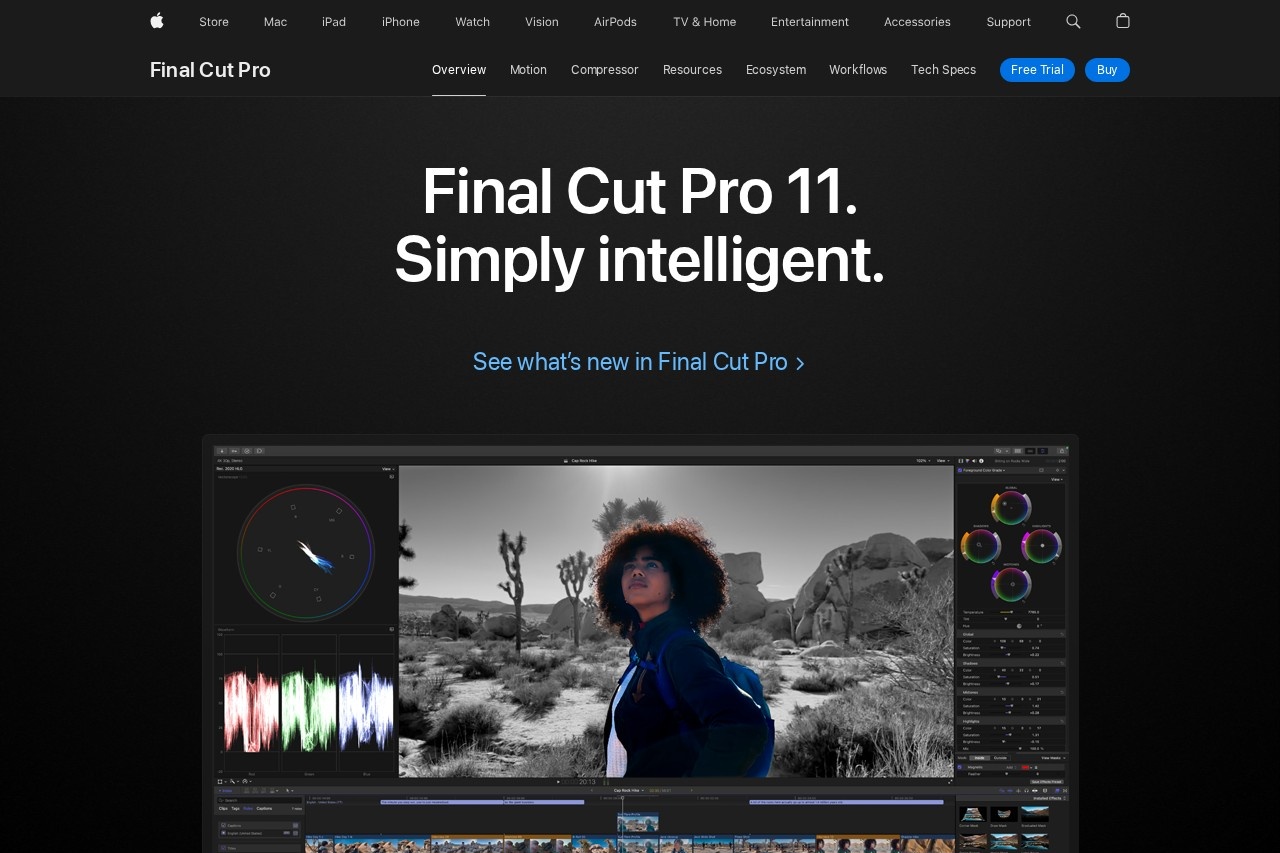
Final Cut Pro is a professional, high-performance video editing application designed for filmmakers, video editors, and content creators. Built by Apple, it leverages the power of modern Mac hardware to deliver a remarkably fast, fluid, and flexible editing experience. It is the go-to choice for professionals who demand precision, power, and efficiency in their post-production workflow.
Key Features
Final Cut Pro is packed with industry-leading features that streamline the editing process from start to finish.
- Magnetic Timeline: A revolutionary trackless timeline that lets you edit without clip collisions or sync issues.
- Powerful Media Organization: Use Libraries to organize your work and Keywords to find clips instantly.
- Advanced Color Correction: Professional-grade color grading tools, including color wheels, curves, and HDR support.
- 360° Video Editing & Effects: Comprehensive toolset for editing immersive 360° and VR video projects.
- ProRes RAW Support: Native editing and grading of ProRes RAW files for maximum image quality and flexibility.
- 4K HDR Workflow: End-to-end support for creating stunning 4K and High Dynamic Range content.
Unique Advantages
What sets Final Cut Pro apart is its deep integration with the Apple ecosystem and its innovative approach to editing.
- Unmatched Performance: Optimized for Apple silicon (M-series chips) and macOS for incredible rendering and playback speeds.
- One-Time Purchase: Unlike subscription-based models, you pay once and own it forever, including major updates.
- Seamless Ecosystem: Works flawlessly with other Apple apps like Motion, Compressor, and Logic Pro.
- Machine Learning Power: Features like Smart Conform and voice isolation use on-device ML to automate complex tasks.
Who Is It For?
Final Cut Pro is versatile enough for a wide range of users, from independent creators to large production studios.
- Professional Filmmakers & Editors: Working on documentaries, commercials, broadcast, and feature films.
- YouTube & Social Media Creators: Needing a fast, powerful tool to produce high-quality content regularly.
- Corporate & Educational Video Producers: Creating training videos, presentations, and internal communications.
- Event Videographers: Editing wedding videos, concerts, and other live events with efficiency.
Frequently Asked Questions
Here are answers to some common questions about Final Cut Pro.
- Is Final Cut Pro a subscription? No. It is a one-time purchase from the Mac App Store with free updates.
- Can I use it on Windows? No. Final Cut Pro is exclusively available for macOS.
- Does it work with older Macs? It requires a Mac with macOS Monterey or later. Performance is best on newer Macs with Apple silicon.
- Is it suitable for beginners? While professional in scope, its intuitive design and wealth of online tutorials make it accessible for dedicated beginners.