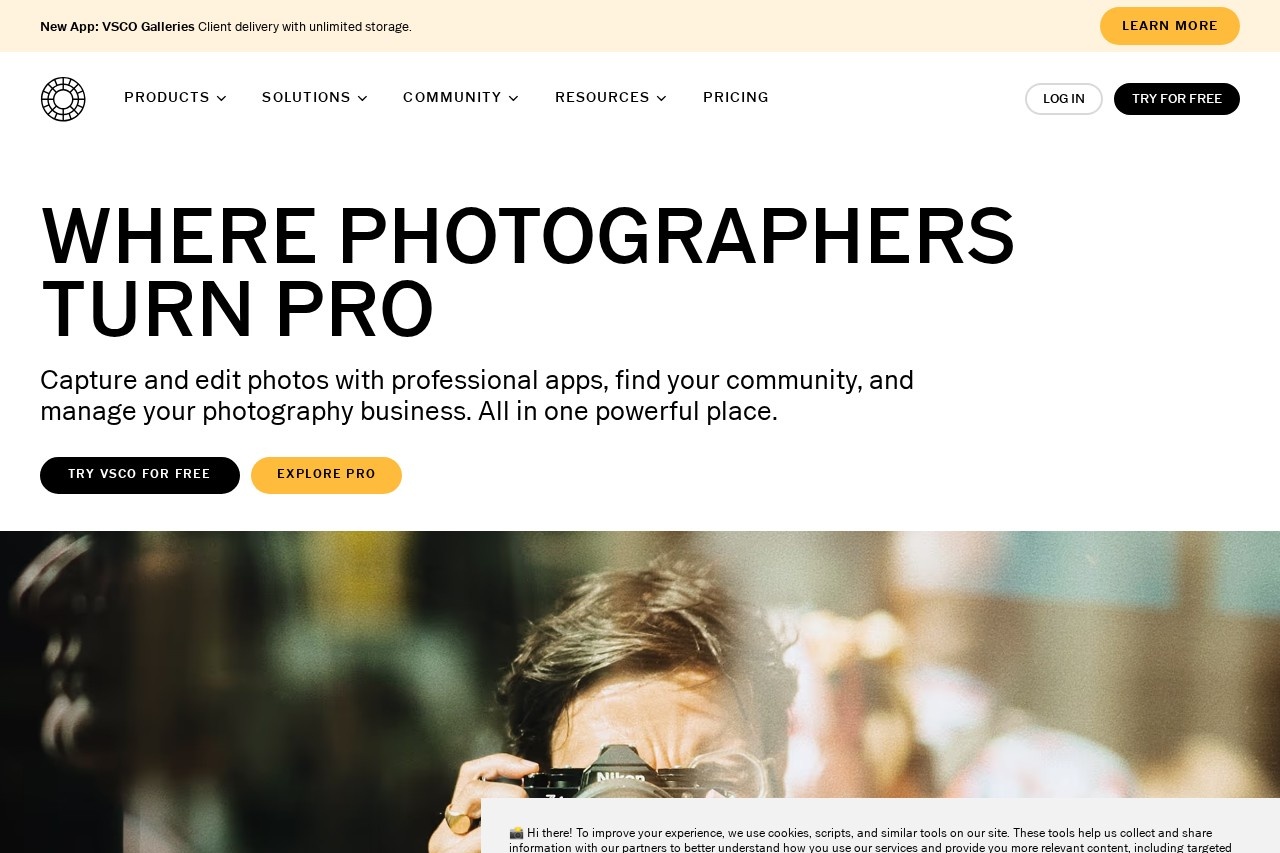
Disclosure: This article contains affiliate links. If you make a purchase through our links, we may earn a commission at no extra cost to you. VSCO offers a free tier with optional premium memberships.
Last Updated: March 2026
⚡ TL;DR
VSCO remains one of the best photo editing apps for creators who want professional-quality edits without social media pressure. With 200+ film-inspired presets, AI-powered tools, and an ad-free community of 100M+ creators, it's perfect for serious photographers. The free tier offers solid basics, while premium plans unlock the full creative toolkit. Top choice for authentic photo editing.
What is VSCO?
VSCO (Visual Supply Company) is a renowned photo and video editing application that has defined the aesthetic of mobile photography for over a decade. Founded in 2011 by Joel Flory and Greg Lutze in California, VSCO began as a passion project to bring professional film emulation to digital photography. Today, it has evolved into a comprehensive creative platform with over 100 million users worldwide, offering sophisticated editing tools, a unique community space, and resources for photographers at every level.
What distinguishes VSCO from other photo apps is its commitment to authentic creative expression. Unlike Instagram's popularity-driven model with likes, comments, and algorithmic pressure, VSCO built a community focused purely on artistic merit. The platform has no public likes, no follower counts, and no comments—just photography. This approach resonated deeply with users seeking a more authentic creative space, particularly among Gen Z creators who embraced VSCO as an alternative to performative social media platforms.
The app's signature offering is its collection of meticulously crafted presets that emulate the look of classic film stocks. These aren't simple Instagram-style filters; each preset is designed to replicate the nuanced color science, grain structure, and tonal response of beloved films like Kodak Portra, Fuji 400H, and Ilford HP5. For photographers who appreciate the analog aesthetic, VSCO provides the most authentic digital approximation available on mobile devices, now supplemented with AI-powered editing tools and video capabilities.
Key Highlights
- 100+ million creators worldwide
- 200+ professional presets available
- Film-inspired aesthetic emulation
- Ad-free, pressure-free community
- iOS, Android, and desktop support
Key Features
🎨 Film-Inspired Presets
VSCO's core strength lies in its extensive library of over 200 presets that authentically emulate classic film stocks. Each preset is meticulously crafted to replicate the color science, grain patterns, and tonal characteristics of beloved analog films. Popular options include the warm, punchy tones of Kodak Portra, the soft pastels of Fuji 400H, the rich contrast of Kodak Tri-X black and white, and numerous vintage and cross-processed looks. The presets are organized into intuitive categories and can be fine-tuned with intensity sliders, allowing photographers to achieve their signature look consistently.
🤖 AI-Powered Editing Tools
VSCO has integrated artificial intelligence throughout its editing workflow to streamline the creative process. AI features include intelligent exposure and color correction that analyzes images and suggests optimal adjustments, smart cropping that identifies subjects and recomposes shots, and automated preset recommendations based on image content. These tools don't replace creative control but rather handle tedious technical adjustments, letting photographers focus on artistic decisions. The AI learns from your editing patterns over time, increasingly suggesting adjustments that match your personal style.
🎬 Video Editing Capabilities
Beyond photo editing, VSCO offers comprehensive video editing tools that bring the same aesthetic quality to motion content. Users can apply the same film-inspired presets to video footage, ensuring visual consistency across photo and video projects. The video editor includes trimming, cropping, speed adjustment, and frame-by-frame editing tools. Color grading tools enable cinematic looks, while stabilization features help smooth handheld footage. This integration makes VSCO a complete creative suite for content creators who work across both photo and video formats.
👥 Authentic Creative Community
VSCO's community platform stands apart from typical social media by eliminating competitive metrics. There are no visible follower counts, no public likes, and no comments section—features that create anxiety on other platforms. Instead, the focus remains purely on the work itself. Users can create collections, follow photographers whose work inspires them, and discover curated content through the VSCO editorial team. This approach has cultivated a community where photographers share work for genuine creative expression rather than validation metrics.
💻 Cross-Platform Experience
VSCO provides a seamless experience across iOS, Android, and desktop web browsers. Edits sync automatically across devices through cloud storage, allowing users to start editing on their phone and continue on desktop. The desktop version offers expanded tools for detailed work, including advanced masking and layer support. This flexibility accommodates different workflows—quick mobile edits for social content, detailed desktop sessions for portfolio work. Premium members get unlimited cloud storage for their edited images and original files.
🔧 Advanced Editing Controls
For photographers who want granular control, VSCO offers a comprehensive suite of adjustment tools. Standard options include exposure, contrast, saturation, and sharpness, while advanced tools cover split toning, HSL (hue, saturation, luminance) adjustments, grain simulation, vignette, and fade effects. The border tool adds authentic film-edge aesthetics, while the clarity tool provides adjustable micro-contrast enhancement. Each adjustment is non-destructive, allowing unlimited experimentation while preserving original image data.
Performance & User Experience
VSCO delivers polished performance across its supported platforms. The app launches quickly and image processing is generally smooth, though some users report slower load times when importing large photo libraries. The interface is clean and minimalist, reflecting the company's design philosophy—tools are accessible but never overwhelming, organized into logical categories that photographers will find intuitive. The learning curve is gentle for basic editing while remaining accessible enough for beginners to start creating immediately.
The editing experience itself is fluid and responsive. Adjustments apply in real-time with minimal lag, even on mid-range devices. Preset previews appear instantly as you browse, making it easy to compare options. The undo/redo system works reliably, and the non-destructive editing approach means you can always revert changes. Export quality is excellent, with options for various resolutions and file formats. Some users have noted that the app has become more resource-intensive over time, but overall performance remains competitive with other professional editing applications.
Performance Ratings
| Preset Quality | ⭐⭐⭐⭐⭐ (5/5) |
| App Performance | ⭐⭐⭐⭐☆ (4/5) |
| User Interface | ⭐⭐⭐⭐⭐ (5/5) |
| Learning Curve | ⭐⭐⭐⭐⭐ (5/5) |
| Export Quality | ⭐⭐⭐⭐⭐ (5/5) |
Who Should Use VSCO?
📸 Photography Enthusiasts
Serious hobbyists who appreciate the analog film aesthetic will find VSCO's presets unmatched in quality. The app provides professional-grade tools without the complexity of desktop software, making it perfect for photographers who want to develop a consistent, recognizable style.
📱 Social Media Creators
Instagram, TikTok, and Pinterest creators benefit from VSCO's consistent aesthetic and high-quality exports. The video editing features enable cohesive content across platforms, while the ad-free experience provides respite from algorithmic pressure.
🎬 Content Creators
YouTubers, bloggers, and digital marketers can maintain visual consistency across their content with VSCO's preset system. The ability to save custom presets ensures brand coherence, while video editing tools support multimedia production workflows.
🎯 Gen Z Creators
Younger creators who reject performative social media culture appreciate VSCO's authentic, metrics-free environment. The platform's emphasis on creative expression over engagement statistics aligns with values prioritized by Gen Z users.
Pricing Plans
🆓 Starter (Free)
$0/forever
- 15 free presets
- Basic photo editing tools
- Basic video editing
- Public profile
- Community access
- No credit card required
⭐ Plus
$2.49/month
- 200+ presets
- Advanced editing tools
- Full video editing suite
- Montage feature
- Unlimited cloud storage
- $7.99/year option
💎 Pro
$5.00/month
- Everything in Plus
- Lightroom preset export
- Desktop advanced tools
- Business features
- Priority support
- $12.99/year option
💡 Pricing Insight: VSCO offers excellent value at the Plus tier for most users, unlocking 200+ presets and advanced tools at just $2.49/month. The Pro tier is best for professionals who need Lightroom integration or business features. Note that VSCO moved away from one-time preset purchases—subscriptions are now the only option for premium content, which some long-time users have criticized.
Pros & Cons
✓ Pros
- Best film presets - authentic analog emulation
- Ad-free experience - no distractions
- No social pressure - no likes or comments
- 200+ presets - huge variety available
- Video editing - comprehensive tools
- Cross-platform - iOS, Android, desktop
- AI tools - smart editing assistance
- Clean interface - intuitive design
✗ Cons
- Subscription only - no one-time purchases
- Free tier limited - only 15 presets
- Performance issues - slower on older devices
- No desktop app - browser-only on computer
- Learning curve - for advanced features
- Price increased - over the years
- Import speed - can be slow with libraries
- No layer editing - on mobile
Our Verdict
Highly Recommended
Best film-inspired photo editor available
VSCO remains the gold standard for mobile photo editing with a film aesthetic. Its combination of professional-quality presets, thoughtful design, and authentic community creates an experience that serious photographers appreciate. While the shift to subscription-only pricing has disappointed some long-time users, the value provided at the Plus tier is genuinely excellent for anyone serious about mobile photography.
For photographers seeking the analog film look, no other mobile app matches VSCO's preset quality. Each filter is crafted with deep understanding of film characteristics, producing results that genuinely resemble shooting with classic cameras. The addition of video editing and AI tools has expanded VSCO's utility without compromising its core identity as a photographer's tool.
The main consideration is whether the subscription model works for you. For casual users, the free tier provides enough to experiment with. For regular creators, the Plus plan offers tremendous value. VSCO continues to earn our recommendation as the premier choice for photographers who prioritize image quality and authentic creative expression over social media features.
Ready to Elevate Your Photography?
Join 100M+ creators using VSCO.
Frequently Asked Questions
Is VSCO free to use?
Yes, VSCO offers a free Starter plan that includes 15 presets, basic photo and video editing tools, and access to the community. No credit card is required. For access to 200+ presets and advanced features, premium plans start at $2.49/month for the Plus tier.
What makes VSCO different from Instagram?
VSCO focuses on photo editing quality and authentic creative expression rather than social engagement metrics. There are no visible likes, comments, or follower counts—just photography. The app also offers professional-grade presets that emulate film stocks, which Instagram doesn't provide. VSCO is designed for photographers who want to create without social pressure.
Can I use VSCO on desktop?
Yes, VSCO offers a web-based desktop version accessible through any browser at vsco.co. You can edit photos, access your library, and use most features available on mobile. Pro subscribers get access to advanced desktop tools and can export presets for use in Adobe Lightroom.
Does VSCO edit video?
Yes, VSCO includes comprehensive video editing capabilities. You can apply the same presets to video that you use for photos, trim and crop footage, adjust speed, and use color grading tools. This ensures visual consistency between your photo and video content. Video editing is available on both free and paid plans.
Can I still buy VSCO presets individually?
No, VSCO discontinued one-time preset purchases and now operates on a subscription model. To access presets beyond the free 15, you'll need a Plus or Pro membership. While some users prefer the old model, the subscription includes access to all 200+ presets rather than individual pack purchases.
Is VSCO good for professional photographers?
Yes, many professional photographers use VSCO for its film emulation quality and efficient workflow. The Pro plan includes Lightroom preset export, making it useful for studio workflows. While it may not replace desktop software for complex retouching, it's excellent for on-location editing, social media content, and achieving consistent aesthetic looks across projects.
🔗 Related Tools
- Adobe Lightroom - Industry-standard photo editing with RAW support and cloud sync
- Canva - Design platform with photo editing and templates for creators
- Photopea - Free browser-based Photoshop alternative with PSD support
- Snapseed - Free professional photo editor by Google for mobile devices
- Afterlight - Photo editor with film textures, light leaks, and dust effects