Introduction
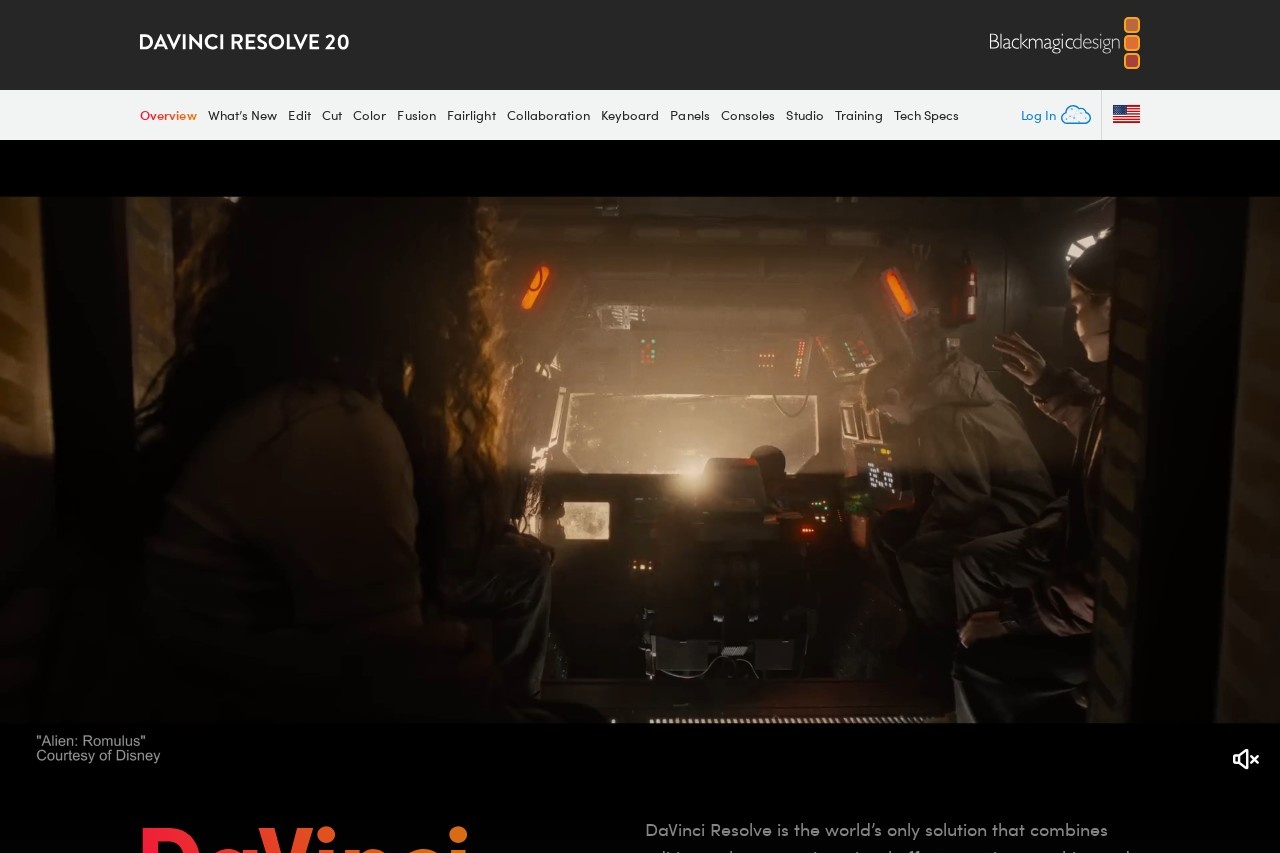
DaVinci Resolve is a comprehensive, cross-platform application that has become the industry standard for professional video post-production. It seamlessly integrates professional editing, color correction, visual effects, and audio post-production into a single, powerful software solution. Originally renowned for its world-class color grading tools, DaVinci Resolve has evolved into a complete post-production suite used by Hollywood filmmakers, YouTubers, and everyone in between.
Key Features
DaVinci Resolve is built around several dedicated workspaces, each tailored to a specific part of the creative workflow:
- Cut Page: A streamlined interface for fast editing and assembly.
- Edit Page: The full-featured timeline for traditional video and audio editing.
- Color Page: The industry-leading color grading panel with advanced primary and secondary correction tools.
- Fusion Page: A powerful node-based visual effects and motion graphics compositing environment.
- Fairlight Page: A professional digital audio workstation (DAW) for audio post-production with hundreds of tracks and effects.
Unique Advantages
What sets DaVinci Resolve apart is its unified workflow and exceptional value. Unlike other solutions that require multiple applications, everything in DaVinci Resolve is contained within one project file, eliminating the need for time-consuming exports and imports between different software. Furthermore, it offers a robust, fully-featured free version with no watermarks or time limits, making professional-grade tools accessible to all creators. Its collaborative features allow multiple users to work on the same project simultaneously, which is essential for larger teams.
Who Should Use It?
DaVinci Resolve caters to a wide range of users. It is the tool of choice for professional colorists, editors, VFX artists, and sound engineers working on feature films and television. Independent filmmakers and documentarians benefit from its all-in-one capabilities and cost-effectiveness. Content creators, vloggers, and video enthusiasts will find the free version more than capable of handling complex projects, providing a powerful platform to grow their skills without financial barriers.
Frequently Asked Questions
- Is DaVinci Resolve really free? Yes, the standard version is free and includes the vast majority of features. The paid Studio version adds advanced tools like neural engine filters, stereoscopic 3D, and additional Resolve FX.
- What are the system requirements? It is a demanding application. A dedicated GPU, ample RAM (16GB minimum, 32GB+ recommended), and a fast multi-core CPU are essential for smooth performance.
- Is it difficult to learn? Due to its depth, it has a steeper learning curve than basic editors. However, its modular design allows you to learn one workspace at a time, and Blackmagic Design provides extensive free training.
- Can I use it for YouTube videos? Absolutely. It is an excellent choice for creating high-quality YouTube content, offering professional color, audio, and effects tools to make your videos stand out.