Introduction to Wisecut
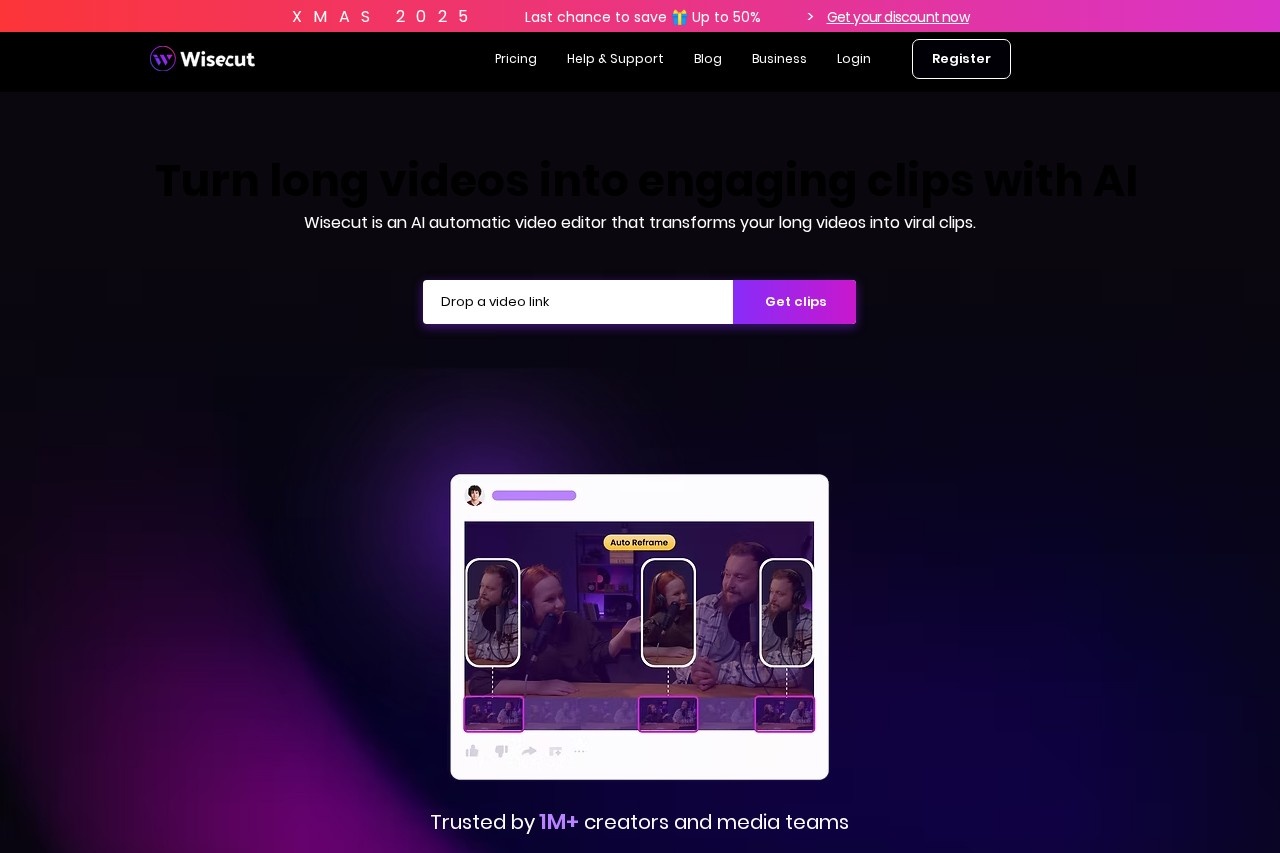
Wisecut is an innovative, AI-powered video editing platform designed to streamline the post-production process. By leveraging advanced artificial intelligence, Wisecut automates many of the time-consuming tasks involved in video editing, allowing creators, marketers, and professionals to produce polished videos in a fraction of the usual time. Its intuitive interface makes professional-grade editing accessible to everyone, regardless of their technical skill level.
Key Features
Wisecut offers a suite of intelligent features that transform raw footage into engaging content:
- Automatic Silence Removal: The AI detects and cuts out silent pauses, creating a faster-paced, more dynamic video flow.
- Smart Background Music: Automatically adds royalty-free background music that adapts its volume during speech to ensure clear audio.
- AI-Powered Subtitles & Captions: Generates accurate subtitles automatically, improving accessibility and viewer engagement on social media.
- Voiceover Detection & Jump Cuts: Smoothly edits together speech segments, creating seamless "jump cuts" for a professional talking-head video style.
- Storyboard-Based Editing: Provides a visual overview of your project, making it easy to rearrange clips and narrative flow.
Unique Advantages
What sets Wisecut apart from traditional editing software is its core focus on AI automation and user efficiency.
- Unmatched Speed: Turn hours of manual editing into minutes of review and fine-tuning.
- Ease of Use: No complex timelines or steep learning curves. The platform guides you through a simple, effective workflow.
- Focus on Content: Frees creators to concentrate on their message and storytelling, rather than technical editing details.
- Cost-Effective: Delivers professional results without the need for expensive software or hiring an editor for every project.
Who Can Benefit from Wisecut?
Wisecut is the ideal tool for a wide range of users who need to create video content quickly and effectively:
- Content Creators & Vloggers: Perfect for editing daily vlogs, tutorials, and YouTube videos with a polished feel.
- Marketers & Social Media Managers: Quickly produce promotional videos, testimonials, and engaging social media clips.
- Educators & Trainers: Create clear, concise instructional videos and online course materials.
- Podcasters & Interviewers: Easily convert audio interviews into compelling video format for platforms like YouTube.
- Business Professionals: Enhance internal communications, presentations, and client reports with professional video.
Frequently Asked Questions (FAQ)
Do I need video editing experience to use Wisecut?
No. Wisecut is built to be user-friendly. The AI handles the complex parts, so you can achieve great results as a beginner.
What video formats does Wisecut support?
Wisecut supports common formats like MP4, MOV, and AVI for upload, and exports in high-quality MP4.
Is the background music copyright-free?
Yes. Wisecut provides a library of royalty-free music tracks that you can safely use in your published videos.
Can I edit the AI's suggestions?
Absolutely. The AI provides a first draft. You have full control to adjust cuts, edit text, change music, and fine-tune every aspect of your video.