Introduction
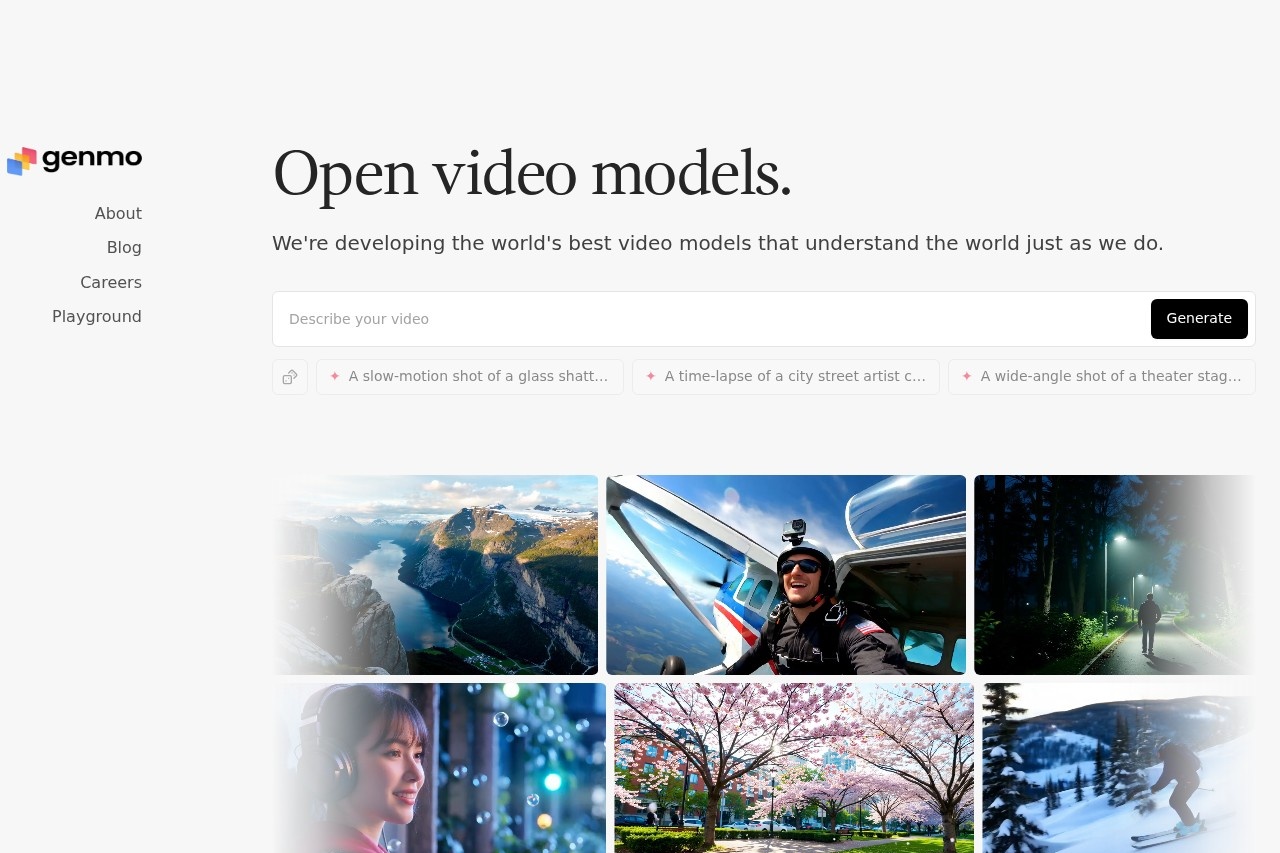
Genmo is a cutting-edge AI platform that empowers creators to generate and edit stunning visual content simply by describing it. By leveraging the power of natural language prompts, Genmo transforms your words into images, animations, and edits, making advanced creative tools accessible to everyone, from professionals to hobbyists.
Key Features
- Text-to-Image Generation: Create unique, high-quality images from detailed text descriptions.
- AI-Powered Editing: Modify existing images using conversational commands, such as changing styles, adding elements, or altering backgrounds.
- Video & Animation Creation: Extend your creativity by generating short video clips and animations from text prompts.
- Intuitive Interface: A user-friendly platform designed for a seamless creative workflow, requiring no complex software knowledge.
Unique Advantages
What sets Genmo apart is its focus on a natural, conversational creative process. Unlike traditional design software, there is no steep learning curve. The platform's advanced AI understands context and nuance, allowing for iterative refinement and surprising creative discoveries. It serves as both a powerful production tool and an endless source of inspiration.
Who Can Use Genmo?
- Content Creators & Marketers: Quickly produce visuals for blogs, social media, and advertising campaigns.
- Designers & Artists: Brainstorm concepts, create mockups, and explore new artistic styles rapidly.
- Educators & Students: Generate custom illustrations and learning materials for any subject.
- Hobbyists & Enthusiasts: Anyone with an idea can bring it to life without needing technical design skills.
Frequently Asked Questions
Do I need design experience to use Genmo?
No, Genmo is built for users of all skill levels. Your ability to describe what you want is the primary skill needed.
What kind of content can I create?
You can generate a wide range of visuals, including photorealistic images, digital art, concept art, product visuals, and animated sequences.
How does the editing feature work?
You can upload an image and instruct the AI to make changes using plain English, such as "make it sunset" or "add a castle on the hill."