Affiliate Disclosure: At aifreetool.site, we independently review AI tools and software. Some links in this article may be affiliate links. If you make a purchase through these links, we may earn a commission at no extra cost to you. This does not influence our editorial content or ratings.
Last Updated: March 2026
TL;DR
Tella is an AI-powered screen recorder and video editor for Mac, Windows, and browsers. It enables clip-based recording, instant editing with zoom effects, auto captions in 15 languages, and 4K exports. Perfect for creators making tutorials, courses, and product demos. Plans start free with Pro at $12/month (annual billing).
Tella Overview
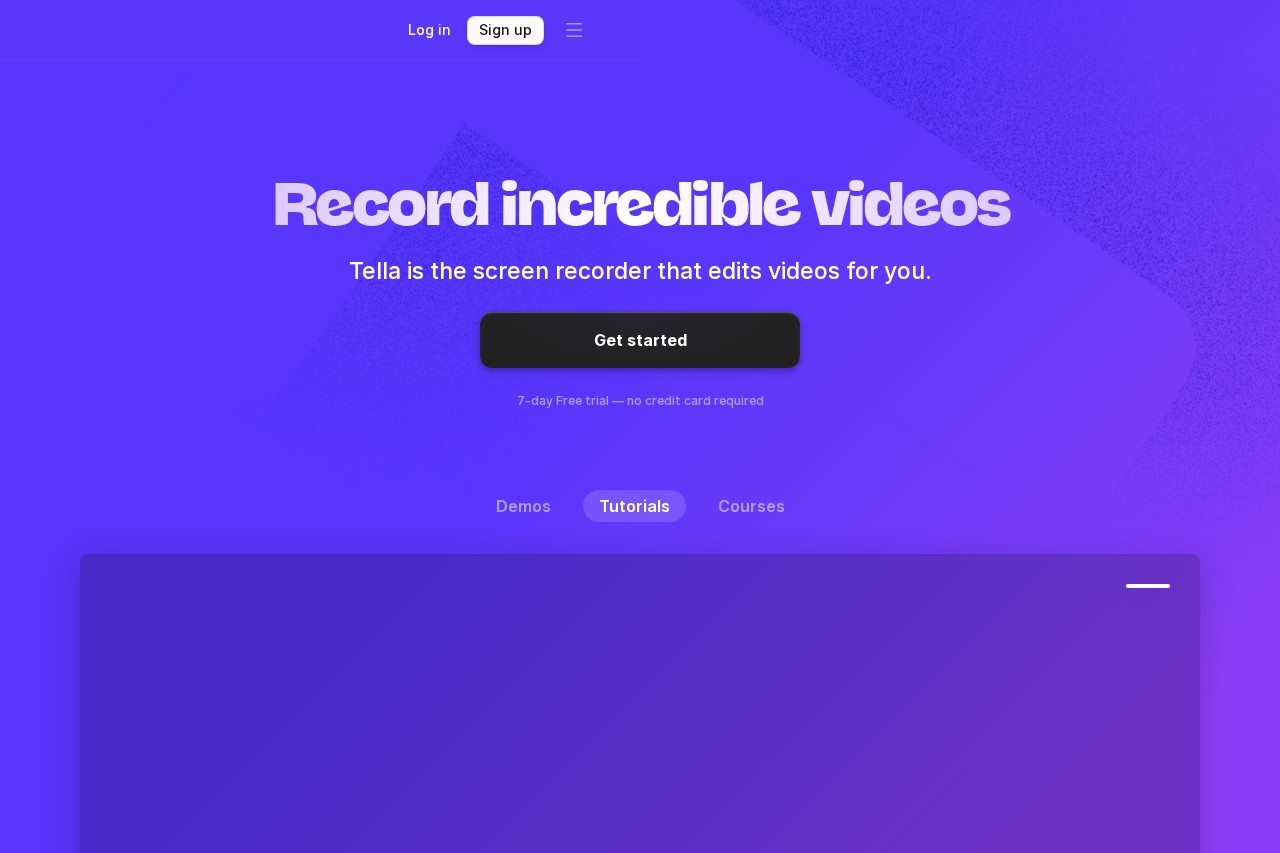
Tella is a modern screen recording and video editing platform designed specifically for content creators, educators, and professionals who need to produce polished video content without the complexity of traditional video editing software. Unlike basic screen recorders that simply capture your screen, Tella combines recording with intelligent editing features that help you create professional-quality videos in a fraction of the time.
The platform's innovative clip-based recording approach sets it apart from competitors like Loom. Instead of recording one long continuous video, Tella lets you record in small, manageable segments that you can rearrange, edit, or delete later. This fundamentally changes the recording workflow, eliminating the pressure of getting everything perfect in one take and significantly reducing post-production time.
What truly makes Tella stand out is its suite of AI-powered features. Auto Cut automatically removes silences and mistakes, Studio Voice enhances audio quality with AI processing, and auto-captions generate subtitles in 15 languages. These intelligent tools handle the tedious aspects of video production, allowing creators to focus on delivering great content rather than spending hours on editing.
The platform supports recording your screen, webcam, or both simultaneously, with smooth zoom effects that help highlight important information during tutorials and demos. Export quality goes up to 4K at 60 FPS, making Tella suitable for professional content creation. Whether you're building an online course, creating product demos for your SaaS, or producing YouTube tutorials, Tella provides the tools needed to create engaging video content efficiently.
Key Features
🎬 Clip-Based Recording
Record videos in small, manageable parts instead of one long take. Edit, rearrange, or delete clips later with ease.
✂️ AI Auto Cut
Automatically removes silences, filler words, and mistakes. Save hours of manual editing with intelligent cuts.
🔍 Zoom Effects
Add smooth zoom effects to highlight your mouse or important parts of your screen at key moments in your video.
📝 Auto Captions
Generate automatic subtitles in 15 languages. Make your videos accessible and improve SEO for social platforms.
🎙️ Studio Voice (AI Audio)
AI-powered audio enhancement removes background noise and improves voice clarity for professional sound quality.
📺 4K Exports
Export videos in stunning 4K quality at 60 FPS. Fast rendering times even for high-resolution content.
Performance & User Experience
Tella delivers impressive performance across all its key functions. Export speeds are notably fast—a 20-minute 4K video can be processed in approximately 1 minute 22 seconds, significantly outpacing competitors like Veed (6+ minutes) or Adobe Premiere (13+ minutes). This speed advantage makes Tella practical for creators who need to produce and publish content quickly without sacrificing quality.
The user interface strikes an excellent balance between simplicity and capability. Users can be up and running within minutes, with an intuitive recording interface that includes speaker notes for scripts or talking points. The post-recording editor allows quick layout changes, zoom effect additions, and clip rearrangement without requiring any video editing expertise. This accessibility makes professional video creation available to non-editors.
The clip-based recording workflow fundamentally improves the content creation process. Rather than stressing about delivering a perfect 15-minute monologue, creators can record in natural segments, knowing they can easily reorder or refine later. This approach reduces recording anxiety and typically results in better final content, as creators can focus on individual points without worrying about the flow of the entire video.
AI features like Auto Cut and Studio Voice work reliably well, though results can vary depending on audio input quality. The auto-caption system supports 15 languages with good accuracy, making videos accessible to global audiences. The platform is available as a desktop app for Mac and Windows, plus a browser-based version, providing flexibility for different workflow preferences. The 7-day free trial allows users to fully test all features before committing to a subscription.
Who Should Use Tella?
📚 Course Creators
Ideal for educators building online courses. The clip-based recording makes it easy to create structured lessons, while zoom effects help highlight key concepts. Auto captions ensure accessibility for all students.
🚀 SaaS & Product Teams
Perfect for creating product demos, feature announcements, and customer support videos. The polished output reflects well on your brand, while fast production keeps up with product updates.
📹 Content Creators
Great for YouTubers, social media creators, and influencers producing tutorials and how-to content. The 4K exports and professional editing features elevate production value significantly.
💼 Entrepreneurs & Startups
Essential for founders creating investor pitches, investor updates, and customer communications. Create professional videos without hiring a video production team or learning complex software.
Pricing Plans
Tella offers straightforward pricing with a free tier for testing and paid plans that unlock professional features. All plans include a 7-day free trial, allowing you to experience the full feature set before committing.
⭐ Free / Starter
$0/month
- Up to 10 videos
- 5-minute limit per video
- Basic screen recording
- Tella branding
- 7-day free trial
⭐ Pro Plan
$12-19/month
- Unlimited videos
- AI editing (Auto Cut, Studio Voice)
- 4K exports at 60 FPS
- Auto captions
- No watermark
⭐ Premium Plan
$39-49/month
- Everything in Pro
- Custom branding
- Custom domains
- Unlimited video length
- Advanced analytics
Pricing as of March 2026. Annual billing offers significant discounts (~35% savings). Monthly billing available at higher rates. Team and enterprise plans available for organizations with multiple users.
Pros & Cons
✅ Pros
- Clip-based recording eliminates perfect-take pressure
- Fast 4K export speeds (20-min video in ~1.5 mins)
- AI features (Auto Cut, Studio Voice) save editing time
- Auto captions in 15 languages for accessibility
- Smooth zoom effects enhance tutorials and demos
- Intuitive interface with minimal learning curve
- Speaker notes for scripts during recording
❌ Cons
- Free plan has strict 5-minute video limit
- Less suited for internal-only team communication
- Premium features require higher-tier subscription
- AI features accuracy depends on audio quality
- Not a full replacement for Loom's sharing features
- Desktop app required for best performance
Final Verdict
Excellent AI-Powered Screen Recorder for Content Creators
Tella stands out as one of the most well-designed screen recording solutions for creators who value both efficiency and quality. The clip-based recording approach is genuinely transformative, removing the stress of delivering perfect takes while enabling more thoughtful, structured content. Combined with fast 4K exports and AI-powered editing features, Tella significantly reduces the time from idea to polished video.
The platform is particularly strong for external-facing content—tutorials, courses, product demos, and social media videos. Creators who need to produce polished content regularly will find the Pro plan's AI features (Auto Cut, Studio Voice, auto captions) genuinely time-saving. The zoom effects and speaker notes show thoughtful design for educational and demo content specifically.
While Tella may not replace Loom for teams focused primarily on quick internal communication, it excels as a creative tool for anyone producing videos meant to be seen by customers, students, or followers. At $12/month for annual Pro billing, it offers excellent value for course creators, SaaS companies, and content producers who need professional results without professional video editing skills. The free trial makes it easy to verify it fits your workflow before committing.
Frequently Asked Questions
Is Tella free to use?
Tella offers a free Starter plan with limitations: up to 10 videos with a 5-minute maximum per video, and Tella branding is included. For unlimited videos, longer recordings, and AI features, you'll need the Pro plan starting at $12/month with annual billing. All plans include a 7-day free trial of premium features.
How does Tella compare to Loom?
Tella excels at creating polished, edited content like tutorials and courses, while Loom is better for quick internal team communication. Tella's clip-based recording, zoom effects, and AI editing features produce more professional output. Loom offers easier sharing features for team environments. For external-facing content, Tella typically produces better results.
What is clip-based recording?
Instead of recording one long continuous video, Tella lets you record in small segments (clips). You can record each point separately, then rearrange, edit, or delete clips in post-production. This eliminates the pressure of perfect takes and makes it easy to update specific sections without re-recording everything.
What AI features does Tella include?
Tella's AI features include Auto Cut (automatically removes silences and mistakes), Studio Voice (AI audio enhancement for professional sound), and auto-captions in 15 languages. These features are available on Pro and Premium plans and significantly reduce manual editing time.
Can I record my screen and camera simultaneously?
Yes, Tella supports recording your screen, webcam, or both at the same time. You can customize the layout and positioning of your camera bubble within the video, and adjust these settings even after recording. This flexibility makes it ideal for tutorial and demo content.
What platforms does Tella support?
Tella is available as a desktop application for Mac and Windows, plus a browser-based version. The desktop apps offer the best performance, especially for longer recordings and 4K exports. All versions sync with your account, so you can access your videos from any device.