Introducing ScreenREC: Your Browser-Based Screen Recorder
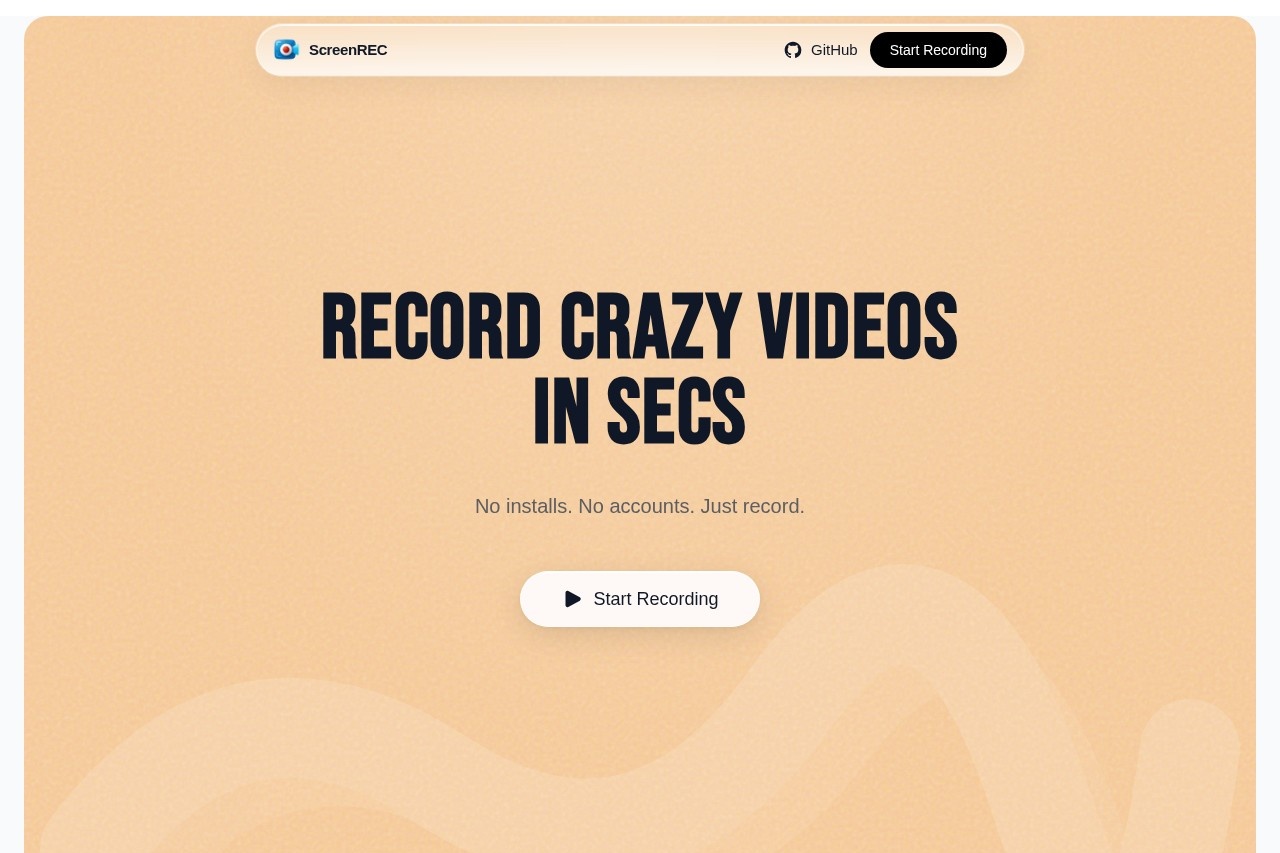
ScreenREC is a revolutionary free online tool that allows you to capture your screen directly from your web browser. There's no need to download or install any software, making it an incredibly accessible and convenient solution for anyone who needs to create a quick screen recording. Whether you're a professional creating tutorials, a student working on a project, or a remote team member sharing feedback, ScreenREC simplifies the process with its intuitive, no-fuss approach.
Key Features
ScreenREC is packed with essential features to make your recording experience seamless and productive:
- Full Browser Operation: Record instantly without any software installation.
- Flexible Capture Modes: Choose to record your entire screen, a specific application window, or a single browser tab.
- Audio Recording: Include clear audio from your microphone and system sounds to create comprehensive videos.
- Simple Controls: An easy-to-use interface with start, pause, and stop functionality.
- High-Quality Output: Record in high definition to ensure your videos look sharp and professional.
Why Choose ScreenREC?
ScreenREC stands out from traditional screen recording software for several compelling reasons:
- 100% Free & Accessible: There are no hidden fees, subscriptions, or watermarks on your recordings.
- Privacy-Focused: Your recordings are processed locally in your browser whenever possible, giving you peace of mind.
- Cross-Platform Compatibility: Works on any device with a modern browser like Chrome, Edge, or Firefox, regardless of your operating system.
- Zero Learning Curve: Get started in seconds. Its straightforward design means you can focus on your content, not on learning complex software.
- Always Updated: As a web tool, you always have access to the latest version without manual updates.
Who Can Benefit from ScreenREC?
This versatile tool is designed for a wide range of users:
- Educators & Trainers: Create engaging tutorial videos, online course content, and instructional guides.
- Remote Workers & Teams: Record presentations, document processes, and provide clear visual feedback on projects.
- Content Creators: Capture gameplay, software reviews, or demo videos for social media and blogs.
- Students: Record lectures, create project presentations, or explain complex concepts for study groups.
- Customer Support: Make helpful guides to answer common questions and troubleshoot issues visually.
Frequently Asked Questions (FAQ)
Is ScreenREC really free?
Yes, ScreenREC is completely free to use. There are no charges for recording, and your videos will not have any watermarks.
Do I need to create an account?
No account is required. You can start recording immediately, which helps protect your privacy and saves time.
What video format are the recordings saved in?
Recordings are typically saved in the widely compatible MP4 format, making them easy to share, upload, or edit in other software.
Can I edit my recordings within ScreenREC?
ScreenREC focuses on providing a fast and reliable recording experience. For advanced editing, we recommend using a dedicated video editor with your downloaded MP4 file.
Is an internet connection required?
You need an internet connection to access the ScreenREC website. The recording process itself is efficient and uses minimal bandwidth.