Last Updated: February 4, 2026 | Review Stance: Tested on real YouTube shorts & client projects
Let's Dive In
Quick Fire Take
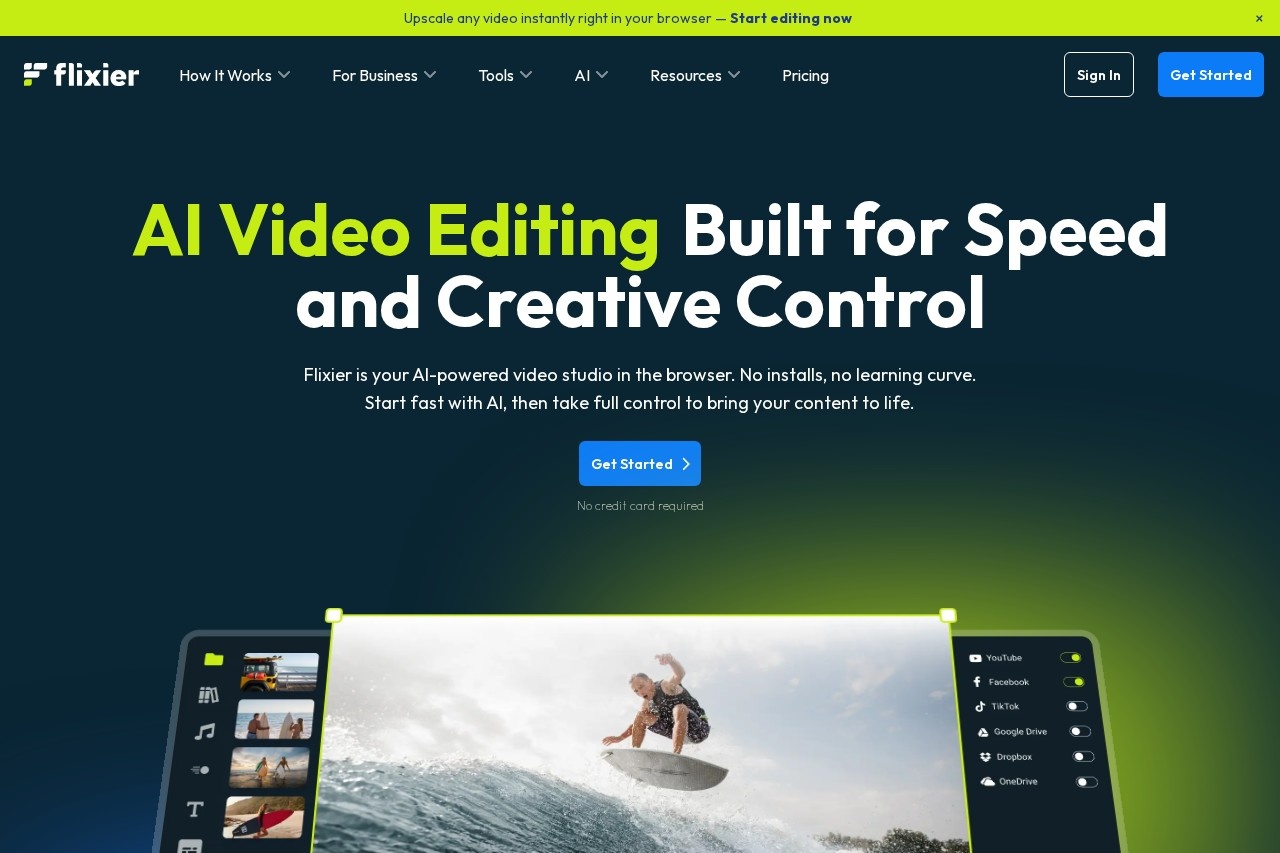
Ever waited ages for renders? Flixier kills that—browser-only, cloud turbo, AI does subs/voiceovers/audio cleanup in seconds. Free tier solid for testing (10 min exports), paid jumps to HD/4K + huge minutes. If you're churning shorts, client vids or team collabs, this feels like cheating (in a good way).
The Moment I Switched (And Never Looked Back)
Question: What's the biggest pain in video editing? For me it's waiting for renders, installing updates, or dealing with lag on my laptop. Flixier? None of that. It's 100% browser, cloud does the heavy lift—edit on Chromebook, phone, whatever. In 2026 their AI suite is the real glow-up: auto-subs that actually sync, voiceovers that don't sound robotic, noise killer that makes phone recordings studio-clean.
I hammered it with real workflows: repurposing long podcasts to TikToks, client explainer vids, team collabs. This review is straight from those battles—tips included.
Short-Form Creators
Repurpose long vids to Reels/TikToks with AI resize + subs.
YouTube & Podcasters
Auto-captions, voice cleanup, quick B-roll inserts.
Teams & Businesses
Real-time collab, brand kits, fast client reviews.
Educators & Marketers
Script-to-video, translations, engaging explainers.
AI Features That Feel Like Cheats
My Go-To Tools Right Now
- Auto-Subtitles & Translator: 130+ languages, syncs perfectly—game-changer for global reach.
- AI Voiceover: Lifelike TTS from script—accents, emotions, pauses feel human.
- Audio Enhancer: Kills background noise, balances levels—phone recordings sound pro.
- AI Visual Generator: Text-to-image for B-roll, intros, props—integrates seamless.
- Cloud Turbo Render: Export while editing—no waiting, works on weak hardware.
- Real-Time Collab + Stock Library: Team edits live, millions of assets free/paid.
The Speed Test & Surprises
Exports? Insanely quick—cloud servers handle 4K without choking my machine. AI subs/voiceovers accurate 90%+ out-the-box (minor tweaks needed for slang). Audio enhancer turns noisy vlogs into crisp podcasts. Free plan limits (10 min export/month) push you to paid fast if serious—but that speed makes it addictive.
What Crushed It
Smart AI Subs
Voiceover Realism
No-Lag Collab
Device Agnostic
Free Tier vs Paid – Straight Facts
Free
$0
Test Drive
- 10 min video export/mo
- 720p max, basic AI
- 500 AI credits/mo
- 2 GB storage
Pro (Most Popular)
~$23/mo
Serious Creators
- 300 min export/mo
- Full HD, 50 GB storage
- 5000 AI credits
- Brand kit + full stock
Business / Enterprise
~$43+/mo or custom
Teams & Scale
- 600+ min, 4K exports
- Unlimited backups
- Advanced integrations
- Dedicated support
As of Feb 2026: Annual saves ~56%. Free no-card signup. Check official for currency/regional tweaks—Pro hits sweet spot for most.
Pros & Cons – Creator Lens
Loves
- Zero install, works anywhere
- AI subs/voiceovers save hours
- Cloud render = no lag/wait
- Real-time team edits
- Generous free tier to start
- Stock + AI visuals built-in
Pain Points
- Free limits hit quick (10 min/mo)
- AI voice can feel off on niche accents
- Advanced features locked in higher tiers
- Heavy projects eat credits fast
My Rating: 9.0/10
Flixier nails 2026 video editing: speed demon with smart AI that actually helps, not hinders. Free to dip toes, paid feels worth it for regular creators. If render waits or device limits kill your flow—this flips the script.
AI Smarts: 9.0/10
Value: 8.8/10
Ease: 9.2/10
Ready to Edit Without the Wait?
Jump into Flixier free—no card, no hassle. Try AI subs on your next clip and feel the difference.
Free tier + AI credits as of February 2026.