Introduction to Piktochart
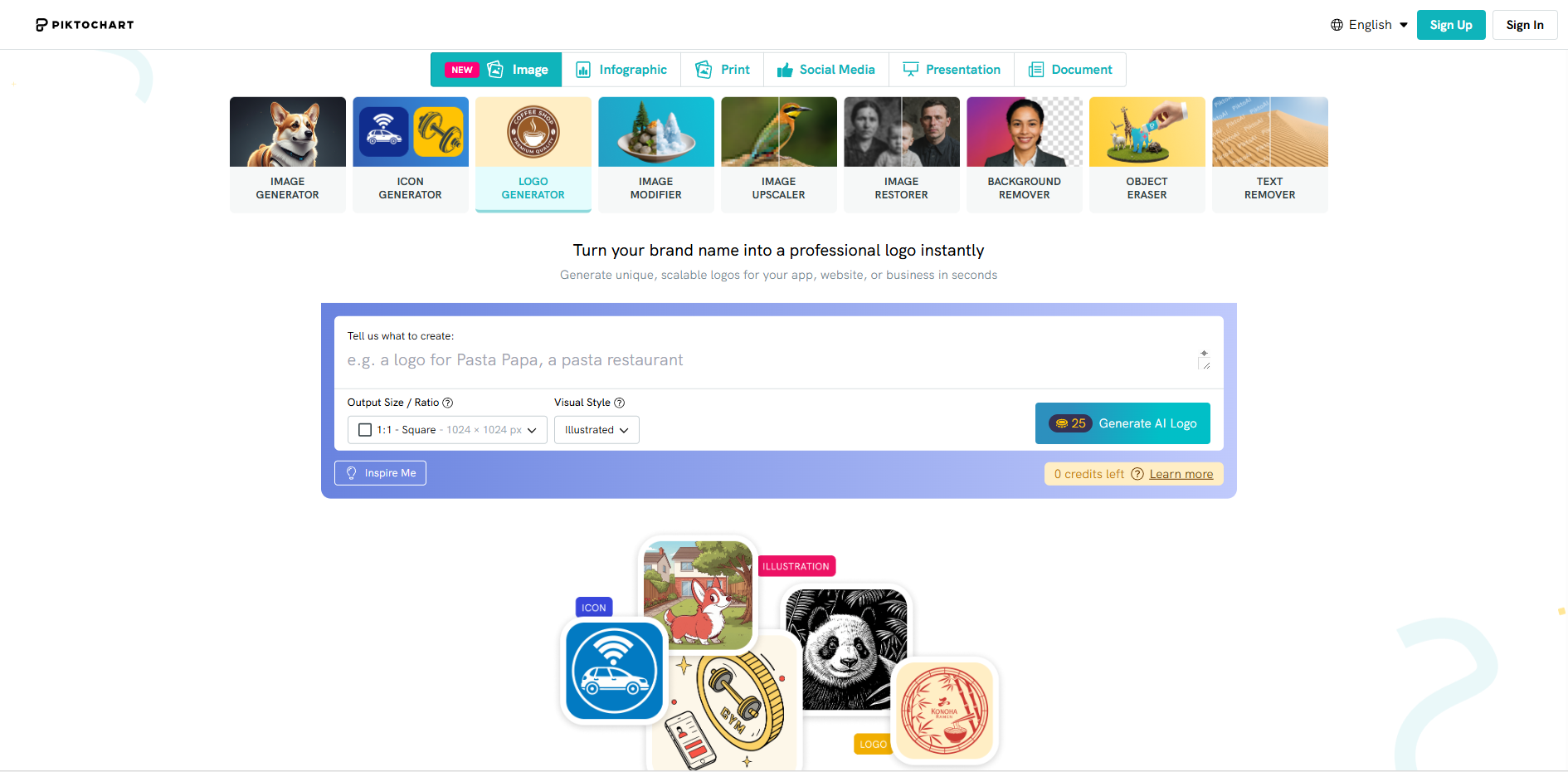
Piktochart is a leading online platform that empowers individuals and teams to create stunning infographics, presentations, reports, and other visual content with ease. By leveraging the power of artificial intelligence, Piktochart simplifies the design process, making professional-grade visual communication accessible to everyone, regardless of their graphic design skills.
Key Features
Piktochart offers a comprehensive suite of tools designed to bring your data and ideas to life visually.
- AI-Powered Design Assistant: Get intelligent suggestions for layouts, color schemes, and imagery to kickstart your projects.
- Extensive Template Library: Choose from thousands of professionally designed, customizable templates for various use cases.
- Drag-and-Drop Editor: An intuitive interface that allows you to easily add and manipulate charts, icons, images, and text.
- Data Visualization Tools: Transform complex spreadsheets and data into engaging charts, graphs, and maps.
- Team Collaboration: Work together in real-time, share designs, and manage brand assets with team features.
- Multiple Export Formats: Download your creations as high-quality PNG, JPEG, PDF, or interactive HTML files.
Unique Advantages
What sets Piktochart apart in the competitive landscape of design tools?
- User-Friendly for Non-Designers: Its core mission is to democratize design, removing the steep learning curve associated with complex software.
- Speed and Efficiency: The combination of AI assistance and pre-built templates drastically reduces the time from idea to finished visual.
- Brand Consistency: Teams can upload logos, fonts, and color palettes to create a unified brand identity across all visuals.
- Focus on Storytelling: More than just a chart maker, Piktochart is built to help you weave data and information into a compelling visual narrative.
Who Can Benefit from Piktochart?
Piktochart is an invaluable tool for a wide range of users across different sectors.
- Educators & Students: Create engaging lesson materials, research posters, and project presentations.
- Marketers & Communications Professionals: Develop eye-catching social media graphics, blog visuals, annual reports, and marketing infographics.
- Small Business Owners & Entrepreneurs: Produce professional business plans, investor pitches, and internal reports without hiring a designer.
- Non-Profit Organizations: Communicate impact, share survey results, and tell their story powerfully to stakeholders and donors.
- Consultants & Freelancers: Enhance client reports and proposals with clear, persuasive data visualizations.
Frequently Asked Questions (FAQ)
Do I need any design experience to use Piktochart?
No, Piktochart is specifically designed for users with little to no prior design experience. The intuitive editor and templates guide you through the process.
Can I use Piktochart for free?
Yes, Piktochart offers a free plan with access to core features and a selection of templates. Paid plans unlock more advanced features, premium templates, and higher-resolution exports.
Is my data secure on the platform?
Piktochart takes data security seriously, employing industry-standard measures to protect user information and content.
Can I collaborate with my team on a design?
Yes, team collaboration features are available on Pro and Enterprise plans, allowing multiple users to edit and comment on projects simultaneously.