
Introduction
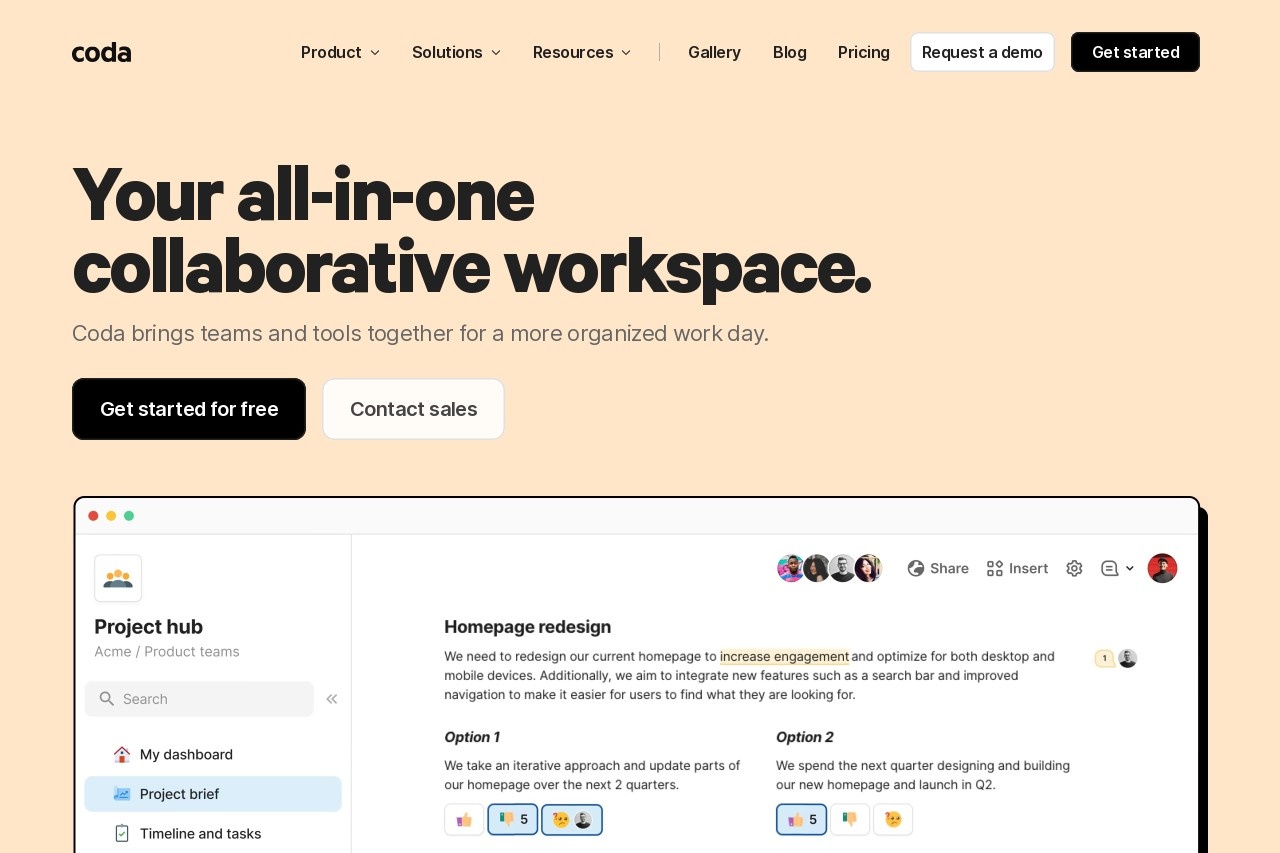
Coda is a revolutionary all-in-one platform that redefines how teams work with information. It seamlessly blends the familiarity of documents and spreadsheets with the power of applications and built-in AI. Think of it as a single, dynamic workspace where your words, data, and team collaboration come alive, moving beyond static files to create connected, interactive tools.
Key Features
Coda packs a powerful suite of features into one cohesive environment:
- Doc 2.0: Start with a simple document, then add interactive elements like tables, buttons, and controls.
- Integrated Tables: Powerful, database-like tables that connect across your doc, serving as the backbone for your apps.
- Building Blocks: Drag-and-drop components like buttons, date pickers, and interactive views to turn your doc into an app.
- Coda AI: Built-in AI helps you write, summarize data, generate formulas, and automate tasks directly within your docs.
- Automations & Packs: Connect to tools like Slack, Google Calendar, and Jira to automate workflows and pull in live data.
Unique Advantages
What truly sets Coda apart from traditional office suites or project management tools?
- All-in-One Hub: Eliminates constant switching between documents, spreadsheets, and separate apps, centralizing work.
- Flexibility: It adapts to your process. You can build a project tracker, a team wiki, a product roadmap, or a custom CRM—all from the same foundation.
- Live Collaboration: Multiple team members can edit, comment, and interact with live data simultaneously, ensuring everyone is on the same page.
- Reduced App Sprawl: By creating tailored solutions in Coda, teams can reduce their dependency on numerous, disjointed software subscriptions.
Who Should Use Coda?
Coda is versatile but particularly powerful for:
- Project & Product Managers: To plan, track, and report on projects with dynamic dashboards.
- Operations Teams: To build runbooks, request forms, and internal tools without code.
- Cross-Functional Teams: To create a single source of truth for initiatives that involve multiple departments.
- Startups and Agile Teams: Who need a flexible tool that can evolve as quickly as their business does.
- Anyone Tired of Copy-Pasting: Between static documents and siloed data sources.
Frequently Asked Questions
Is Coda hard to learn?
No. If you're familiar with documents and spreadsheets, you can start building in Coda immediately. Advanced features are there when you need them.
How is it different from Notion or Google Workspace?
While Notion excels as a connected wiki, Coda's deep integration of tables, automations, and interactive controls makes it stronger for building actionable apps. It goes beyond Google Workspace by deeply connecting text, data, and actions into living documents.
Can I control who sees what?
Yes. Coda offers granular page-level and table-row permissions to share the right information with the right people.
Is there a free plan?
Yes, Coda offers a generous free plan for individuals and small teams to get started and explore its core features.