Last Updated: January 20, 2026 | Review Stance: Independent hands-on testing, includes affiliate links
Quick Navigation
Quick Take - AI Diagram Maker 2026
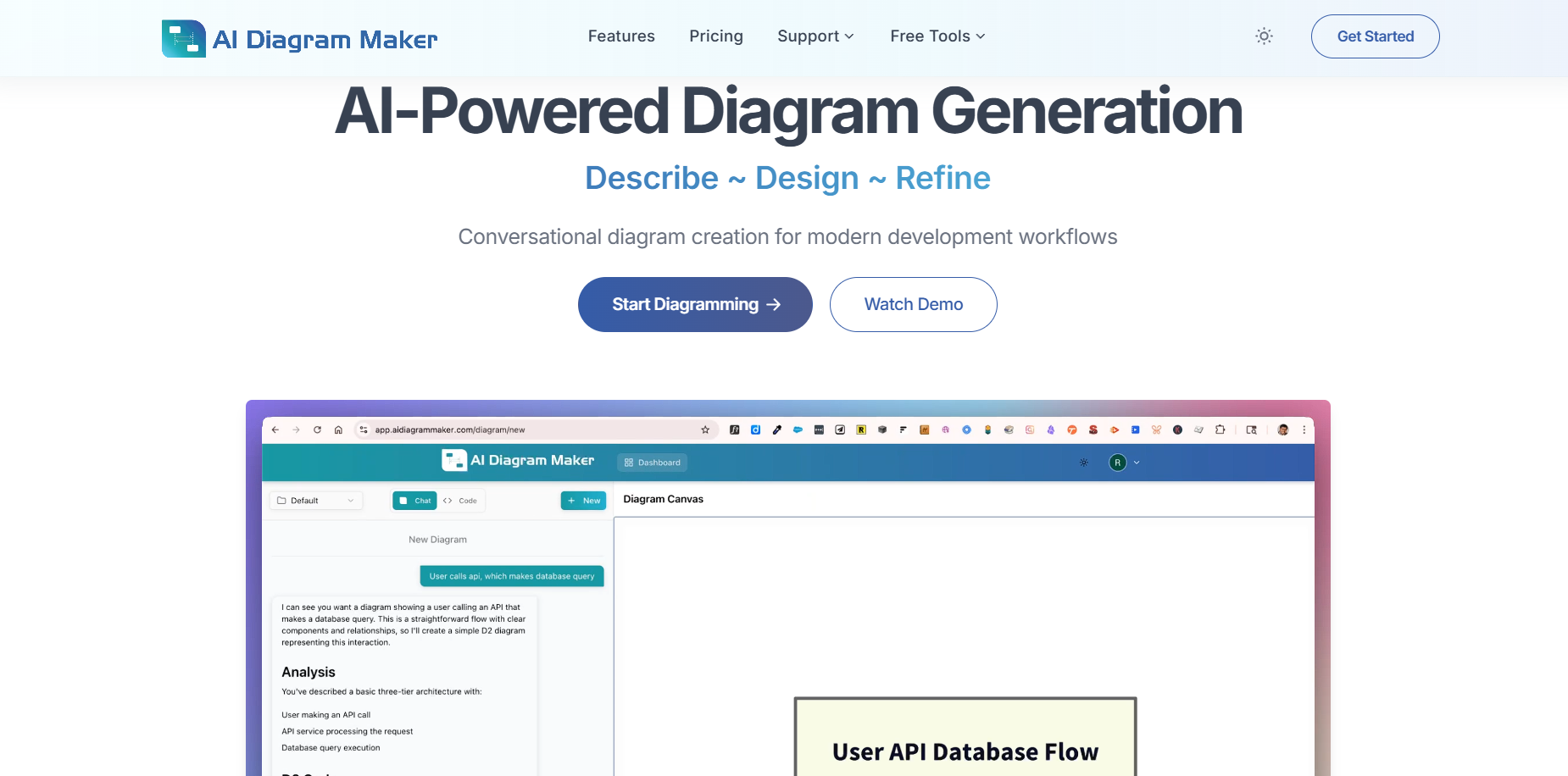
Honestly, if you're tired of spending ages in draw.io or Lucidchart dragging boxes around, this thing is a game-changer. Describe your flow or architecture in plain English (or upload code/notes), and boom—clean diagram in seconds. Chat to tweak it like you're pair-programming. Exports nicely, works with GitHub repos, and feels built for devs who just want visuals fast without the hassle.
What I Think of AI Diagram Maker & How I Tested It
AI Diagram Maker lets you turn text descriptions, chat instructions, attachments, or even GitHub repos straight into solid diagrams—no manual fiddling. It's powered by D2 under the hood, so everything's clean, auto-laid-out, and versionable like code.
I spent time throwing real prompts at it: API flows, microservices setups, ERDs from schema notes, sequence diagrams for auth processes. Also tested editing via chat ("make this async", "add error branch"), code view tweaks, exports, and repo analysis on sample projects. This is from actual dev workflow use in early 2026.

A quick sequence diagram I got just by describing an API call flow

Cluster view of a microservices setup—AI handled the layout perfectly
Solo Devs & Architects
Quickly sketch system designs or API flows without opening heavy tools.
Team Docs & Reviews
Generate visuals from code or notes for PRs, RFCs, onboarding.
Process Mapping
Turn business logic or workflows into flowcharts fast.
Codebase Overviews
Auto-diagram repos for legacy code or architecture audits.
What You Actually Get
Standout Stuff
- Text/Chat to Diagram: Just type what you want (or chat back-and-forth), gets it right most times.
- From Code or Files: Drop GitHub repo link or upload notes/images—AI figures out the structure.
- Easy Tweaks: Say "add retry loop here" or "switch to ERD view"—updates instantly.
- D2 Code Underneath: View/edit raw code if you want, great for git diffs.
- Exports: PNG, SVG, or copy the D2 code for your repo/docs.
- History & Versions (paid): Roll back changes easily.
How Well It Actually Works
In real use, it cuts diagram time from 30+ minutes of dragging to literally 20-60 seconds for a first version. Accuracy is solid on clear prompts, and chat fixes misunderstandings quick. Layouts look pro without effort—way better than manual tools for throwaway or iterative stuff. For complex enterprise setups, you might still tweak code view, but overall it's impressively fast and dev-friendly.
What Stands Out
Conversational Edits
Codebase Support
Clean Exports
Dev-Centric
Pricing Breakdown
Basic
$0
Good to start
- Limited credits
- Core generation & chat
- Basic exports
Plus
$10/mo
Worth it for regular use
- 250 credits/mo
- Revision history (30 days)
- Priority support
Max
$20/mo
Heavy users/teams
- More credits & features
- Advanced history
- Best for power workflows
As of January 2026, yearly saves ~20%. Credits-based for generations/edits. Check site for latest—pricing stays fair as features grow.
Pros & Cons (Real Talk)
What I Like
- Speed—seriously cuts wasted time
- Chat editing feels natural
- Handles code repos well
- Outputs look clean & pro
- Diagram-as-code is dev heaven
- Affordable for what it saves
What Could Be Better
- Free tier credits run out quick if you experiment a lot
- Complex/ambiguous prompts sometimes need clarification rounds
- No super-fancy styling options yet (it's clean, not artistic)
- Still maturing on very niche diagram types
My Final Take: 8.9/10
If diagrams are part of your dev life but you hate making them, give this a shot. It nails the "fast & good enough" balance for most architecture, flow, and UML needs. Free to try, cheap to upgrade—saves way more time than it costs.
Speed & Accuracy: 9.0/10
Value: 9.1/10
Features: 8.7/10
Ready to Ditch Manual Diagramming?
Jump in, describe your next system or flow, and see how quick it is. Free tier lets you test without commitment.
Free start available as of January 2026.