Introducing Upscayl: The AI-Powered Image Enhancement Revolution
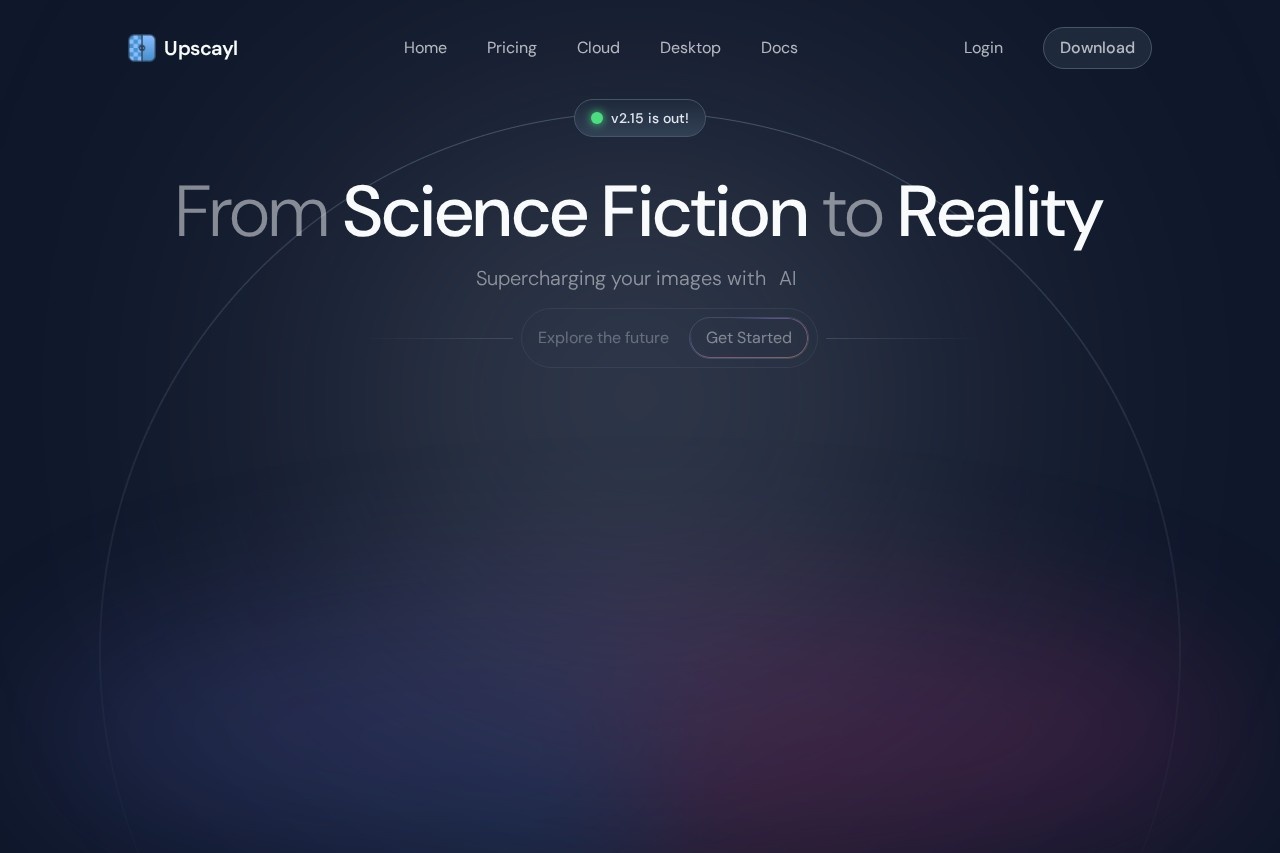
In today's visual world, image quality is paramount. Whether you're a photographer, designer, or simply someone with a collection of cherished memories, blurry or low-resolution images can be a significant limitation. Enter Upscayl, a cutting-edge, AI-powered tool designed to intelligently enhance image resolution and quality, transforming your pixelated photos into stunning, high-definition masterpieces.
Key Features
Upscayl leverages advanced machine learning models to deliver exceptional results. Here’s what it can do:
- AI-Powered Upscaling: Increase image resolution by up to 4x or more while preserving and enhancing details.
- Noise Reduction: Intelligently smoothens grainy textures and removes compression artifacts.
- Detail Enhancement: The AI reconstructs and sharpens fine details that are lost in low-res originals.
- Batch Processing: Upscale multiple images at once, saving you valuable time.
- User-Friendly Interface: A simple, intuitive design makes professional-grade upscaling accessible to everyone.
Why Choose Upscayl?
Upscayl stands out in the crowded field of image upscalers due to its unique advantages:
- Free & Open Source: It's completely free to use, with a transparent development process.
- Privacy-First: All processing happens locally on your computer. Your images never leave your device, ensuring complete privacy.
- High-Quality Results: Unlike simple interpolation, Upscayl's AI models generate new, plausible pixel data for remarkably natural-looking enlargements.
- Cross-Platform: Available for Windows, macOS, and Linux, offering a seamless experience across all major operating systems.
Who Can Benefit from Upscayl?
Upscayl is an invaluable tool for a wide range of users:
- Photographers & Designers: Enlarge photos for prints, restore old pictures, or prepare web graphics.
- Content Creators & Marketers: Enhance product images, social media graphics, and promotional materials.
- Gamers & Hobbyists: Upscale game textures, screenshots, or digital artwork.
- General Users: Anyone looking to improve the quality of family photos, digital archives, or downloaded images.
Frequently Asked Questions (FAQ)
Is Upscayl really free?
Yes, Upscayl is 100% free and open-source software.
How does it protect my privacy?
Since the AI processing is done locally on your machine, there is no need to upload your images to any cloud server, keeping them entirely private.
What image formats does it support?
Upscayl supports common formats like PNG, JPG/JPEG, and WebP.
Does it work on very old or damaged photos?
While it excels at upscaling and denoising, it is not a dedicated photo restoration tool. However, it can significantly improve the clarity and size of such images as a first step.
What are the system requirements?
A moderately modern computer is recommended for optimal performance, as AI processing can be resource-intensive.