Affiliate Disclosure: At aifreetool.site, we independently review AI tools and software. Some links in this article may be affiliate links. If you make a purchase through these links, we may earn a commission at no extra cost to you. This does not influence our editorial content or ratings.
Last Updated: March 2026
TL;DR
InVideo AI is a powerful text-to-video platform that transforms written prompts into complete, professional videos in minutes. With AI voiceovers, millions of stock assets, multi-language support, and customizable templates, it enables anyone to create engaging video content without editing skills. Free tier available with watermarked exports; paid plans start at $25/month for watermark-free videos and advanced features.
InVideo AI Overview
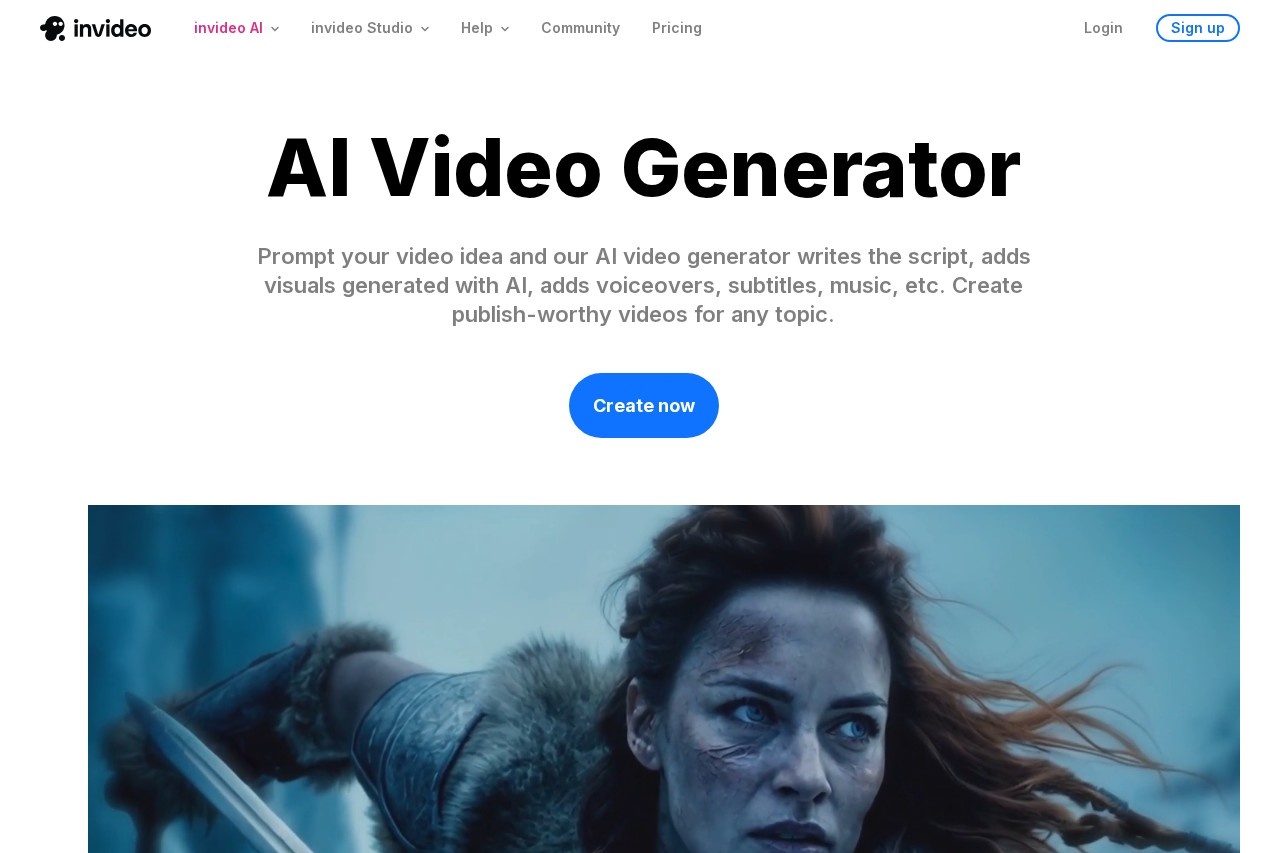
InVideo AI is a leading AI-powered video generation platform that has transformed how content creators, marketers, and businesses produce video content. The platform enables users to create professional-quality videos simply by describing what they want in text, eliminating the traditional barriers of video editing expertise, expensive software, and hours of production time.
The platform's core strength lies in its sophisticated AI that interprets text prompts and automatically generates complete videos including script writing, scene selection, voiceover narration, background music, and transitions. Users can input anything from a simple topic like "create a 30-second video about sustainable living" to detailed scripts with specific visual and audio requirements.
InVideo AI leverages a massive library of over 16 million stock videos and images, professional voiceover options in 50+ languages, and thousands of customizable templates. This comprehensive asset library ensures that generated videos look professional and polished rather than obviously AI-created. The platform continuously updates its capabilities with the latest AI advancements.
With millions of users worldwide, InVideo AI has established itself as one of the most accessible and powerful AI video creation tools available. The platform serves everyone from individual content creators producing YouTube videos to enterprise marketing teams creating campaigns at scale. The combination of ease-of-use and professional output quality makes it a standout choice in the rapidly growing AI video generation market.
Key Features
🎬 Text-to-Video Generation
Transform any text prompt into a complete video. Describe your topic, style, and length, and AI generates script, visuals, voiceover, music, and transitions automatically in minutes.
🎙️ AI Voiceovers
Professional AI voice narration in 50+ languages with multiple voice styles and accents. Natural-sounding voices suitable for marketing, education, and social media content.
📚 16M+ Stock Assets
Access over 16 million stock videos, images, and audio tracks. AI automatically selects relevant visuals from premium libraries including Shutterstock and iStock.
📱 Multi-Platform Export
Create videos optimized for YouTube, Instagram, TikTok, Facebook, LinkedIn, and more. Automatic aspect ratio adjustment for each platform's requirements.
✏️ Intelligent Editing
Fine-tune AI-generated videos with intuitive editing tools. Change scripts, swap footage, adjust timing, modify voiceovers, and customize visuals without technical skills.
🌍 Multi-Language Support
Create videos in 50+ languages with native-quality voiceovers and script generation. Perfect for global content strategies and multilingual audiences.
Performance & User Experience
InVideo AI delivers impressive performance that makes video creation genuinely accessible to non-professionals. The AI processes text prompts and generates complete videos in typically 2-5 minutes depending on length and complexity. This speed represents a dramatic improvement over traditional video production workflows that could take hours or days.
Output quality consistently impresses, with AI selecting relevant stock footage that aligns with script content. The generated videos feature professional transitions, appropriate pacing, and coherent narrative flow. While occasional visual mismatches occur, the editing interface makes corrections straightforward. The AI voiceovers sound remarkably natural, avoiding the robotic quality common in earlier text-to-speech technologies.
The user interface strikes an excellent balance between simplicity and capability. The text-to-video workflow requires only basic prompting to get started, while more advanced users can access detailed customization options. Real-time preview and intuitive editing tools enable quick refinements without overwhelming users with complex professional video editing features.
The platform handles various video types effectively, from short social media clips to longer educational content. Marketing videos, explainer videos, product demonstrations, and YouTube content all produce solid results. The ability to iterate quickly by regenerating with modified prompts accelerates the creative process significantly compared to traditional production methods.
Who Should Use InVideo AI?
📱 Social Media Creators
Perfect for YouTube, TikTok, Instagram, and Facebook content creators who need consistent video output. Generate engaging videos quickly without hiring editors or learning complex software. Scale content production for multiple platforms effortlessly.
📈 Marketing Teams
Ideal for marketing teams creating video ads, product demos, and promotional content. Rapidly produce multiple video variations for A/B testing. Maintain brand consistency while scaling video output across campaigns.
🎓 Educators & Trainers
Essential for teachers, trainers, and course creators developing educational video content. Transform lesson plans and training materials into engaging visual presentations. Create explainer videos for complex topics.
🏢 Small Businesses
Valuable for small businesses needing professional video marketing on limited budgets. Create product videos, testimonials, and brand content without expensive production costs. Compete with larger brands' video presence.
Pricing Plans
InVideo AI offers tiered pricing to accommodate different usage levels, from individual creators to high-volume production teams. All plans include core AI video generation features with increasing limits and capabilities at higher tiers.
⭐ Free Plan
$0
- AI video generation
- Watermark on exports
- Limited exports per week
- Basic templates
- No credit card required
⭐ Plus Plan
$25/month
- No watermark
- 60 video exports/month
- 15M+ stock assets
- Priority support
- HD quality exports
⭐ Max Plan
$60/month
- Unlimited exports
- All premium features
- iStock premium assets
- Priority video generation
- Dedicated support
Pricing as of March 2026. Annual billing offers discounted rates. Generative AI plan available for advanced AI features. Enterprise plans available for teams with custom requirements.
Pros & Cons
✅ Pros
- Create complete videos from simple text prompts
- 16M+ stock assets including premium libraries
- Natural AI voiceovers in 50+ languages
- Intuitive interface requiring no editing skills
- Fast video generation in minutes
- Multi-platform optimization built-in
- Free tier available for testing
❌ Cons
- Free plan includes watermarks
- AI sometimes selects imperfect stock footage
- Limited creative control compared to professional editing
- Export limits on lower-tier plans
- Not ideal for highly custom visual styles
- Video quality depends on available stock footage
Final Verdict
Excellent AI Video Generator for Content Creators
InVideo AI stands out as one of the most accessible and effective AI video generation platforms available today. The ability to transform simple text prompts into complete, professional-looking videos in minutes represents a genuine breakthrough in content creation accessibility. Users without any video editing experience can produce content that would previously have required professional skills and significant time investment.
The platform's strength lies in its comprehensive approach. Rather than just providing basic AI generation, InVideo combines script writing, stock footage selection, voiceover creation, and editing tools into a cohesive workflow. The massive asset library ensures videos look professional, while the multi-language support opens possibilities for global content strategies.
At $25/month for the Plus plan, InVideo AI offers excellent value for regular content creators who need consistent video output. The free tier provides a meaningful opportunity to test capabilities before committing. For social media creators, marketing teams, educators, and small businesses looking to scale video content without proportional resource investment, InVideo AI is a highly recommended solution that delivers on its promise of democratizing professional video creation.
Frequently Asked Questions
Is InVideo AI free to use?
Yes, InVideo AI offers a free plan that allows you to create AI-generated videos. However, free plan exports include watermarks and have limitations on the number of weekly exports. To remove watermarks and access higher export limits, you'll need a paid subscription starting at $25/month.
How long does it take to generate a video?
InVideo AI typically generates complete videos in 2-5 minutes depending on the video length and complexity. Short social media videos may complete in under 2 minutes, while longer educational content could take 5-10 minutes. The platform processes in the background, allowing you to work on other tasks.
Can I edit videos after AI generation?
Yes, InVideo AI provides comprehensive editing tools for refining generated videos. You can modify the script, change voiceovers, swap stock footage, adjust timing, add text overlays, and customize music. The editing interface is intuitive and doesn't require professional video editing experience.
What video platforms does InVideo support?
InVideo AI supports all major video platforms including YouTube (horizontal, Shorts), Instagram (Feed, Reels, Stories), TikTok, Facebook, LinkedIn, Twitter, and Pinterest. Videos are automatically sized and optimized for each platform's specific aspect ratio and duration requirements.
Can I use my own footage in InVideo AI?
Yes, you can upload your own video clips, images, and audio files to incorporate into AI-generated videos. This allows you to combine custom content with InVideo's stock library and AI capabilities for more personalized results.
Can I use InVideo videos for commercial purposes?
Yes, videos created with paid InVideo plans can be used for commercial purposes including marketing, advertising, client work, and monetized content. The stock footage library includes licensed content cleared for commercial use. Free plan videos include watermarks and have usage restrictions.