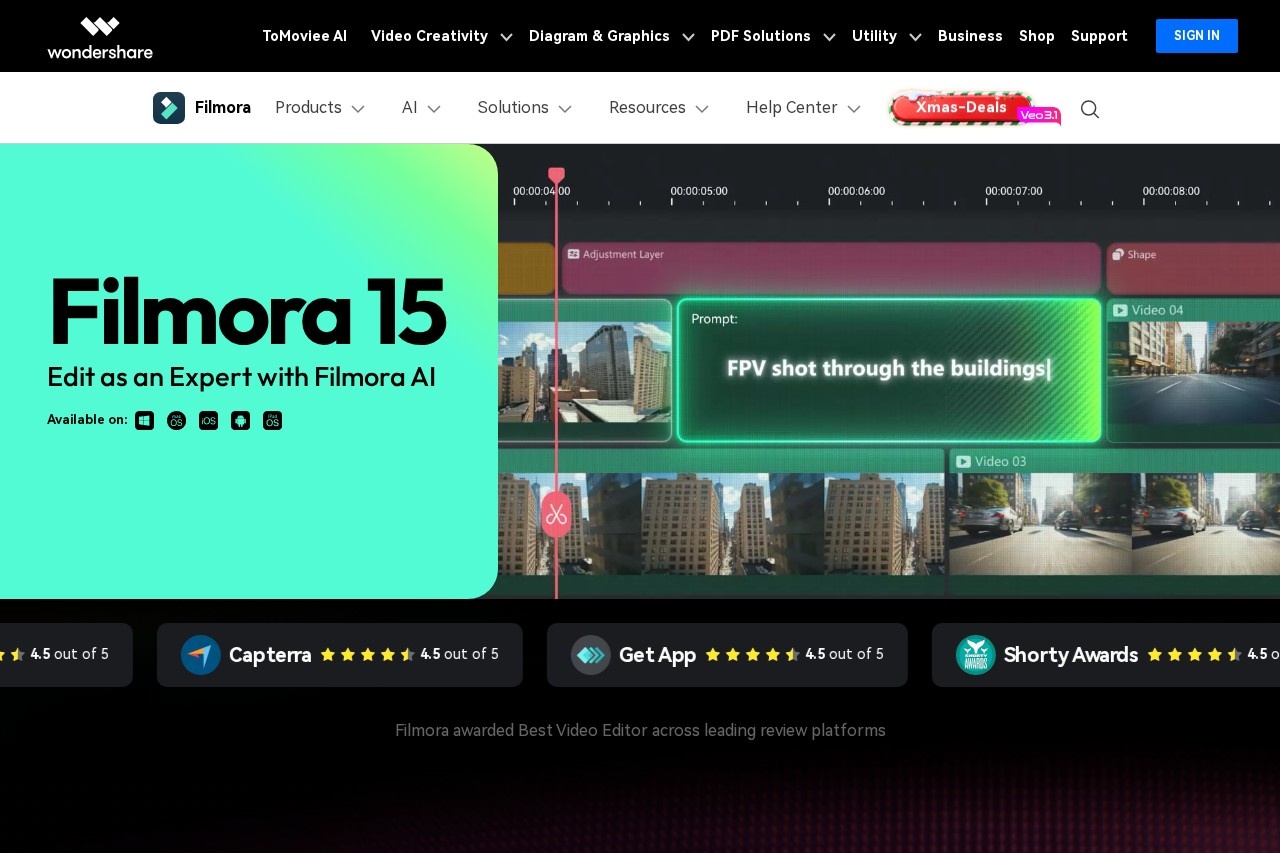
Introduction to Wondershare Filmora
Wondershare Filmora is a powerful yet user-friendly video editing software designed for creators of all skill levels. Available for both desktop and mobile platforms, it bridges the gap between basic editing apps and complex professional suites. Filmora empowers users to transform their raw footage into polished, engaging videos with an intuitive interface, a rich library of effects, and cutting-edge AI tools, making professional video production accessible to everyone.
Key Features
Filmora is packed with features that streamline the editing process and boost creativity:
- Intuitive Timeline Editing: A drag-and-drop interface with multi-track timelines for precise control over video, audio, and graphics.
- AI-Powered Tools: Features like AI Copilot, AI Music Generator, and AI Thumbnail Creator automate complex tasks and enhance productivity.
- Rich Effects Library: Access thousands of filters, overlays, transitions, titles, and motion graphics to elevate your story.
- Audio Editing & Enhancement: Built-in audio tools for noise removal, keyframing, and adding royalty-free music and sound effects.
- High-Quality Export: Export videos in up to 4K resolution for various platforms like YouTube, TikTok, and Instagram.
Unique Advantages
What sets Filmora apart in the competitive editing landscape?
- Balance of Power and Simplicity: It offers advanced capabilities without the overwhelming complexity of professional-grade software.
- Cross-Platform Workflow: Seamlessly switch between the robust desktop version and the on-the-go mobile app for flexible editing.
- Regular Creative Updates: Constantly updated with new effects, templates, and AI features to keep content fresh and trendy.
- Strong Community & Support: Extensive tutorials, a vibrant creator community, and responsive customer support help users succeed.
Who Should Use Filmora?
Filmora is the ideal video editor for a wide range of creators:
- Content Creators & Vloggers: Perfect for producing high-quality content for YouTube, social media, and blogs quickly.
- Beginners & Hobbyists: An excellent starting point for those new to video editing, thanks to its guided interface and templates.
- Educators & Marketers: Great for creating compelling tutorial videos, presentations, and promotional content.
- Advanced Amateurs: Offers enough depth and control for users who have outgrown basic apps but aren't ready for steep learning curves.
Frequently Asked Questions (FAQ)
Is Filmora free to use?
Filmora operates on a freemium model. You can download it for free with a watermark. Full access to all features and removal of the watermark requires a license.
Can I use Filmora on Mac and Windows?
Yes. Filmora offers fully-featured native applications for both macOS and Windows operating systems.
Does it support 4K video editing?
Absolutely. Filmora supports importing, editing, and exporting videos in 4K UHD resolution.
Are the audio and video effects royalty-free?
Yes. The built-in media library (music, sound effects, images, etc.) is royalty-free for personal and commercial use within your edited videos.