Last Updated: February 02, 2026 | Review Stance: Real tests on my vacation pics & product shots
Quick Jumps
Fast Verdict
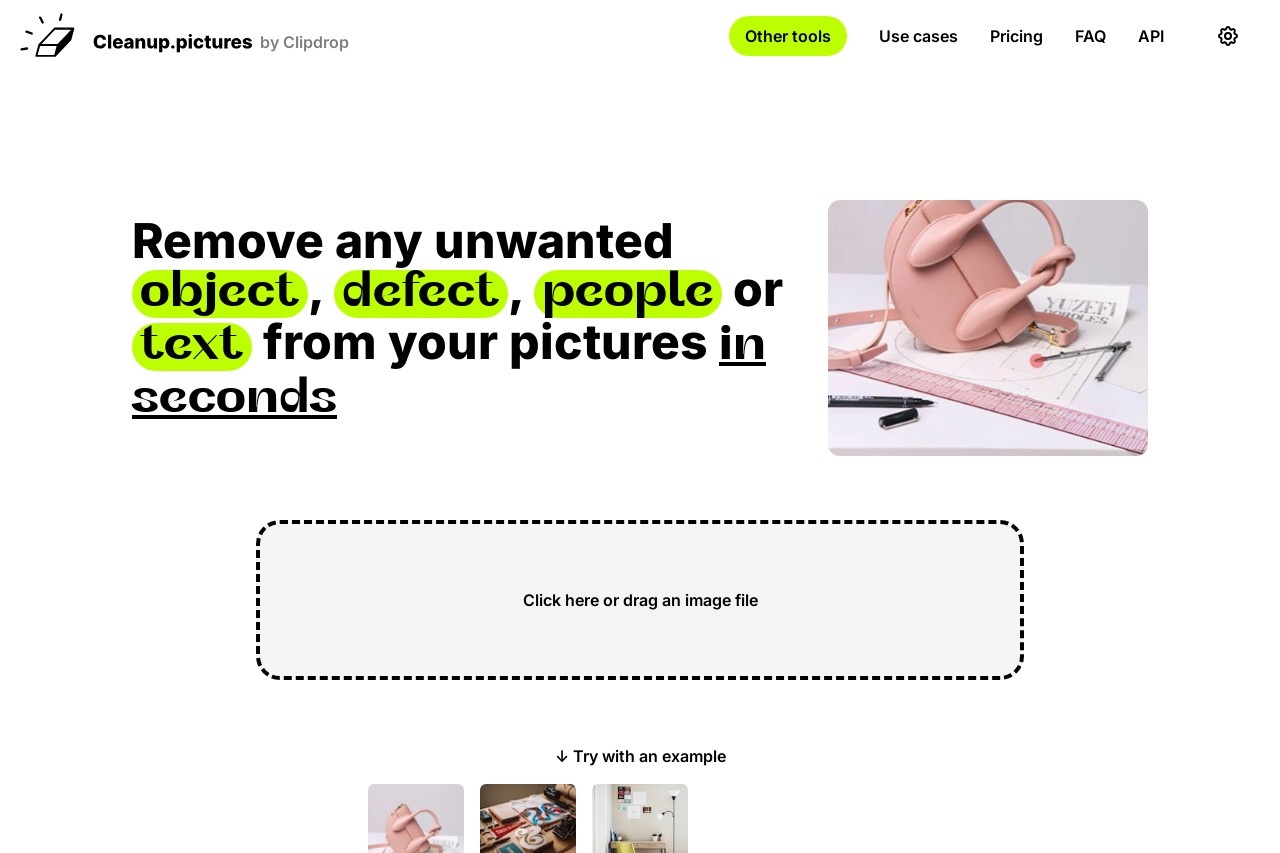
Cleanup.pictures is that one-click lifesaver for photos ruined by photobombers, trash cans, or ugly text. Brush over junk → AI fills background perfectly in seconds. Free forever for 720p (unlimited!), Pro just $3/mo for full HD. No learning curve—upload, swipe, done. My new favorite quick-fix tool.
The Moment I Realized This Tool Saves Photos
You know those group pics where one person blinked, or vacation shots with random strangers in the back? I used to spend ages in Photoshop cloning them out—messy results. Then I found Cleanup.pictures: upload, roughly brush over the unwanted stuff, and the AI just... erases it and rebuilds what's behind like it was never there.
Tested on real mess: family photos with photobombers, product shots with cables, portraits with blemishes, even old scans with stains. In 2026, it's still stupidly good and fast—no app install, works on phone/browser. This review is from actual "oh wow" moments.Casual Photo Rescue
Erase strangers, trash, or blinks from family/vacation shots.
E-commerce/Product
Clean up cables, reflections, or props in listings.
Portrait & Beauty
Remove blemishes, wrinkles, or distractions ethically.
Real Estate/Listing
Erase signs, wires, or clutter for clean property pics.
The Little Things That Make It Addictive
What I Keep Coming Back For
- One-Brush Removal: Draw roughly over anything—person, text, logo, pole—and AI handles the rest.
- Smart Inpainting: Guesses background intelligently—no need to sample like old clone tools.
- Blemish & Wrinkle Fix: Quick skin smoothing or defect removal for portraits.
- Unlimited Free Tries: Edit as many as you want at 720p—no credit card.
- Pro Refiner: Higher quality fill for tricky areas in paid mode.
- API Access: Plug into your own apps if you're dev-curious.
Real Talk: Does It Deliver Clean Results?
Most times—yes, shockingly good. Simple objects/text vanish without trace in 2-5 seconds. Complex scenes (crowded backgrounds, shadows) might need 1-2 retries or bigger brush, but still beats manual work. Free 720p is sharp enough for social/Instagram; Pro HD looks pro-level. No weird smears like some tools.
Standout Wins
Unlimited Free
Natural Fills
No Skills Needed
Mobile-Friendly
Pricing That Doesn't Sting
Free Forever
$0
Unlimited Basic
- Unlimited images
- Up to 720p export
- All core removal features
- No signup needed for basics
Pro
$3/mo
(annual $36)
- Unlimited HD resolution
- High-quality refiner
- Full ClipDrop extras access
- Best for pros/serious use
As of Feb 2026: Free is truly unlimited for low-res—perfect starter. Pro trial lets you test HD free. ClipDrop bundle ~$11/mo if you want more tools. Prices stable, no hidden credits trap.
Honest Pros & Cons
Love These Bits
- Dead simple—no tutorial needed
- Free unlimited is generous
- Results often look pro-natural
- Fast even on phone
- Ethical notes on copyrights
- Great for batch quick fixes
Minor Gripes
- 720p cap pushes Pro for print/social HD
- Tricky shadows/overlaps may need retry
- No batch upload in free
- Advanced edits still need Photoshop sometimes
My Take: 9.2/10
Cleanup.pictures nails the "quick & clean" vibe in 2026—free tier is shockingly useful, Pro is cheap insurance for HD. If you hate spending time erasing junk from pics, this is the tool that makes you go "why didn't I find this sooner?" Highly recommend for anyone with a camera roll full of almost-perfect shots.
Results: 9.0/10
Value: 9.5/10
Speed: 9.3/10
Tired of Ruined Photos? Fix 'Em Now
Upload your messy pic—no signup for basics—and watch the magic happen. Free forever, upgrade only if you love it.
Unlimited free edits at 720p as of February 2026.