Last Updated: January 17, 2026 | Review Stance: Independent testing, includes affiliate links
Quick Navigation
TL;DR - FastlyConvert Audio Enhanced 2026 Review
FastlyConvert Audio Enhanced offers free, browser-based AI audio processing: conversion, transcription, extraction from video, compression & trimming. Privacy-focused (no signup, auto-delete), multi-language support—perfect for quick podcasts, meetings, and voice notes in 2026.
FastlyConvert Audio Enhanced Review Overview and Methodology
FastlyConvert Audio Enhanced is a free online platform consolidating essential AI audio tools: format conversion, speech-to-text transcription, audio extraction from videos, compression, and basic editing. All processing happens in-browser for speed and privacy.
This 2026 independent review tests real uploads: transcription accuracy across languages, conversion quality, extraction from videos, compression results, and usability for daily workflows like meetings and content creation.
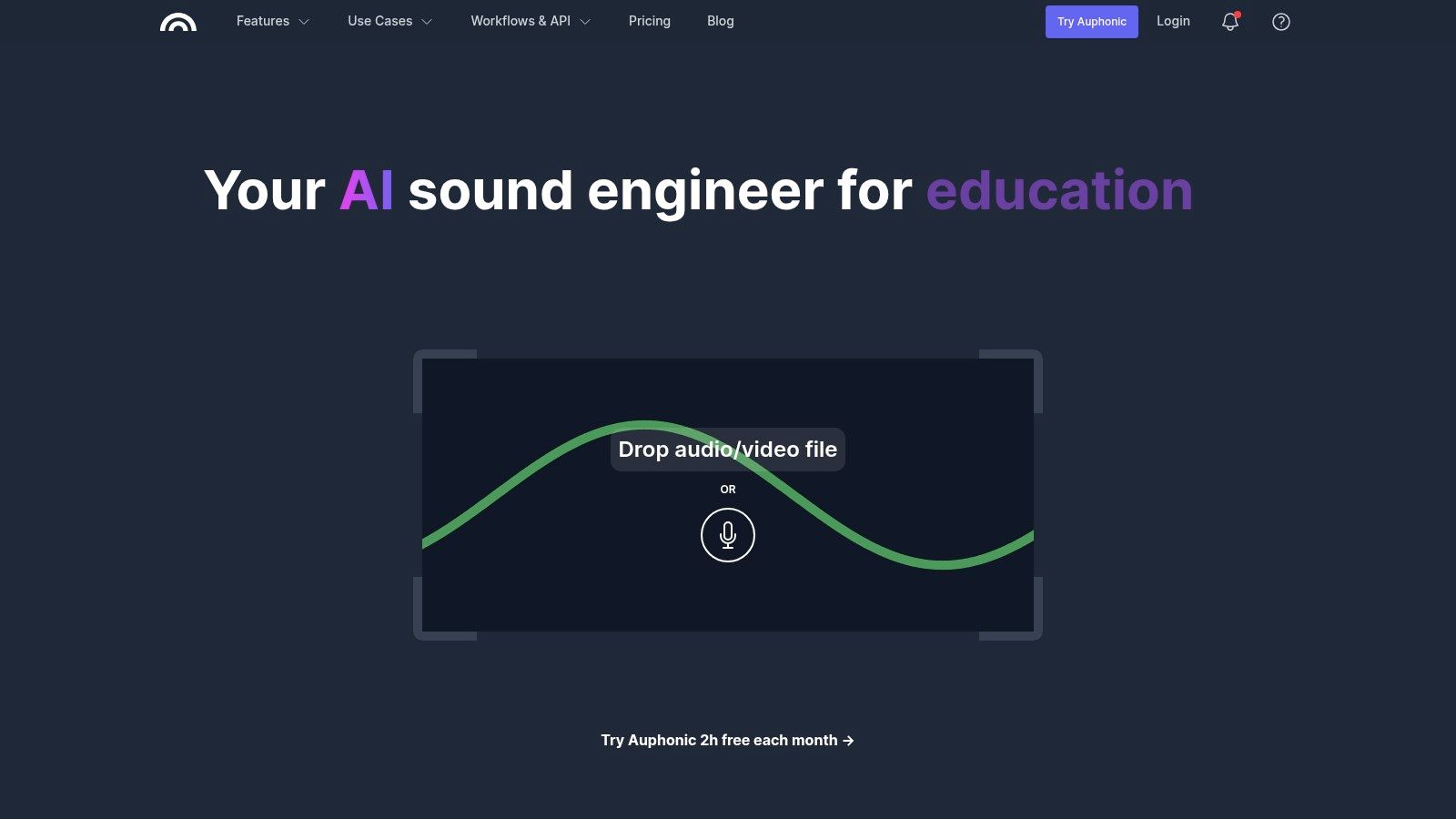
Before/after audio cleanup example (source: similar AI audio tools)
Podcasts & Content
Transcription for show notes & captions.
Meetings & Calls
Zoom/Teams notes & summaries.
Video Audio Extraction
MP4 to MP3 for lectures/music.
Quick Sharing
Compress for email/WhatsApp.
Core Features of FastlyConvert Audio Enhanced
Key Tools & Capabilities
- AI Speech-to-Text Transcription: Accurate audio/video to text in multiple languages.
- Audio Format Conversion: MP3 ↔ WAV ↔ M4A ↔ AAC ↔ FLAC & more.
- Video to Audio Extraction: Extract sound from MP4, MOV, AVI, etc.
- Compression & Trimming: Reduce file size, cut unwanted parts.
- Browser-Based Processing: No software install, fast & secure.
- Privacy: Files auto-deleted after 24 hours.
FastlyConvert Audio Enhanced Functionality & Performance
In 2026 tests, transcription performs well on clear, single-speaker audio with good accuracy and speed. Conversions maintain high quality; extraction is seamless. Best for simple enhancements—advanced noise reduction or multi-speaker separation may need dedicated tools.
Key Advantages in Performance
No Signup
Privacy-Focused
Multi-Language
Browser-Based
FastlyConvert Audio Enhanced Pricing & Plans
Free
$0
Forever Free
- Core tools & AI transcription
- Daily limits/credits
- No account needed
- Basic file size support
Pro Upgrade
$9.99/mo
Unlimited Power
- Unlimited conversions
- No file size limits
- Batch processing
- Priority speed
As of January 2026, annual Pro $79.99 saves money. Most core Audio Enhanced features remain free.
Pros & Cons: Balanced Assessment
Strengths
- Completely free for basics
- No software or signup required
- Strong privacy (auto-delete)
- Multi-language transcription
- Fast browser processing
- Useful for everyday audio tasks
Limitations
- Limited advanced noise reduction
- Transcription struggles with noise/overlaps
- Free tier has daily limits
- TXT output only (no SRT)
Final Verdict: 8.5/10
FastlyConvert Audio Enhanced is a solid 2026 free choice for quick audio conversion, transcription, and extraction. Privacy, ease, and no-cost access shine—great starter tool, though pros may need more advanced features.
Quality & Accuracy: 8.0/10
Value for Money: 9.5/10
Feature Set: 7.8/10
Start Enhancing Your Audio for Free
Upload and process audio/video instantly—no signup required. Try transcription, conversion & extraction today.
Visit FastlyConvert Audio Enhanced
100% free core features as of January 2026.