Last Updated: February 02, 2026 | Review Stance: Real creator sessions, affiliate links included
Dive In Quick
Honest 30-Second Scoop
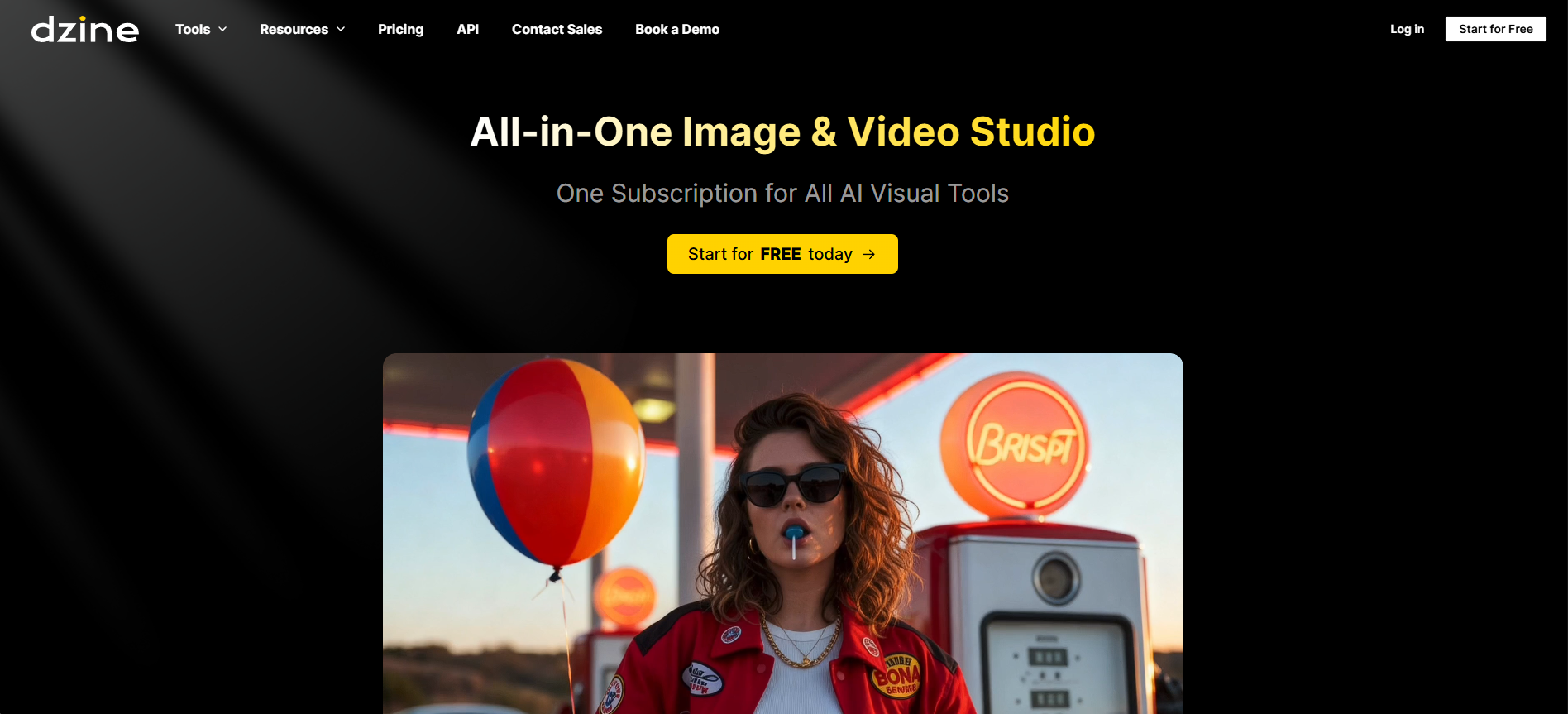
Dzine (ex-Stylar) in 2026 is my new "lazy but pro" design sidekick—Chat Editor lets me type "make background sunset, add glow" and boom, done. Video lip-sync is scarily natural, product shots turn boring pics into ad gold. Free daily credits to play, paid unlocks the real flow. If you're tired of layer hell in PS but want control, this might be your jam.
How I Stumbled Into Dzine & Why I Stuck Around
Picture this: last month I was knee-deep in a client project—needed 20 product variants fast, plus some animated talking head explainers. Photoshop felt like torture, Midjourney too random. Then I tried Dzine (what used to be Stylar.ai). Typed a few commands in Chat Editor, and suddenly my messy photo had perfect lighting, swapped background, even posed differently. Felt like cheating... in the best way.
Spent the next weeks throwing everything at it: character redesigns, ad videos, style transfers from reference pics. This review pulls from those chaotic-but-fun sessions—no sponsored fluff, just what actually worked (and what made me swear a bit).
Quick Social Content
Memes, posts, stories—Chat Edit in seconds.
Product Marketing
Turn plain shots into cinematic ads/videos.
Character & Art Work
Consistent styles, pose tweaks, style transfers.
Video Explainers
Talking avatars from text or images—no mic needed.
The Features That Keep Me Coming Back
My Daily Go-Tos
- Chat Editor: Game-changer—no more lasso tools. "Remove the guy in background, make sky dramatic"—AI nails it.
- AI Video & Lip-Sync: Turn static images into talking videos. Multiple faces sync? Rare and surprisingly smooth.
- Style Transfer & Effects: Upload reference art, apply to your pic—120+ styles, from oil painting to cyberpunk.
- Product Photography Tools: Boring ecom shots become pro ads with cinematic flair.
- Consistent Character & Expansions: Keep same face across scenes, expand canvases smartly.
- Built-in GPT Prompt Helper: Great when you're blank on ideas.
Real Talk on Speed & Output Quality
Generation is snappy—images in seconds, short videos under a minute on paid. Quality holds up for social/ads; lip-sync feels human (no uncanny valley most times). Free tier queues are low-priority but still usable. Chat edits sometimes need 2-3 tries for perfection, but beats manual editing by miles.
What Impressed Me Most
Lip-Sync Wow
Fast Videos
Style Control
All-in-One
Credits & Plans (No Surprises)
Free
$0
Daily Play
- ~30-32 credits/day (reset midnight)
- Basic generations & edits
- Low priority queue
- Good for testing
Beginner / Pro
$8.99–$60/mo
Serious Creators
- 1,000+ fast credits/mo
- Unlimited in higher tiers
- Video, private styles, storage
- Priority & commercial ready
As of Feb 2026: Free daily credits generous for casual. Paid starts low, scales to unlimited. Annual saves ~15-20%. Special promos (e.g. Hailuo video discount) pop up—check site for latest.
The Hits & Misses (Straight Up)
Why I Smile
- Chat Editor feels futuristic—no more tool hunting
- Lip-sync & video quality better than expected
- One sub covers images + videos
- Free daily play keeps it accessible
- Style transfer nails artistic vibes
- Product ad tools save real time/money
Moments of Frustration
- Free queue can lag during peak
- Complex edits sometimes need re-prompts
- Video credits burn faster than images
- Learning all 120+ effects takes time
My Final Rating: 8.9/10
Dzine turned my "ugh, another edit" dread into "let's see what Chat can do". In 2026, it's one of the few AI tools that feels like a real creative partner—not just a generator. Free tier hooks you, paid unleashes pro workflows. If design or content is your daily grind, give it a spin—you might cancel your PS sub.
Control & Quality: 9.0/10
Value: 8.8/10
Versatility: 9.1/10
Curious? Start Creating Today
Grab your free daily credits—no card needed. Type your first wild idea and watch the magic.
Free daily credits as of February 2026—promos like Hailuo discounts active.