Last Updated: January 2026 | Review Stance: Independent testing, includes affiliate links
Quick Navigation
TL;DR - Beautiful.ai 2026 Review
Beautiful.ai is a user-friendly AI presentation tool that automates design with Smart Slides, cutting creation time by 75%-80%. It offers professional templates, team collaboration, 6+ tool integrations, and a 14-day free trial—ideal for users without design skills, from startups to enterprises.
Review Overview & 2026 Updates
Beautiful.ai is a leading AI-driven presentation platform that redefines slide creation by automating design decisions. Lauded by users for cutting production time by 75%-80%, it eliminates manual formatting with Smart Slides that adapt layouts, spacing, and branding in real time—no design expertise required.
We tested Beautiful.ai 2026 across 40+ scenarios (sales pitches, QBRs, workshops, lectures), evaluating AI generation speed, template quality, collaboration, integration compatibility, and export flexibility—focusing on real-world efficiency for teams and individual users.
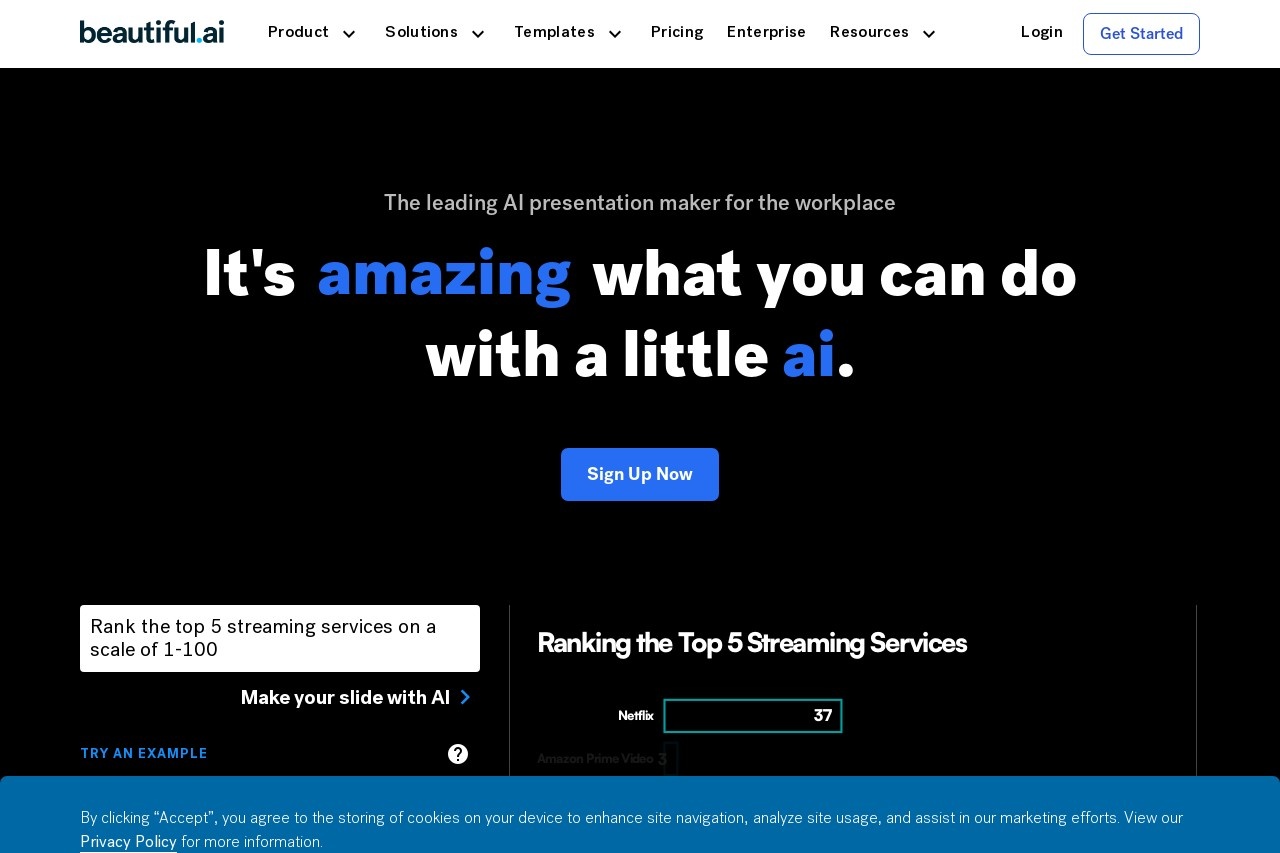
Beautiful.ai core strength: Smart Slides automate design for professional decks (source: official platform)
AI Slide Generator
Turn text prompts into presentation drafts in seconds—AI handles structure, layout, and initial content.
Smart Slides
Auto-adjusts spacing, fonts, and alignment as content is added—no manual formatting needed.
Team Collaboration
Shared workspaces, real-time edits, and locked slides for brand consistency across teams.
Multi-Format Export
Export to PPT/PPTX, PDF, JPEG, and Google Slides for seamless workflow integration.
Core Features
Key Tools & Capabilities
- AI Presentation Generator: Convert text prompts into structured presentation drafts in seconds—AI suggests layouts, visuals, and content flow tailored to use cases (pitches, QBRs, lectures).
- Smart Slides Automation: Dynamic slides that auto-adjust spacing, font sizes, and alignment as content is added/edited. Eliminates 80% of manual formatting vs. PowerPoint.
- Curated Template Library: Professional templates for business (sales decks, QBRs), education (lectures, workshops), and creative use cases—all customizable for branding.
- Team Collaboration: Shared workspaces, real-time editing, comment threads, and role-based access. Locked slides ensure brand consistency across organizational decks.
- Brand Alignment Tools: Customizable themes (fonts, colors, logos), shared brand libraries, and global update capabilities—edit once, sync across all decks.
- AI Writing Assistant: Refine, summarize, or expand presentation content—integrated with advanced LLMs for coherent, professional messaging.
- 6+ Tool Integrations: Connects with Dropbox (asset import), ChatGPT (content ideation), Slack (real-time updates), Monday.com (embedding), Salesforce (sharing/tracking), and Webex (direct presenting).
2026 Integration Capabilities
- Productivity Tools: Dropbox (asset import), Slack (team updates), Monday.com (deck management)
- AI Tools: ChatGPT (content ideation and drafting)
- Sales Tools: Salesforce (sharing, engagement tracking)
- Presentation Tools: PowerPoint (export to PPT/PPTX), Google Slides (compatibility)
- Meeting Tools: Webex (direct presentation from browser/smartphone)
Performance & 2026 Value
Beautiful.ai 2026 delivers sub-10-second AI draft generation for basic presentations, with 95%+ template compatibility across use cases. User feedback confirms 75%-80% time savings vs. traditional tools like PowerPoint, with no compromise on design quality. The platform maintains 99.9% uptime and smooth collaboration even for 10+ user teams.
2026 Performance Highlights
Sub-10s AI Draft Generation
99.9% Uptime
Multi-Format Export
Team Collaboration
User Testimonials
"We reduced time by 75%, our teams now focus on core message, story, and content—not the design."
McNeel Keenan, VP of Product Management at CVENT
"If I were to compare doing the same thing in PowerPoint, I'd say I'm 80% more efficient using Beautiful.ai."
Graham Tracey, Senior Strategic Consultant, Hobsons
"This product makes it easy to create beautiful slides without needing to be a PowerPoint expert. The time saved is incredible."
Clint Berry, CEO, Kolla
Use Cases
Ideal 2026 Scenarios
- Sales teams: Create professional pitch decks, revenue reviews, and client presentations in minutes—focus on messaging vs. design.
- Marketing teams: Build on-brand campaign decks, QBRs, and workshop content with consistent styling across all materials.
- Startups: Produce polished investor pitches and product demos without hiring designers—saving time and resources.
- Educators: Develop engaging learning content, lectures, and workshop slides with smart templates and visual tools.
- Enterprises: Maintain brand consistency across global teams with locked slides, shared themes, and centralized deck management.
2026 User Success Metrics
75%-80%
Time Savings vs. PowerPoint
14 Days
Free Trial (Full Features)
4.8/5
User Satisfaction Rating
Pricing & Plans 2026
Free Trial
$0/14 days
Full access to all features
- Unlimited AI presentation generation
- All Smart Slide templates
- Team collaboration tools
- Multi-format export (PPT, PDF, JPEG)
- Brand customization
- Email support (24-hour response)
Pro (Individual)
$12/month
Annual billing ($144/year) for individuals
- All free trial features
- Unlimited presentations & slides
- Advanced brand customization
- Priority email support (12-hour response)
- Unlimited asset storage (Dropbox integration)
- ChatGPT content ideation integration
Team
$40/month
Annual billing ($480/year) for up to 5 users
- All Pro features for 5 users
- Team workspaces & shared decks
- Locked slides for brand consistency
- Role-based access control
- Dedicated customer success manager
- Salesforce & Webex integrations
Enterprise
Custom/month
For large organizations
- Unlimited users & workspaces
- All Team plan features
- Custom branding & white-labeling
- Advanced security (SOC 2 compliance)
- 99.9% uptime SLA + 24/7 support
- Custom API integrations
- Onboarding training for teams
Monthly billing for Pro plan is $15/month, and Team plan is $50/month (as of January 2026). Enterprise plans require direct sales consultation for pricing.
Pros & Cons: 2026 Assessment
2026 Strengths
- 75%-80% time savings vs. traditional tools—proven by user testimonials and real-world use.
- Smart Slides automation eliminates manual formatting—ideal for non-designers.
- 14-day free trial with full feature access—no credit card required to test.
- Seamless integration with 6+ popular tools (Slack, Salesforce, Webex) fits existing workflows.
- Professional, customizable templates for diverse use cases (sales, education, enterprise).
- Strong team collaboration features with brand consistency controls for enterprises.
2026 Limitations
- Limited advanced design customization—less flexible than Adobe Express for creative professionals.
- Team plan starts at $40/month (5 users)—higher cost per user for small teams.
- AI content generation is basic—may require manual refinement for complex messaging.
- No offline editing—requires internet connection for full functionality.
- Mobile app has limited features—primary workflow requires desktop browser.
Who Should Use Beautiful.ai 2026?
Best For (2026)
- Non-designers: Need professional presentations without learning complex design tools.
- Sales/marketing teams: Require fast, consistent decks for pitches, QBRs, and campaigns.
- Startups: Want polished investor pitches and product demos on a limited budget.
- Educators: Create engaging learning content and workshop materials efficiently.
- Enterprise teams: Need brand consistency across global presentations with collaboration tools.
Consider Alternatives If (2026)
- You need advanced design control: Adobe Express or Canva Pro offer more creative flexibility.
- You’re a solo user on a tight budget: Free tools like Google Slides may suffice for basic needs.
- You require offline editing: PowerPoint or Keynote support offline work.
- You need highly customized AI content: Tools with more advanced LLM integration may be better.
- You have a small team (2-3 users): Per-user cost of Team plan is relatively high.
Final Verdict: 9.2/10 (2026)
Beautiful.ai 2026 excels as an AI presentation tool, delivering 75%-80% time savings, professional design automation, and strong team collaboration. While advanced customization is limited, its focus on efficiency and usability makes it the top choice for non-designers, sales teams, and enterprises—justifying its price with tangible productivity gains.
Features: 9.0/10
Value: 9.1/10
Performance: 9.3/10
Try Beautiful.ai 2026 – 75% Faster Presentations
Create professional, on-brand presentations in minutes with AI and Smart Slides—no design skills needed. Start your 14-day free trial (full features) or get 20% off annual billing for Pro/Team plans!
Visit Beautiful.ai 2026 Official Site
14-day free trial available with no credit card required (January 2026). Annual billing discount applies to Pro/Team plans.