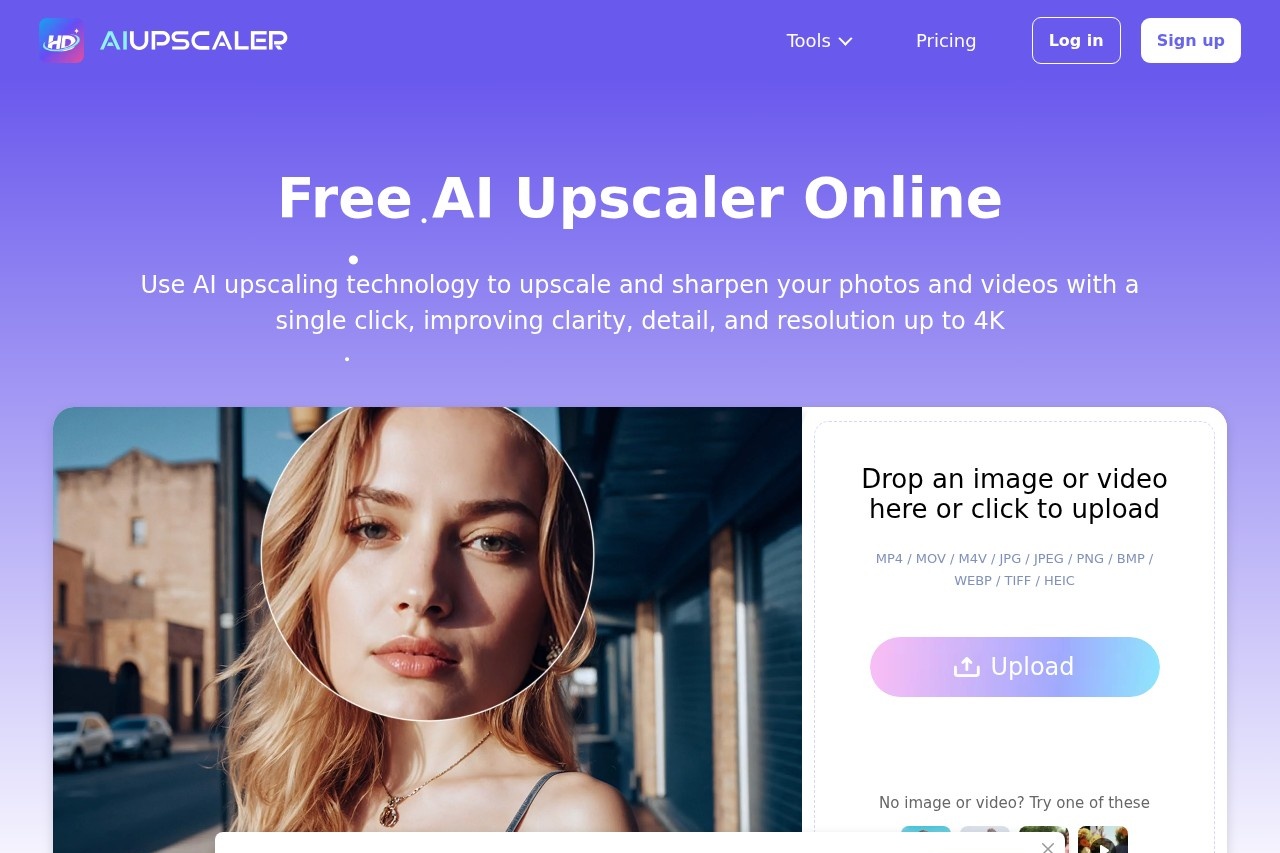
Last Updated: January 20, 2026 | My honest take after trying it out, some affiliate links here
Jump to Section
Quick Take - What I Think of AIUpscaler.ai in 2026
Super simple online tool that upsizes your blurry pics and videos to look way sharper in 4K—no software to install, just drag and go. Works great for quick social media fixes or old photos, free to try (with some limits), and keeps things private. If you hate complicated editors, this one's pretty handy.
What AIUpscaler.ai Is All About (My Hands-On Look)
Basically, AIUpscaler.ai lets you upload low-res images or short videos and magically makes them clearer and bigger—up to 4K level—with better details and no weird artifacts if the original isn't too bad. It's all in your browser, super fast, and doesn't require signing up right away.
I tested it on old phone photos, some grainy Instagram shots, and a couple of short clips—checked before/after quality, speed, and how easy it is for non-techy folks like me.

Classic before-after: see how much clearer it gets (demo example)
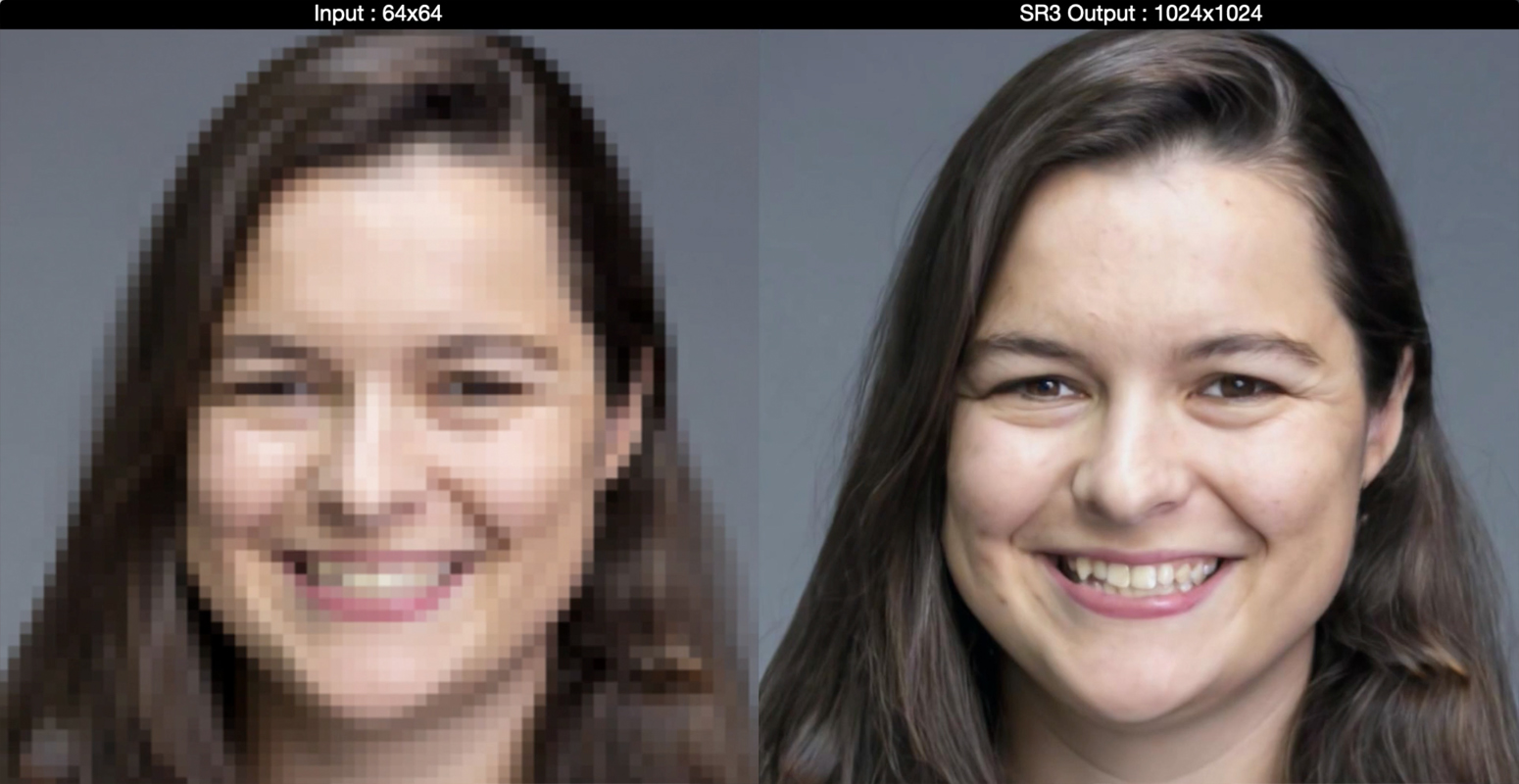
Details pop out way better after upscaling
Social Media Folks
Quick fix for blurry Insta/TikTok pics & clips.
Old Photo Lovers
Bring back grandma's pics without losing charm.
Casual Creators
No fancy software needed for better-looking content.
Travel Photographers
Sharpen zoomed shots from phone cameras.
Stuff I Like About How It Works
Main Things It Does Well
- One-Click Magic: Drag your file, hit go—done in seconds for most stuff.
- Images & Videos: Handles photos (JPG, PNG, WebP) and clips (MP4 etc.) with frame-by-frame care so motion stays smooth.
- Detail Recovery: Brings back textures, colors, and sharpness without that fake over-sharpened look (most times).
- No Install Hassle: All online, works on phone or laptop.
- Privacy-Focused: Files processed securely and not stored forever.
Real Talk on How Good the Results Are
From what I tried, it does a solid job on everyday blurry shots—makes them look clean and print-ready-ish. Videos come out smoother too, no jitter. Not perfect on super low-quality originals (some artifacts sneak in), but for quick fixes it's surprisingly good and fast.
What Stands Out Performance-Wise
Easy for Beginners
Decent Detail Boost
Video Support
No Download Needed
How Much It Actually Costs
Free Tier
$0
Good to Start
- Basic upscaling
- Some daily/ upload limits
- Personal use
- Try without card
Paid Plans
From ~$5-20/mo
For Heavy Use
- Unlimited / higher limits
- Better priority & quality
- Video longer support
- Commercial ok on paid
As of Jan 2026, free tier has restrictions but enough for testing. Paid unlocks more—head to site for exact current deals.
Pros & Cons from My Experience
What I Really Like
- Dead simple—no learning curve
- Fast results, even on mobile
- Handles both pics and short videos
- Free entry point to play around
- Keeps your files private
What Could Be Better
- Free version caps how much you can do
- Not magic on super terrible originals
- No fancy manual tweaks
- Video length might be limited free
My Overall Score: 8.5/10
Great little tool if you want quick, no-fuss upscaling without downloading anything. It's not pro-level for heavy editing, but for everyday fixes on photos/videos it's solid, fast, and free to start—definitely worth a spin in 2026.
Result Quality: 8.2/10
Bang for Buck: 8.7/10
Features: 8.0/10
Wanna Sharpen Your Stuff Right Now?
Drag a blurry pic or clip and see the difference—free to try, no strings attached at first.
Free trial vibes as of January 2026—go play!