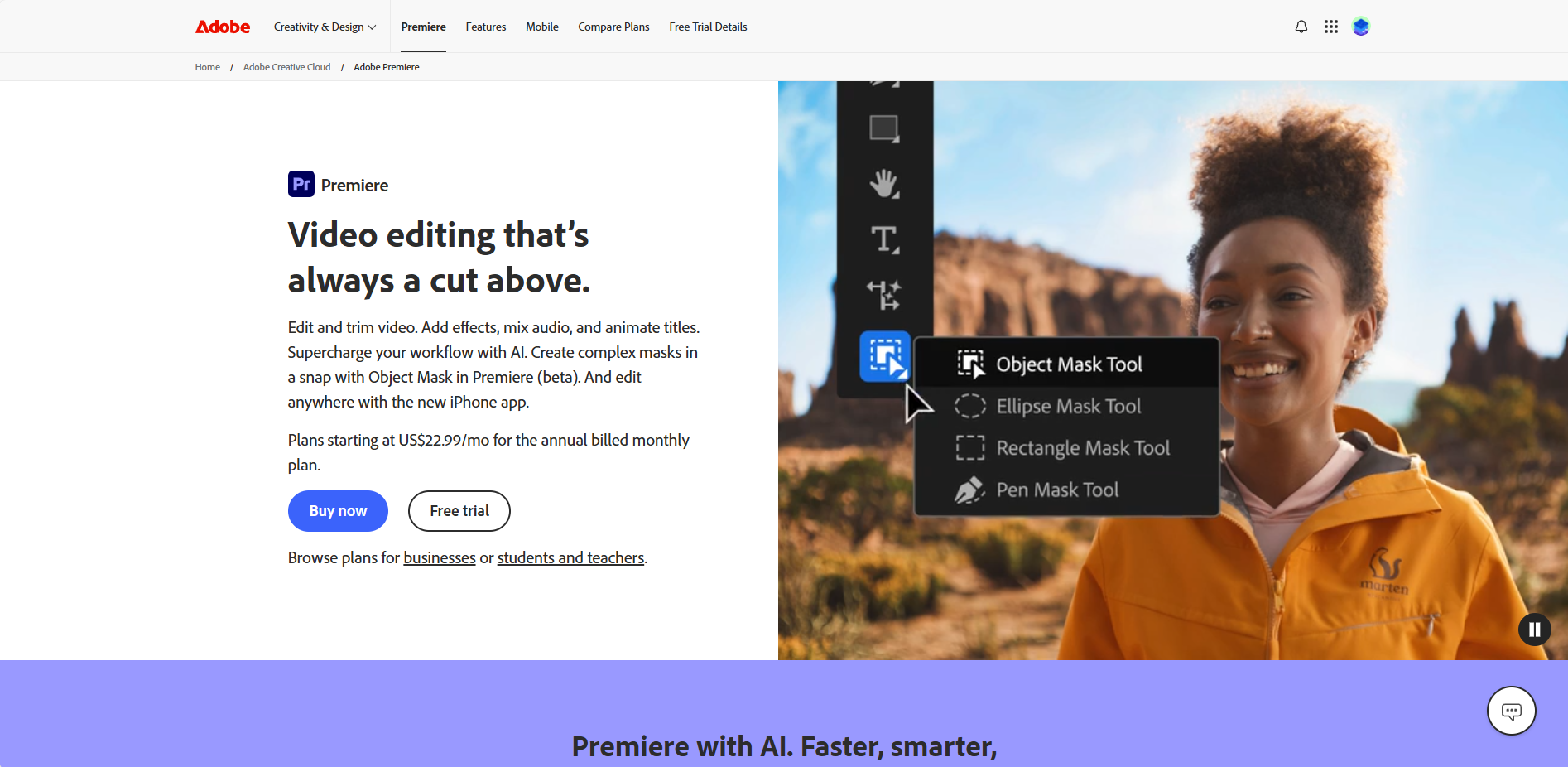
Introduction to Adobe Premiere Pro
Adobe Premiere Pro is the industry-leading professional video editing and post-production software. As a cornerstone of the Adobe Creative Cloud suite, it provides filmmakers, content creators, and video professionals with a powerful, non-linear editing platform to bring their creative visions to life. From simple social media clips to feature-length films, Premiere Pro offers the tools needed for editing, adding effects, color grading, and mixing audio with precision and efficiency.
Key Features
Premiere Pro boasts a comprehensive set of features designed for modern video workflows:
- Advanced Timeline Editing: A flexible, track-based timeline for precise cutting, trimming, and arranging of video and audio clips.
- Lumetri Color Tools: Professional-grade color correction and grading panel for achieving the perfect look.
- Essential Sound Panel: Simplify audio editing with tools to clean up dialogue, set levels, and apply effects.
- Seamless Integration: Works flawlessly with other Adobe apps like After Effects, Audition, and Photoshop.
- Wide Format Support: Native support for virtually any video format, from 8K to VR and HDR footage.
- Motion Graphics Templates: Use customizable templates created in Adobe After Effects directly within your sequence.
Unique Advantages
What sets Adobe Premiere Pro apart from other editing software?
- Industry Standard: It's the preferred choice for major film studios, TV networks, and online creators worldwide.
- Constant Innovation: Regular updates via Creative Cloud bring new features, performance improvements, and support for the latest technologies.
- Collaborative Workflows: Team Projects allow multiple editors to work on the same project simultaneously, streamlining production.
- Customizable Workspace: Tailor the interface to your specific editing style and project needs for maximum productivity.
Who Should Use It?
Adobe Premiere Pro is an essential tool for a wide range of users:
- Professional Filmmakers & Editors: Working on broadcast television, documentaries, and feature films.
- Corporate & Marketing Video Producers: Creating promotional content, training videos, and presentations.
- YouTubers & Social Media Creators: Producing high-quality, engaging content for online platforms.
- Freelancers & Agencies: Needing a reliable and powerful tool to deliver diverse client projects.
Frequently Asked Questions
Is Adobe Premiere Pro suitable for beginners?
While it has a professional-grade interface, beginners can learn it through numerous tutorials. Adobe also offers a simpler version called Premiere Rush for quick, easy edits.
Can I use it without a Creative Cloud subscription?
No, Premiere Pro is only available through a monthly or annual Adobe Creative Cloud subscription, which ensures you always have the latest version.
What computer specifications are recommended?
A multi-core processor, 16GB+ of RAM (32GB+ recommended), a dedicated GPU, and fast SSD storage are recommended for smooth performance, especially with high-resolution footage.