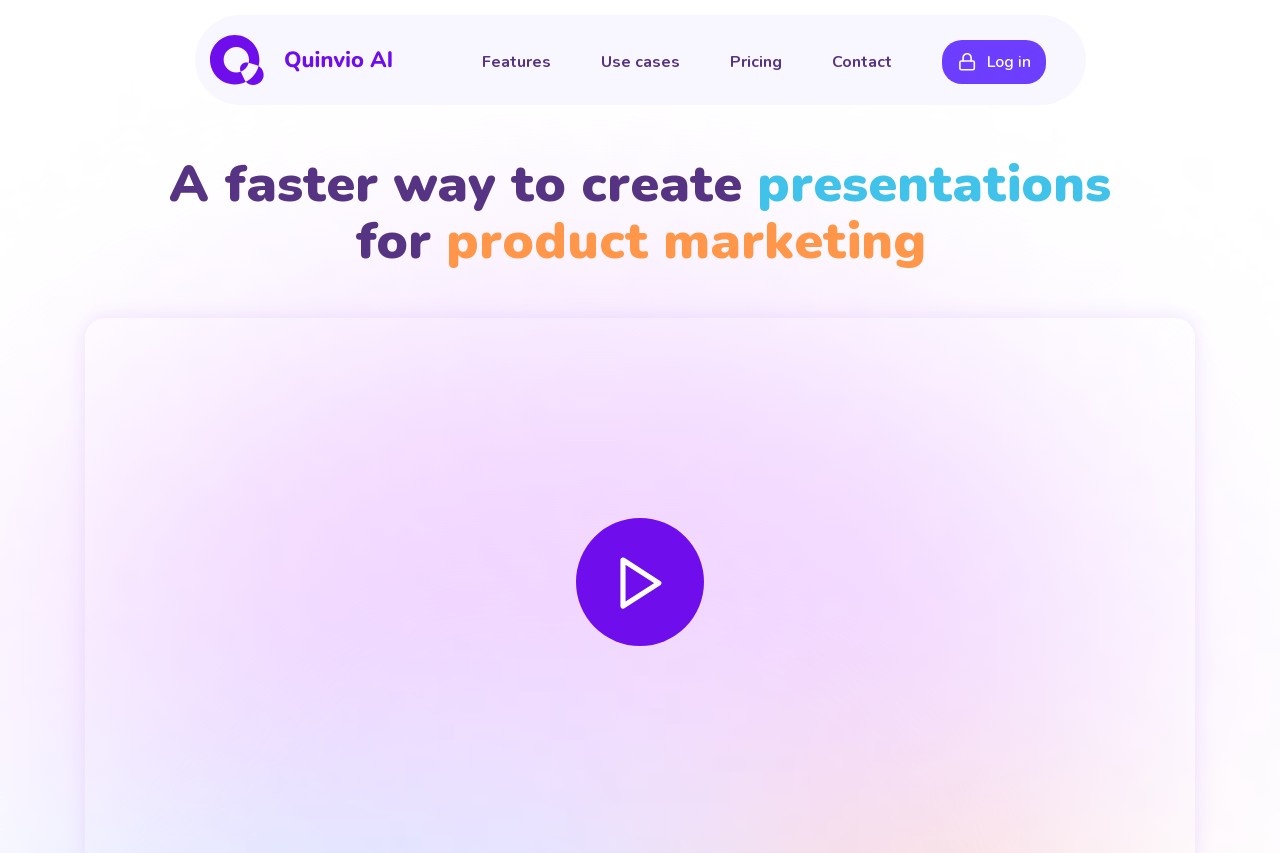
Quinvio is an AI tool that turns a short text brief into a finished presentation or demo video. You describe the topic, pick a style, and it drafts the script, narration, and visuals so you can share a polished deck or clip without designing slides by hand.
Core Features
- Text-to-video: generate a narrated presentation from a one-paragraph brief.
- AI script and storyboard: outlines scenes and talking points automatically.
- Templates and branding: apply layouts, colors, and logos to match your brand.
- Voice and collaboration: choose a voiceover and share drafts for team comments.
Use Cases
- Sales and founders who need a product demo video fast.
- Trainers and educators building course or workshop material.
- Agencies producing client pitch decks at volume.
Pricing
A free plan lets you try basic exports. Paid plans are billed monthly or annually and unlock higher resolution, more voices, and branding - see the official site for current rates.
Pros & Cons
- Pros: Turns a brief into a video with almost no design work.
- Pros: Branding and voice options suit client-facing output.
- Cons: Fine control over individual slide layout is limited.
- Cons: Output quality depends heavily on how specific your brief is.
FAQ
Do I need video editing experience to use Quinvio?
No. You write a short brief and Quinvio handles the script, visuals, and narration, so non-editors can ship a deck or clip in minutes.
Explore more AI tools in this category on aifreetool.site.