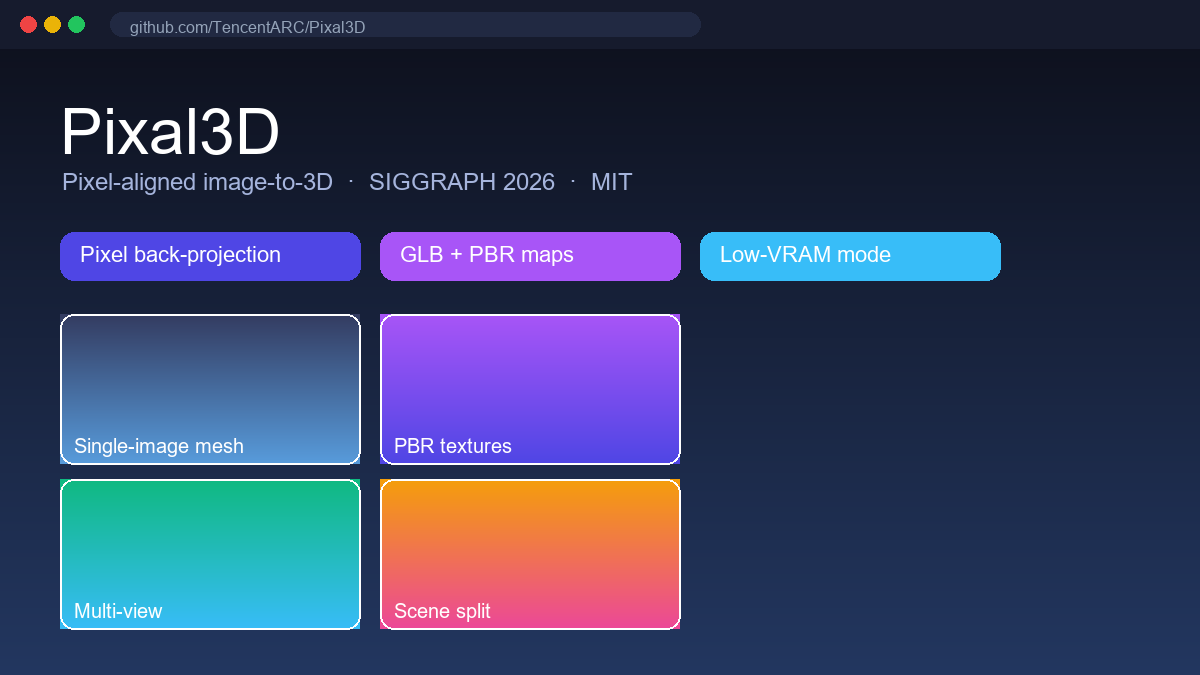
Pixal3D is an open-source, MIT-licensed image-to-3D model from Tencent ARC Lab, Tsinghua University (BNRist) and Victoria University of Wellington, accepted at SIGGRAPH 2026 (arXiv 2605.10922). It turns a single photo or render into a textured GLB mesh with PBR materials by back-projecting pixel features directly into a 3D volume, instead of the soft attention-based conditioning older generators use. The result is near-reconstruction-level fidelity: the front of the mesh matches the input image 1:1, edges stay crisp, and textures hold up under moving light. It targets technical artists, game and film prop creators, and product visualisers who need an asset that actually matches the reference.
Core Features
- Pixel-aligned generation. Explicit pixel-to-3D back-projection establishes direct correspondences, so visible pixels know exactly where they sit on the surface — no averaged-away detail or warped textures.
- Single or multi-view input. One image works; adding more angles aggregates back-projected features for better topology and occluded regions, which suits character turnarounds.
- GLB output with full PBR maps. Geometry ships with base color, normal and roughness/metallic passes, ready for Blender, Unreal Engine or any GLB viewer.
- 1024 / 1536 resolution with a low-VRAM mode. Run at 1536 standard or drop to 1024; the low-VRAM flag keeps peak memory low enough for roughly 12 GB GPUs.
- Trellis.2 backbone. The improved open-source implementation builds on the optimized Trellis.2 architecture for faster inference than the paper's Direct3D-S2 baseline.
- Modular scene synthesis. A pipeline for multi-object environments produces object-separated 3D scenes rather than single hero assets.
- Fully open. Training code, a data preparation toolkit, inference scripts and an online Gradio demo are all released under the MIT license.
Use Cases
- Concept-to-asset pipelines. When art direction has approved a design, the 3D asset follows the reference instead of reinterpreting it — no hour of cleanup on invented details.
- Game and film props. Clean geometry and PBR passes cut retopology and re-texturing time before the asset reaches the engine.
- Product visualization. Turn a product photo or concept render into a 360-degree model with materials for storefronts and pitch decks.
- Character turnarounds. Multi-view aggregation builds a consistent model from structured front, side and back references.
- Environment prototyping. The modular pipeline generates object-separated scenes for rapid set and level mockups.
Pricing
Pixal3D is free and open source: $0 under the MIT license, with no subscription, credits or paid API. The hosted Hugging Face Gradio demo is free to try in the browser. Self-hosting is free too, but requires a capable GPU — a roughly 12 GB VRAM card works with the low-VRAM mode; a 24 GB card is more comfortable at 1536 resolution.
Pros and Cons
Pros
- Pixel-level fidelity to the input view, a real advantage over attention-based generators.
- Production-ready GLB with base color, normal and roughness maps included.
- MIT license: free to use, modify and integrate commercially.
- Low-VRAM mode and SDPA fallback make local runs practical on consumer GPUs.
- Peer-reviewed (SIGGRAPH 2026) with training code and data toolkit released.
Cons
- No official hosted API; you use the demo or run it yourself on a GPU.
- Single-image backs are inferred rather than reconstructed — multi-view input is recommended for full 360-degree accuracy.
- Setup inherits the Trellis.2 dependency chain, which is not trivial.
- Online demo resolution and queue are limited on shared Hugging Face hardware.
Pixal3D vs TRELLIS vs Hunyuan3D
| Model | Conditioning | Output | License | Key edge |
|---|---|---|---|---|
| Pixal3D | Pixel back-projection | GLB + PBR (base color, normal, roughness) | MIT | Fidelity to the input view |
| Microsoft TRELLIS 2 | Attention-based | Structured latent to mesh | MIT | Mature ecosystem, larger install base |
| Tencent Hunyuan3D | Attention-based | Mesh + materials | Open weights | Broad generation quality, commercial option |
Pixal3D positions itself against both by closing the pixel-faithfulness gap — the project page publishes side-by-side comparisons. For assets where the reference must survive contact with the output, it is the strongest open choice today.
FAQ
Is Pixal3D free?
Yes. The code, weights and demo are released under the MIT license at $0, and the Hugging Face Gradio demo is free to use online.
What file format does it output?
GLB meshes with PBR material maps — base color, normal and roughness/metallic — that import directly into Blender, Unreal Engine or any GLB-aware viewer.
What hardware do I need?
For local inference, roughly 12 GB of VRAM with the low-VRAM mode at 1024 resolution, or 24 GB for the 1536 mode. Alternatively, run the browser demo with no GPU at all.
Can I use it for commercial projects?
Yes, the MIT license permits commercial use, modification and redistribution as long as the license notice is preserved.
How is it different from TRELLIS or Hunyuan3D?
Those inject image features through attention, which can average away fine detail. Pixal3D back-projects pixel features into 3D, establishing a direct pixel-to-3D correspondence, which yields visibly sharper geometry and texture alignment to the source image.
For more AI model tools, browse our AI Models category.