Last Updated: January 22, 2026 | Review Stance: Independent testing, includes affiliate links
Jump to Section
Quick Take - Picrafts in 2026
Super straightforward AI photo editor—just upload your pic and type what you want changed, like "remove the guy in the back" or "make the sky sunset orange". Gets it done in seconds with clean, pro-looking results. No learning curve, full commercial rights, and free to start. Great for anyone who hates fiddling with layers in Photoshop.
What Picrafts AI Image Editor Is Like (My Real Experience)
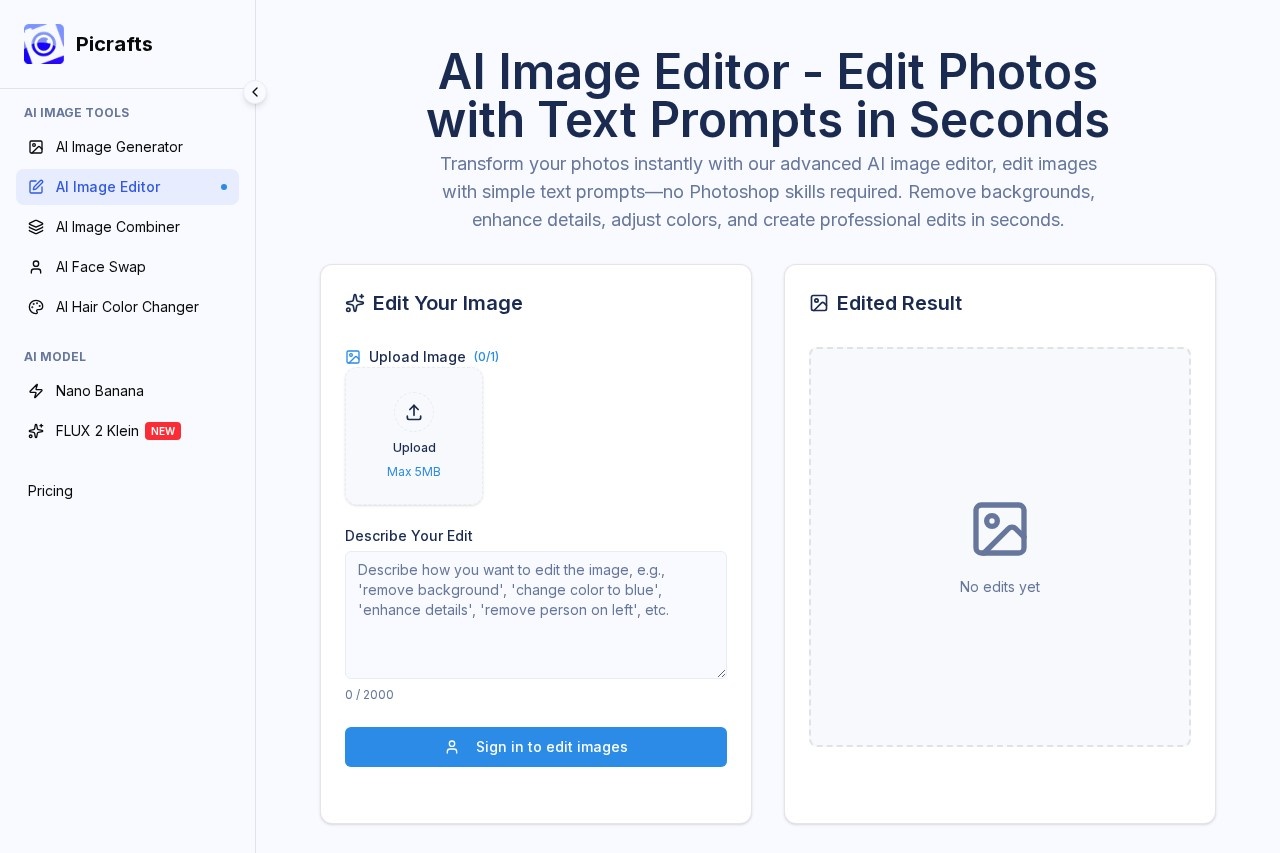
Picrafts lets you edit photos just by describing what you want—no brushes, masks, or fancy skills required. Upload a JPG/PNG/WebP (up to 20MB), type something natural like "enhance details" or "remove background and add beach vibe", hit go, and the AI figures it out. Results pop up fast, you can tweak the prompt if needed, then download in HD.
I messed around with it on product shots, selfies, and random pics—tested object removal, color fixes, background swaps, and enhancements. This 2026 review is from actual use: quick wins for social posts, marketing, or e-commerce without the usual headache.
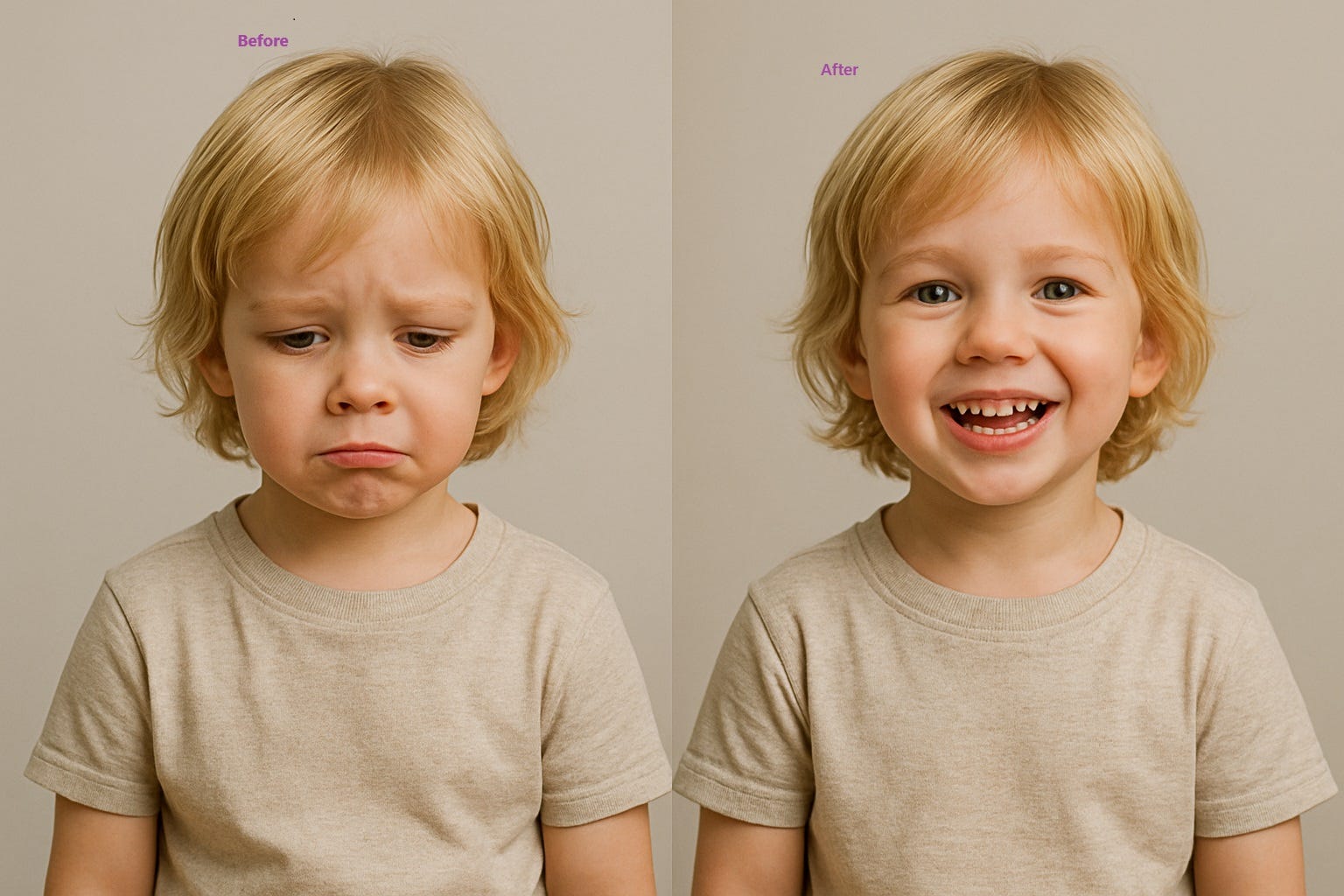
Clean object removal—AI nails it without weird artifacts (example from similar tools)
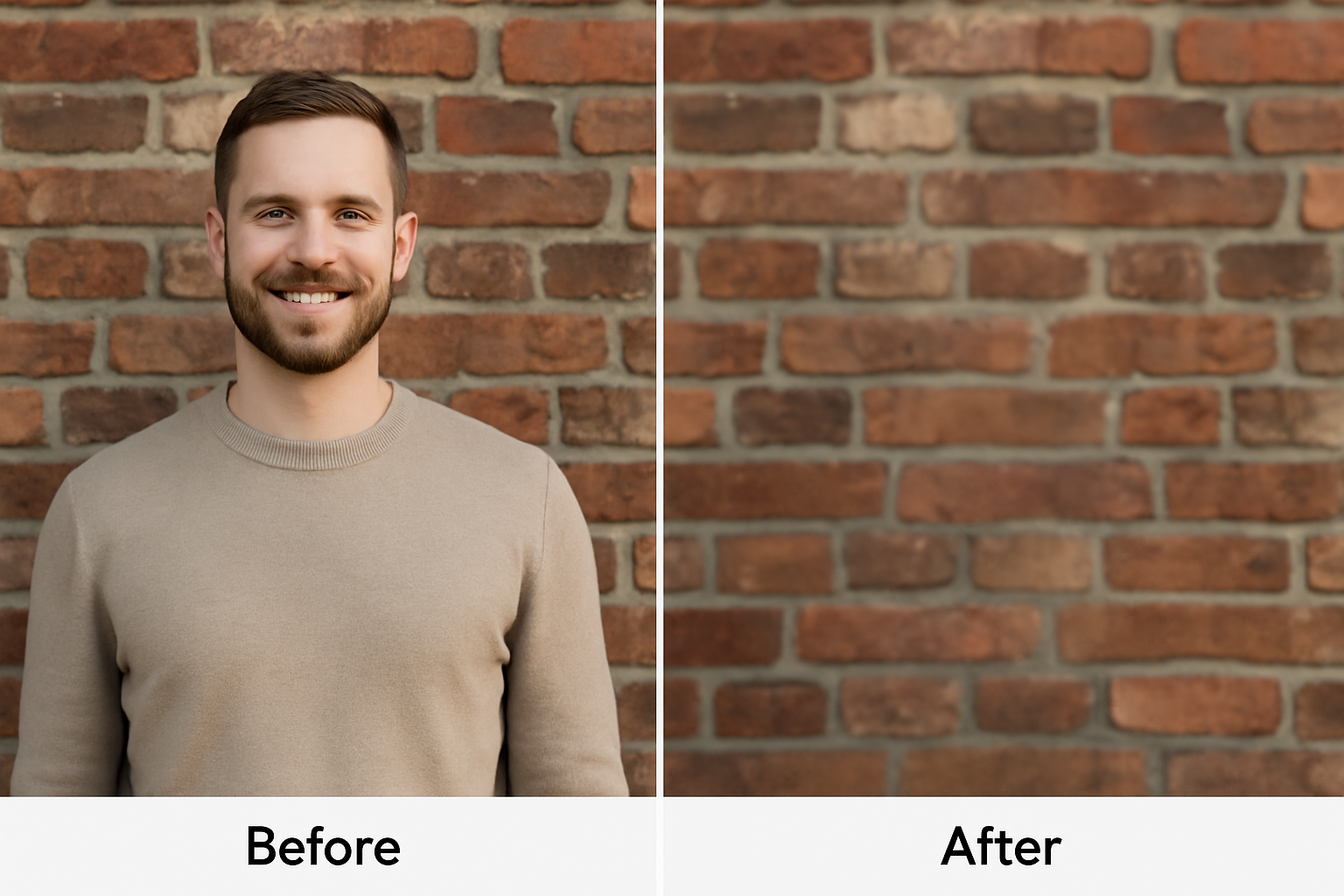
Background swap + detail boost—looks natural and pro (real-world edit example)
Social Media & Content
Quick tweaks for posts, stories, ads.
E-commerce & Marketing
Product photos clean-up, background changes.
Casual & Personal
Selfies enhancement, fun edits.
Pro Quick Fixes
Real estate, photographers needing fast pro results.
Cool Things It Handles Well
Main Features I Used
- Text-Prompt Edits: Just type what you want—"remove watermark", "add sunset sky", "warm up colors".
- Object & Background Removal: Smart detection spots people/objects, zaps them cleanly.
- Enhance & Adjust: Boost details, fix lighting, color tweaks—all via prompt.
- Fast & Simple: Seconds per edit, preview before final download.
- Commercial Ready: Full rights, no extra fees for selling/using edited pics.
How It Actually Works in Practice
From my tries, it nails simple stuff like background swaps or object removal super fast with minimal weirdness. More complex prompts (e.g. "make it look like golden hour") sometimes need a rephrase for best results, but overall quality feels pro—clean, no obvious AI glitches. Way quicker than manual editing.
Standout Wins
No Skills Needed
Clean Results
Commercial Rights
Free to Try
Pricing (What You'll Actually Pay)
Free Start
$0
No Card Needed
- Limited credits/edits
- Basic features
- Try before buy
- Commercial use OK
Paid Plans
From ~$9.90/mo
More Credits
- Unlimited-ish edits
- Priority processing
- Best for heavy use
- Annual savings possible
As of January 2026, starts free with no card; paid from around $9.90/month or credit packs. Edits cost credits (e.g. 4 per edit). Check official for latest—prices shift sometimes.
Pros & Cons (Straight Talk)
What Rocks
- Dead simple—type and done
- Fast results, looks pro
- Great for non-designers
- Commercial rights included
- Free trial to test
- Saves hours vs manual
What Could Improve
- Free credits limited
- Complex prompts may need retries
- No super advanced manual controls
- Heavy users hit paid quick
My Verdict: 8.9/10
Picrafts is awesome if you want quick, good-looking photo edits without hassle in 2026. Text prompts make it accessible, results are solid for everyday use, and commercial freedom is a big plus. Free entry is generous—perfect starter or side tool for creators.
Result Quality: 8.7/10
Value: 9.0/10
Features: 8.6/10
Want to Edit Photos the Easy Way?
Jump in free—no card needed—and see how fast AI can fix or upgrade your pics.
Try Picrafts AI Image Editor Now
Free to start as of January 2026.