Introducing Loom: Effortless Screen Recording for Everyone
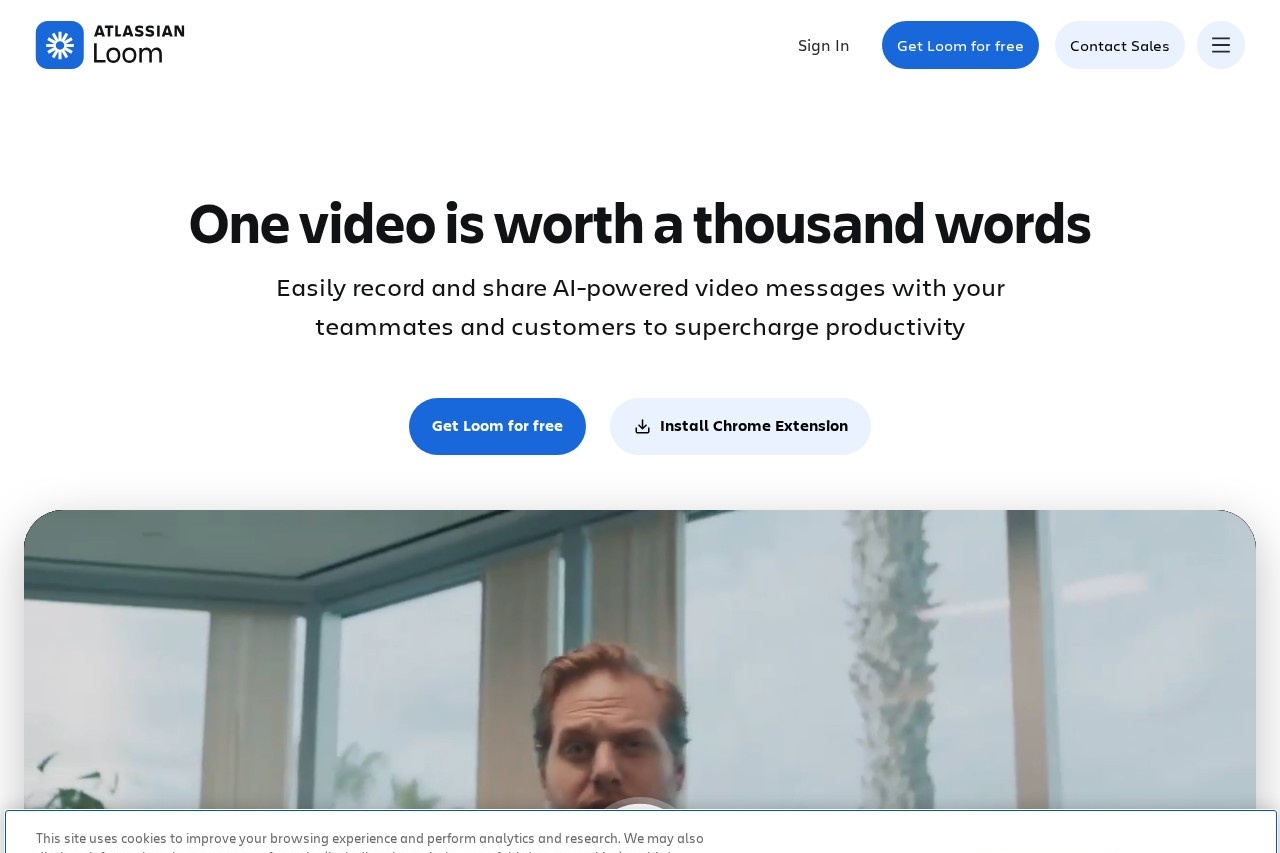
Loom is a powerful, free screen recording application designed for both Mac and PC users. It revolutionizes the way we communicate by making it incredibly simple to capture your screen, voice, and face to create instant, shareable videos. Whether you're explaining a complex process, giving feedback, or teaching a lesson, Loom turns lengthy emails and meetings into concise, engaging video messages.
Key Features
- Cross-Platform Compatibility: Seamlessly record on macOS and Windows operating systems.
- Flexible Recording Modes: Choose to record your screen only, your camera only, or both simultaneously in a picture-in-picture view.
- Instant Sharing: Every recording generates a unique link you can share immediately—no large file attachments.
- Cloud-Based Storage: Videos are automatically saved to the cloud, freeing up local disk space.
- Easy Editing: Trim your videos, add custom thumbnails, and see viewer analytics with a simple click.
Why Choose Loom?
Loom stands out for its exceptional user experience and focus on clarity. Its lightweight design ensures minimal impact on your computer's performance. The intuitive interface means you can start recording in seconds without a steep learning curve. By combining visual and auditory cues, Loom videos significantly reduce miscommunication and create a more personal connection than text alone, leading to faster understanding and decision-making.
Who Can Benefit from Loom?
Loom is an invaluable tool for a wide range of professionals and teams. It is perfect for:
- Remote Teams: Enhance asynchronous communication and project collaboration across time zones.
- Educators & Trainers: Create engaging tutorials, lesson summaries, and personalized feedback for students.
- Customer Support: Provide clear, step-by-step guidance to resolve user issues quickly.
- Marketers & Sales: Craft personalized demo videos and outreach messages that capture attention.
- Developers & Designers: Streamline bug reporting, design reviews, and code walkthroughs.
Frequently Asked Questions
Is Loom really free?
Yes, Loom offers a robust free plan with core features, including a library of recordings. Paid plans unlock additional storage, advanced editing, and admin controls.
Do viewers need a Loom account to watch my videos?
No. Anyone with the shared link can watch your video in their web browser without signing up.
Can I record a specific application window?
Absolutely. Loom allows you to select your entire screen, a specific application window, or a custom tab in your browser for recording.
Where are my videos stored?
All recordings are securely stored in your personal Loom cloud workspace and can be downloaded as MP4 files if needed.