Pritunl Review 2026 – The Stable Self-Hosted VPN Server
Category: Most Stable VPN
Reviewed by the aifreetool Security & Privacy Editorial Team — a group of full-time VPN users and writers who cross-check every vendor claim against independent lab testing and primary documentation.
Last updated September 9, 2026.
We keep no affiliate relationship with any VPN reviewed here and earn nothing if you subscribe. Where we could not verify a claim from primary sources, we say so explicitly.
Pritunl Review 2026 – The Stable Self-Hosted VPN Server
TL;DR — Our Verdict in 30 Seconds
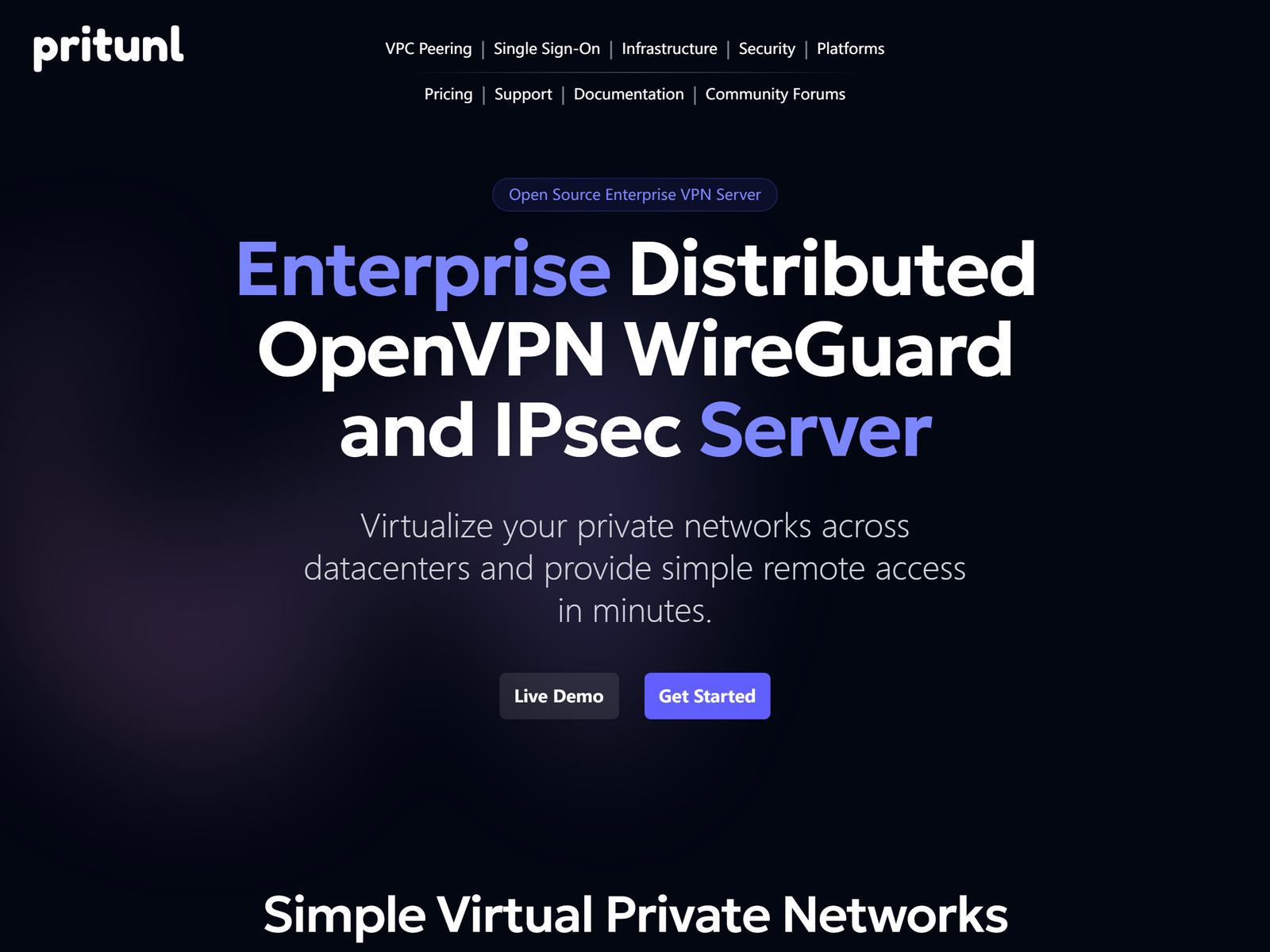
Pritunl is an open-source VPN server platform for teams that need a connection which stays up, and this review looks at it as infrastructure rather than a consumer app. Our verdict: it is one of the most dependable ways to run your own remote-access VPN. Clustering two or more nodes gives automatic failover with no single point of failure, the entire codebase is public, and the Community edition is free with unlimited users. The cost is operations: you provision and patch the Linux host yourself, and the polished enterprise features sit behind paid tiers. Use it for secure remote work, not for streaming or hiding a home IP.
Who it’s for
- Organisations that want a self-hosted VPN with automatic failover and no per-user fees
- IT teams that need WireGuard and OpenVPN behind a clean web admin console
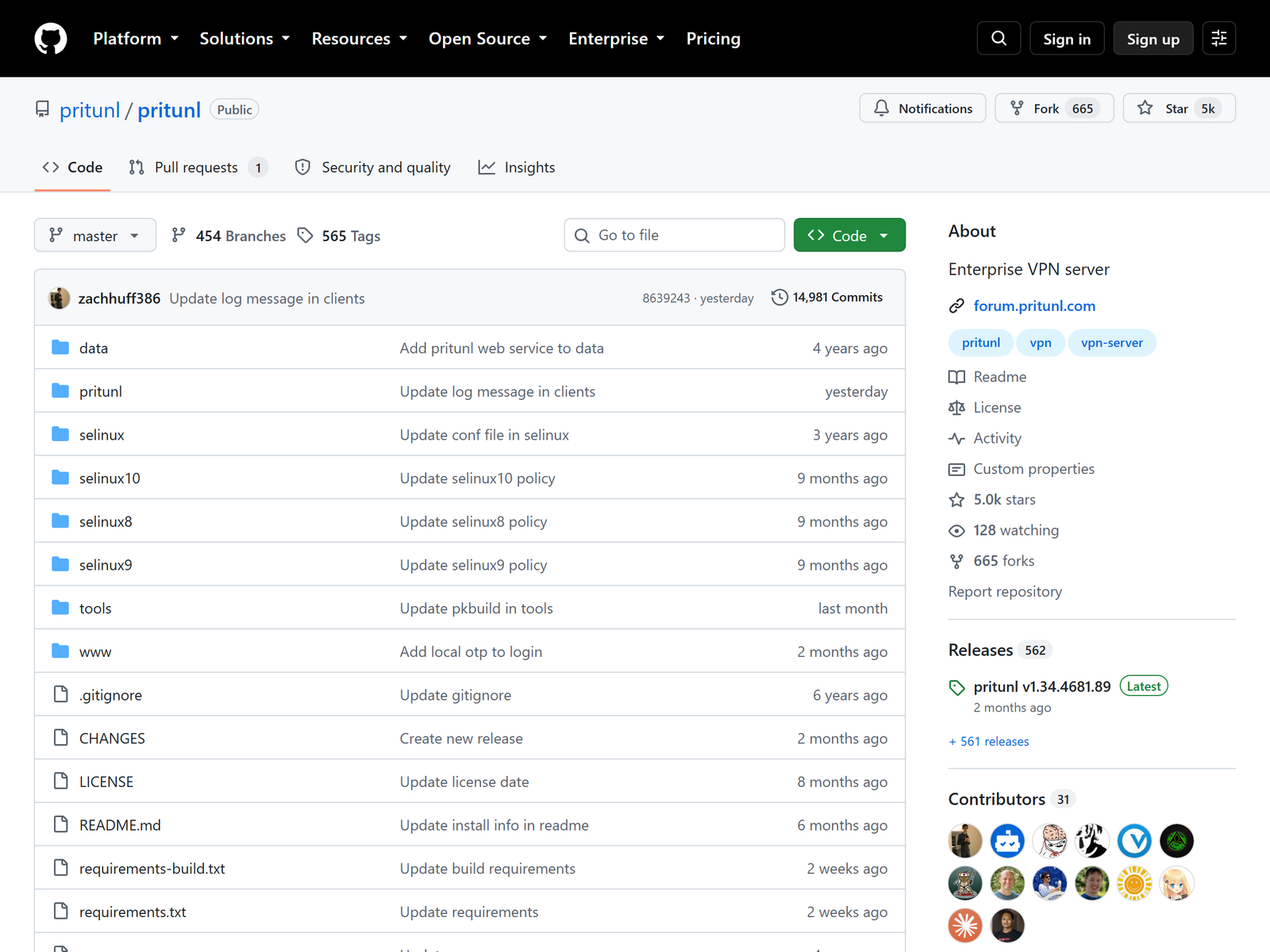
- Privacy-conscious operators who want auditable, open-source networking code
Who should skip it
- You want a one-click consumer app for streaming, torrenting, or IP masking
- You have no Linux server to deploy and maintain
- You need a fully managed control plane with vendor-supported on-prem hosting
How We Tested

The aifreetool Security & Privacy Editorial Team evaluates self-hosted VPN platforms by reading the published documentation, the public source repository, and the live pricing page, then comparing the vendor claims against independent competitive analyses. We hold no affiliate relationship with Pritunl. We did not deploy a production cluster for this review, so throughput and uptime figures below are either the vendor’s published numbers or independent reviewer observations and are labelled as such.
Stability & Architecture
Stability is the design point. A Pritunl deployment is a cluster of equal peer servers that communicate through MongoDB, so there is no primary node to lose. When one instance fails, connected clients are automatically rerouted to a healthy node without manual intervention, and you can add capacity by spinning up more servers across data centres. Site-to-site links between offices or cloud VPCs use WireGuard or IPsec with hub-and-spoke and mesh topologies. For distributed teams this is the difference between a VPN you leave on and one you keep toggling. For alternative always-on approaches compare NetBird and ZeroTier in our Most Stable VPN hub.
Security & Privacy
All traffic between clients and servers is encrypted, with WireGuard and OpenVPN both supported and two-step authentication via TOTP, push, or device attestation using TPM and Apple Secure Enclave. The server ships a dynamic firewall, SELinux policies, and a self-shutdown notification system, and the whole project is open source on GitHub so the security model is auditable rather than trusted. The strongest privacy argument is structural: you run the server, you hold the keys, and no third party sits in the middle of your traffic. The trade-off is that security is only as good as your host hardening and patch cadence. If a managed, audited consumer service is what you want instead, compare Surfshark or Mullvad in our Best Privacy VPN hub.
Streaming & Unblocking
Pritunl is not built for consumer geo-unblocking, and it is worth being blunt because the search intent overlaps. There are no residential exit locations, no streaming-optimised servers, and no country picker for reaching a different Netflix catalogue. What it does offer is secure egress for remote workers: a travelling employee can route their laptop through the company gateway on untrusted hotel or cafe Wi-Fi, which is a legitimate privacy use case. If unblocking entertainment is the actual goal, this is the wrong tool — start with our Best Unblocking VPN hub instead.
Device Compatibility
The Pritunl Client runs on macOS, Windows, and Linux and speaks both OpenVPN and WireGuard, while the server also accepts any standards-compliant OpenVPN client and ChromeOS OpenVPN profiles. User provisioning is handled from a web interface with one-click configuration delivery, and a REST API lets you automate onboarding inside CI/CD pipelines. Because the server is self-hosted, you can publish internal apps, databases, and subnets to exactly the people who need them. The one practical limit is that there is no native mobile app store client with the same polish as a consumer VPN, so mobile users lean on the OpenVPN profile or the client where available.
Pricing & Value
Pritunl uses simple per-server pricing with unlimited users and devices on every plan, which is unusual and genuinely cheap at scale. The Community edition is free: a single server with unlimited users, OpenVPN, and basic two-factor. Premium is about $10 per host per month and adds port forwarding, config sync, and gateway failover. Enterprise is about $70 per host per month and adds single sign-on, automatic failover, multi-cloud VPC peering, and WireGuard support. Against per-seat commercial zero-trust products the value case is strong: you pay for servers, not headcount. For the wider budget field see our Most Cost-effective VPN hub.
Pros & Cons
- Pros: Clustered nodes with automatic failover and no single point of failure
- Pros: Fully open source and auditable, with a free Community edition
- Pros: Unlimited users and devices; pricing is per server, not per seat
- Pros: WireGuard, OpenVPN, IPsec, SSO, and multi-cloud VPC peering
- Cons: You operate and patch the Linux host yourself
- Cons: No consumer streaming or geo-unblocking use case
- Cons: Enterprise features (SSO, failover) sit behind paid tiers
Our scores
One of the most dependable self-hosted VPN servers, provided you accept the operational burden of running the infrastructure.
Pritunl vs Other Stable Remote-Access VPNs
| Product | Model | Open source | Free tier | Pricing |
|---|---|---|---|---|
| Pritunl | Self-hosted server cluster | Yes | Community | $10/host/mo Premium |
| Firezone | Per-resource zero trust | Yes | 6 users | $5/user/mo |
| NetBird | Peer mesh, self-hostable | Yes | 5 users | ~$5/user/mo |
| Twingate | Connector ZTNA | No | 5 users | $5/user/mo |
FAQ
Is Pritunl free?
Yes. The Community edition is free and includes a single server with unlimited users and devices, OpenVPN support, and basic two-factor authentication. Premium and Enterprise add failover, SSO, and WireGuard at a per-host monthly price.
Is Pritunl a replacement for a consumer VPN?
No. It is server software you deploy to give your team secure remote access. It has no streaming servers and no country picker, so for entertainment or home IP masking use a consumer service from our Best Unblocking VPN hub.
How does Pritunl stay stable if a server fails?
All nodes in a cluster are equal peers. When one instance fails, connected clients are automatically routed to a healthy node, so there is no single point of failure and no manual failover step.
Which protocols does Pritunl support?
WireGuard and OpenVPN for client connections, and WireGuard or IPsec for high-performance site-to-site links between data centres and cloud VPCs.
Is Pritunl secure and auditable?
The full source is public on GitHub, traffic is encrypted, and it supports TPM and Secure Enclave device attestation plus structured audit logs. Security depends on your own host hardening, but the code itself is open to review.
My Take / The Bottom Line
Best for: organisations and technical operators who want a self-hosted VPN with automatic failover, unlimited seats, and an open, auditable codebase for secure remote work. The trade-off is operational: you provision and harden the Linux host, and the convenient enterprise features cost a per-host fee. Pritunl earns a clear recommendation for stable, private remote access — just do not expect a consumer streaming app. For the full field browse our Most Stable VPN hub, and compare Firezone if you prefer a managed control plane.