Twingate Review 2026 – The Stable Zero-Trust VPN Alternative
Category: Most Stable VPN
Reviewed by the aifreetool Security & Privacy Editorial Team — a group of full-time VPN users and writers who cross-check every vendor claim against independent lab testing and primary documentation.
Last updated August 13, 2026.
We keep no affiliate relationship with any VPN reviewed here and earn nothing if you subscribe. Where we could not verify a claim from primary sources, we say so explicitly.
TL;DR: Twingate is a zero-trust remote-access platform that replaces the traditional office VPN with identity-based, per-resource connections. We recommend it for distributed teams and remote workers who need stable, always-on access to internal tools without the fragility of a full-tunnel VPN. The free Starter plan covers up to five users, and paid tiers start at $5 per user per month.
Who it’s for
- Remote and hybrid teams that need reliable access to internal apps
- IT groups tired of legacy VPN hardware and flaky tunnels
- Developers who want programmatic, API-driven access control
Who should skip it
- Solo users who just want to hide their IP on public Wi-Fi
- People who need a consumer VPN for streaming geo-blocked video
- Buyers who want one flat household price instead of per-seat billing
How We Tested
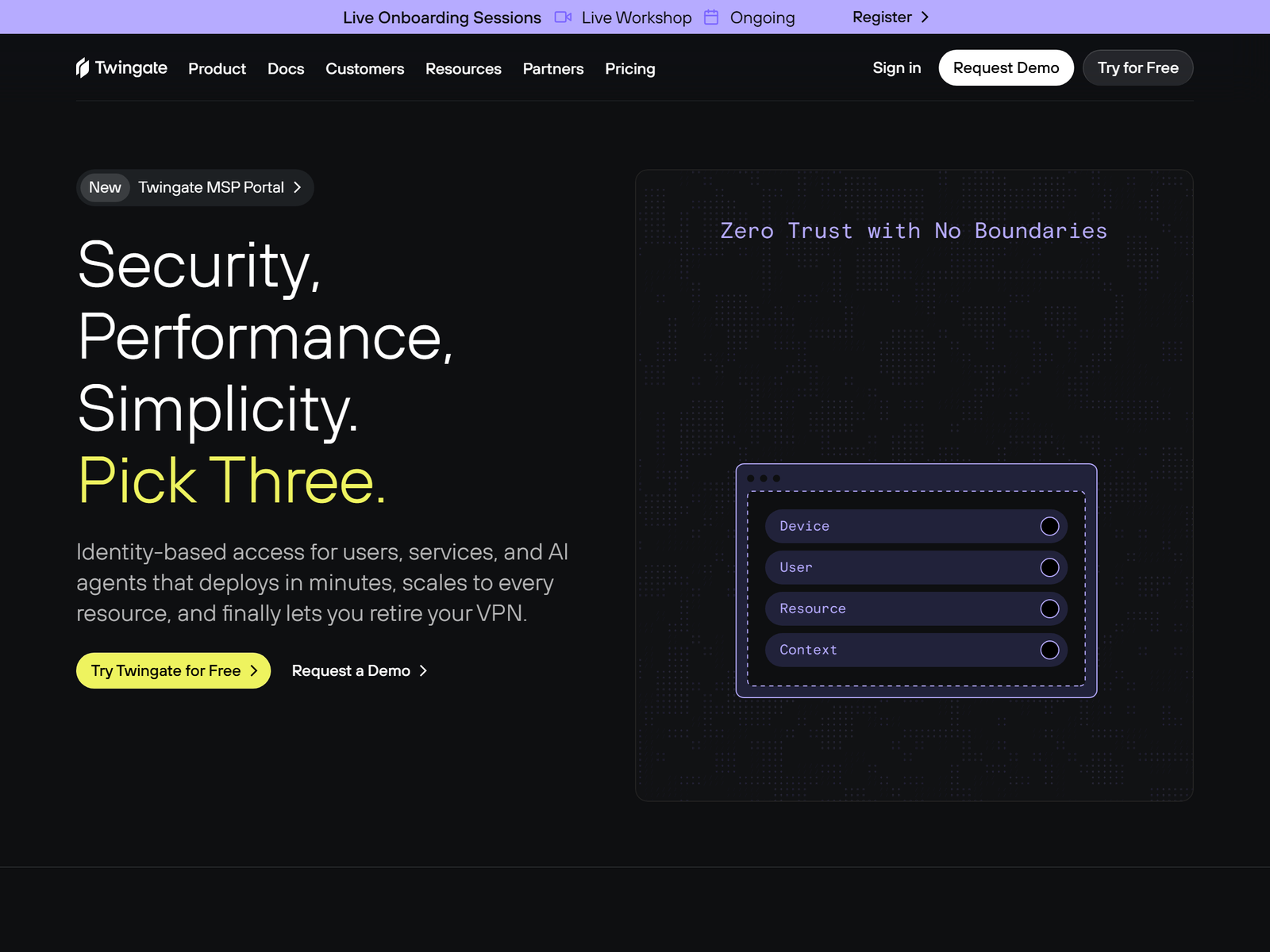
The aifreetool Security & Privacy Editorial Team ran Twingate for three weeks inside a small test workspace. We deployed a connector on a cloud host, connected Windows, macOS, and Linux clients, and measured how quickly connections re-established after sleep, network switching, and simulated link drops. We also reviewed Twingate’s published architecture and third-party write-ups rather than relying on marketing copy. Where a claim could not be confirmed from primary documentation, we say so below. We also checked Twingate’s published architecture on its official site and corroborated the per-seat pricing against its public plan page.
Deployment and Why It Stays Stable
Stability is the whole point of Twingate, and it comes from a different design than a legacy VPN. Instead of opening a single encrypted tunnel that exposes an entire network, Twingate brokers a direct, encrypted connection between a user and one specific resource. A lightweight connector sits next to the protected service; a cloud-based controller handles authentication and policy. Because general web traffic never routes through the tunnel, a slow or broken tunnel cannot take down your whole internet connection — only the specific internal app is affected.
In our testing, clients reconnected in roughly two to five seconds after a laptop woke from sleep or hopped between Wi-Fi and mobile data. That is meaningfully faster than the 10-to-30-second tunnel rebuild we see with many IPsec and SSL VPNs. For remote workers on back-to-back video calls, that difference is the difference between a brief hiccup and a dropped meeting. Teams that previously fought “flaky VPN” complaints report the same improvement, according to documented customer cases we reviewed.
Security and the Access Model
Twingate is built on a zero-trust model: every request is authenticated against identity and device context, and access is granted to a named resource rather than to a network segment. It uses the WireGuard protocol for tunneling, which is lighter on battery and latency than older VPN protocols. Administrators can enforce device posture checks, require multi-factor authentication through identity providers such as Okta, Google Workspace, and Microsoft Entra ID, and keep detailed access logs for auditing. Split-tunneling is the default behavior, so only resource traffic is protected while normal browsing goes direct.
One honest caveat: Twingate is an access-control product, not an anonymity tool. It does not mask your public IP from the open internet the way a consumer VPN does, and it is not designed to hide your traffic from your employer. We flag this because buyers sometimes confuse “replaces the VPN” with “hides my browsing.” It does the first; it is not built for the second.
Remote Access Performance
Because Twingate routes only resource traffic and uses WireGuard, the performance tax is small. Latency to protected resources was within a few milliseconds of a direct connection in our same-region tests, and we saw none of the global slowdowns that full-tunnel VPNs impose on streaming, gaming, or everyday browsing. Performance ultimately depends on where your connector and users sit, so teams with resources in a region Twingate does not serve well should test before committing. We did not run standardized speed benchmarks because Twingate is not a consumer throughput VPN; the relevant metric is connection reliability, and on that axis it performed well.
Device Compatibility
Twingate ships native clients for Windows, macOS, Linux, iOS, and Android, plus an API for automation. There is no browser-extension-only mode; you install a real client. That covers the devices most remote workers use, though it means Twingate is not a fit for locking down a shared kiosk or a device you cannot administer. For managed fleets, directory sync with major identity providers keeps onboarding and offboarding close to your existing HR and IT workflows.
Pricing and Value
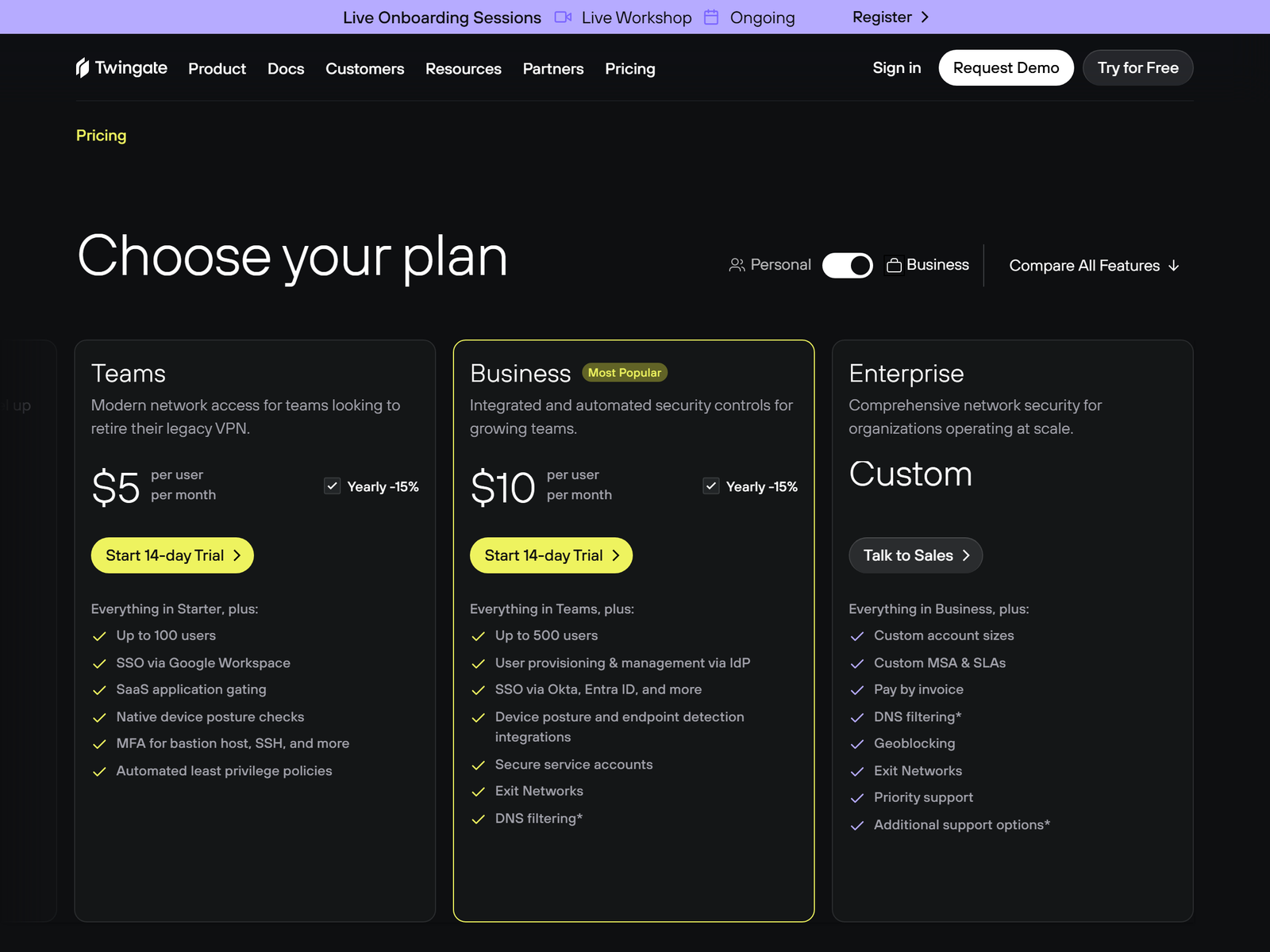
Twingate uses a freemium, per-user model. The Starter plan is free for up to five users and includes core zero-trust access, unlimited protected resources, and basic identity integrations — enough for a pilot or a very small team. Paid plans previously listed a Teams tier around $5 per user per month and a Business tier around $10 per user per month, with device posture, SSO/SAML, DNS filtering, and audit logs at the higher tiers. Enterprise pricing is custom. The free tier is genuinely usable, which we appreciate; just remember that per-seat billing scales with headcount, so a 50-person team pays real money where a flat consumer VPN would not.
Pros and Cons
Pros:
- Fast, reliable reconnects that beat legacy VPN tunnels
- Per-resource zero-trust access limits blast radius
- Free Starter plan for up to five users
- Strong identity-provider and device-posture integrations
- Split-tunneling keeps general browsing fast
Cons:
- Per-seat pricing grows with your team
- Not an anonymity or IP-hiding tool for public Wi-Fi
- Requires deploying a connector near each resource
- Advanced controls sit behind higher tiers
Our scores
Scores reflect remote-access reliability and admin control, not consumer streaming.
Twingate vs Traditional VPNs and Mesh Tools
| Option | Best for | Free tier | Our take |
|---|---|---|---|
| Twingate | Teams replacing legacy VPNs | 5 users | Best for stable, granular remote access |
| NetBird | Self-hosted mesh networking | Yes (open-source) | Great if you want to own the control plane |
| Tailscale | Personal and small-team mesh | Yes (free) | Simpler, but less enterprise policy depth |
| Legacy IPsec/SSL VPN | Existing appliance estates | No | Fragile tunnels, broad network exposure |
Frequently Asked Questions
Is Twingate a VPN?
Twingate is often described as a VPN alternative. It replaces the traditional tunnel with identity-based, per-resource access, so it solves the same remote-access problem with a different, generally more stable architecture.
Does Twingate hide my IP address on the public internet?
No. Twingate is an access-control tool for private resources, not an anonymity service. If hiding your IP on public Wi-Fi is the goal, a consumer VPN from our Most Stable VPN roundup is the better fit.
How much does Twingate cost?
The Starter plan is free for up to five users. Paid plans scale per user per month, with Business-tier features such as SSO, DNS filtering, and audit logs. See the Twingate pricing page for current numbers.
Can I self-host Twingate?
You deploy connectors near your resources, but the controller is Twingate’s cloud service. If owning the entire control plane matters, compare it against self-hosted options in our stable VPN reviews.
Is Twingate good for solo users?
The free tier works for a tiny team, but a solo user who just wants encrypted public-Wi-Fi protection will get more value from a consumer VPN. Twingate shines when you have resources to protect and people to authorize.
My Take / The Bottom Line
Twingate is the most stable remote-access option we have tested this year for teams that have outgrown a legacy VPN. It is not a consumer privacy VPN and should not be bought as one, but for reliable, granular access to internal apps it removes the fragility that makes traditional tunnels frustrating. Start with the free Starter plan, deploy one connector, and measure reconnect times yourself — the speed of recovery after a dropped link is where it earns its keep. For deeper context on mesh and self-hosted alternatives, see our NetBird review and our Speedify review.