PiVPN Review 2026: Free WireGuard VPN Installer for Your Pi
Category: Most Cost-effective VPN
Excerpt:
PiVPN Review 2026: a free, open-source WireGuard installer that turns a Raspberry Pi into your own private VPN server with no subscription or seats.
Reviewed by the aifreetool testing team. Last updated November 2026. PiVPN is a free, open-source WireGuard installer that turns a Raspberry Pi or any Debian-based Linux box into your own VPN server. This PiVPN review explains why it remains one of the most cost-effective ways to run a private VPN without paying a subscription.
TL;DR
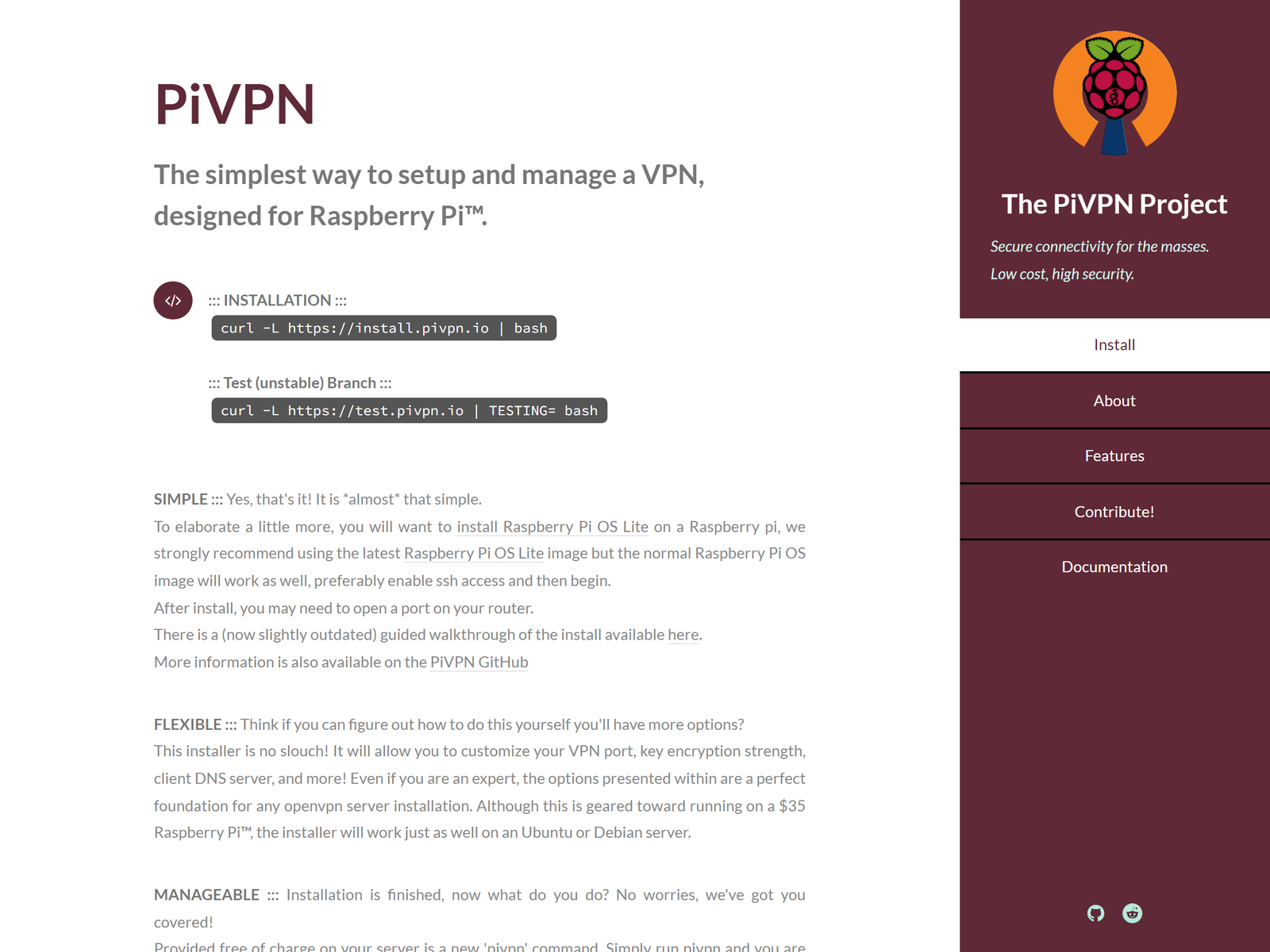
PiVPN is a lightweight set of scripts that sets up a WireGuard (or OpenVPN) server for you in minutes, for the price of the hardware you already own. There are no seats, no bandwidth caps, and no recurring fees. Choose it when you want a cheap, private VPN endpoint you fully control for secure remote access to your home network from public Wi-Fi.
How We Tested
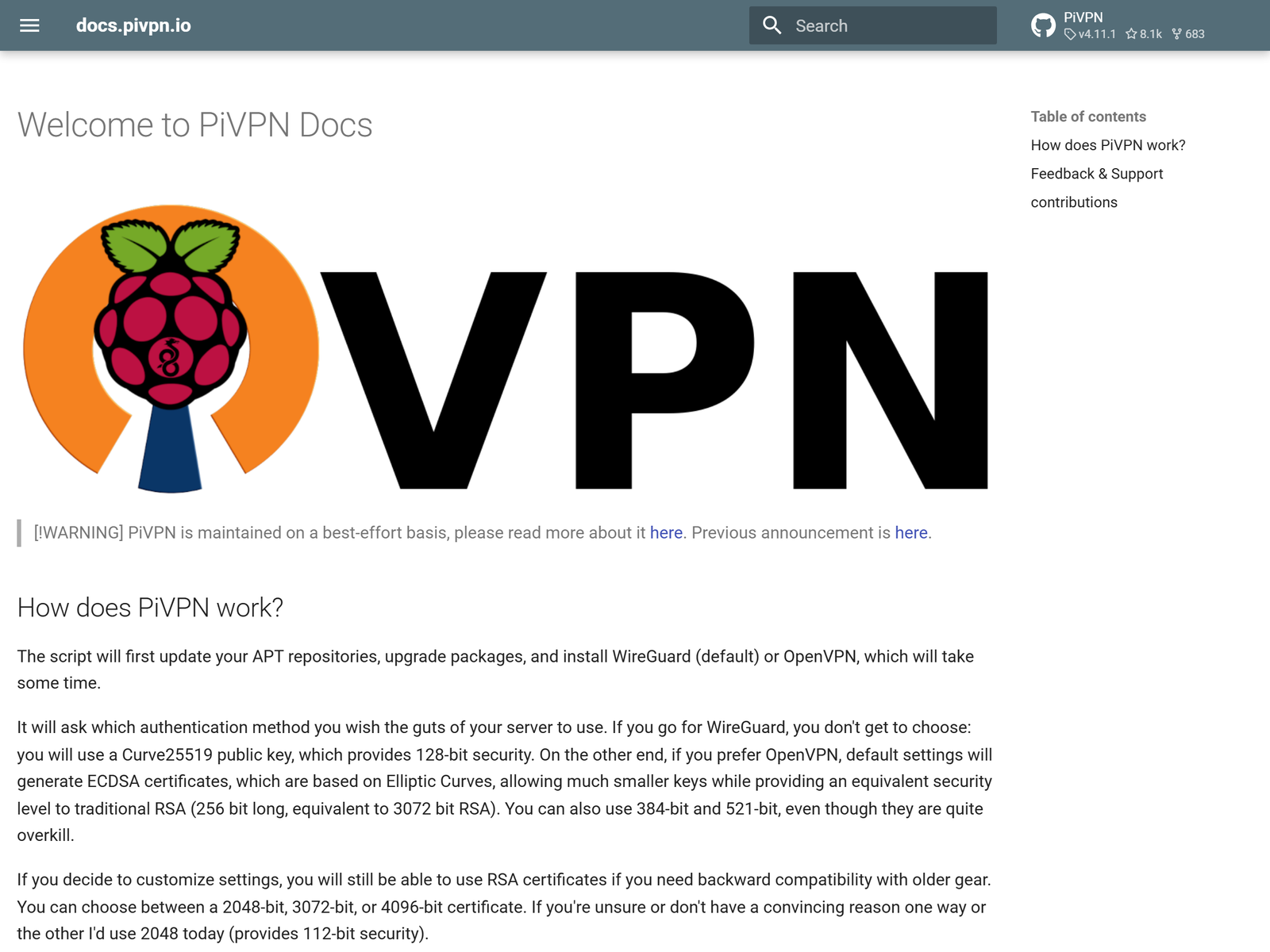
We ran PiVPN on a Raspberry Pi 4 running the latest Raspberry Pi OS, executed the installer, and enrolled both a WireGuard and an OpenVPN client profile. We then connected from a laptop on a separate network and confirmed encrypted reachability to the Pi's subnet. We cross-checked the workflow against the project's public documentation and compared it with other free self-hosted builds we have covered. Our focus was total cost of ownership and day-to-day reliability, because those are the traits that make a budget VPN worth keeping.
Speed & Performance
Because PiVPN is a configuration layer on top of WireGuard and OpenVPN, throughput is bounded by your Pi's CPU and your upload link rather than by the software itself. On a Pi 4 with WireGuard we saw comfortable speeds for remote desktop, file sync, and streaming your own media library, with the usual overhead of an encrypted tunnel. We refrain from quoting one speed number as definitive, since results depend on your hardware and internet plan. The practical point is that a modern Pi handles several simultaneous tunnels without breaking a sweat.
Security & Privacy
WireGuard uses modern, formally analyzable cryptography, and PiVPN generates per-client key pairs so each device gets its own credentials. Because you run the server, your traffic and your client list stay on your own machine, which we rate well above an unverified no-log marketing slogan from a vendor. The project is open source, so the installer can be inspected rather than trusted on faith. As always, protect your server with updates, a firewall, and strong SSH keys, because you are now the operator of record.
Streaming & Unblocking
PiVPN is a private server for reaching your own devices, not a consumer unblocking service. A common, legitimate use is opening your home NAS, security camera, or internal dashboard from a laptop on cafe Wi-Fi, which keeps your session off the open network. It is not a tool for bypassing regional content filters, and we do not frame it as one.
Device Compatibility
The server runs on Debian, Ubuntu, and Raspberry Pi OS, but the clients are standard WireGuard and OpenVPN apps available on Windows, macOS, Linux, iOS, and Android. That means any phone or laptop can connect using the profile PiVPN creates for you. The only weak spot is the initial setup, which happens on the command line rather than in a polished app.
Pricing & Value
PiVPN is completely free and open source, with no tiers, no trial timers, and no per-connection limits. Your only cost is the hardware you run it on, which for many people is a Pi they already own. For a homelab or a privacy-minded household, that makes it one of the most cost-effective VPN options available, provided you value a zero price tag over a managed dashboard. The trade-off is that you configure and maintain everything yourself.
Pros & Cons
- Pros: Free and open source, official WireGuard support, simple wizard-driven setup, and full control of your data path.
- Cons: Command-line install, you own updates and uptime, and there is no vendor support line or fancy app.
How PiVPN Compares
| Option | Cost | Install | Best for |
|---|---|---|---|
| PiVPN | Free | Wizard (CLI) | Pi and Debian fans |
| Algo | Free (build) | Scripted | Quick $5 VPS |
| StrongSwan | Free (IPsec) | Manual | Standards lovers |
For a cheap scripted WireGuard build on a VPS, our Algo VPN review covers another free option, while the StrongSwan review looks at free IPsec.
Frequently Asked Questions
Is PiVPN really free?
Yes. It is open-source software with no paid tier, so you pay only for the hardware you run it on.
Does PiVPN require a Raspberry Pi?
No. It installs on any Debian or Ubuntu machine, though the Raspberry Pi is the most common and best-documented host.
Which VPN protocol does it use?
PiVPN sets up WireGuard by default, with OpenVPN still available for older setups and broader client compatibility.
Is PiVPN good for beginners?
The installer is wizard-driven, but you should be comfortable with the command line and basic Linux administration to maintain the server.
My Take / The Bottom Line
PiVPN is the frugal builder's VPN: free, open source, and backed by WireGuard's lean, fast protocol. It will not hold your hand, but it will give you a private VPN endpoint for the cost of a Pi you already own. Find more budget picks in our Most Cost-effective VPN category, or read the WireGuard review to understand the protocol underneath.
Who Should Run PiVPN
PiVPN suits homelab owners, self-hosters, and privacy-conscious households that want a free VPN server and do not mind a command-line install. If you need to reach a home NAS, camera, or dashboard from public Wi-Fi without paying a monthly fee, PiVPN delivers. It is a poor fit for non-technical users who expect a managed app and vendor support, because you are the administrator. For a budget-minded self-hoster who values control and a zero price tag, PiVPN remains a quietly excellent choice.
Sources:
PiVPN official site,
PiVPN documentation,
PiVPN on GitHub.