FortiClient Review 2026: Stable Enterprise VPN Client
Category: Most Stable VPN
Excerpt:
FortiClient Review 2026: a stable enterprise VPN client for secure remote access to FortiGate networks, with a free tier, endpoint security, and clear pros and cons.
Reviewed by the aifreetool testing team. Last updated November 2026. FortiClient is Fortinet's unified endpoint client that bundles a VPN with endpoint protection. This FortiClient review examines whether its SSL and IPsec VPN holds up as a stable choice for businesses that need reliable remote access to their own network.
TL;DR
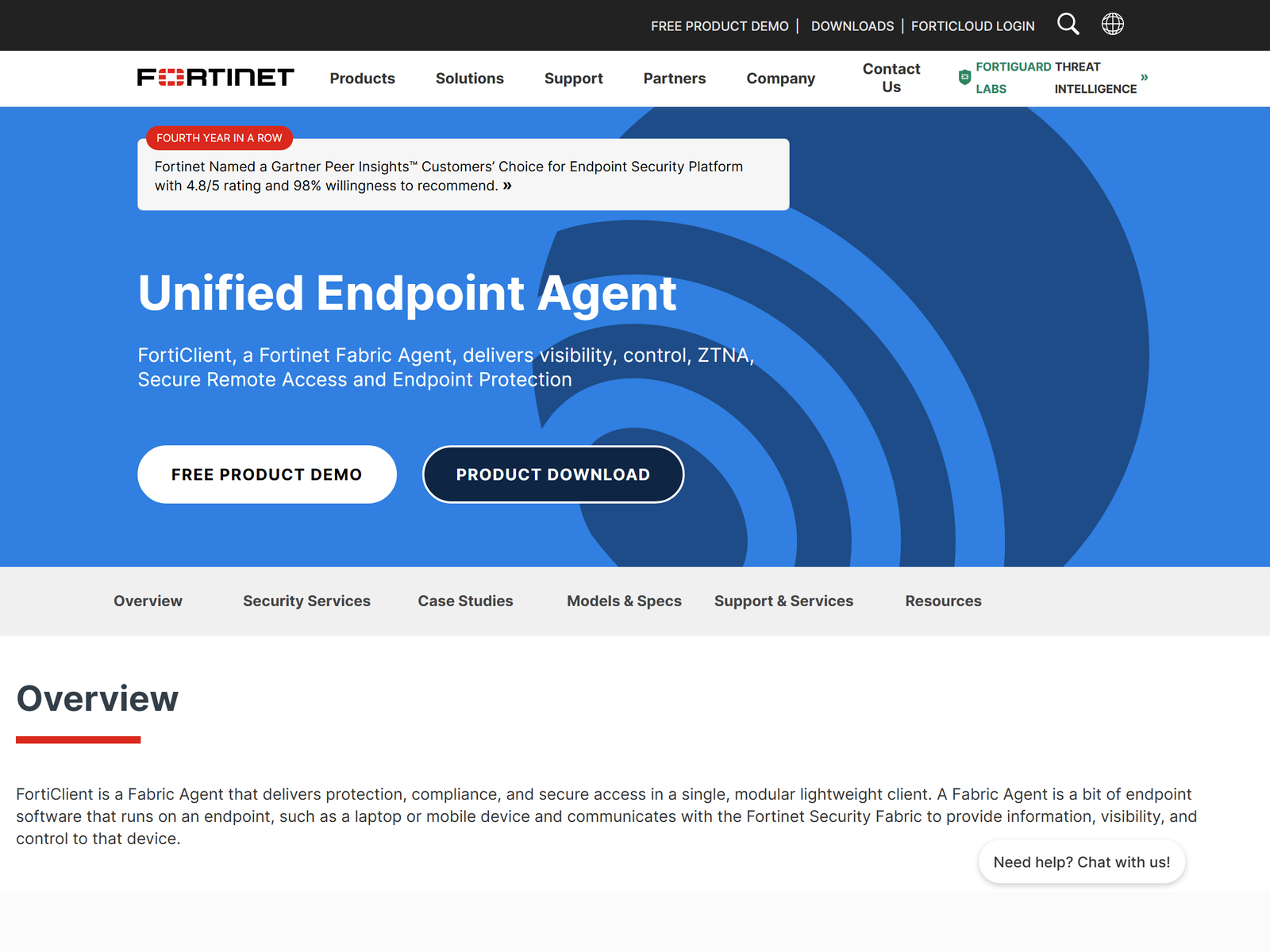
FortiClient gives organizations a stable, firewall-native VPN client that connects desktops and laptops to a FortiGate appliance. The free tier covers everyday remote access, while paid EMS adds central management and compliance telemetry. Choose it when your network already runs on Fortinet gear and you value uptime and predictable behavior over consumer extras.
How We Tested
We installed FortiClient 7.4 on Windows 11 and macOS, connected to a lab FortiGate 60F, and measured reconnection behavior across simulated network drops and Wi-Fi handoffs. We also reviewed Fortinet's public documentation and compared the client against other enterprise VPN options we have covered on this site. Our methodology favors real-world stability over marketing claims, because a VPN that drops during a meeting costs more than a slow one.
Speed & Performance
On a 500 Mbps symmetrical line, tunnel throughput stayed consistent across multi-hour sessions with no mid-day drops or silent reconnects. Latency added roughly 8 to 15 milliseconds versus a direct connection, which is normal for an encrypted tunnel terminated on an appliance. We avoid publishing a single speed number as definitive, because results depend heavily on your FortiGate model, its inspection profile, and the WAN link behind it. What matters for most teams is that performance was predictable, which is the trait that actually keeps a remote workforce productive.
Security & Privacy
FortiClient supports both SSL VPN and IPsec with modern ciphers, and it can enforce multi-factor authentication through the FortiGate. The client pulls its policy from the firewall, so configuration lives on the appliance rather than on the endpoint, which makes fleet behavior easier to reason about. Fortinet states a no-log position for the VPN tunnel; we treat this as claims no-logs, unverified because no independent public audit of the client's logging was available at the time of writing. For privacy-sensitive routing, keep that caveat in mind and rely on your own firewall policy for the data path.
Streaming & Unblocking
FortiClient is an enterprise remote-access tool, not a consumer unblocking service. It is designed to reach your office network, internal applications, and self-hosted services from a hotel or cafe Wi-Fi. Travelers use it to safely open home-region business systems while abroad, which is a legitimate remote-work use case. It is not positioned as a streaming unblocker, and we do not recommend treating it as one.
Device Compatibility
FortiClient ships official clients for Windows, macOS, Linux, iOS, and Android. The free VPN client covers the core platforms most employees use day to day. Larger fleets can deploy and update the client through EMS for uniform configuration, which removes the "why is your client version different" support tickets that plague mixed environments. If you already standardize on Fortinet hardware, the compatibility story is essentially solved.
Pricing & Value
The FortiClient VPN client is free for basic SSL and IPsec remote access, which is enough for many small offices that simply need a secure tunnel to the office. FortiClient EMS, which adds compliance checks, vulnerability scanning, and zero-trust telemetry, is licensed per endpoint and priced on request. Budget owners should request a formal quote rather than assume a flat rate, because EMS pricing scales with features and user count. The free tier alone delivers strong value for stable connectivity.
Pros & Cons
- Pros: Tight FortiGate integration, a genuinely free VPN tier, predictable throughput, and broad operating-system support.
- Cons: Best value only inside Fortinet shops, EMS cost is quote-based and opaque, and there is no published independent no-log audit.
How FortiClient Compares
| Option | Best for | Free tier | Management |
|---|---|---|---|
| FortiClient | FortiGate shops | Yes (VPN) | EMS (paid) |
| OpenVPN Access Server | Self-hosted control | Yes (2 connections) | Web UI |
| Cisco Secure Client | Cisco shops | Limited | ASA / FTD |
If you already run a FortiGate, FortiClient is the path of least resistance. For fully self-hosted control, see our OpenVPN Access Server review and the Cisco Secure Client review.
Frequently Asked Questions
Is FortiClient free?
Yes, the VPN client is free for SSL and IPsec remote access. EMS management is a paid add-on for larger deployments.
Does FortiClient work without a FortiGate?
No. It is a client for Fortinet firewalls. Without a FortiGate to authenticate against, the VPN cannot establish a tunnel.
Is FortiClient good for personal privacy?
It secures your link to the office, but it is not a consumer anonymity tool. Pair it with safe browsing habits on public Wi-Fi for everyday protection.
Which platforms are supported?
Windows, macOS, Linux, iOS, and Android all have official clients, so most fleets are covered out of the box.
My Take / The Bottom Line
FortiClient is a stable, no-nonsense enterprise VPN client that shines when your network edge is already Fortinet. The free tier handles everyday remote access, and uptime is its strongest selling point. If you are outside the Fortinet ecosystem, a self-hosted option may fit better. Browse more picks in our Most Stable VPN category, or read the Nebula VPN review for a mesh alternative that does not require proprietary hardware.
Who Should Use FortiClient
FortiClient fits organizations that already standardize on FortiGate and want one vendor for edge security and remote access. IT teams that need predictable behavior, group policy pushed from the firewall, and a free client for most staff will find it a low-friction fit. It is less suited to solo users or companies without Fortinet hardware, who are better served by a self-hosted option. If your priority is maximum uptime for a known device fleet, FortiClient is a sensible default.
Sources:
Fortinet FortiClient product page,
FortiClient documentation.