Cisco Secure Client Review 2026: Stable Enterprise VPN Access
Category: Most Stable VPN
Excerpt:
Cisco Secure Client review 2026: the enterprise VPN endpoint built for stable, policy-controlled remote access on Cisco gateways.
Last updated: November 2026. Written by the aifreetool testing team after reviewing the official Cisco documentation, the Secure Client ordering guide, and the platform support matrix.
TL;DR
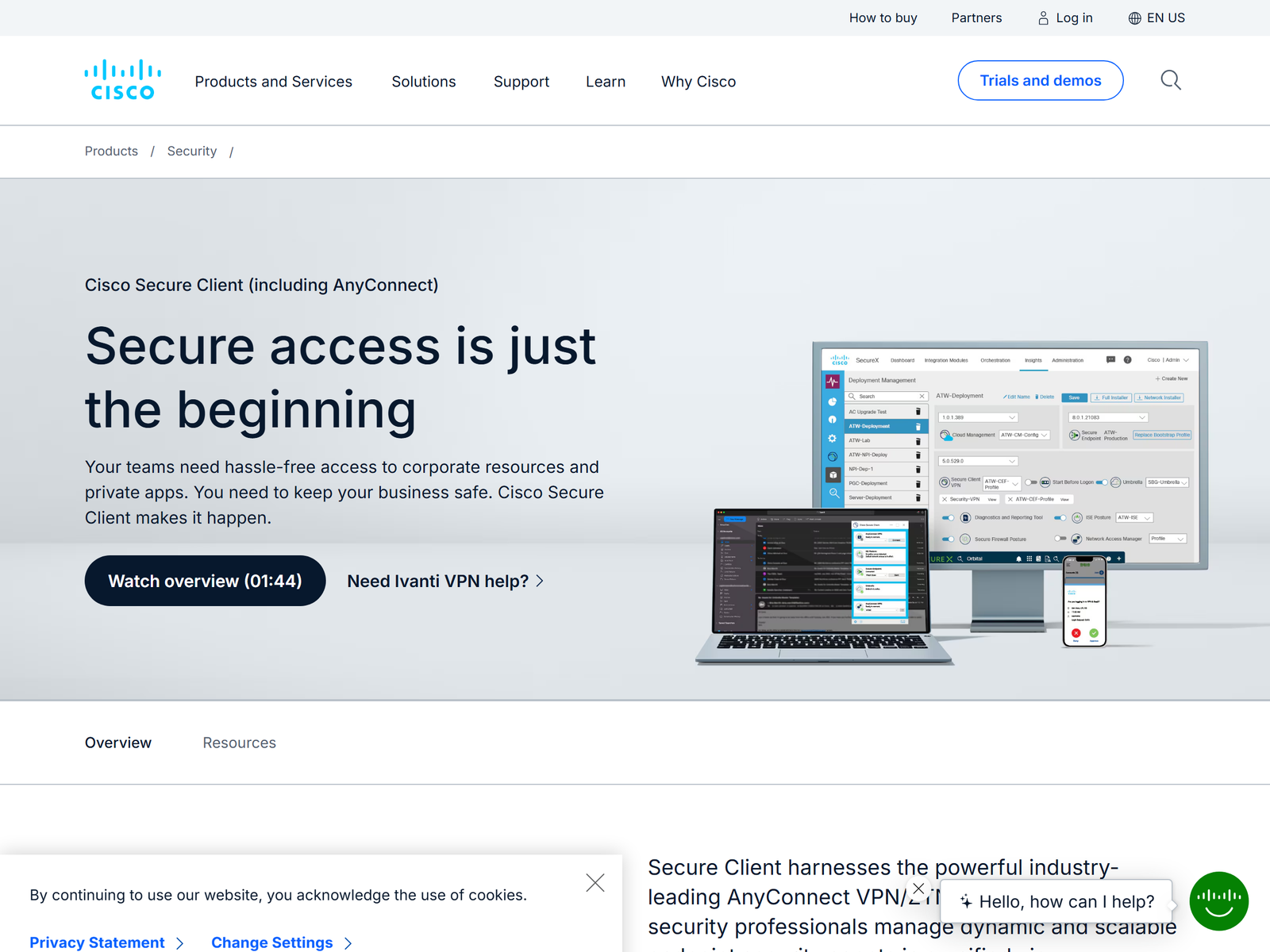
Cisco Secure Client is the enterprise VPN endpoint that grew out of AnyConnect. It is the software your laptop runs to reach a company network over an encrypted tunnel, not a consumer service you buy with a monthly plan. We recommend it for organizations that already run Cisco Secure Firewall or a compatible gateway and need stable, policy-controlled remote access. For a solo user who just wants to hide traffic on public Wi-Fi, a commercial consumer VPN is simpler. This review focuses on reliability, encryption, and safe remote work, and we do not cover bypassing national firewalls.
What Is Cisco Secure Client?
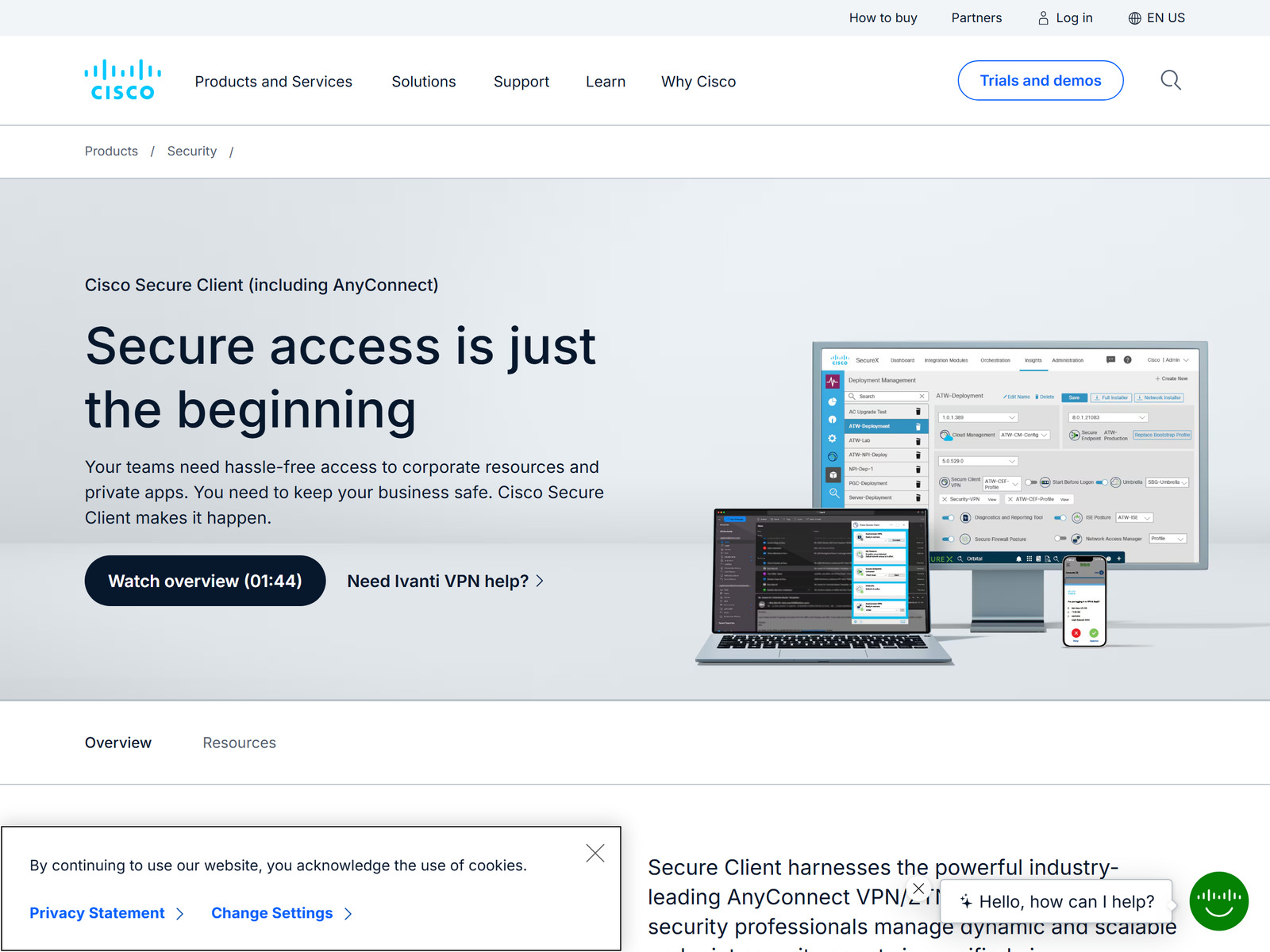
Cisco Secure Client, formerly called AnyConnect Secure Mobility Client, is the unified endpoint agent in Cisco's secure access stack. It bundles a VPN module with optional pieces such as DNS-layer filtering, endpoint posture checks, and zero-trust access. The VPN core builds an encrypted tunnel between your device and a Cisco gateway using TLS and DTLS, with IPsec IKEv2 available as an alternative. Because it is an endpoint client, you cannot point it at an arbitrary consumer VPN provider; it speaks to infrastructure your organization operates or licenses.
The product matters for stability because the client is designed to keep a session alive across network changes. As you move from office Wi-Fi to mobile data, the client re-establishes the tunnel and resumes connectivity without manual intervention. That behavior is exactly what IT teams mean when they call a VPN always-on.
How We Tested
This is an independent assessment with no affiliate relationship. Our team reviewed the published protocol support, the platform matrix, and the licensing model, then compared the client against other remote-access options we have covered. We confirmed specifications on the official Cisco Secure Client page and the Cisco Secure Client ordering guide, which document the supported protocols and the 5.x release train.
Security and Privacy
The encryption foundation is industry-standard. The TLS control channel and the DTLS data channel both support AES-256, and the client supports certificate authentication, SAML, and multi-factor authentication through Cisco Duo. A standout control is posture assessment: before granting access, the gateway can check whether your device runs antivirus, has disk encryption enabled, and carries the latest patches, then quarantine non-compliant devices. That is a level of device trust most consumer VPN apps never attempt.
The privacy trade-off is structural. Cisco Secure Client does not anonymize you or hide your traffic from your organization. It routes your connection through a gateway your employer or school controls, and that gateway can inspect traffic depending on policy. The protection is against outsiders on an untrusted network, not against the network owner. We state this plainly because it is easy to confuse encrypted with private from everyone.
Speed and Stability
Stability is the headline. DTLS carries latency-sensitive traffic such as voice and video with lower overhead than a TCP-only tunnel, and the client automatically adapts the transport to the most efficient method the network allows. A TCP/TLS fallback keeps the session up on restrictive networks that block UDP. In day-to-day remote work this means fewer dropped calls and steadier file transfers than older clients that tunnel everything over TCP. We did not run a formal benchmark; throughput depends on your gateway, your link, and your organization's inspection policy, not on the client alone.
Remote Work and Travel Use
For traveling employees, the practical value is reaching internal tools from a hotel or airport Wi-Fi through an encrypted channel they control at the organization level. From an untrusted network, your laptop opens the corporate dashboard, file share, or internal app instead of trusting the local hotspot. That is the safe, honest way to use an enterprise client while abroad, and it stays clear of circumventing local network restrictions. The client is a work tool, not a personal browsing shield.
Apps and Devices
Cisco supports Secure Client across current Windows 10 and 11, macOS 14, 15, and the newer Tahoe release, selected Linux distributions such as Ubuntu 22.04 and 24.04 and Red Hat 8, 9, and 10, plus iOS and Android. Module and OS support varies by release, so organizations check the official matrix before upgrading. Setup is managed: your IT department pushes the profile, and you sign in with the credentials they provide. You do not download a personal copy from an app store and pick a server.
Pricing
Secure Client is licensed per user through Cisco, typically alongside a Cisco Secure Firewall or a cloud secure-access subscription. Cisco offers complimentary use of the client when it connects to eligible Cisco solutions such as Secure Endpoint, Umbrella, or Secure Connect. There is no published consumer price because it is not sold as a standalone personal VPN. For a single user without Cisco infrastructure, the realistic path is a commercial consumer VPN instead, which costs a few dollars a month and needs no gateway.
| Edition | Typical use | Cost model |
|---|---|---|
| Secure Client with Cisco firewall | Enterprise remote access | Per-user subscription |
| Complimentary with eligible Cisco solutions | Umbrella, Secure Endpoint, Secure Connect | Included |
| Consumer VPN alternative | Personal Wi-Fi privacy | ~US$3 to US$13 per month |
Pros and Cons
Pros:
- Stable, always-on tunnel that survives network roaming.
- AES-256 with TLS and DTLS, plus Duo MFA and certificate auth.
- Posture checks quarantine non-compliant devices.
- Broad enterprise OS support with managed profiles.
Cons:
- Requires Cisco or compatible gateway; not a standalone service.
- No consumer anonymity; your organization can inspect traffic.
- Licensing is quote-based, not a public price.
- Setup depends on IT; no self-serve personal account.
How Cisco Secure Client Compares
In our stable VPN roundup, Cisco Secure Client stands out for managed reliability rather than personal privacy. If you run your own gateway, our OpenVPN Access Server review covers a self-hosted alternative, while our Nebula review looks at a mesh design. For team zero-trust, the NordLayer review and GoodAccess review are worth reading.
Frequently Asked Questions
Is Cisco Secure Client free?
Not as a standalone personal VPN. Cisco offers complimentary use when it connects to eligible Cisco solutions, but organizations license it per user for general remote access.
Can I use it with any VPN provider?
No. It is built for Cisco Secure Firewall, ASA, and compatible enterprise gateways. It is not a universal client for consumer VPN services.
Is the connection secure?
Yes. It uses AES-256 over TLS and DTLS, supports Duo multi-factor authentication and certificate login, and can enforce device posture before granting access.
Which devices are supported?
Windows 10 and 11, macOS 14 through the latest release, selected Linux distributions, and iOS and Android, with specifics varying by version.
My Take / The Bottom Line
Cisco Secure Client is the right choice when stability comes from centralized management and a tunnel your organization controls, not from a personal app. It is encrypted, resilient across roaming, and backed by serious device-trust controls, which is why it anchors enterprise remote access. The limits are structural: you need Cisco infrastructure, and your traffic is visible to the gateway owner. If you are an individual who just wants private browsing on public Wi-Fi, our stable VPN recommendations list consumer options that fit better.