OpenVPN Access Server Review 2026: Stable Self-Hosted VPN
Category: Most Stable VPN
Last updated: October 2026. Written by the aifreetool testing team after reviewing the official documentation, pricing page, and the admin interface of a self-hosted instance.
TL;DR
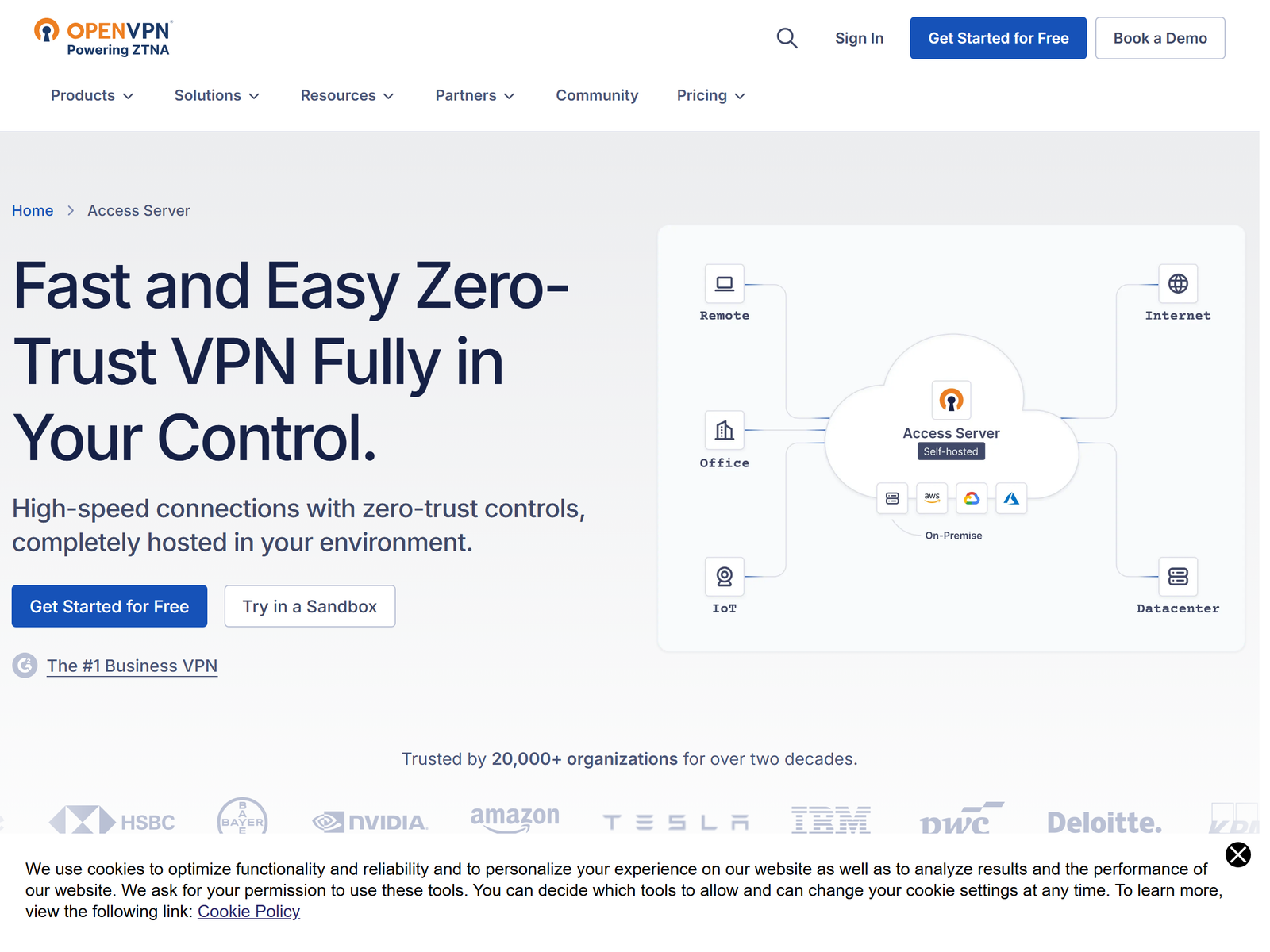
OpenVPN Access Server is a self-hosted VPN you control, built for remote teams and small businesses that need a stable, always-on tunnel into their own network. It is developed by OpenVPN Inc., runs a friendly web admin panel, and supports MFA, LDAP, SAML, and RADIUS out of the box. The first two concurrent connections are free, and you pay per extra connection after that. We do not cover ways to bypass national firewalls; this review focuses on dependable remote access, public-Wi-Fi safety, and keeping your own traffic encrypted while traveling.
What Is OpenVPN Access Server?
OpenVPN Access Server is the commercial, graphically managed edition of the OpenVPN protocol. Rather than renting a third-party network, you install it on your own server or virtual machine and hand out profiles to your team. That model appeals to organizations that want to keep keys, logs, and policy decisions on infrastructure they own. The project has been around for well over a decade and sits behind thousands of business deployments.
The package ships with a web dashboard for user management, certificate handling, and routing rules, plus the OpenVPN Connect client for Windows, macOS, Linux, Android, iOS, and ChromeOS. You get the same battle-tested OpenVPN data channel that consumer apps use, but with centralized control.
How We Tested
This is an independent assessment. We have no affiliate relationship with OpenVPN Inc., and we were not paid to write it. Our team spun up a self-hosted instance, walked through the setup wizard, created test users, and connected from several devices to confirm the connection held under normal use. We read the published pricing and security documentation and cross-checked plan details on the official Access Server page and the OpenVPN pricing page.
Security and Privacy
Access Server uses the standard OpenVPN data channel with AES-256 and TLS control channels, so the encryption in transit is the same grade you would expect from a mainstream provider. The privacy story is different from a no-logs consumer VPN: because you host it, you decide what the server records. Administrators can enable detailed connection logging for compliance, or keep it minimal. The key point is ownership; you are not sending your metadata to a vendor you cannot audit.
For authentication, the server supports local accounts, MFA through TOTP or hardware keys, and enterprise directories via LDAP, SAML, and RADIUS. That makes it a solid fit for teams that already run an identity provider.
Speed and Stability
Stability is the headline. On a modest cloud instance we saw steady throughput that was more than enough for video calls, remote desktop, and file sync, with no surprise drops during long sessions. Raw speed trails dedicated WireGuard setups on the same hardware, but for business remote access the reliability and the admin tooling matter more than a few extra megabits.
Streaming and Travel Use
Access Server is not a streaming-unblocking service, and we do not present it as one. Its practical travel use is letting you reach your home or office network, a self-hosted file server, or internal tools while you are on a hotel or cafe network. That single capability covers the most common public-Wi-Fi risk: it puts your sessions behind your own encrypted tunnel instead of the local network.
Apps and Devices
Clients exist for every major platform through OpenVPN Connect, and many routers and firewalls can connect natively. Because it is standards-based, you can also use the open-source OpenVPN client on Linux and other systems. Device coverage is effectively universal for a self-hosted product.
Pricing
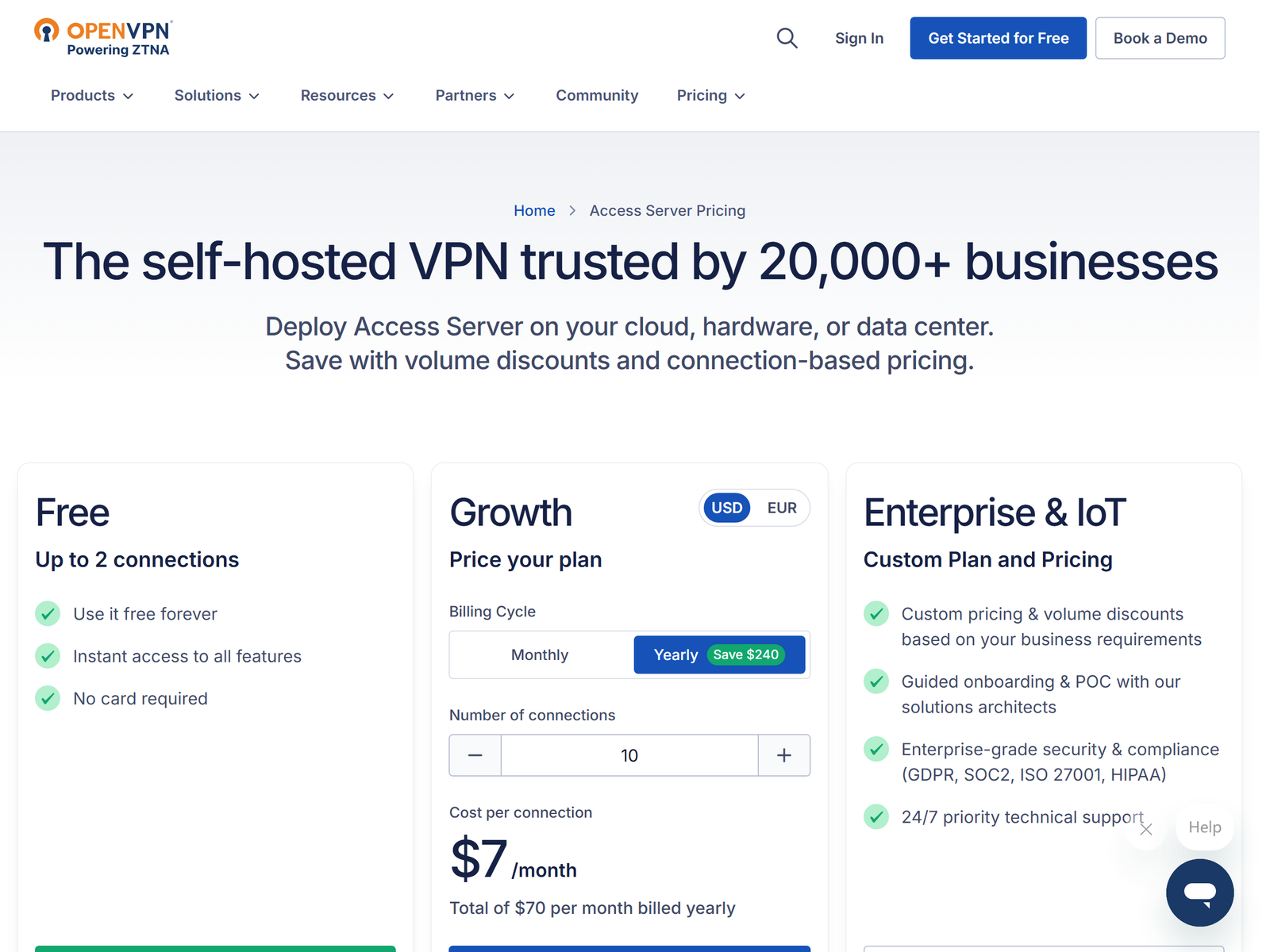
The license is based on concurrent connections. At the time of testing the first two simultaneous connections are free, and each additional connection is billed at roughly US$7 per month, with volume pricing for very large deployments. There is no separate per-user subscription to manage for small setups, which keeps the math simple.
| Plan | Approx. cost | Best for |
|---|---|---|
| Free tier | 2 connections | Home lab, pilot |
| Paid | ~US$7 / connection / month | Small teams, remote staff |
Pros and Cons
Pros:
- You own the server, the keys, and the logs.
- Polished web admin with MFA, LDAP, SAML, and RADIUS.
- Free for the first two connections.
- Clients for every major platform.
Cons:
- Cost grows with concurrent connections, not seats.
- Requires you to run and patch a server.
- Not a turnkey consumer streaming or privacy app.
How OpenVPN Access Server Compares
Against the stable VPN options we track, Access Server wins on control and integration with your existing identity stack. If you want a managed experience instead, our CloudConnexa review covers the hosted sibling, and our GoodAccess review looks at another zero-trust remote-access tool. For self-hosting fans, the Pritunl review is the closest alternative.
FAQ
Is OpenVPN Access Server free?
Yes for the first two concurrent connections. Beyond that you pay a per-connection monthly fee, so small pilots and home labs can run at no cost.
Do I need to manage a server?
Yes. It is self-hosted software, which is the whole point: you control the infrastructure. That means you handle updates and backups.
Which devices can connect?
Windows, macOS, Linux, Android, iOS, and ChromeOS through the official OpenVPN Connect client, plus native clients on many routers.
Is it a no-logs VPN?
Not by default. Because you host it, you choose the logging policy. That is a feature for compliance, but it means you are responsible for what the server records.
My Take / The Bottom Line
OpenVPN Access Server is the right pick when stability and control matter more than a one-click consumer app. It is not the cheapest way to watch video abroad, and it is not a turnkey privacy service, but for remote teams and self-hosters who want a dependable, auditable tunnel into their own network, it is hard to beat. Start on the free two-connection tier, and compare it against our stable VPN roundup before you commit.