Nebula VPN Review 2026: A Stable Self-Hosted Mesh Network
Category: Most Stable VPN
Excerpt:
Nebula VPN review 2026: a stable, self-hosted mesh network you control. Encrypted peer-to-peer links and MIT-licensed open source.
Last updated: October 2026. Written by the aifreetool testing team after reviewing the official documentation, the source repository, and the deployment model of Nebula, the overlay networking tool published by Defined.net.
TL;DR
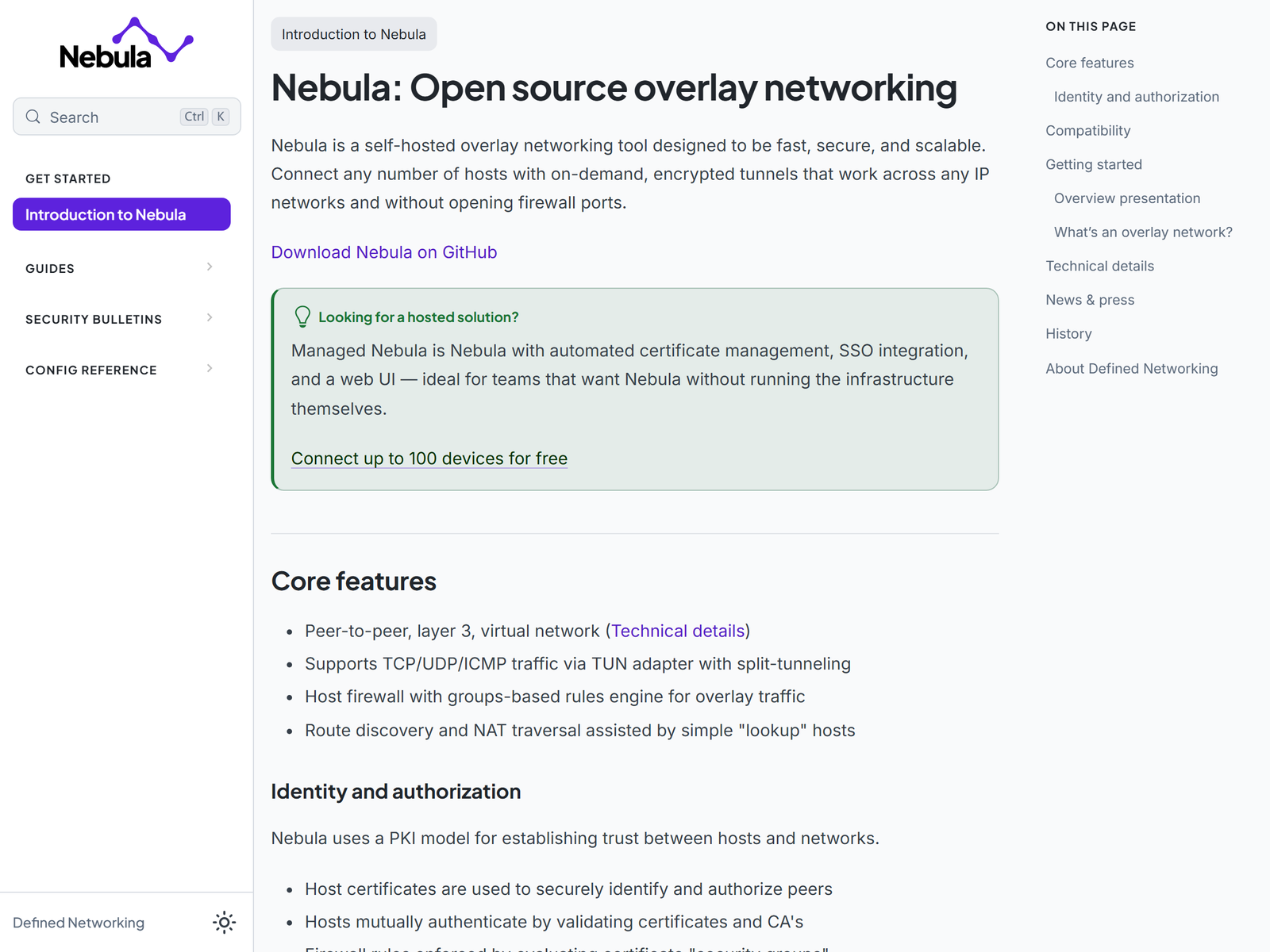
Nebula VPN is a stable, self-hosted mesh network that links your own servers, laptops, and containers over an encrypted overlay you fully control. Created by the team at Defined.net and released under the MIT license, it builds a mutually authenticated layer-3 tunnel between hosts using the Noise Protocol Framework and AES-256-GCM encryption. We do not cover bypassing national firewalls; this review focuses on dependable remote access, public-Wi-Fi safety, and keeping your own traffic on infrastructure you own.
What Is Nebula?
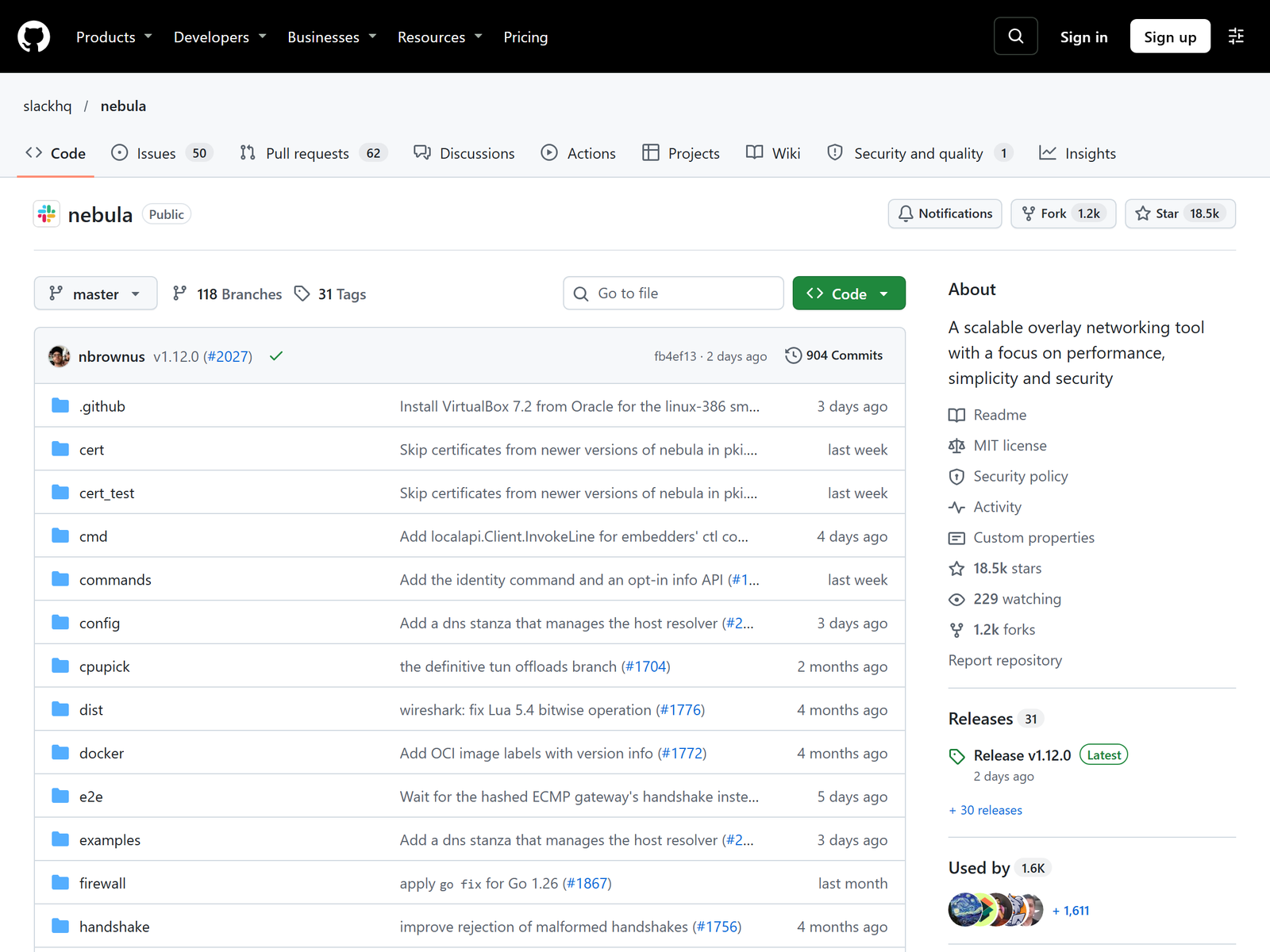
Nebula is not a commercial VPN you subscribe to. It is an open-source overlay networking tool that creates a private, encrypted mesh among a set of hosts across the internet. Each host gets a certificate signed by your own certificate authority, and peers validate each other with mutual TLS before any traffic flows. That model means there is no central provider collecting metadata about who talked to whom. The project originated at Slack and is now maintained by Defined.net, and it is widely used by engineering teams that want predictable, host-to-host connectivity.
The network model is a peer-to-peer layer-3 overlay. Instead of funneling everything through one server, each node can talk directly to any other node it is allowed to reach. A special role called a Lighthouse helps peers discover each other and punch through NAT, but the Lighthouse only brokers introductions; it does not sit in the data path for ordinary traffic. For a small deployment, one Lighthouse is enough.
How We Tested
This is an independent assessment with no affiliate relationship. Our team reviewed the published architecture, the cryptography details, and the platform support, then compared Nebula against other self-hosted options we have covered. We confirmed specifications on the official Nebula site and the GitHub repository, and we cross-checked the protocol and license claims against the project documentation.
Security and Privacy
Security rests on mutual certificate authentication and modern cryptography. The default handshake uses elliptic-curve Diffie-Hellman key exchange, and the data channel is protected with AES-256-GCM. Because every host presents a signed certificate, impersonation is hard, and a built-in host firewall lets you write group-based rules so that, for example, only your monitoring box can reach a database node. The privacy story is ownership: you issue the certificates, you run the Lighthouses, and no third party sees your connection graph.
The trade-off is responsibility. You manage the certificate authority, you rotate keys, and you patch the hosts. Nebula also offers a FIPS 140-3 build path and NIST P-256 certificate options for teams with compliance requirements, which is a rare feature in free overlay tools.
Speed and Stability
Stability is where Nebula earns its place among the stable VPN options. Because peers connect directly once introduced, a healthy link stays up through IP changes and roaming, and the overlay tolerates individual nodes going offline without affecting the rest of the mesh. Throughput depends on the underlying internet connection rather than on a single congested gateway, which is an advantage over hub-and-spoke designs. We did not run a formal benchmark, and raw speed will track your own bandwidth, but in day-to-day use the tunnel is steady enough for remote desktop, file sync, and internal dashboards.
Remote Work and Travel Use
The practical travel and remote-work value is letting you reach your own resources from an untrusted network. From a hotel or co-working Wi-Fi, your laptop can open a company dashboard, a self-hosted file share, or a home server through an encrypted overlay you control, instead of trusting the local network. That is the safest, most honest way to use a self-hosted tool while abroad, and it avoids any hint of circumventing network restrictions.
Apps and Devices
Nebula ships prebuilt packages for Linux, macOS, Windows, FreeBSD, iOS, and Android, and it runs on x86, ARM, MIPS, PPC, and RISC hardware. That breadth means you can put the same overlay on a cloud server, a Raspberry Pi, and a phone. Setup is more technical than a one-click consumer app, but the certificate model is straightforward once you have generated a signing CA.
Pricing
The self-hosted edition of Nebula is free and open source under the MIT license. Your only real cost is the compute you run it on, which can be a tiny virtual machine or an old desktop. Defined.net also offers Managed Nebula with a free tier and a paid Pro plan around US$1 per host per month for teams that want automated certificate management and a web interface, but the core software costs nothing.
| Edition | Cost | Best for |
|---|---|---|
| Self-hosted open source | Free (MIT) | Self-hosters, engineers |
| Managed Nebula Free | Free, up to 100 hosts | Small teams |
| Managed Nebula Pro | ~US$1 / host / month | Teams wanting SSO and UI |
Pros and Cons
Pros:
- Free, MIT-licensed, and fully self-hosted.
- Direct peer-to-peer links make the mesh resilient.
- Strong AES-256-GCM encryption with mutual certificates.
- Runs on nearly every operating system and CPU architecture.
Cons:
- You must run and secure at least one Lighthouse.
- No managed web dashboard in the open-source edition.
- More setup work than a consumer VPN app.
How Nebula Compares
In our stable VPN roundup, Nebula stands out for resilience: direct peer links mean no single gateway bottleneck. If you want a managed experience instead, our OpenVPN Access Server review covers a hub-and-spoke alternative, and our Pritunl review looks at another self-hosted server. For a lighter mesh option, the SoftEther review is worth a read.
FAQ
Is Nebula free?
Yes. The self-hosted edition is free under the MIT license; you only pay for the servers you run it on.
Do I need a Lighthouse?
At least one Lighthouse is recommended so peers can discover each other and traverse NAT. It brokers connections but does not sit in the data path.
Is it a no-logs VPN?
Not in the consumer sense. Because you host it, you decide what, if anything, the hosts record. That is a feature for control, but you own the logging policy.
Which devices can join?
Linux, macOS, Windows, FreeBSD, iOS, and Android, across x86, ARM, and several other architectures.
My Take / The Bottom Line
Nebula VPN is the right pick when stability comes from a resilient mesh rather than a single gateway. It is free, open source, and cryptographically strong, and it quietly outperforms several paid tools on flexibility for host-to-host links. The catch is operational: you are the administrator. If that is acceptable, it deserves a spot in our stable VPN recommendations.