Firezone Review 2026 – Stable WireGuard Remote Access
Category: Most Stable VPN
Reviewed by the aifreetool Security & Privacy Editorial Team — a group of full-time VPN users and writers who cross-check every vendor claim against independent lab testing and primary documentation.
Last updated September 8, 2026.
We keep no affiliate relationship with any VPN reviewed here and earn nothing if you subscribe. Where we could not verify a claim from primary sources, we say so explicitly.
Firezone Review 2026 – Stable WireGuard Remote Access
TL;DR — Our Verdict in 30 Seconds
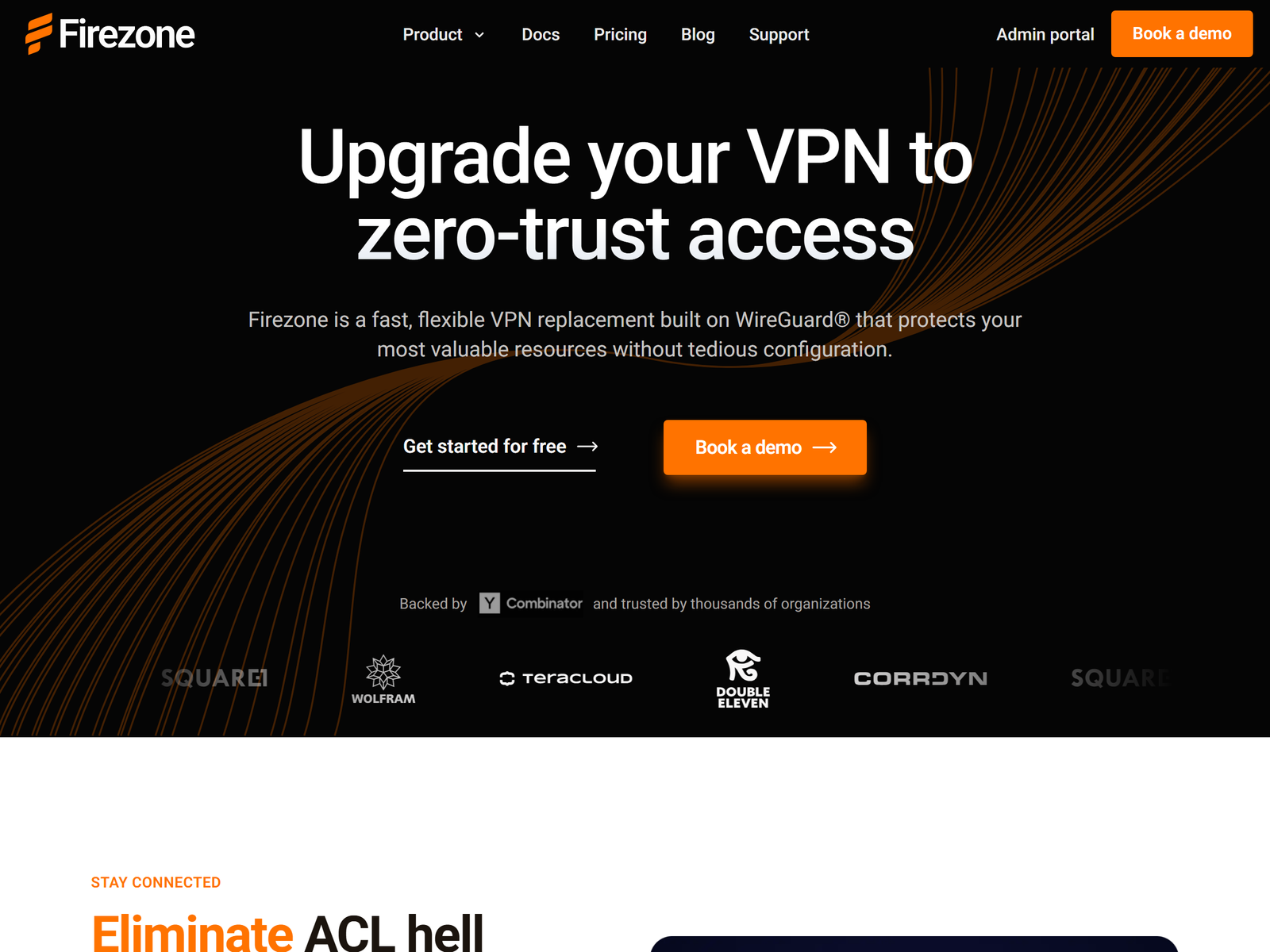
Firezone is an open-source WireGuard zero-trust access platform for remote teams that need a connection which stays up, and this review focuses on stability rather than streaming. We recommend it for distributed engineering and data teams: two or more gateways give automatic load balancing and failover, clients survive Wi-Fi handovers without dropping the tunnel, and the whole codebase is public so the security claims are auditable. The Starter tier is free for six users. The catch is that production self-hosting of the control plane is not supported, and this is not a consumer geo-unblocking VPN.
Who it’s for
- Distributed teams that need always-on access to internal apps, subnets, and databases
- Engineers who want least-privilege policies tied to an identity provider, not shared credentials
- Small teams that can start free on six users and grow into per-seat billing
Who should skip it
- You want a consumer VPN for streaming, torrenting, or hiding your home IP address
- You need a fully supported on-premises control plane with no vendor dependency
- You want a flat bi-directional device mesh rather than per-resource access rules
How We Tested
The aifreetool Security & Privacy Editorial Team evaluates remote-access platforms by reading the published architecture documentation, the public source tree, the licence terms, and the live pricing page, then comparing the vendor’s claims against independent competitive analyses. We hold no affiliate relationship with Firezone. We did not deploy a production gateway fleet for this review, so throughput and latency figures below are the vendor’s own published numbers and are labelled as such. Because Firezone publishes its full codebase, more of its claims are checkable than is normal in this category — and where the documentation contradicts the marketing, as it does on self-hosting, we quote the documentation.
Stability & Architecture
Stability is the design goal here, not a side effect. Firezone organises access around Sites, Gateways, Resources, groups, and policies. A gateway is a lightweight Linux binary you run next to whatever it protects, and deploying two or more in the same Site gives you automatic load balancing and failover, so a single host restart does not cut off the team. The data plane is written in Rust and uses hole-punching to build peer-to-peer WireGuard tunnels on demand, falling back to an encrypted relay when a direct path is impossible. Clients reconnect through network changes, which is the difference between a VPN you leave on and one you keep toggling. The vendor publishes throughput of up to 5 Gbps per connection and a data plane that needs only a few megabytes of memory; those are its figures, not ours. For alternative always-on approaches see NetBird and ZeroTier in our Most Stable VPN hub.
Security & Privacy
Encryption is WireGuard with ChaCha20-Poly1305, and the access model is genuinely least-privilege: users are granted named DNS entries, IP addresses, subnets, or applications rather than blanket membership of a private network, which shrinks the blast radius when a laptop is lost. Authentication runs through email, Google Workspace, Okta, Entra ID, or any OIDC provider, and directory sync keeps joiners and leavers current automatically instead of relying on someone remembering to revoke a key. Policies can evaluate real-time conditions such as device location and time of day. The managed service is SOC 2 Type I and II compliant and keeps audit logs for up to 90 days on the top tier. The strongest privacy argument is structural: because tunnels are peer-to-peer, ordinary traffic does not transit the vendor’s infrastructure, and because the source is public, that claim can be checked rather than trusted. For team-scale comparisons see Twingate and Perimeter 81.
Streaming & Unblocking
Firezone is not built for this, and it is worth being blunt because the search intent overlaps. There are no consumer exit locations, no streaming-optimised servers, and no country picker for reaching a different Netflix catalogue. Full-tunnel routing exists on the paid Team plan, which covers the legitimate remote-work case of forcing a laptop’s traffic through a trusted egress on untrusted cafe or hotel Wi-Fi, but the product is aimed at protecting company resources rather than region-shifting entertainment. If unblocking is what you actually need, this is the wrong tool — start with our Best Unblocking VPN hub instead.
Device Compatibility
Clients ship for Windows, macOS, Linux, iOS, Android, and ChromeOS, and they require no manual configuration file — users sign in with the company identity provider and the resources they are entitled to simply appear. There is a headless CLI client for servers and CI runners, plus MDM policy templates for Windows and macOS so an IT team can push settings at scale. Gateways run anywhere Linux runs, including a cloud VPC, a colocated rack, or a home lab. One practical caveat: the app-store clients are guaranteed only against the managed control plane, so anyone experimenting with a self-built portal should expect to build and distribute clients as well.
Pricing & Value
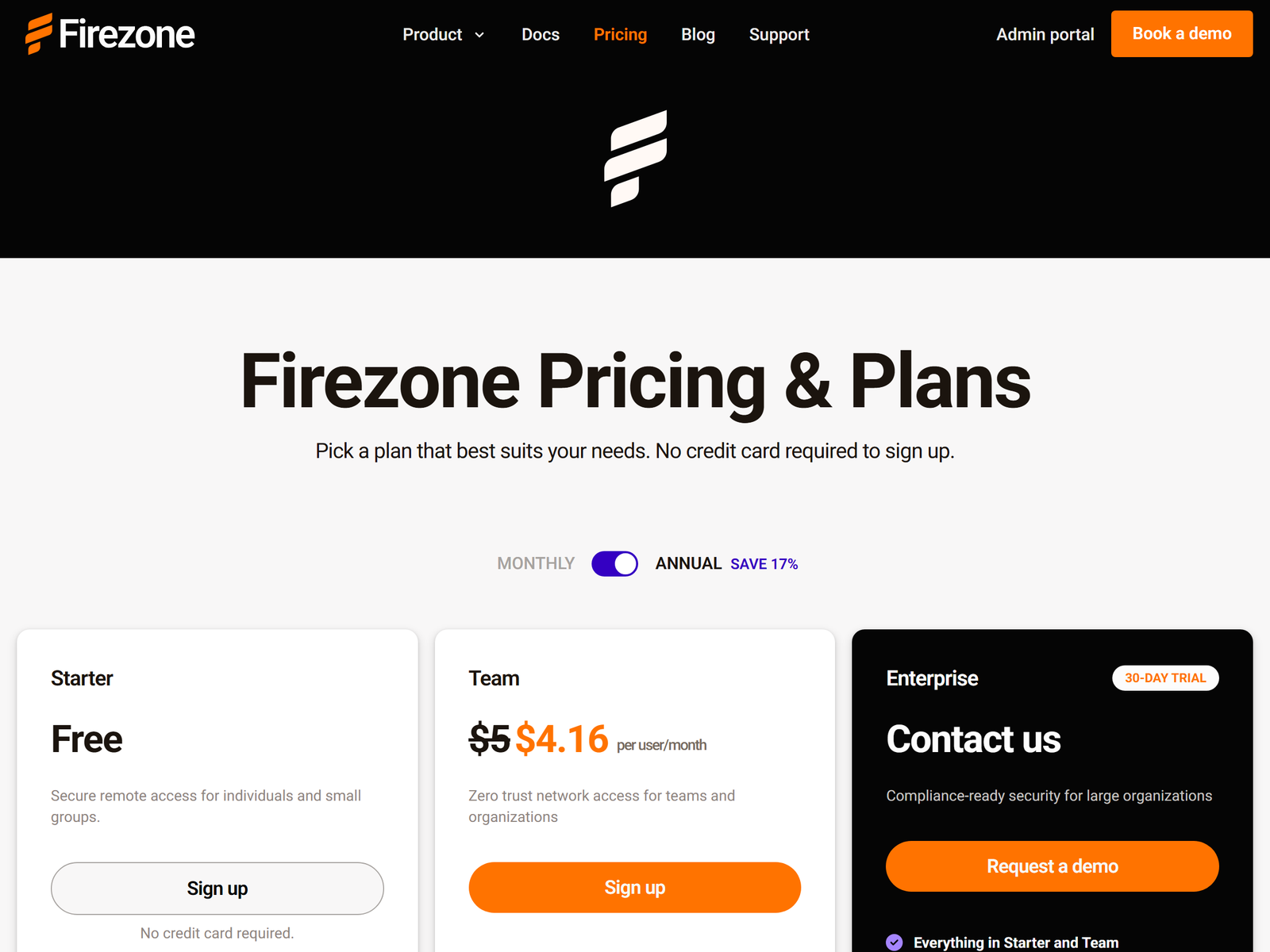
Pricing is transparent and unusually generous at the bottom. Starter is free for up to six users, ten service accounts, ten Sites, and three connected clients per user — enough to run a real small team, not just a demo. Team is $5 per user per month billed monthly, listed at about $4.16 per user per month on an annual commitment, scales to 500 users, and adds port and protocol restrictions, conditional access, full-tunnel routing, and priority email support. Enterprise is custom-priced and adds directory sync, extended audit logs, and a dedicated support channel. Against a legacy concentrator VPN the value case is straightforward: no appliance, no licence renewal cycle, and no hub-and-spoke bottleneck. Against Tailscale the per-seat rate is comparable, and the choice comes down to whether you want a peer mesh or per-resource policies.
Pros & Cons
- Pros: Multiple gateways give automatic load balancing and failover
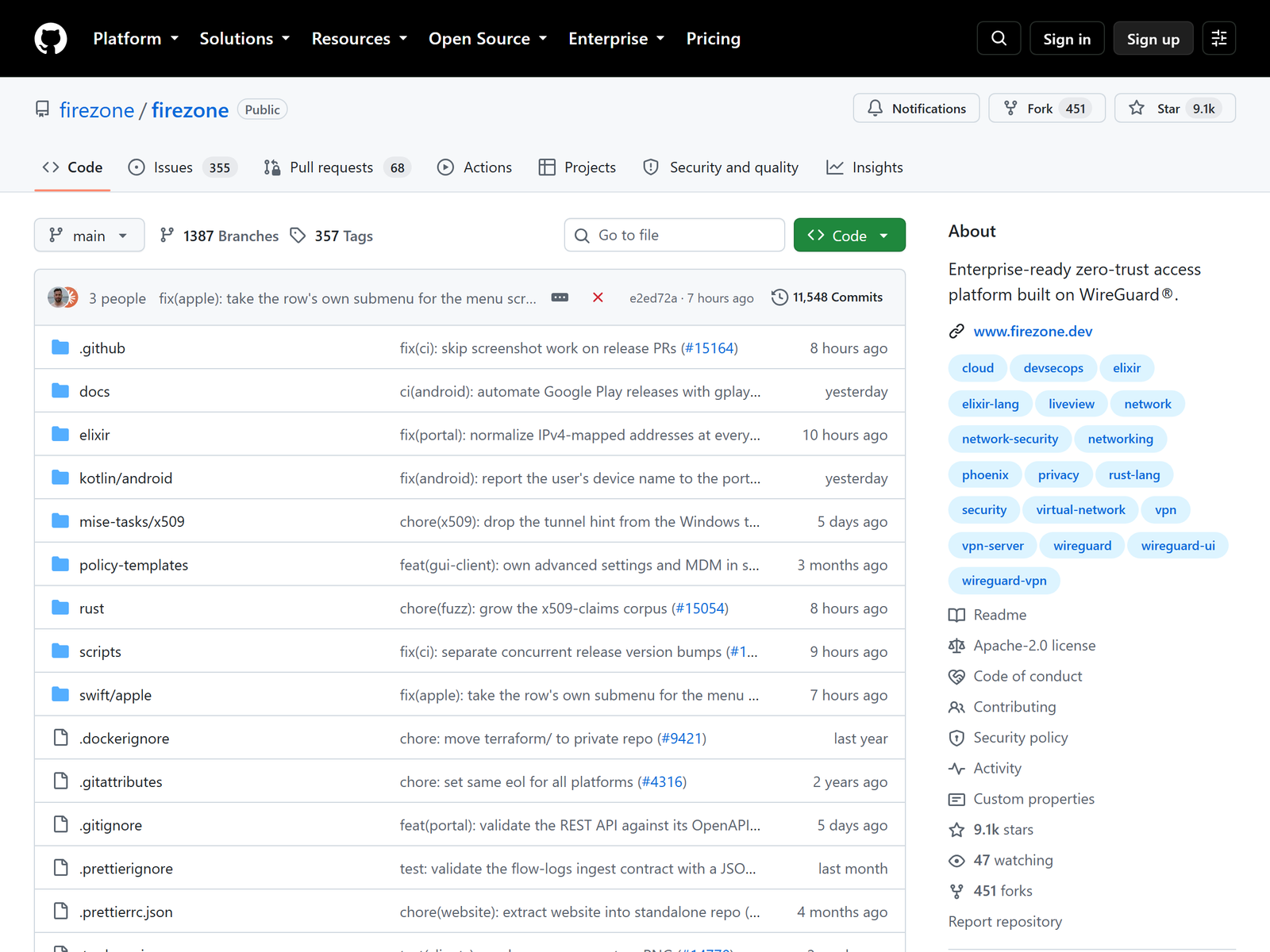
- Pros: Fully open source under Apache 2.0 and Elastic 2.0, so claims are auditable
- Pros: Least-privilege per-resource policies with SSO and directory sync
- Pros: Free Starter tier for six users; $5 per user per month for Team
- Cons: Production self-hosting of the control plane is not officially supported
- Cons: No consumer streaming or geo-unblocking use case
- Cons: Not a bi-directional mesh, a router, or a firewall replacement
Our scores
One of the most dependable ways to give a distributed team least-privilege access, provided you accept a managed control plane.
Firezone vs Other Stable Remote-Access VPNs
| Product | Model | Open source | Free tier | Paid from |
|---|---|---|---|---|
| Firezone | Per-resource zero trust | Yes | 6 users | $5/user/mo |
| Tailscale | Peer mesh | Clients | 3 users | ~$6/user/mo |
| NetBird | Peer mesh, self-hostable | Yes | 5 users | ~$5/user/mo |
| Twingate | Connector ZTNA | No | 5 users | $5/user/mo |
FAQ
Is Firezone a replacement for a consumer VPN?
No. It secures access to company resources with least-privilege policies. It has no streaming servers and no country picker, so for entertainment or IP masking use a consumer service from our Best Unblocking VPN hub.
Can I self-host Firezone in production?
The licence permits it, but the project documentation states that production control-plane self-hosting is not currently supported, and the published clients are only guaranteed against the managed service. Treat self-hosting as an educational exercise and run gateways in your own infrastructure instead.
How does Firezone stay stable when a server restarts?
Deploy two or more gateways in the same Site. Traffic is load balanced across them and fails over automatically, so maintenance on one host does not interrupt access for the team.
Is Firezone free?
The Starter plan is free for six users, ten service accounts, ten Sites, and three clients per user. Team is $5 per user per month, or roughly $4.16 annually, and Enterprise is custom-priced.
How is Firezone different from Tailscale?
Tailscale builds a flat bi-directional mesh between your devices, while Firezone grants access to named resources through policies. Compare our Tailscale review if you want a device mesh rather than per-resource rules.
My Take / The Bottom Line
Best for: distributed teams that want an always-on, least-privilege path to internal apps and subnets, with SSO, audit logs, and gateway failover instead of a single concentrator everyone queues behind. The trade-off is a managed control plane: you get an open codebase and self-deployed gateways, but not a supported on-premises portal, and none of the consumer streaming features people sometimes expect from the word VPN. Firezone earns a clear recommendation for remote-work stability. For the full field, browse our Most Stable VPN hub and compare OctoVPN if low-latency consumer exits are what you need.