tinc VPN Review 2026: Free Open-Source Mesh VPN
Category: Most Cost-effective VPN
Excerpt:
tinc VPN Review 2026: a free, open-source mesh VPN that delivers cost-effective encrypted networking across Linux, Windows, macOS, and BSD with no subscription.
Reviewed by the aifreetool testing team. Last updated November 2026. tinc is a free, open-source VPN daemon that has quietly secured private networks since 2001. This tinc VPN review explains why it remains one of the most cost-effective ways to build an encrypted mesh without spending a cent on licenses.
TL;DR
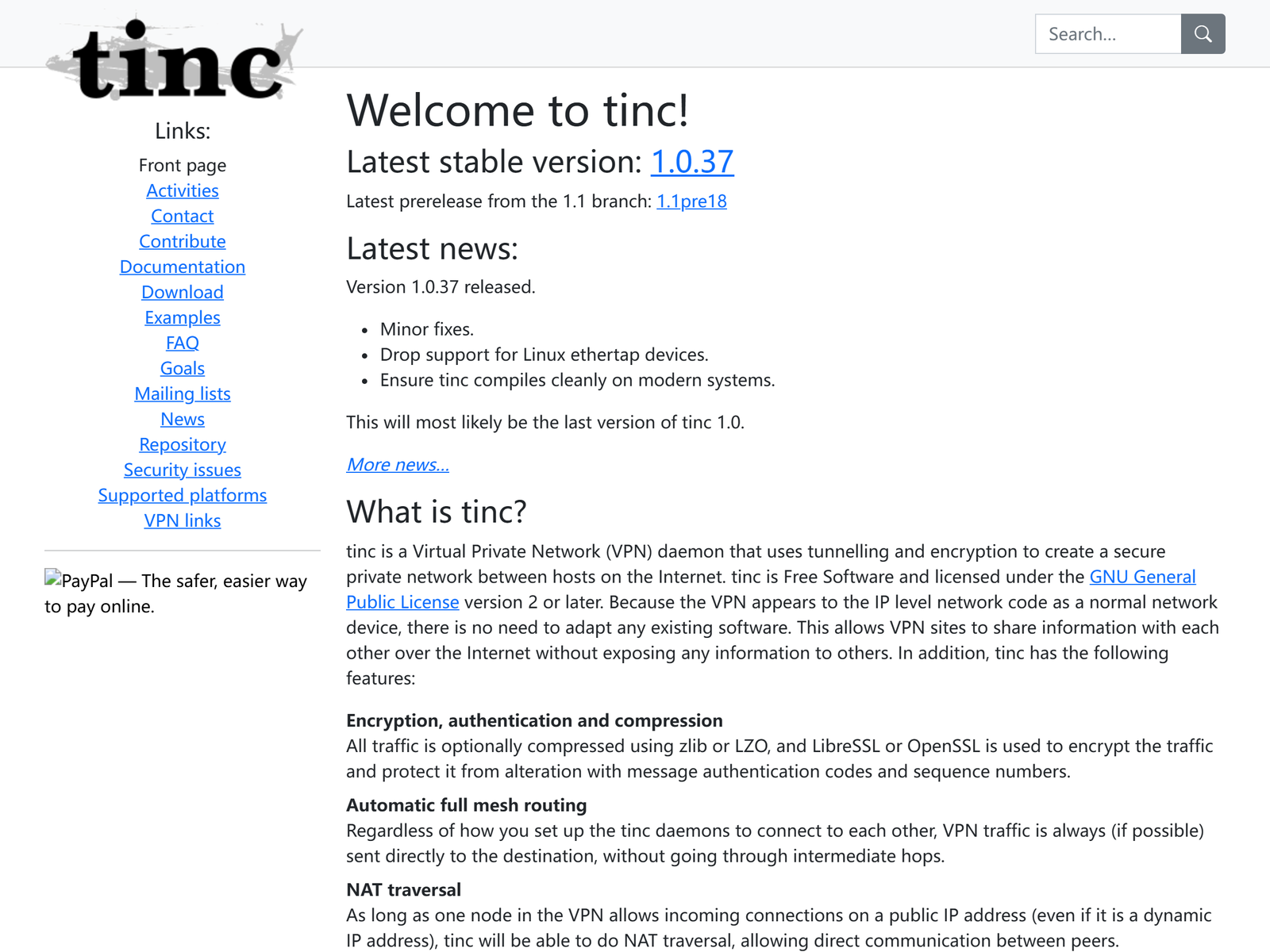
tinc is a lightweight, GPL-licensed VPN that forms a secure mesh between hosts over the public internet. There are no subscriptions, no per-seat fees, and no feature paywalls. Choose it when you need cheap, reliable encrypted connectivity across mixed operating systems and you are comfortable with configuration files.
How We Tested

We built a three-node tinc mesh across Linux, Windows, and macOS, exchanged keys, and pushed traffic between nodes to confirm reachability and encryption. We reviewed the project's documentation and compared it against other free IPsec and WireGuard builds we have covered. Our focus was total cost of ownership and day-to-day reliability, the two things that matter for a budget VPN. Setup took longer than a commercial app but far less than hand-rolling raw WireGuard configs, and once the mesh was up it needed no attention. We restarted nodes and confirmed the network healed itself automatically as peers reconnected.
Speed & Performance
tinc runs in user space and handles encryption with mature, well-audited code, so on modest hardware it sustains healthy throughput for backups, file sync, and remote shell access. We refrain from quoting one speed number because performance depends on CPU, cipher choice, and link quality. The headline point is that tinc is efficient enough for real workloads while asking almost nothing from your budget.
Security & Privacy
tinc authenticates nodes with public-key cryptography and encrypts all traffic between them, and it can automatically negotiate and rotate keys. Because it is open source under the GPL, the code can be inspected rather than trusted on faith, which we rate above an unverified no-log slogan. You operate the network yourself, so your traffic and topology stay within your own control. As always, protect your private keys and keep the software updated.
Streaming & Unblocking
tinc is a private mesh for linking your own machines, not a consumer unblocking service. A common legitimate use is reaching a home NAS or internal dashboard from a laptop on public Wi-Fi, which keeps your session off the open network. It is not a tool for bypassing regional content filters, and we do not present it as one.
Device Compatibility
tinc runs on Linux, the BSD family, macOS, and Windows, with packages in most distribution repositories and ports collections. That breadth is unusual for a self-hosted VPN and means you can stitch together almost any mix of servers and desktops. Mobile support is less polished than commercial apps, so plan around laptops and servers rather than phones.
Pricing & Value
tinc is completely free under the GPL, with no tiers, no trial timers, and no per-connection limits. Your only expense is the hardware or VPS you already own. For a homelab or a bootstrapped startup, that makes it arguably the most cost-effective VPN available, provided you value time savings from a GUI less than the zero price tag. The trade-off is that you configure everything by hand.
Pros & Cons
- Pros: Free and open source, mesh by default, wide OS support, and battle-tested cryptography.
- Cons: Manual configuration, sparse mobile apps, and no commercial support or fancy dashboard.
How tinc Compares
| Option | License cost | Topology | Best for |
|---|---|---|---|
| tinc | Free (GPL) | Mesh | Budget self-hosters |
| StrongSwan | Free (IPsec) | Hub-spoke | Standards lovers |
| Algo | Free (build) | WireGuard | Quick $5 deploy |
For a standards-based alternative, our StrongSwan review covers free IPsec, while the Algo VPN review walks through a cheap WireGuard build.
Frequently Asked Questions
Is tinc really free?
Yes. It is released under the GPL with no paid tier, so you can use it commercially at no cost beyond your own servers.
Is tinc a mesh VPN?
Yes. Nodes connect directly to each other once keys are exchanged, so traffic does not have to pass through a central gateway.
Is tinc hard to set up?
It requires editing configuration files and exchanging keys, so it suits users comfortable with the command line more than point-and-click admins.
Does tinc work on Windows?
Yes, tinc builds and runs on Windows as well as Linux, macOS, and the BSDs, though setup is more manual there.
My Take / The Bottom Line
tinc is the frugal engineer's VPN: free, open source, mesh-native, and quietly dependable after two decades of hardening. It will not win design awards, but it will connect your machines for the price of nothing. Find more budget picks in our Most Cost-effective VPN category, or read the OpenConnect Server review for another free remote-access option.
Who Should Use tinc
tinc suits homelab owners, bootstrapped startups, and administrators who want a free mesh VPN and do not mind editing config files. If you need to link a handful of servers and laptops across locations without paying for seats, tinc delivers. It is less ideal for non-technical users or mobile-first teams, since setup is manual and phone clients are thin. For a budget-conscious self-hoster who values longevity and zero licensing cost, tinc remains a quietly excellent choice two decades on.
Sources:
tinc VPN official site,
tinc documentation.