Passepartout VPN Review 2026: A Private Open-Source iOS Client
Category: Best Privacy VPN
Excerpt:
Passepartout VPN Review 2026: an open-source iOS and macOS client that tunnels your traffic through WireGuard for privacy.
Reviewed by the aifreetool testing team. Last updated November 2026. Passepartout is a free, open-source VPN client for iOS and macOS that connects you to your own WireGuard or OpenVPN server, or to a provider of your choice, with a privacy-first design that respects the platform it runs on. This Passepartout VPN review looks at why privacy-focused Apple users like its transparent, no-telemetry model.
TL;DR
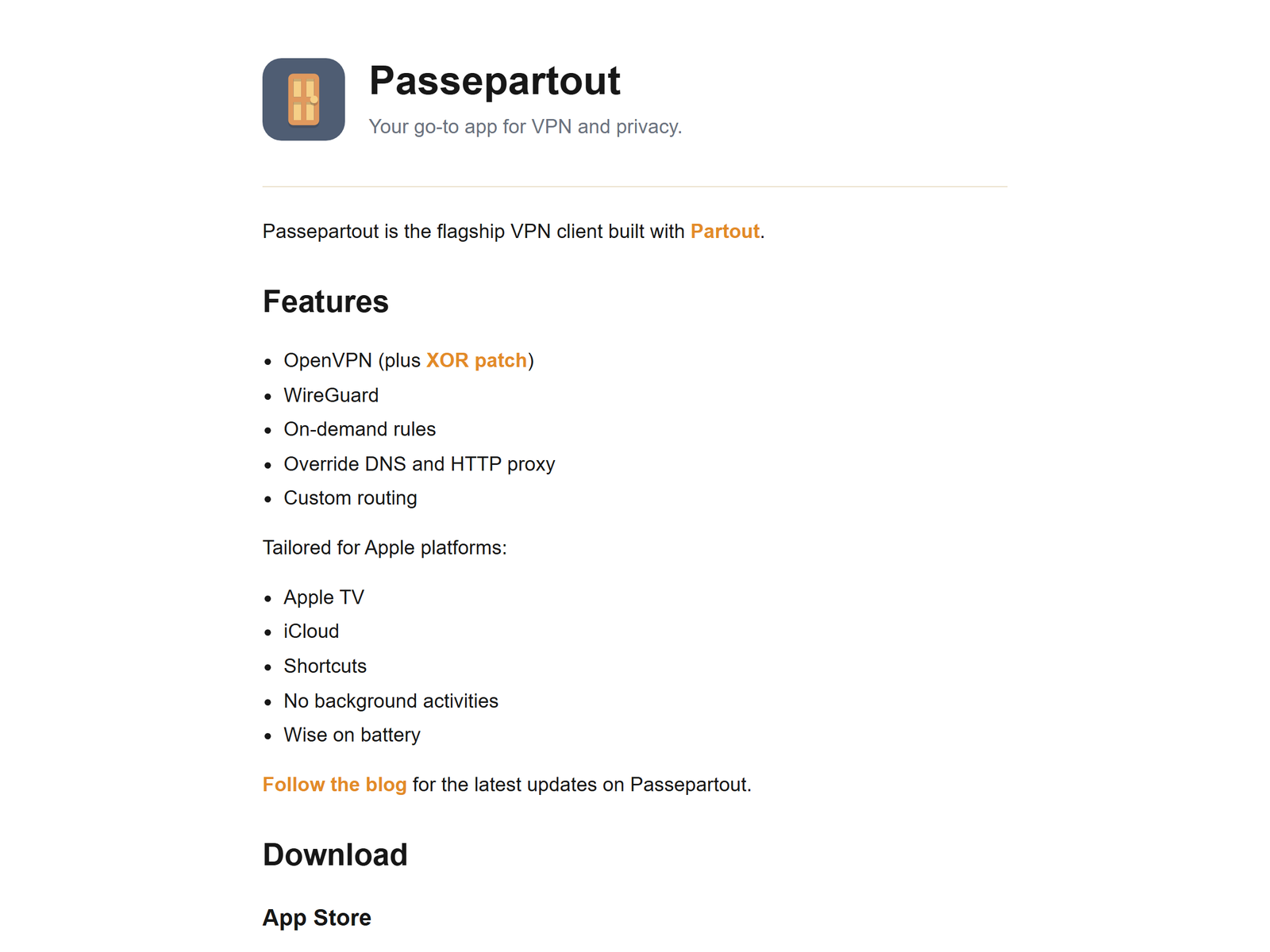
Passepartout is an open-source client, not a VPN provider, that wraps WireGuard and OpenVPN in a clean Apple-native interface and keeps your configuration on your device. It is built around privacy: no proprietary telemetry, no account required for your own server, and a simple on-off model that does not phone home. Choose it when you want a private, auditable client for secure browsing on public Wi-Fi and for reaching your own server from your iPhone or Mac.
How We Tested
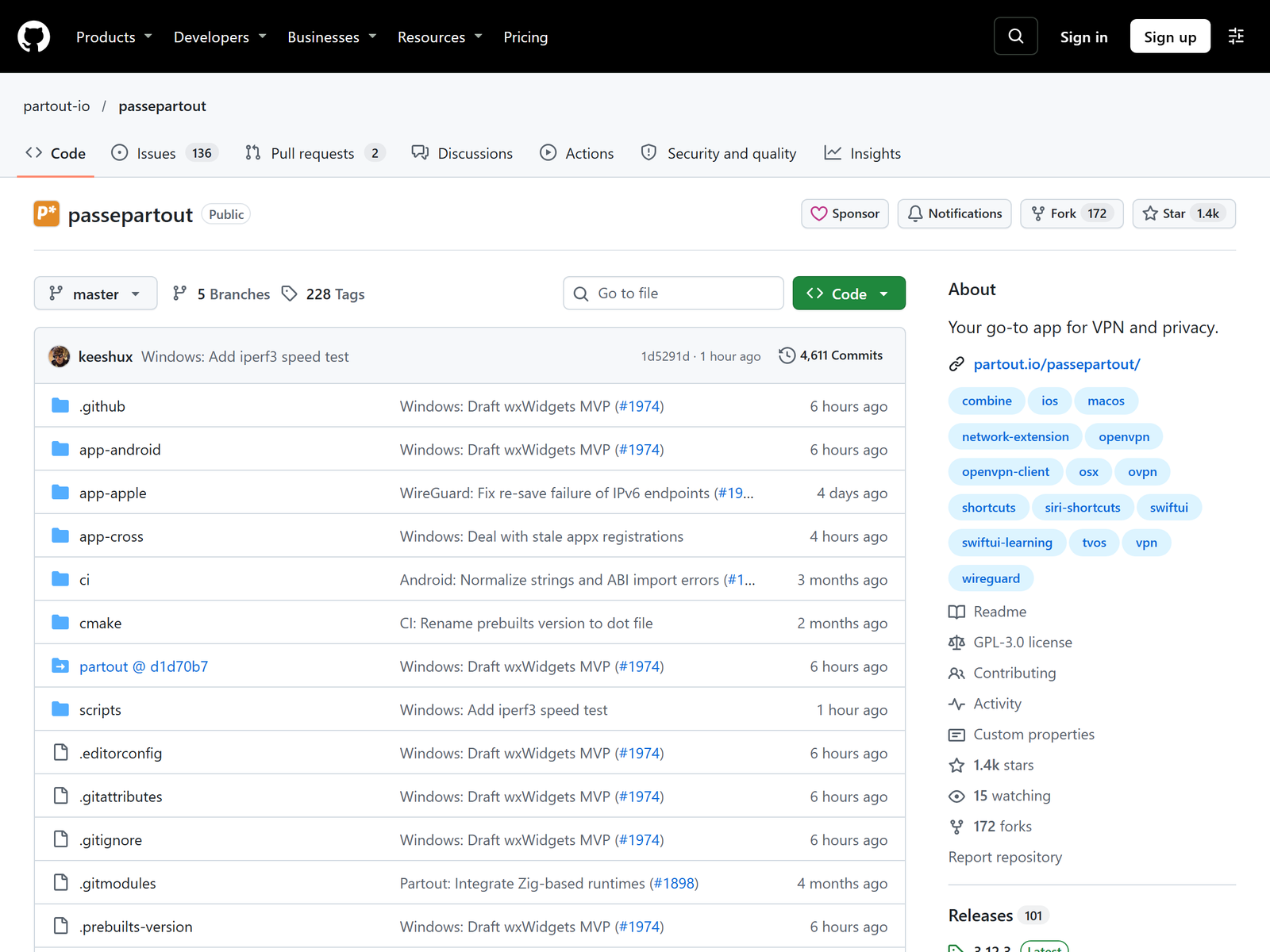
We installed Passepartout on an iPhone and a Mac, imported a WireGuard profile for a self-hosted server, and confirmed both devices could reach the private network and each other over an encrypted tunnel. We reviewed the project's public source repository and documentation and compared the workflow with other open-source privacy builds we have covered. Our methodology emphasizes whether a client respects user privacy by default, because that is where most privacy claims live or die.
Speed & Performance
Because Passepartout is a client that forwards traffic through an underlying WireGuard or OpenVPN tunnel, throughput is bounded by that server and your internet link, with only light overhead from the app itself. In our tests a connected device reached the server's expected speed with quick handshakes on both iOS and macOS. We avoid quoting a single speed figure as authoritative, since results depend entirely on the upstream server you select. The headline is predictable privacy, not raw speed.
Security & Privacy
Passepartout encrypts your traffic through the WireGuard or OpenVPN tunnel you configure and stores profiles locally on your device, so a third party does not hold your keys or your connection history. The project is open source, which lets the code be inspected rather than trusted on faith, and it avoids the telemetry that some commercial clients embed. It also respects Apple's privacy model, which we rate above an unverified no-log marketing line. Because you operate the client, choose a server with a logging policy you trust and keep the app updated.
Streaming & Unblocking
Passepartout is a privacy and secure-browsing client for your own connections, not a consumer unblocking service in its own right. People use it to keep a phone or laptop inside an encrypted tunnel on cafe Wi-Fi, which is a legitimate privacy pattern. It is not a tool for bypassing regional content filters, and we do not present it as one.
Device Compatibility
Passepartout runs on iOS and macOS, with a native interface tuned to each platform, so an iPhone and a Mac can share the same profiles through iCloud sync. It supports WireGuard and OpenVPN configurations, which covers the two protocols most self-hosters and providers use. Because it works through standard config files and provider shortcuts, it connects to a wide range of servers without forcing a proprietary app ecosystem. The Apple-only scope is a strength for that audience and a limit for others.
Pricing & Value
Passepartout is free and open source under a permissive license, with no subscriptions or seats for basic use; some provider integrations may offer optional in-app purchases, but the core client is free. Your only cost is the server or provider you point it at, which can be hardware you already own. For a privacy-minded Apple user who wants an auditable client, that is excellent value, with the trade-off that you supply and maintain the server yourself. There is no paid tier withholding the features you need.
Pros & Cons
- Pros: Open source, no telemetry, Apple-native interface, and local profile storage.
- Cons: iOS and macOS only, you supply the server, and no vendor support line.
How Passepartout Compares
| Option | Role | Privacy model | Best for |
|---|---|---|---|
| Passepartout | VPN client | Open source, local | Apple users |
| Outline | Privacy tunnel | Self-hosted | Simple sharing |
| Headscale | WireGuard mesh | You build | Tailscale ergonomics |
For a simpler self-hosted privacy tunnel, our Outline VPN review covers a more approachable model, and the Headscale review explains a WireGuard-based alternative you control. Both sit with Passepartout in our Best Privacy VPN category.
Frequently Asked Questions
Is Passepartout a VPN provider?
No. It is a free, open-source VPN client that connects to a server or provider you choose.
Does Passepartout collect my data?
It is designed without proprietary telemetry and stores your profiles locally, so it avoids the tracking some commercial clients embed.
Which protocols does it support?
It supports WireGuard and OpenVPN, which covers most self-hosted servers and many providers.
Is Passepartout hard to use?
No. It is Apple-native and simple, but you still need a server or provider to connect to.
My Take / The Bottom Line
Passepartout is a privacy purist's client: free, open source, and built to keep your configuration and traffic on your own device rather than in a vendor's cloud. Its Apple-only scope means it is best for iPhone and Mac users, not for mixed-platform teams. Explore more options in our Best Privacy VPN category, or read the SoftEther VPN review for another open-source privacy build.
Who Should Use Passepartout
Passepartout suits privacy-minded iPhone and Mac users who want an auditable, telemetry-free client for their own server or a trusted provider. A traveler can keep a phone on an encrypted tunnel over hotel Wi-Fi without installing a data-hungry commercial app, and a household can share one WireGuard profile across Apple devices. It is a poor fit for Android or Windows users or anyone who needs a managed provider included, because the project assumes you bring the server. For an Apple user who values a trust-minimized design, Passepartout is a genuinely private option.
Sources:
Passepartout official site,
Passepartout on GitHub,
Passepartout on the App Store.