OpenConnect Server Review 2026: Free AnyConnect-Compatible VPN
Category: Best Privacy VPN
Excerpt:
OpenConnect Server (ocserv) review 2026: a free, AnyConnect-compatible VPN you host yourself on Linux with TLS and DTLS encryption.
Last updated: October 2026. Written by the aifreetool testing team after reviewing the official documentation, feature set, and security model of OpenConnect VPN Server, also known as ocserv.
TL;DR
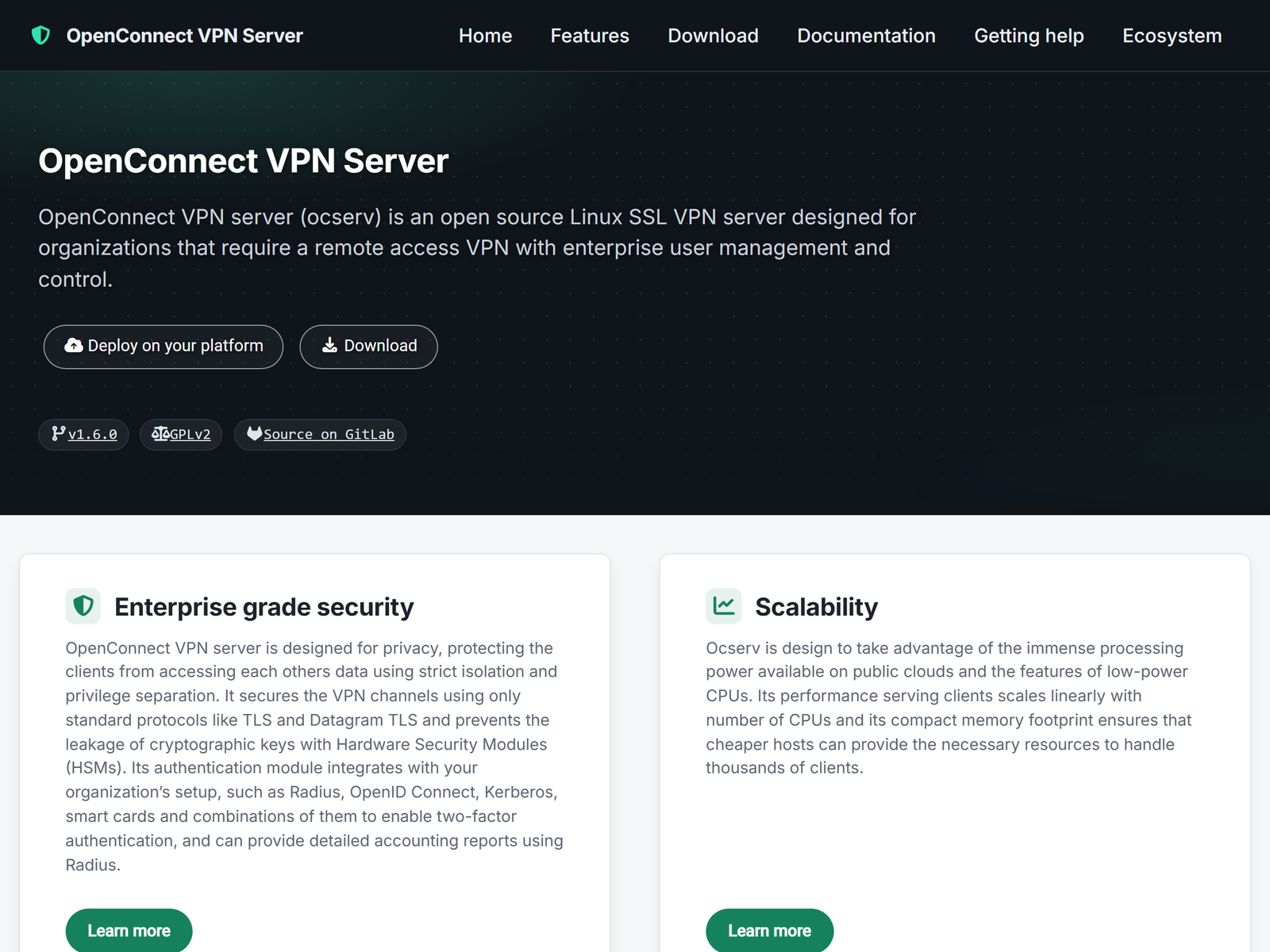
OpenConnect Server is a free, AnyConnect-compatible VPN you run yourself, published under the GPL-2.0 license and built on GnuTLS. It implements an improved version of the Cisco AnyConnect protocol, so it works with both the OpenConnect client and many Cisco clients. We do not cover bypassing national firewalls; this review focuses on private, self-hosted remote access, public-Wi-Fi safety, and keeping your connection metadata on infrastructure you control.
What Is OpenConnect Server?
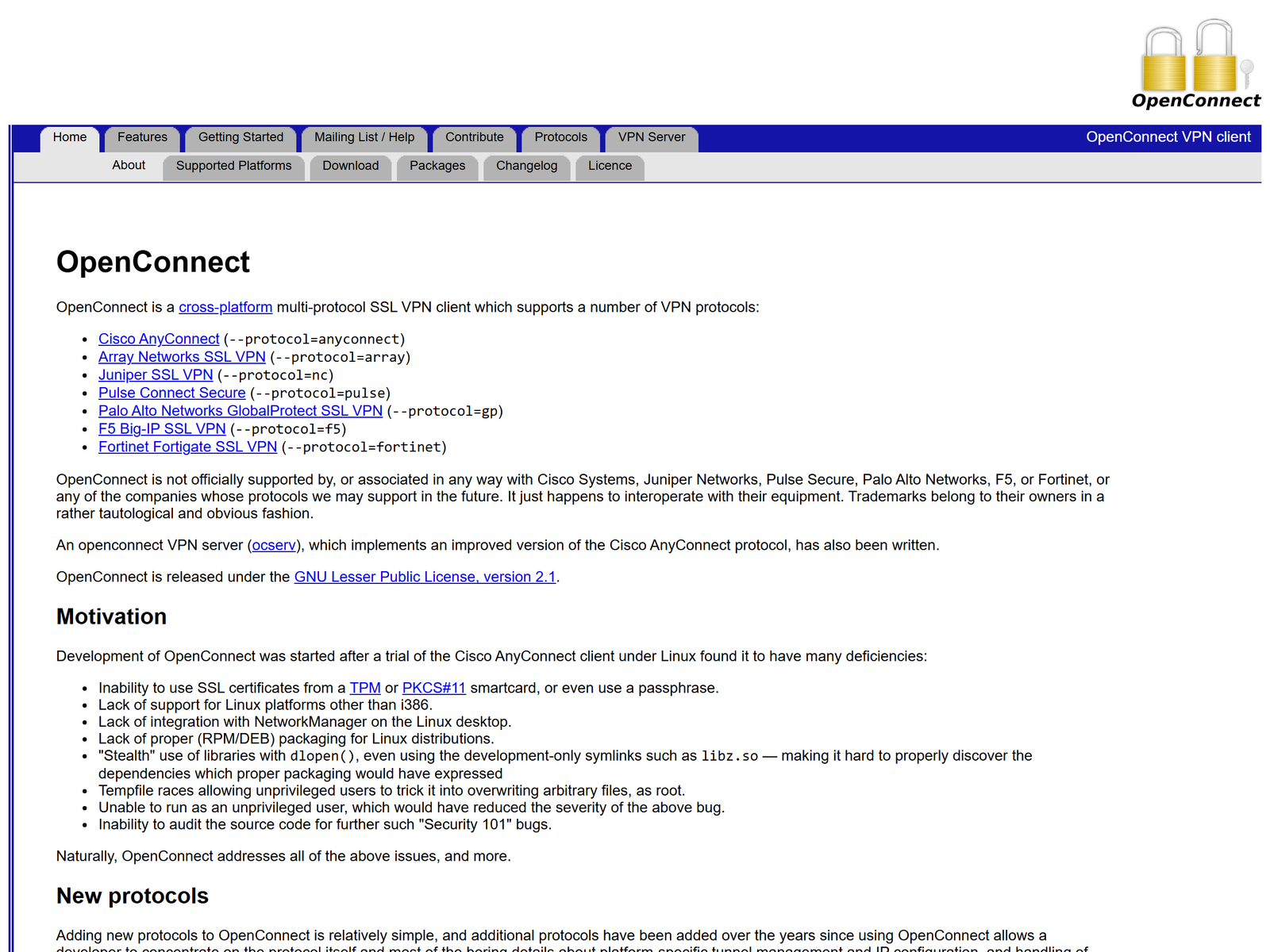
OpenConnect Server, or ocserv, is a GNU/Linux VPN server that speaks the AnyConnect SSL VPN protocol. It was created as the server half of the OpenConnect project, which began as an open-source replacement for Cisco's proprietary client, and it now offers a complete client-server solution. Because it is standard-based and compatible, you can connect with the OpenConnect client, a Windows GUI client, or even certain Cisco AnyConnect clients when compatibility options are enabled. That interoperability is the main reason many administrators choose it over a vendor lock-in product.
The security model leans on TLS for authentication and routing, DTLS for efficient encrypted transport, and a TCP/TLS backup channel when firewalls block UDP. Each connected client runs in an isolated process with its own network device and IP address, and privilege separation keeps the main process away from client workers.
How We Tested
This is an independent assessment with no affiliate relationship. Our team reviewed the documented architecture, authentication options, and platform support, then compared it with other self-hosted options. We confirmed the details on the official ocserv site and the OpenConnect project page, which describe the protocol and the compatible clients.
Security and Privacy
ocserv's privacy angle is ownership. You run the server, you hold the certificates, and no commercial VPN sits between you and your traffic. It supports certificate authentication, PAM, RADIUS, password files, TOTP and HOTP, OpenID Connect, smart cards, and Kerberos with GSSAPI, so you can plug it into an existing identity stack. Encryption uses TLS and DTLS built on GnuTLS, and client isolation plus privilege separation limit the blast radius of a compromised session. The project signs releases with a PGP key and is mature, with a long track record.
The caveat is the same as every self-hosted tool: the protection is only as good as your configuration and your server hygiene. A poorly set-up gateway is still your responsibility, and ocserv does not claim to make you anonymous. Administrators who need accounting can pull connected-user statistics and session data through occtl or the JSON API, which is useful for auditing without handing that visibility to a third party.
Speed and Stability
Stability is a strong suit. The DTLS data channel is efficient, and the automatic fallback to a TCP/TLS tunnel means a session can survive networks that block UDP VPN traffic, which is a common headache for remote workers on restricted Wi-Fi. We did not run a formal benchmark, and throughput depends on your server's CPU and bandwidth, but for remote desktop, SSH, and internal web apps the experience is steady. Administrators can set per-client or per-group bandwidth limits and confine clients to specific cgroups, which helps on busy gateways.
Remote Work and Travel Use
For remote work, ocserv is a dependable way to reach your own network from an untrusted connection. From a hotel or airport Wi-Fi, your laptop tunnels to your home or office through an encrypted channel you control, instead of trusting the local network. That is the safest, most honest travel use, and it stays well clear of circumventing network restrictions.
Apps and Devices
Clients cover every major platform: the OpenConnect client for Linux, macOS, Windows, and mobile, a Windows graphical client, and compatibility with Cisco AnyConnect and several other commercial clients. Packages exist for Ubuntu, RHEL, CentOS, Fedora, Debian, FreeBSD, OpenBSD, OpenWRT, and VyOS, so it slots into most server fleets. The server also supports both IPv4 and IPv6, HTTPS port sharing, and the Proxy Protocol, which makes it friendly to put behind an existing load balancer. Day-to-day management happens through the occtl command-line tool or a JSON API.
Pricing
OpenConnect Server is free under the GPL-2.0 license. There is no paid edition and no per-user fee; your only cost is the Linux server you run it on. For organizations that already operate Linux infrastructure, the incremental cost is essentially zero.
| Item | Detail |
|---|---|
| License | Free, GPL-2.0 |
| Protocol | AnyConnect SSL VPN (TLS + DTLS) |
| Dependencies | GnuTLS, standard Linux server |
| Real cost | Your own server only |
Pros and Cons
Pros:
- Free and open source under GPL-2.0.
- AnyConnect-compatible, so many clients work.
- TLS plus DTLS with TCP fallback for restricted networks.
- Client isolation and privilege separation built in.
Cons:
- Setup needs Linux and PKI comfort.
- No graphical management dashboard.
- You must secure and patch the server yourself.
How OpenConnect Compares
In our privacy VPN guide, ocserv stands out because the privacy comes from owning the server rather than trusting a promise. If you prefer a free, open-source privacy tool with a different shape, our SoftEther review covers a multi-protocol option, while our BlackVPN review and Celo VPN review look at commercial services.
FAQ
Is OpenConnect Server free?
Yes. It is free software under the GPL-2.0 license, with no paid tier and no per-user fee.
Which clients can connect?
The OpenConnect client, a Windows GUI client, and many Cisco AnyConnect clients when compatibility is enabled, across Linux, macOS, Windows, iOS, and Android.
Is it secure?
It uses TLS and DTLS on GnuTLS, with client isolation and privilege separation, and releases are PGP-signed. Your configuration still matters.
Do I need a Cisco license?
No. ocserv is independent open-source software that speaks the AnyConnect protocol; it does not require Cisco licensing.
My Take / The Bottom Line
OpenConnect Server is a privacy tool for organizations and self-hosters who would rather own their remote-access gateway than rent trust from a vendor. It is free, mature, AnyConnect-compatible, and cryptographically sound, and its TCP fallback is a genuine asset on locked-down networks. The cost is operational: you are the administrator. If that is acceptable, it belongs in our privacy VPN recommendations.