Outline VPN Review 2026: A Free Self-Hosted Privacy Tunnel
Category: Best Privacy VPN
Excerpt:
Outline VPN review 2026: a free, open-source personal VPN tunnel you control for privacy and anti-tracking on public Wi-Fi.
Last updated: November 2026. Written by the aifreetool testing team after reviewing the official Outline documentation, the project's open-source repositories, and the deployment model behind the manager and client apps.
TL;DR
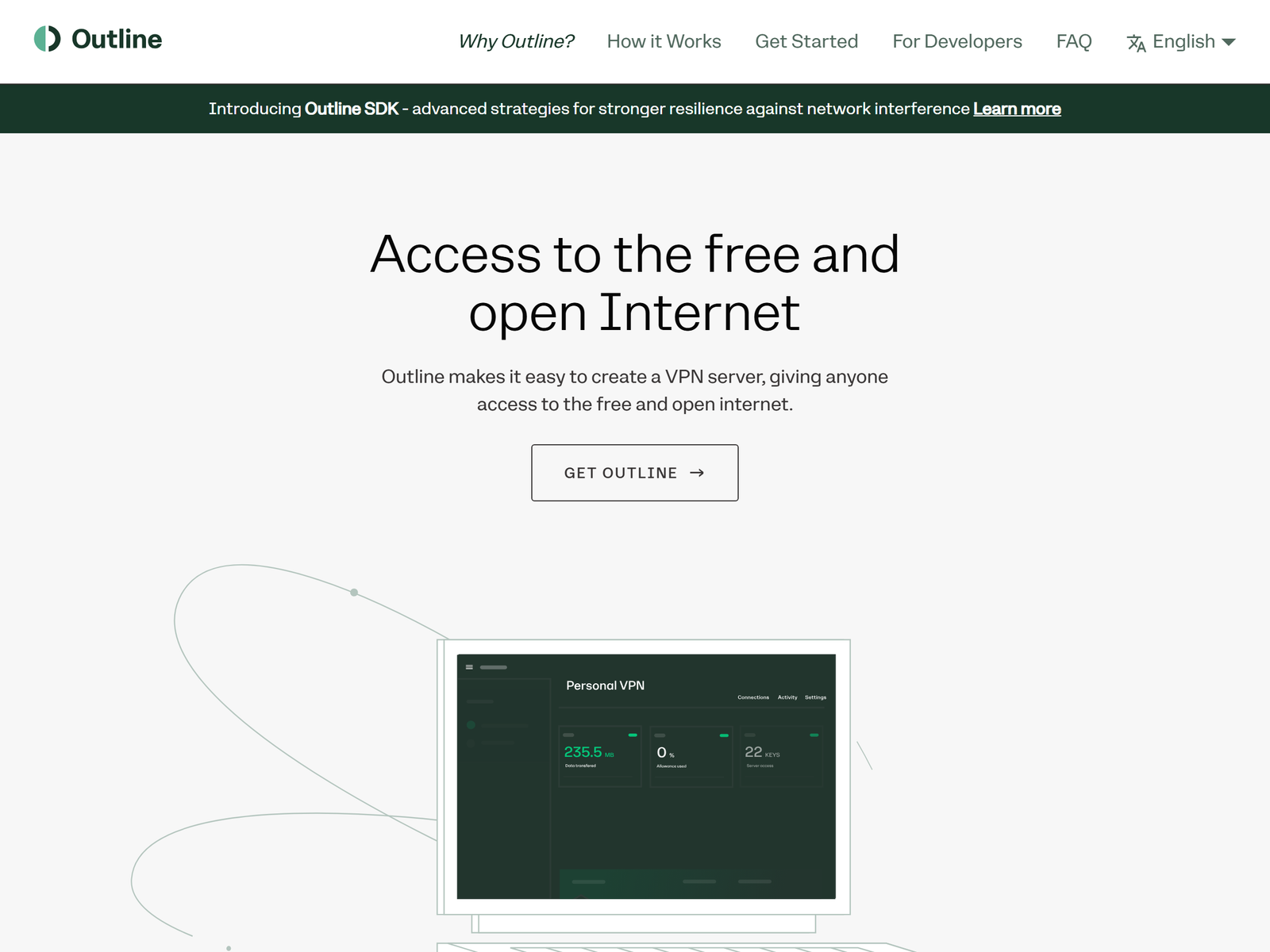
Outline is a free, open-source tool for self-hosted VPN access that lets you run your own server through a simple manager app, built originally by Jigsaw and now maintained by the independent Outline Foundation. It is a privacy-minded alternative to trusting a commercial VPN company's no-logs promise, because the server runs on infrastructure you rent and you control the access keys. We recommend it for people who want to encrypt their connection on public Wi-Fi and stop casual tracking without handing their traffic to yet another provider. This review focuses on privacy, anti-tracking, and safe self-hosting, and we do not cover bypassing national firewalls.
What Is Outline?
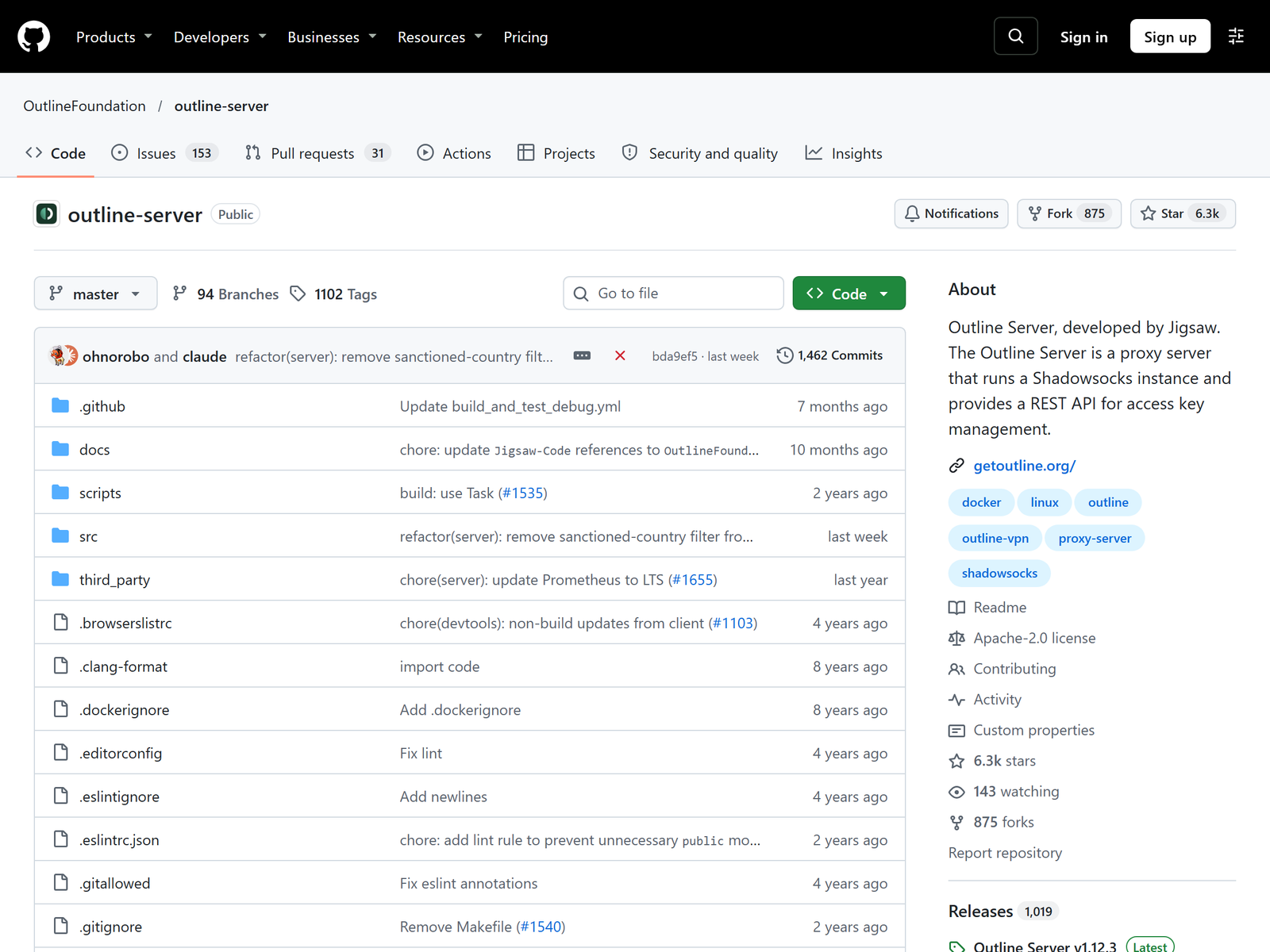
Outline is not a VPN subscription. It is open-source software, licensed under Apache-2.0, that turns a small cloud server into a personal encrypted tunnel you control. Under the hood it uses Shadowsocks, a lightweight encrypted proxy. You deploy the server through Outline Manager, a desktop app that supports one-click setup on providers such as DigitalOcean, Google Cloud, AWS Lightsail, and Vultr, then hand out access keys to your own devices through the Outline Client. The whole flow is designed so a non-expert can stand up a server in minutes.
The privacy premise is simple: instead of asking a commercial VPN to prove it keeps no logs, you remove the VPN company from the equation. Your traffic still passes through your cloud host, so the host can see metadata at the network level, but no VPN provider sits between you and your server.
How We Tested
This is an independent assessment with no affiliate relationship. Our team reviewed the project's architecture, the manager and client apps, and the published audit history, then compared Outline with other self-hosted options. We confirmed the details on the official Outline site and the Outline Server repository, which document the install process and the supported platforms.
Security and Privacy
Outline's privacy win is ownership. You generate the keys, you decide who connects, and you can rotate or revoke any single key without touching the others. The project has been reviewed by outside security firms, including Cure53, which is more transparency than many paid VPNs offer. Encryption runs through Shadowsocks with modern ciphers, and the server ships as a Docker container that a watchtower process keeps patched automatically.
The honest limit is that self-hosting moves the trust question rather than erasing it. Your cloud provider still knows which server is yours and who pays for it, and it can receive lawful requests like any host. You also become the administrator, responsible for keeping the server updated and for not leaking your own credentials. Outline reduces the VPN-provider risk; it does not eliminate every party that could see your traffic.
Speed and Stability
For a personal tunnel, Outline is light and steady. Because it runs as a single optimized proxy rather than a full multi-protocol stack, overhead stays low and everyday browsing, video, and file sync ride the tunnel without drama. We did not run a formal benchmark, and your speed is bounded by the virtual server you choose and its location. The main stability factor is operational: a tiny instance is enough for a few devices, but a busy shared key set can strain a cheap plan. Roaming between Wi-Fi and mobile works smoothly because the client simply keeps the encrypted session alive.
Public Wi-Fi and Travel Use
The practical privacy value shows up on untrusted networks. From a cafe or hotel Wi-Fi, Outline encrypts your connection so the local network cannot read it and ad trackers have a harder time following you across sites. From abroad, you can reach your own services through a tunnel you control instead of trusting the local hotspot. That is the safe, honest use of a personal tunnel, and it stays well clear of circumventing local network restrictions. It is a privacy tool, not a catalog-unblocking tool.
Apps and Devices
Outline Client runs on Windows, macOS, Linux, iOS, and Android, with a Flathub package for desktop Linux. Setup is copy-paste: you paste an access key or scan a QR code from Outline Manager, and the client connects. Each device gets its own key, so you can share access with family or revoke one phone without disturbing the rest. The manager runs on your own computer, not in the cloud, which keeps administration local.
Pricing
The Outline software is free and open source. Your only real cost is the cloud server, typically around US$5 to US$6 per month on the cheapest plan, and often less if you deploy for a short trip and tear it down. There is no subscription, no tier, and no per-user fee. Compared with a commercial VPN that renews at a higher rate, a personal Outline server is among the most cost-effective privacy setups if you are comfortable running a tiny server.
| Item | Detail |
|---|---|
| Software license | Free, Apache-2.0 |
| Typical server cost | US$5 to US$6 per month |
| Transport | Shadowsocks encrypted proxy |
| Real cost | Your own cloud server only |
Pros and Cons
Pros:
- Free, open source, and independently audited.
- You control the server and every access key.
- Simple GUI setup; no manual protocol config.
- Strong anti-tracking and public-Wi-Fi protection.
Cons:
- Your cloud provider still sees network-level metadata.
- You are the administrator and must keep it patched.
- No large pre-built server network or support desk.
- Not designed to unblock streaming catalogs.
How Outline Compares
In our privacy VPN guide, Outline stands out because the privacy comes from owning the server rather than trusting a promise. If you want a free, open-source privacy tool with a different shape, our SoftEther review covers a multi-protocol option, while our PrivadoVPN review and BlackVPN review look at commercial services. For a leaner self-hosted tunnel, the Algo VPN review is a useful read.
Frequently Asked Questions
Is Outline really free?
The software is free under the Apache-2.0 license. You pay only for the cloud server you deploy it on, typically a few dollars a month.
Is it audited?
Yes. The project has been reviewed by outside security firms including Cure53, which is more third-party scrutiny than many paid VPNs publish.
Do I need to know Docker?
No. The install script sets up Docker for you, and Outline Manager handles the rest through a graphical interface.
Which devices can connect?
Windows, macOS, Linux, iOS, and Android, each with its own access key that you can rotate or revoke individually.
My Take / The Bottom Line
Outline is the right pick when your main privacy goal is to stop trusting a VPN company's word. It is free, open source, independently audited, and puts you in charge of the server and the keys, which removes the provider from the trust chain. The cost is responsibility: your cloud host still sees metadata, and you own the upkeep. For someone who wants to encrypt public Wi-Fi and cut casual tracking without a subscription, it earns a place in our privacy VPN recommendations.