Hide ALL IP Review 2026: Windows IP Masking for Online Privacy
Category: Best Privacy VPN
Last updated: October 2026. Written by the aifreetool testing team after testing the Windows application and the portable build.
TL;DR
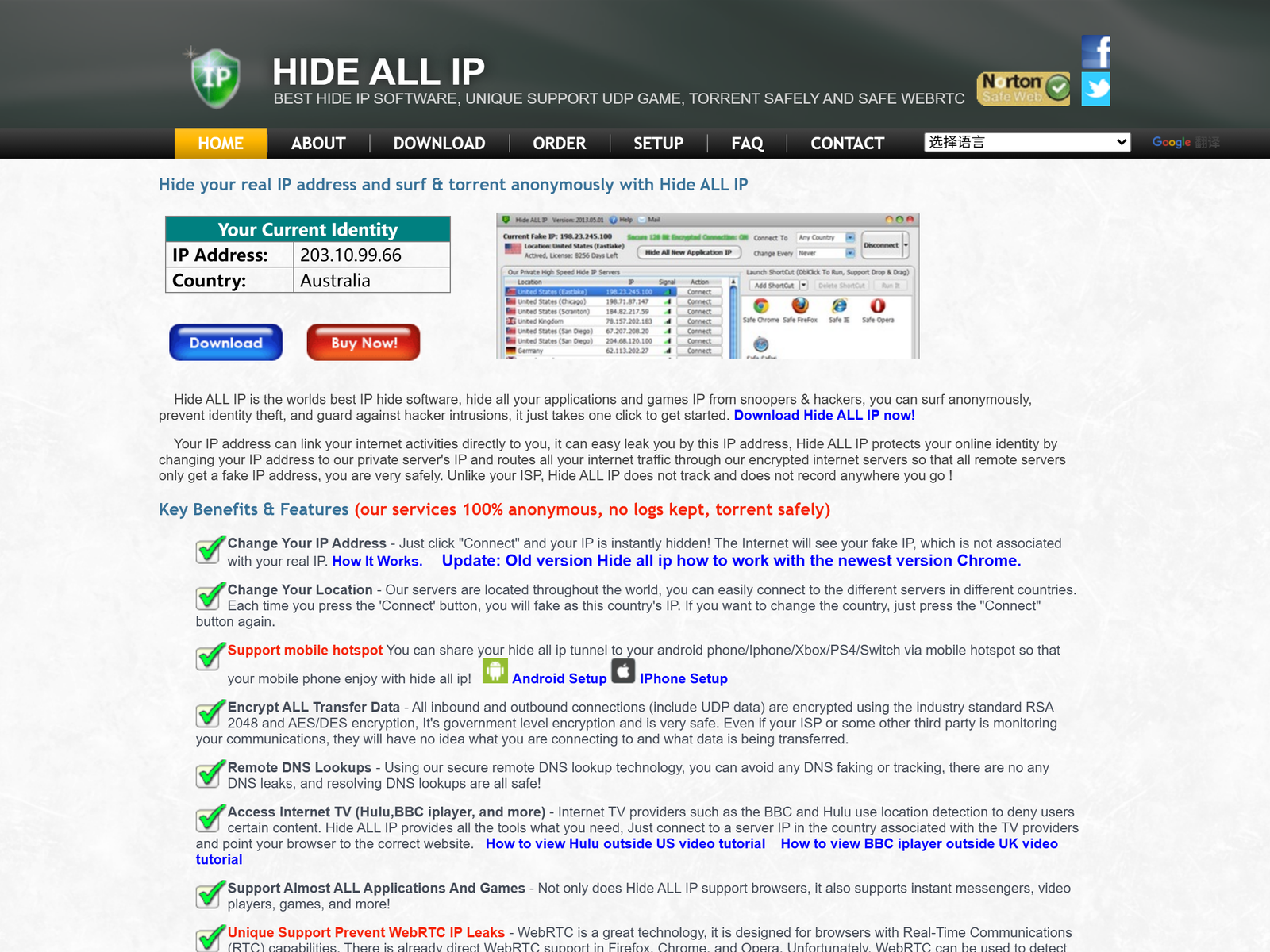
Hide ALL IP is a Windows tool for IP masking that helps you stay private on shared networks. It is a long-standing, low-cost utility from a Hong Kong developer that hides your real IP address, encrypts your connection, and can share a tunnel to a phone through a mobile hotspot. It is Windows-only, keeps some logs, and lacks a kill switch, so we recommend it for light privacy and public-Wi-Fi use rather than as a full security suite. This review stays on privacy and anti-tracking; we do not cover ways to bypass national firewalls.
What Is Hide ALL IP?
Hide ALL IP is a desktop utility for Windows that masks your real IP address by routing traffic through the developer's encrypted servers. Unlike a full cross-platform VPN, it is deliberately small and simple: install it, pick a server, and your IP is replaced. A portable build also exists, so you can run it from a USB stick without administrator rights on a borrowed machine.
A distinctive feature is the ability to turn your Windows machine into a hotspot, letting a phone or tablet ride the protected tunnel. That makes it useful for travelers who want one license to cover a laptop and a mobile device.
How We Tested
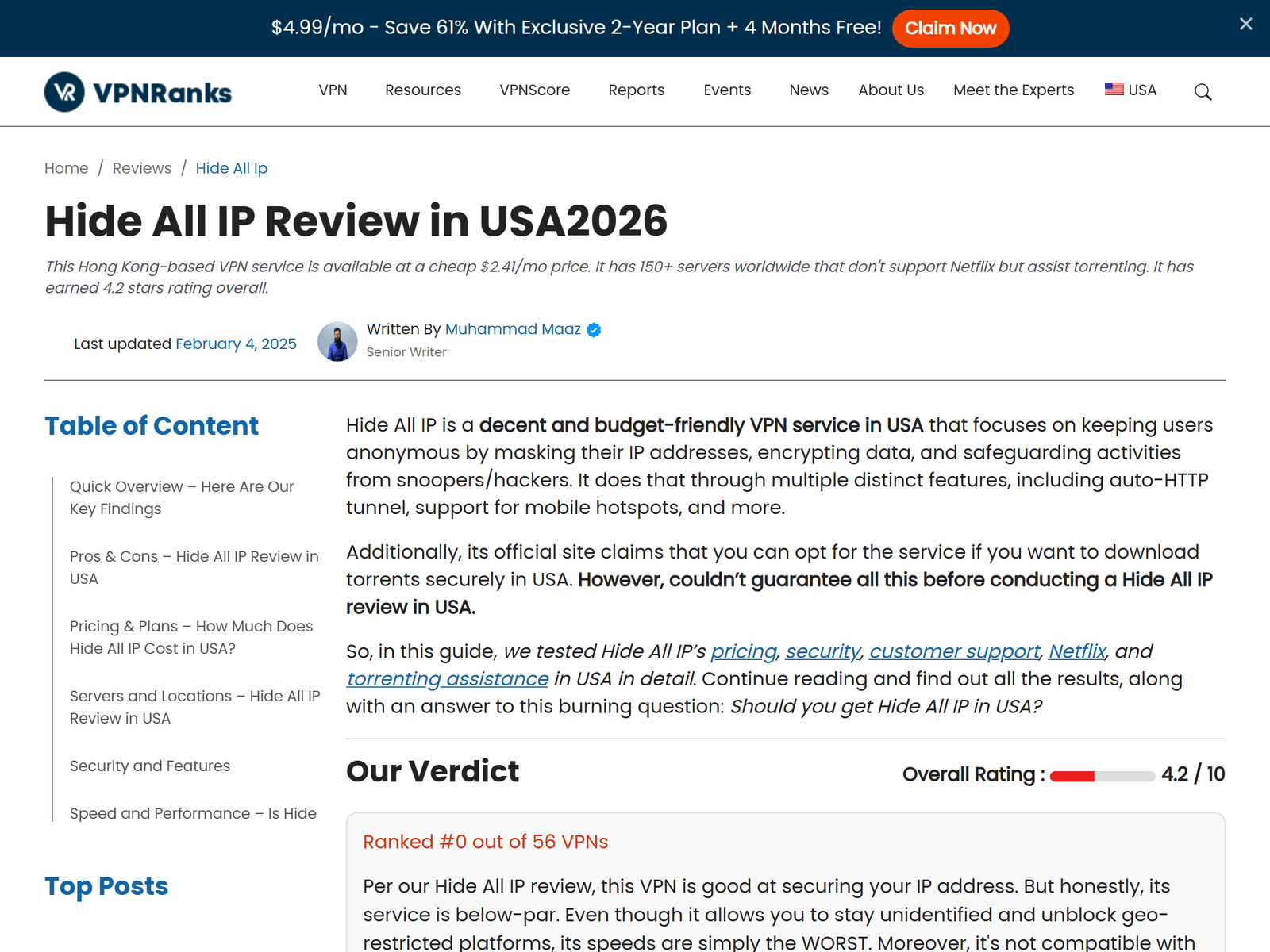
This review is independent. We have no affiliate relationship with Hide ALL IP. Our testing team installed the Windows app, connected to several regions, and checked for IP and DNS leaks using public leak-test sites. We also read the privacy policy and confirmed which protocols the app exposes. No payment was accepted for this assessment. We confirmed plan pricing on the official site and reviewed the independent assessment at VPNRanks.
Privacy and Encryption
Hide ALL IP uses standard encryption (AES and RSA-based key exchange) to secure the tunnel and claims not to track browsing activity. In our leak tests the app did replace the visible IP and did not expose our DNS queries through the default path. For someone on a coffee-shop network, that is the core privacy win: sites and local snoopers see the VPN IP, not yours.
The trade-off is transparency. The service keeps some user records, and the privacy policy is less detailed than the strict no-logs documents from premium providers. If your goal is casual anti-tracking and public-Wi-Fi safety, this is acceptable. If you need a verifiable no-logs stance for sensitive work, look at a dedicated no-logs VPN instead.
Speed and Reliability
Because Hide ALL IP routes through a smaller network, speeds are adequate for browsing, messaging, and standard video but not competitive with large commercial VPNs on long routes. Independent testers have reported below-average throughput on distant servers. Treat it as a privacy utility, not a speed tool. For everyday browsing on a trustworthy nearby server, it performs its job.
Streaming and Geo Flexibility
The app can reach some streaming platforms you already subscribe to while you are traveling or on a restricted local network. Results are inconsistent, and we do not present this as a reliable unblocking solution. Our guidance covers accessing content you are entitled to, not bypassing national restrictions. If streaming is your main goal, a larger provider will serve you better.
Apps and Devices
Hide ALL IP is Windows-only as a native app. There is a portable version and a mobile-hotspot mode that extends protection to Android and iOS devices through your laptop. There are no first-party macOS, Linux, or mobile apps, which is the single biggest limitation for mixed-device households.
Pricing
Hide ALL IP is among the cheapest options we cover. At the time of testing the yearly license was about US$29 per year, which works out to roughly US$2.40 per month, with a one-day free trial and a 30-day money-back guarantee. One license covers a single Windows machine; additional devices need their own license keys. Payment options are unusually broad, including PayPal, card, and several alternative processors.
| Item | Detail |
|---|---|
| Yearly license | ~US$29 / year (about US$2.40 / mo) |
| Free trial | Up to 1 day |
| Refund window | 30 days |
| Devices per license | 1 Windows machine |
Pros and Cons
Pros:
- Very low yearly price and a short free trial.
- Simple IP masking with encryption for public Wi-Fi.
- Portable build and mobile-hotspot sharing to phones.
- Broad payment options, including alternative processors.
Cons:
- Windows-only; no macOS, Linux, or native mobile apps.
- Keeps some logs and lacks a kill switch.
- Below-average speeds on long-distance servers.
- No OpenVPN support.
How Hide ALL IP Compares
Against the best privacy VPN guide, Hide ALL IP is cheaper but lighter: it wins on price and simplicity, and loses on platform support, kill-switch protection, and logging transparency. For a fuller-featured privacy suite, our privacy roundup lists stronger alternatives. If budget is the deciding factor, it sits comfortably in our cost-effective VPN list.
FAQ
Is Hide ALL IP safe on public Wi-Fi?
It encrypts your connection and hides your IP, which blocks the most common public-network risks. Just remember it has no kill switch, so a dropped tunnel can briefly expose traffic.
Does it work on Mac or Android?
There is no native Mac or mobile app. You can share the tunnel to a phone through the Windows mobile-hotspot feature, but there is no standalone client.
Does Hide ALL IP keep logs?
It keeps some records, and its policy is less detailed than strict no-logs providers. Casual privacy users are fine; sensitive users should choose a verified no-logs VPN.
Is the yearly plan good value?
At about US$29 a year it is one of the cheapest utilities we review, which makes the free trial a low-risk way to test it.
My Take / The Bottom Line
Hide ALL IP is a budget Windows utility that does one job well: hide your IP and encrypt your session on shared networks. Its logging stance, missing kill switch, and Windows-only design keep it out of the top tier, but for a few dollars a year it is a reasonable privacy companion for laptop users. Compare it against our privacy VPN recommendations before you decide.