How to Make Money Clipping Videos With Opus Clip in 2026
Category: Monetization Guide
Reviewed by the aifreetool.site editorial team. This is an independent how-to guide; we earn no commission and have no affiliate relationship with Opus Clip.
You can make money clipping videos with Opus Clip in 2026 by turning long-form podcasts, interviews, webinars, and YouTube videos into platform-ready short clips for creators, coaches, and small businesses that lack the time to edit. Opus Clip's AI watches a long video, finds the most engaging moments, and auto-generates vertical clips with captions, reframing, and a hook in minutes, so a solo operator can ship a week of Shorts and Reels without touching a timeline. Charge $15 to $60 per clip or $300 to $2,500 per month per client, while your software runs $15 to $29 a month.
Quick answer: In 2026, the fastest way to make money with Opus Clip is to sell short-form clip packages to podcasters and creators who record hours of footage but post none of it. The Pro plan at $29 a month gives 300 credits and a social scheduler, leaving you a margin above 90 percent on a $500 to $2,000 monthly side income.
What Opus Clip does and the plan you'd use
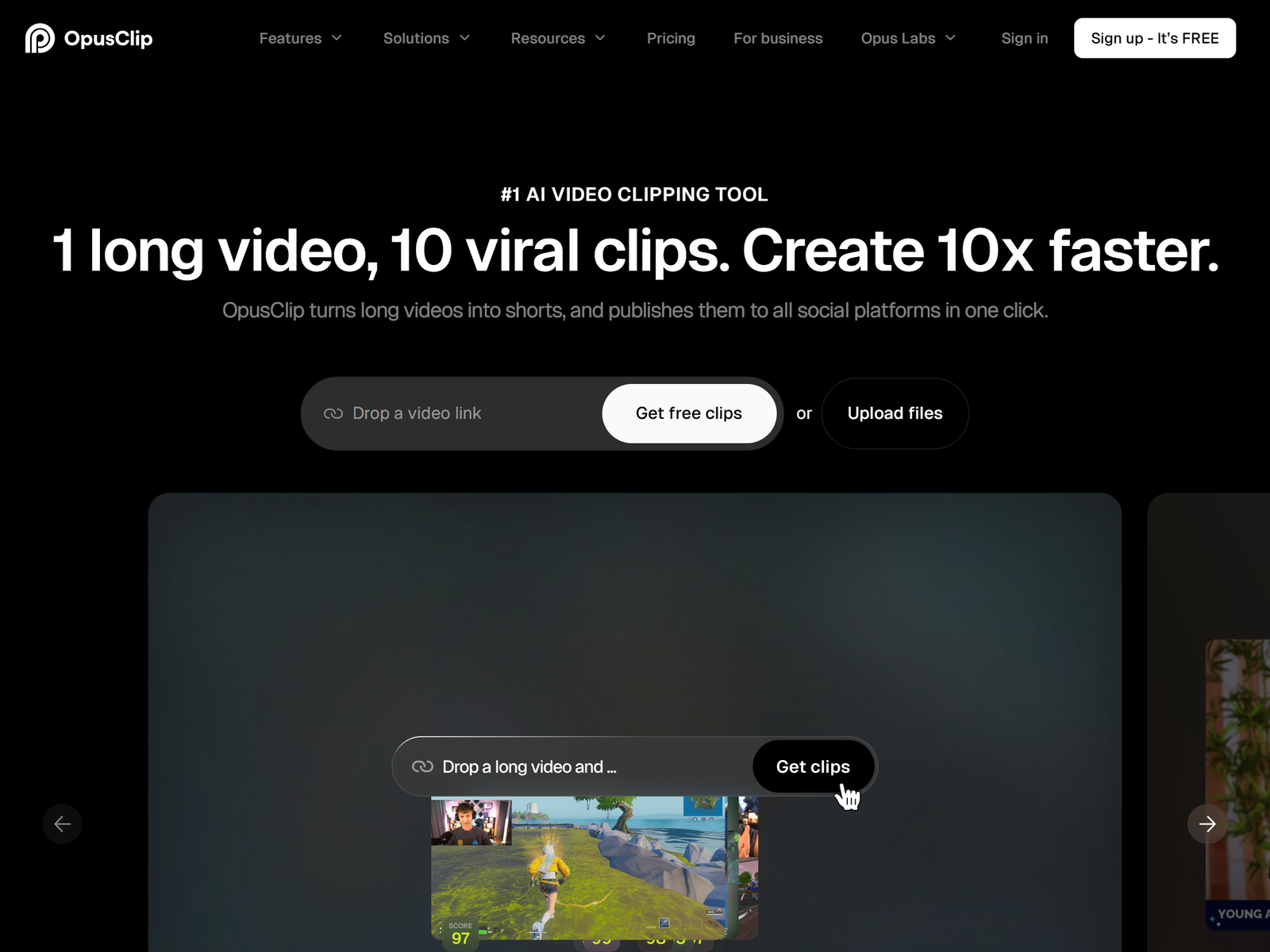
Opus Clip is an AI clip generator. You paste a link to a long video from YouTube, Zoom, Google Drive, Vimeo, Twitch, or Riverside, and it analyzes the whole recording, marks the segments with the most potential, and stitches them into vertical short clips. Each clip gets animated captions in more than 20 languages, an automatic reframe that keeps faces centered, an opening hook, and a Virality Score from 0 to 99 that rates hook, flow, and trend. On paid plans it also adds AI B-roll, filler and silence removal, speech enhancement, and a scheduler that posts to YouTube Shorts, TikTok, Instagram Reels, LinkedIn, Facebook, and X.
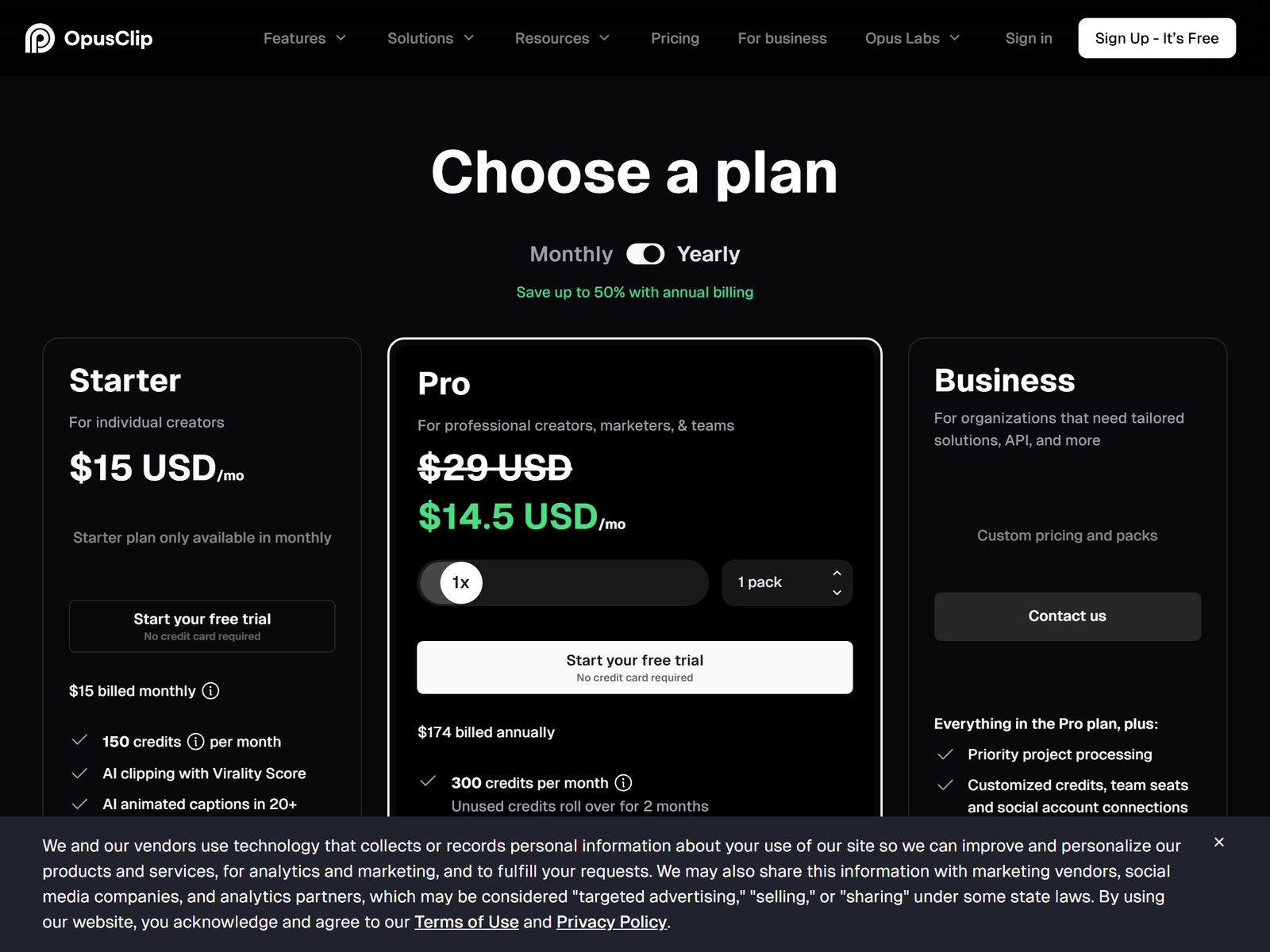
For a one-person service the Starter plan at $15 per month gives 150 credits a month, the full editor, watermark-free exports, one brand template, and auto-posting to the three main short platforms. Pro at $29 per month, or $14.50 billed annually, gives 300 credits, a team workspace with two seats, AI B-roll, the social scheduler, and limited API access. The free forever plan gives 60 credits a month at 1080p with a watermark and locked editing, which is enough to learn the tool. Opus Clip reports more than 16 million creators use the product, so the demand for clip help is real. See the Opus Clip site and the pricing page for current limits.
The service to sell: short-form clip packages
The cleanest offer is a clip package for a podcaster or a long-form YouTuber: you take one episode and return 8 to 12 finished vertical clips with captions, ready to post. A creator with no editor will pay $100 to $300 per episode because clipping by hand eats the hours they should spend recording. A second offer is a monthly social retainer: you clip and schedule a client's content across TikTok, Reels, and Shorts so their channel stays active without them opening an editor.
A third angle is a local-business package: a real-estate agent, a gym, or a restaurant records a talk or a walkthrough, and you turn it into a month of short promos. Charge $300 to $1,500 a month for that. Coaches and course creators are an easy niche too: clip their webinar into a streak of tip videos that drive sign-ups.
Step-by-step: from sign-up to first paid client
Open the free plan and clip a public podcast or a YouTube video into a handful of samples, picking the clips with the highest Virality Score and cleaning the captions. That demo reel is your pitch.
Next, list five creators or local businesses whose long videos have almost no short-form presence; a scroll through YouTube channels and podcast feeds shows who records a lot and posts little. Send each a short note with two sample clips: your episode is full of great moments, but none of them are on Shorts, here are two I clipped for free so you can see the lift. Creators respond to a finished, watchable clip far more than to a pitch.
Close your first client on a small pilot of one episode for $50 to $100. Deliver 8 to 12 captioned clips, show the view counts after a week, then move them to a monthly retainer once they see the reach. Keep the promise conservative: you multiply their reach, not overnight sales, so sell the consistency and the time saved, not rankings.
Pricing and margins
The math is the appeal. Here is a realistic monthly view:
| Your offer | Tool cost | You charge | Gross margin |
|---|---|---|---|
| One episode, 8 to 12 clips | $15/mo Starter | $100 to $300 | about 95 percent |
| 3-episode package for a creator | $15/mo | $250 to $600 | about 97 percent |
| Monthly clip retainer | $29/mo Pro | $300 to $2,500 | about 98 percent |
Clip four episodes a month at $150 each and you earn $600 against $15 in software. Add two retainers and $1,000 to $3,000 a month part-time is realistic, with almost no delivery cost beyond your time and a caption review.
Client management and quality control
Set expectations in writing: Opus Clip builds the clip and the captions, not the client's content strategy or their ad spend. Always skim the AI captions for a misheard word, because a wrong caption is the one thing a viewer screenshots, and use the Virality Score as a renewal engine: your clips scored 70-plus this week is a reason to keep paying you. Deliver as a shareable link plus watermark-free files on Starter and above. For broader video work, our Monetization Guides cover adjacent tools, and a browser editor like VEED pairs well when a client also needs captions burned onto longer videos.
Pro tips and pitfalls
Reuse a tight template per client type so each batch starts 70 percent done; the AI then picks the moments from the topic. Use the scheduler so clips drip out daily, because a steady streak beats one viral hit for most small channels. Lean on the reframe so the subject stays centered, since a drifting frame is what makes a clip feel amateur.
The main pitfall is shipping a clip with a miscaptioned or out-of-context quote, and the catch is that viewers notice instantly, so always human-edit the captions. The risk is scope creep on just one more clip, so price by episode or by month, not by the hour. Do not promise the client viral reach, and do not post a client's clip with their watermark still on the free plan.
Who this is and isn't for
This works best for people comfortable with short-form culture who can spot a good moment and write a clean caption. It suits freelancers, virtual assistants, and agency owners with a few hours a week. It is not ideal if you dislike client calls or cannot commit to a weekly delivery, because retainers live or die on reliability. If you want the tool itself, start at the Opus Clip page on aifreetool.site, and browse the full directory at aifreetool.site.
My Take: The Bottom Line
Best for: freelancers who want a high-margin, low-overhead service with a built-in renewal hook through the monthly scheduler. The trade-off is that Opus Clip is a clipping tool, not a strategy tool; you must bring the client and the footage, or there is nothing to clip. I think the monthly retainer beats one-off episodes because it smooths income and the scheduler gives you a reason to stay. Skip it if you cannot meet a weekly delivery date, because a missed batch is how you lose the client.
Frequently Asked Questions
Do I need editing skills to sell this? No. Opus Clip handles the cut, the reframe, and the captions; you need enough judgment to pick the best moments and fix a wrong word. Learn the platform in an afternoon and you are qualified to start.
How many clients can one plan support? The Starter plan at $15 a month covers 150 credits, enough for several pilot episodes. Pro at $29 adds a team workspace with two seats and the scheduler, which most freelancers grow into once they hold retainers.
What should I charge a first client? Pilot at $50 to $100 for one episode, then move to $300 to $1,500 a month for ongoing clip and posting care. Price by output and consistency, not by the hour.
Is the free plan enough to start? Yes. The free forever plan needs no card and gives 60 credits a month, enough to build a sample reel and learn the workflow before paying. Most operators upgrade to Starter within the first month.
Can clients post the clips themselves? Yes. Hand over watermark-free files on Starter and above, or let the scheduler post to their connected accounts on Pro. Most clients prefer you to own posting so the channel stays consistent with their brand.