How to Make Money as a ClickUp Consultant in 2026
Category: Monetization Guide
Excerpt:
Make money as a ClickUp consultant in 2026. Set up workspaces, build automations, and train teams for small businesses. Pricing inside.
Reviewed by the aifreetool.site editorial team. This is an independent guide; we are not affiliated with ClickUp and earn no affiliate commission if you sign up.
Quick answer: Yes. You can make money as a ClickUp consultant by setting up workspaces, building SOP-driven automations, and training small teams. Charge $300 to $800 for a setup and $150 to $500 per month for ongoing care, and realistically earn $800 to $3,000 per month.
What ClickUp is (and the plan you would use)
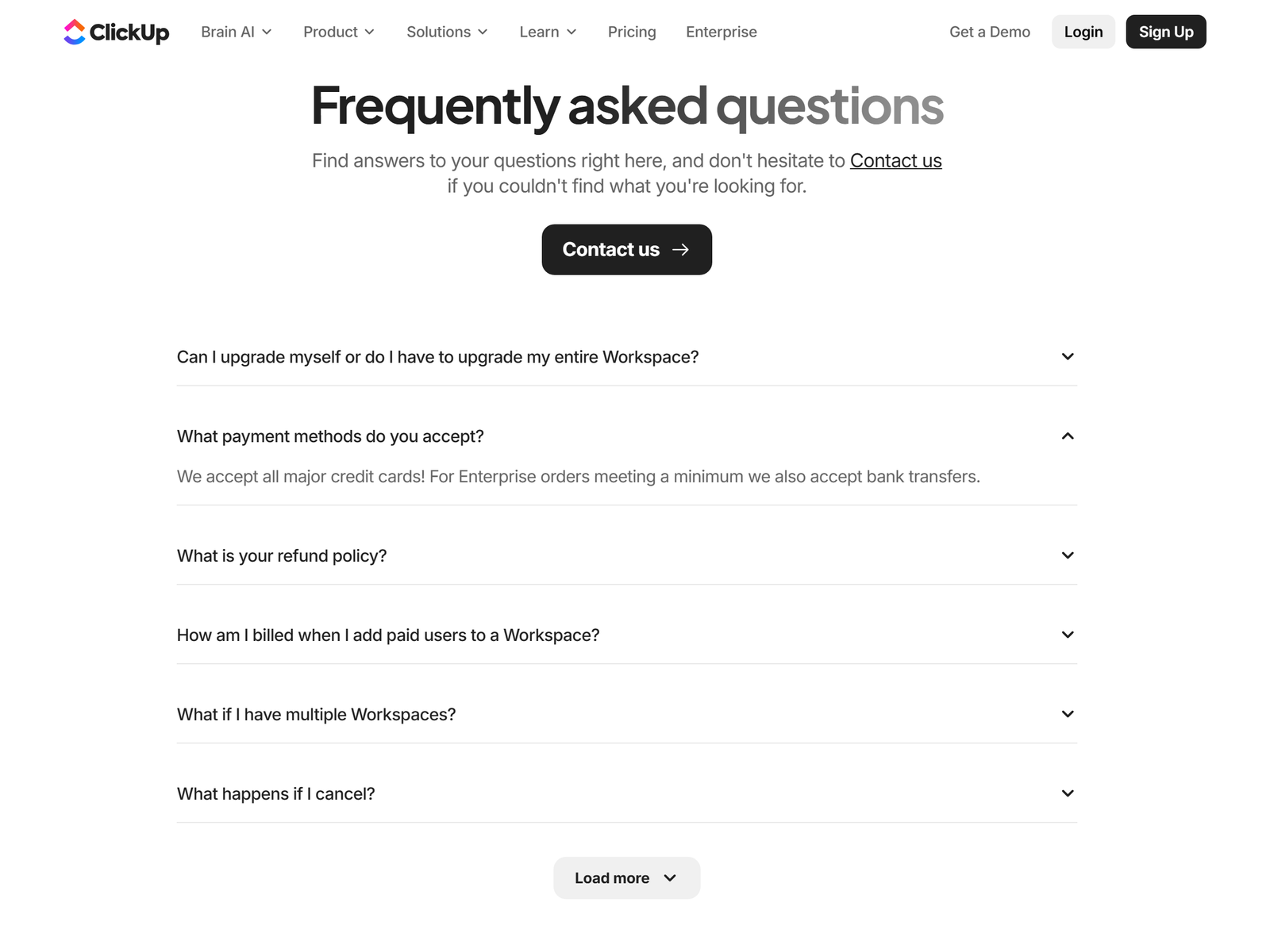
ClickUp is a project management workspace that combines tasks, docs, dashboards, and automations in one place. Small teams use it to replace a scattered stack of spreadsheets, chat threads, and calendar tools. The learning curve is real, which is exactly why business owners pay someone to set it up correctly.
ClickUp pricing in 2026:
| Plan | Price per user | Use case |
|---|---|---|
| Free Forever | $0 | Unlimited members, 60 MB storage |
| Unlimited | $7/mo (annual) | Time tracking, Gantt, integrations |
| Business | $12/mo (annual) | Dashboards, 5,000 automations |
| Enterprise | Custom | SSO, audit logs, governance |
The Unlimited plan at $7 per user per month is enough for most client builds. ClickUp holds a 4.7 out of 5 rating on G2 across more than 25,000 reviews, so the tool is not going away. You can verify current pricing on the ClickUp pricing page.
The monetization idea: a ClickUp setup and ops service
The offer is "we will turn your chaos into a ClickUp workspace your team actually uses." Most founders buy the seat but never configure it. You sell the configuration: space structure, task statuses, dashboards, and automations that move work without manual nudging.
A practical example: a four-person recruitment agency wastes hours in scattered spreadsheets. You rebuild their pipeline as one ClickUp space with status automations, and they renew the $300 care plan because candidates stop slipping through the cracks.
A clean way to price is per seat managed. If a client has eight users on the $7 plan, your bill is $56, and you charge $300 for care, keeping $244 of margin. Stack four such clients and you clear more than $1,000 per month on a few hours of weekly maintenance.
Service packages that sell:
- Starter setup: $300 to $500 for one clean workspace with templates.
- Operations build: $1,200 to $3,000 for multi-team structure and automations.
- Monthly care: $150 to $500 to maintain, report, and train.
Your cost is the $7 Unlimited seat (or Free Forever while you learn). Margins are high because the work is knowledge, not inventory. Two setups plus three care plans can reach $800 to $3,000 per month.
Step-by-step: from sign-up to first paid client
- Build a sample workspace that shows a hiring pipeline or a content calendar.
- Define a fixed-scope offer, such as "ClickUp setup for agencies, $600."
- Post the offer on Upwork and in LinkedIn groups for agency owners.
- Run a 20-minute audit call to map the client's current tools and pain.
- Rebuild their structure in ClickUp with clear statuses and one dashboard.
- Record a training Loom and hand off a one-page operations manual.
Managing clients and quality
Scope tightly. Clients will ask for "everything," but a clean v1 beats a bloated v2. Agree on the spaces, the statuses, and the three dashboards before you build. Use ClickUp's built-in automations for assignment and reminders so the system runs without you.
Connect Slack, Google Drive, and email during setup, and train one internal champion per client. That champion keeps adoption alive after you leave, which protects your referral reputation.
Pro tips and pitfalls to avoid
- Start with one industry template (agencies, coaches, e-commerce) to ship faster.
- Never dump a client's entire backlog into ClickUp on day one.
- Charge for training separately; it prevents endless free calls.
- Use the Free Forever plan to prototype before asking for a paid seat.
- Document the structure so future changes stay cheap.
Who this is and isn't for
This fits people who enjoy systems and can explain them simply. You need enough confidence to run a client call. It is a weak fit if you dislike recurring client work or if you want pure passive income, because the model relies on care plans and referrals.
Former operations managers, virtual assistants, and agency alumni move into this work well because they already think in workflows. The barrier is not technical skill; it is the confidence to run a scoping call and the discipline to document what you build so future changes stay cheap.
For a lighter productivity angle, the Notion page on aifreetool.site covers a docs-first alternative.
My Take / The Bottom Line
ClickUp pays you to do what most teams avoid: the boring setup that makes the tool useful. The demand is steady because every growing team hits the same wall. Win three agency clients, document your template, and the fourth and fifth deals get easier. I would price the first two setups low to build a public case study, then raise rates.
More playbooks live in the Monetization Guide category, and the full tool list is on the aifreetool.site home.
Frequently Asked Questions
Do I need to be a ClickUp certified consultant?
No. A strong sample workspace and one happy client matter more than a badge. Certification helps with enterprise trust but is not required to start.
How long is a typical setup?
A single-team setup takes 4 to 8 hours across a week. A multi-team operations build can take 15 to 30 hours.
What should I charge a small agency?
Quote $500 to $800 for setup and $200 to $400 per month for care. Agencies feel the pain most and pay fastest.
Can I deliver on the Free plan?
Yes for prototyping. Move the client to the $7 Unlimited plan before handoff so they keep time tracking and integrations.
Is this work repeatable?
Yes. Once you build one agency template, each new client is a configured copy plus light customization, which compresses delivery time.