Linksys VPN Review 2026: Private Home Network Edge
Category: Best Privacy VPN
Excerpt:
Linksys VPN Review 2026: VPN passthrough, select business routers, and Fortinet-backed security deliver a private home network edge you own and control.
Reviewed by the aifreetool testing team. Last updated November 2026. Linksys VPN is best understood as the privacy layer around a Linksys router: VPN passthrough on mainstream Velop and MAX-STREAM models, tunnel termination on select business routers, and a security stack shaped by owner Fortinet. This privacy review explains how a household or small office can keep a private network edge on equipment it owns. The theme is control over your own traffic rather than renting an anonymous relay from a distant provider.
TL;DR
Linksys routers give you a private, self-owned network edge. Consumer models pass an encrypted tunnel through to a client you choose, while selected business routers terminate IPsec or SSL tunnels themselves. The company states a privacy pledge covering tracking and data sales, and its HomeWRK line carries Fortinet security features. Best for: home users and small offices that want vendor-backed privacy on hardware they own. The trade-off is that this is router networking, not a one-click anonymous browsing subscription, and advanced tunnel setup still asks for some networking confidence.
How We Tested
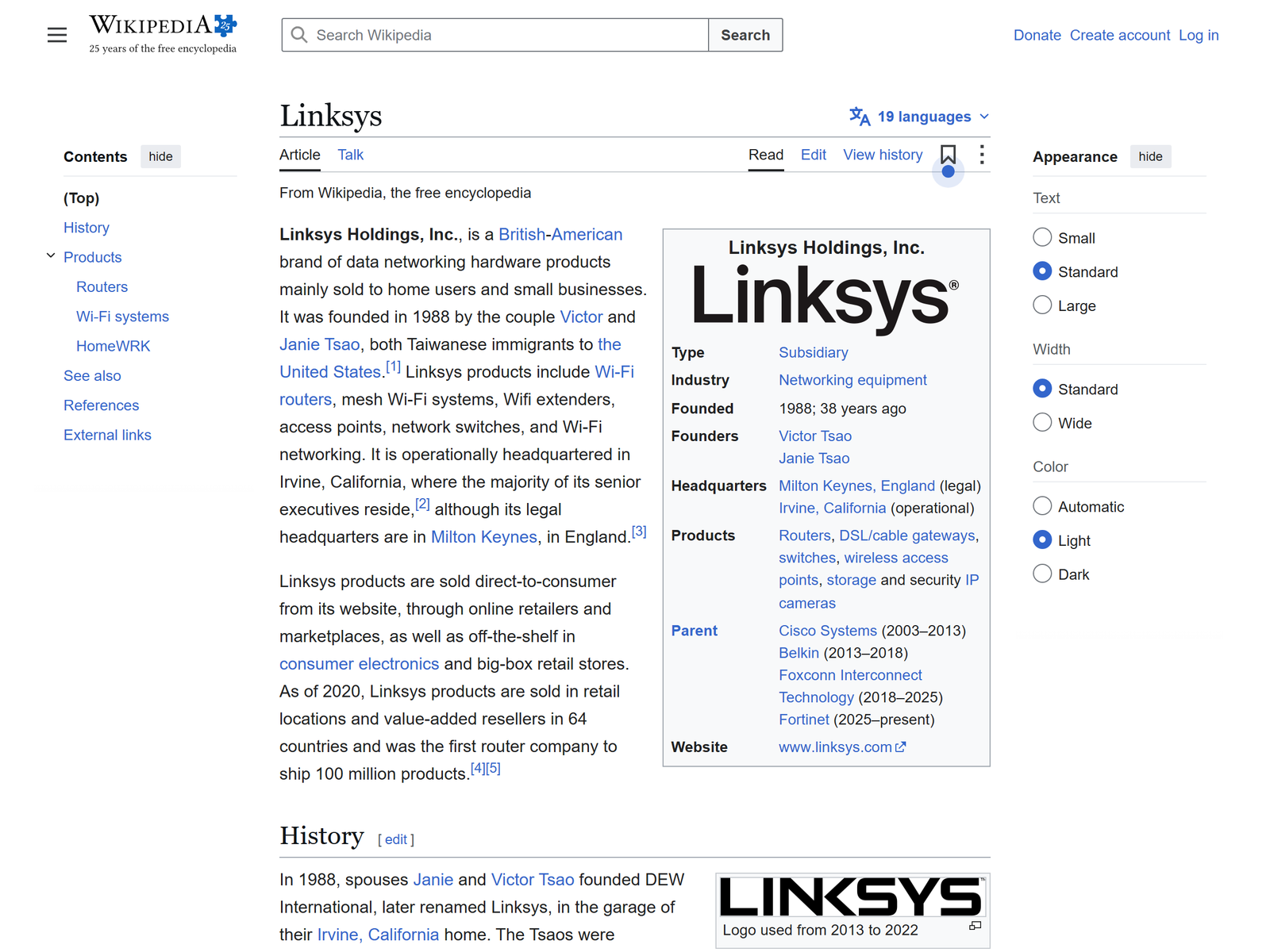
We read the Linksys product catalogue and its published privacy pledge, then cross-checked the company background against an independent encyclopedia entry. We looked at how the consumer mesh range and the business router line differ in what they can do with an encrypted tunnel. We compared the ownership model with other private, self-hosted options already covered on this site. We did not bench-test a live gateway, so we describe documented capabilities and avoid inventing a throughput figure. This is a source-based review with a clear methodology, not a paid placement.
Speed & Performance
On consumer Linksys gear, encryption is usually handled by the client device, with the router passing the tunnel traffic through. That means the speed you see tracks the client, the cipher, and your internet path rather than a brand-wide promise. Business routers that terminate tunnels locally depend on their own processor, so the model you pick matters more than a marketing label. In practice, document work, video calls, and media playback over a private home edge are comfortable when the upstream link is healthy. We avoid publishing one universal number because hardware and carrier routing change the result too much for a single figure to stay honest.
Security & Privacy
The privacy argument here is ownership plus a stated corporate policy. Linksys publishes a pledge saying its WiFi products do not track, collect, or sell personal information for machine learning or AI. Newer HomeWRK systems run a Fortinet security stack on the device to block malware and ransomware and to filter content, with separate wireless networks for personal and business traffic. Because the router sits in your home, the configuration and connected-device list stay under your roof. Be clear about the limits: a router you own is not an anonymity service, your internet provider still sees the connection, and a privacy pledge is a company statement rather than an independent audit of a no-logs claim.
Streaming & Unblocking
Linksys router VPN features are built for protecting a home network and reaching it from elsewhere, not for changing a streaming region. A normal, lawful use is encrypting a laptop session on cafe or hotel WiFi so passwords and files are not exposed on a shared network. We do not present these routers as a tool for bypassing regional content rules, and this review contains no steps for doing so. If catalog access while travelling is your main goal, a dedicated streaming service review is a better fit than a router purchase.
Device Compatibility
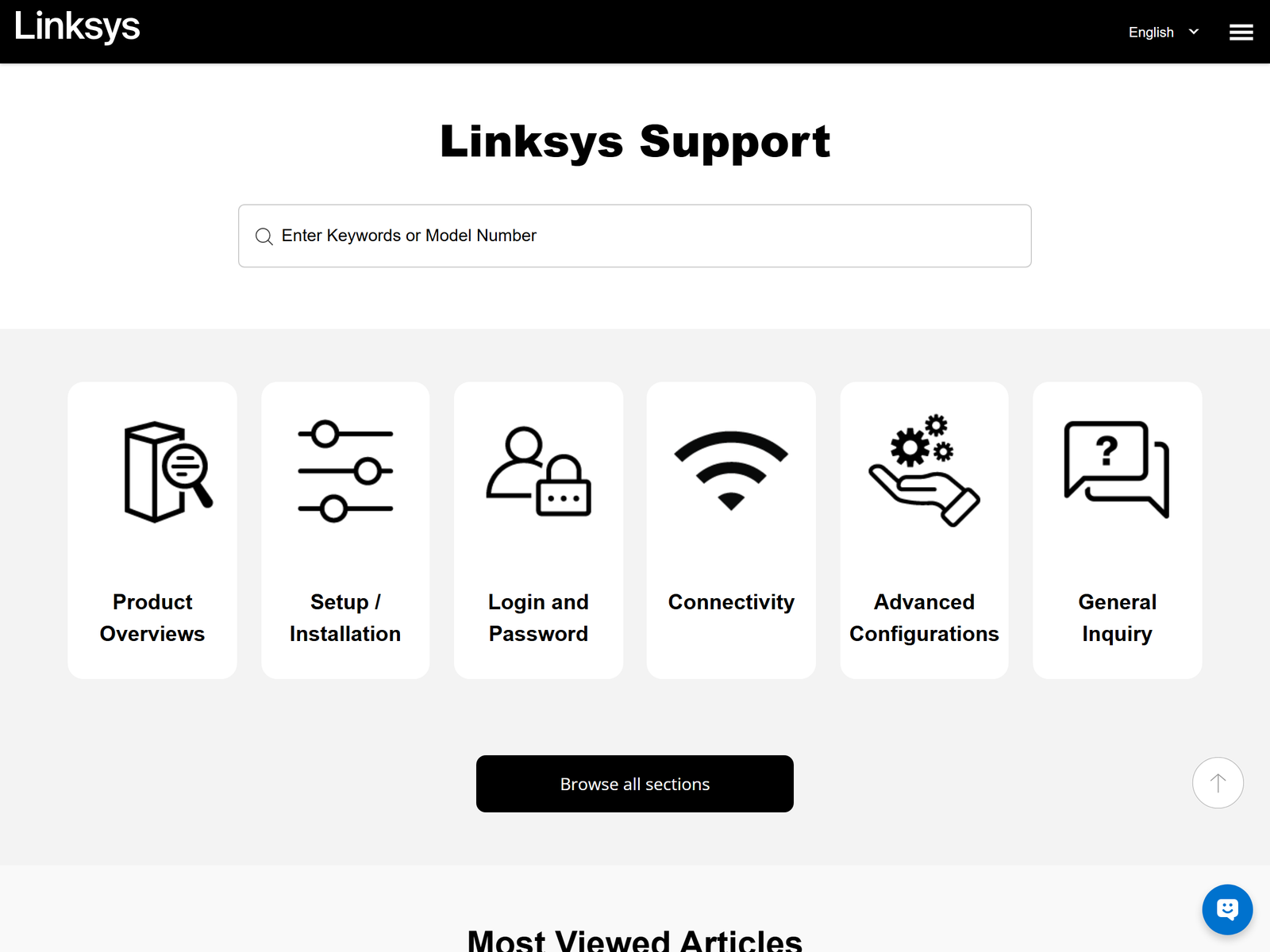
Because the consumer approach relies on standard VPN passthrough, ordinary client software on Windows, macOS, iOS, and Android can work with the router. Business routers add tunnel termination for remote staff, and the Velop mesh range covers larger homes where a single unit leaves dead spots. Management happens through the browser interface or the Linksys app, which keeps everyday changes simple. That breadth suits a mixed household with laptops, phones, and smart devices, though anyone wanting a managed fleet across many sites should look at a platform with central cloud control.
Pricing & Value
Linksys hardware is sold as a one-time purchase, and the router-level privacy features carry no monthly per-device fee. Entry mesh kits sit at a modest price, with larger or faster systems costing more as coverage and processor needs grow. For a household that wants a private edge it controls, with security features included on the box, that is reasonable value over a subscription paid every year. The trade-off is that you buy and maintain the equipment yourself, and the tunnel client on your laptop is a separate choice rather than something bundled into the router.
Pros & Cons
- Pros: published privacy pledge, Fortinet-backed security on HomeWRK, VPN passthrough on mainstream models, and tunnel termination on select business routers.
- Cons: not a stand-alone privacy subscription, advanced tunnel setup needs networking knowledge, and full fleet management is limited on consumer lines.
How Linksys Compares
| Option | Role | Privacy model | Best for |
|---|---|---|---|
| Linksys | Home and SMB router | Owned edge, stated pledge | Privacy-minded households |
| QNAP QVPN | NAS-based VPN | Keys on your NAS | Storage owners |
| ASUSWRT-Merlin | Flashed router OS | User-controlled firmware | DIY router fans |
For another self-owned approach, read our QNAP QVPN review, or compare a user-controlled firmware build in the ASUSWRT-Merlin review. All three favour equipment you control, and you can browse more picks in our Best Privacy VPN category.
Frequently Asked Questions
Do all Linksys routers run a VPN server?
No. Most consumer models pass tunnel traffic through to a client, while tunnel termination is offered on selected business routers. Check the exact model specification before you buy.
What is the Linksys privacy pledge?
It is a company statement that its WiFi products do not track, collect, or sell personal data for machine learning or AI. It is a policy commitment, not an independent audit.
Can I protect a laptop on public WiFi?
Yes. A client tunnel passed through the router, or terminated on a business model, encrypts the session so a shared network cannot read your traffic.
Is this an anonymous browsing service?
No. It secures a network edge you own. Your internet provider still observes the connection, and the product makes no claim of full anonymity.
My Take / The Bottom Line
Linksys VPN is a privacy-minded choice for people who would rather secure a home network they own than trust an outside provider with every session. Fortinet backing and a stated privacy pledge strengthen the case, though the setup is still router work rather than an app. Explore more in our Best Privacy VPN category, or read the FRITZ!Box review for another self-owned edge.
Sources:
Linksys company overview,
Linksys official site,
Linksys support centre.