How to Make Money With Zapier Automation in 2026
Category: Monetization Guide
Excerpt:
Make money with Zapier automation in 2026: sell done-for-you workflow setups to small businesses. Real pricing, income ranges, and a launch plan.
Reviewed by the aifreetool.site editorial team. This is an independent guide—we earn no commission and have no affiliate relationship with Zapier. We read the current pricing page and built sample workflows before writing.
Quick answer: In 2026 you can make money with Zapier automation by setting up done-for-you workflow automation for small businesses. A single setup earns $300–$800, and a roster of clients on care plans brings in $800–$3,000 a month.
Tool at a Glance: What Zapier Does
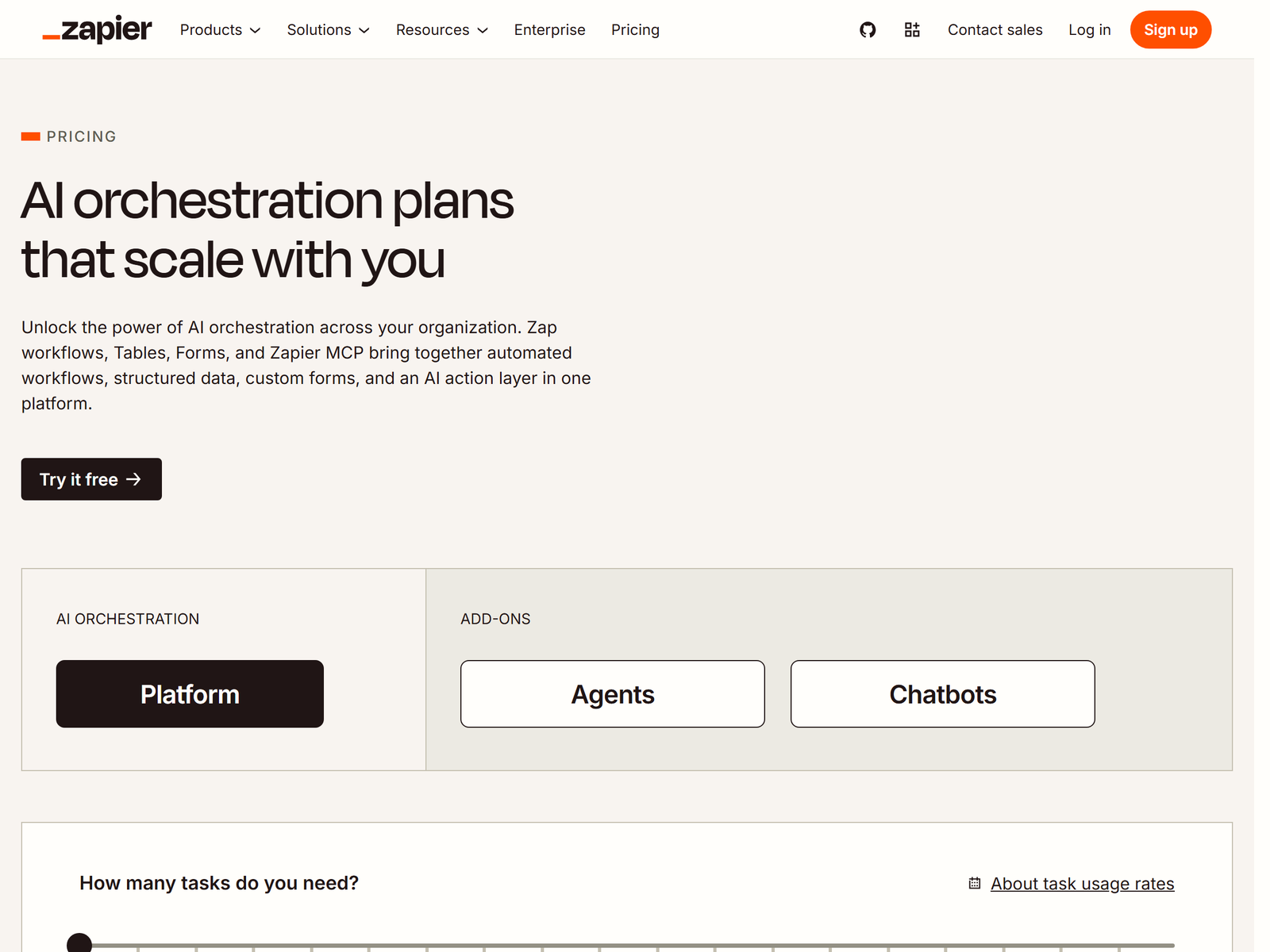
Zapier is a no-code automation platform that connects more than 9,000 apps. You build a "Zap" with a trigger and one or more actions: a new form submission creates a CRM contact, an invoice paid sends a thank-you email, a new lead gets added to a spreadsheet. It now bundles Zaps, Tables, Forms, and Zapier MCP in one plan, plus a Copilot assistant that helps draft and debug workflows. For a consultant, that means one toolkit covers the whole automation service.
The plan most consultants run on is Professional at $19.99 a month billed annually ($29.99 monthly) with 750 tasks and a 14-day trial. It unlocks multi-step Zaps, premium apps, webhooks, Filters, Paths, and Formatter, and those logic steps do not count against your task total. The Free plan gives 100 tasks and two-step Zaps, fine for learning. Team at $69 a month (annual) adds 2,000 tasks, 25 users, shared folders, and SAML SSO for client work. Enterprise is custom. A task is one completed action, so you buy tasks based on volume, not seats.
| Plan | Price (annual) | Tasks / mo | Best for your service |
|---|---|---|---|
| Free | $0 | 100 | Learning and simple two-step Zaps |
| Professional | $19.99/mo | 750 | Solo automation consultant |
| Team | $69/mo | 2,000 | Agencies and shared client folders |
| Enterprise | Custom | Custom | Large-volume operations |
The detail that matters for pricing is that Filters, Paths, and Formatter do not consume tasks, only the final actions do. A clever workflow can do a lot of logic inside one task, which protects your margin. Zapier MCP also lets an AI assistant trigger actions across the app catalog, so you can sell "AI + automation" setups as a premium service rather than plain Zap building.
The Monetization Idea: A Done-for-You Automation Service
Small businesses know they waste hours copying data between tools but lack the time to wire it up. You sell the setup: a fixed-scope package that maps their apps, builds the workflows, tests them, and hands over documentation. Popular jobs include lead routing from forms to CRM, invoice-to-accounting sync, e-commerce order alerts, appointment reminders, and weekly report emails. You are selling reclaimed hours, not software access.
Charge $300–$800 for a setup of five to ten Zaps, then $150–$500 a month for a care plan covering changes, monitoring, and new workflows. Retainers of $800–$3,000 a month are realistic for an operator with three to six small clients. Compare that with a full-time operations hire, and the value is easy to explain. Your tool cost stays near $20 a month while each setup sells for many times that, so gross margins are high once the workflows are built.
Step-by-Step Action Plan
- Use the Free plan to build three sample Zaps (lead capture, invoice alert, and a weekly digest) as portfolio proof.
- Pick one niche—real estate leads, e-commerce ops, or coaching bookings—so your demos match a buyer's world.
- List fixed-scope gigs on Upwork and Fiverr, describing the exact workflows you deliver.
- Send ten short messages a week to firms whose booking or follow-up process is visibly manual.
- Run a paid discovery call, map the apps on a shared screen, then deliver a fixed-price scope.
- Hand over a short video walkthrough and convert each setup into a monthly care plan.
Client and Quality Management
You can connect thousands of apps, add branching logic, and give clients a shared folder of documented Zaps they can inspect. You cannot guarantee an app's API never changes, promise results from a tool the client does not pay for, or take responsibility for bad data they feed the workflow. Put those boundaries in the scope. Get app access through a shared account the client controls, log every Zap you build, and set alerting so a failed run reaches you first. Ship a test report with each setup, not just a working link.
Pro Tips and Pitfalls
- Sell outcomes ("save six hours a week"), not task counts; clients do not care how a Zap works.
- Use the free tier for demos and bill clients only for the workflows you ship.
- Keep logic in Filters and Paths so it does not burn billable tasks.
- Never request a client's main password; use shared connections and least-privilege access.
- Bundle a monthly health check so automations keep working and income recurs.
Who This Is For (and Who Should Skip It)
This fits operations assistants, virtual assistants, and consultants who already understand how small businesses run. It is a service business, not passive income, so skip it if you want to build once and walk away—apps change and clients need updates. You also need patience for debugging; a workflow that looks simple often has one broken field mapping. Pair automation setup with a Zapier Tables or Forms build and one client engagement can span two paid deliverables.
My Take / The Bottom Line
Zapier turns repetitive office work into a sellable fix, and the fixed-scope setup is the sweet spot. Your cost is roughly $20 a month while a five-Zap build sells for $300–$800, and the care plan is where the real business sits. The catch is support: a workflow that breaks on a Monday needs a fast answer, so do not sell more care plans than you can service. Document every build, monitor failures, and price on outcomes rather than hours. Do that and $800–$3,000 a month with a handful of clients is realistic. Build three sample Zaps this week and pitch a local business before you chase a certification.
FAQ
Do I need the paid plan to take clients?
The Free plan covers demos and two-step Zaps, but multi-step workflows, premium apps, and webhooks need Professional at $19.99 a month billed annually.
How do I price an automation job?
Scope by the number and complexity of workflows. A package of five to ten Zaps with testing and documentation commonly sells for $300–$800.
What is a Zapier task?
One completed action in a workflow. Filters, Paths, and Formatter do not count, so smart logic keeps your task use low.
Can I manage several clients from one account?
Team at $69 a month supports 25 users and shared folders, which suits an agency. Keep each client's workflows isolated and documented.
Is this passive income?
No. Apps update and workflows break, so a care plan with monitoring is part of the job. That maintenance is also what makes the income repeat.
Review the official Zapier pricing, then read our Zapier profile on aifreetool.site. Find more playbooks in our Monetization Guide category, compare with Framer AI for client sites, or start at aifreetool.site.