How to Make Money With AI Video Generation Using Luma AI in 2026
Category: Monetization Guide
Reviewed by the aifreetool.site editorial team. This is an independent how-to guide; we earn no commission and have no affiliate relationship with Luma AI.
You can make money with AI video generation in 2026 by using Luma AI to produce short, photorealistic clips for small brands, agencies, and creators who need social video but cannot shoot or edit it themselves. Luma AI's Ray3 model turns a text prompt or a single image into a five-second cinematic clip with realistic lighting and camera motion, so a solo operator can deliver product demos, ad hooks, and explainer visuals without a camera or a render farm. Charge $50 to $400 per clip or $500 to $3,000 per month per client, while your software runs $10 to $30 a month.
Quick answer: In 2026, the fastest way to earn with Luma AI is to sell short AI-generated video ads and product visuals to local businesses and small e-commerce brands that have no video team. The Plus plan at $29.99 a month gives 10,000 credits and full commercial rights, leaving you a margin above 95 percent on a $500 to $2,500 monthly side income.
What Luma AI does and the plan you'd use
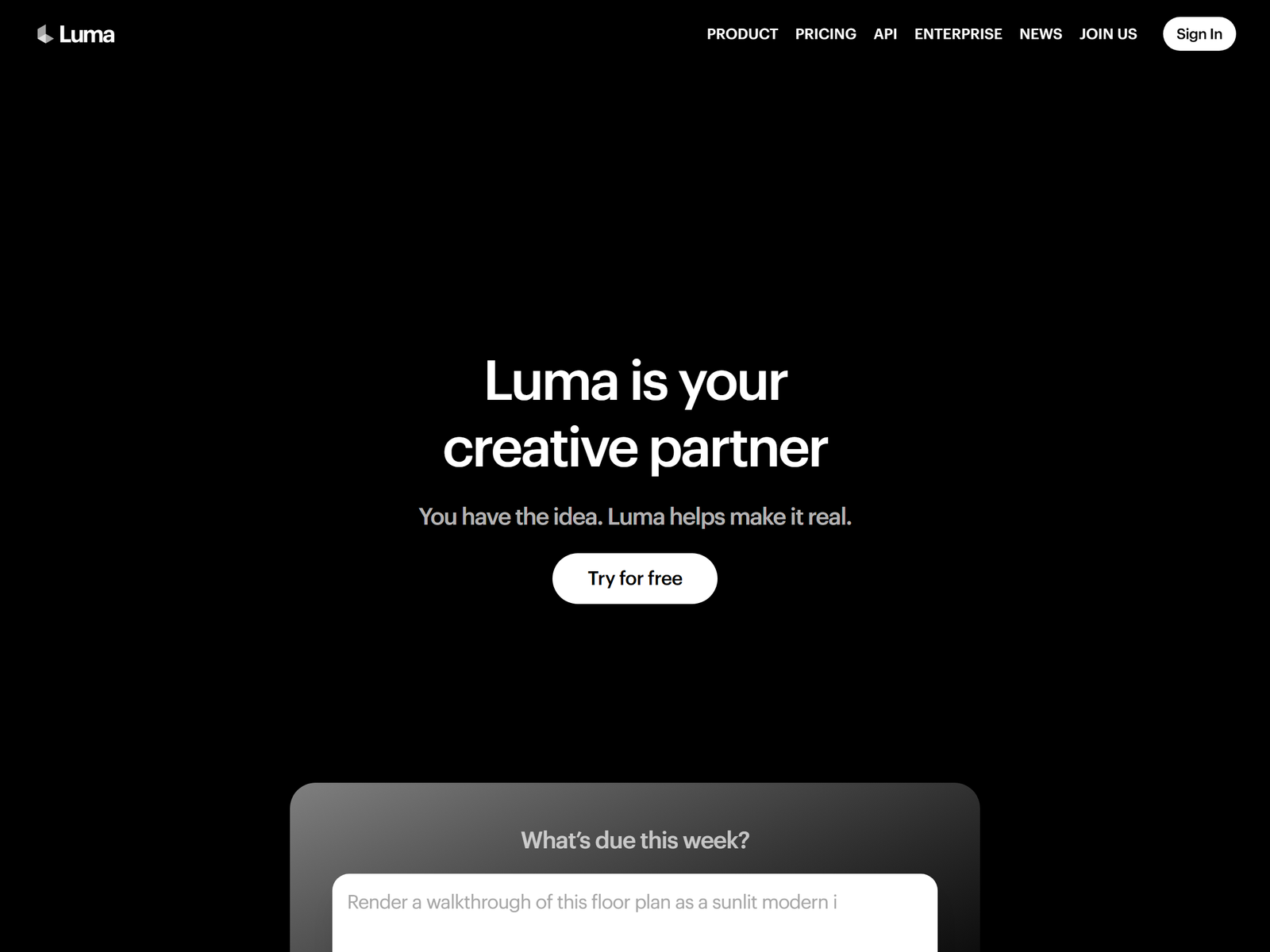
Luma AI is an AI video and image generation platform built on the Ray3 model. You type a description such as a spinning wristwatch on a marble table or upload a reference image, and the model returns a short clip with physically believable motion, lighting, and camera movement. The same account generates still images with Photon, and the Ray3 Modify mode lets you restyle or extend an existing video. Because the output reads as real footage rather than obvious animation, it fits commercial work where a client wants a polished look without a film crew.
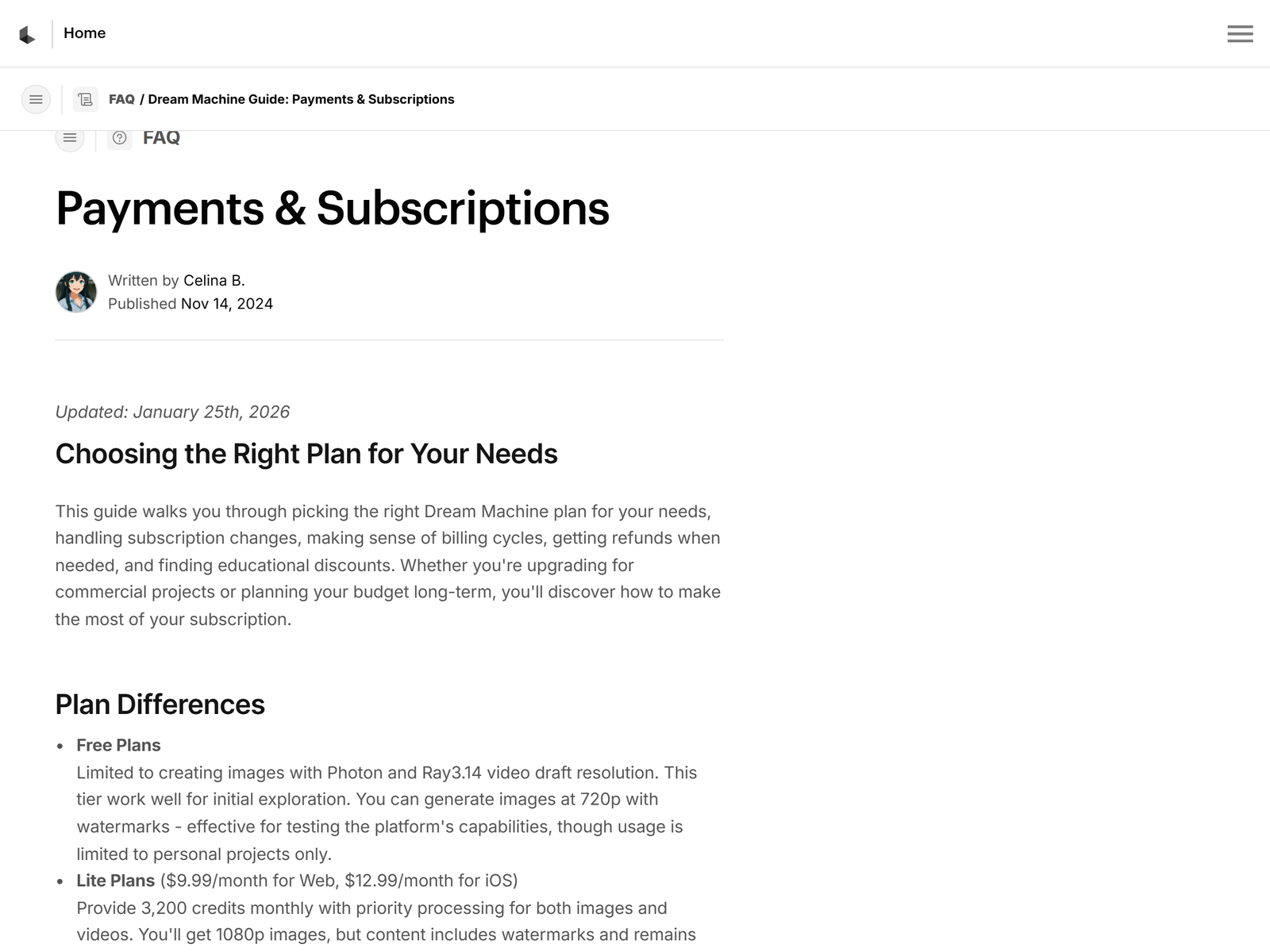
For a one-person service the free plan gives eight draft videos a month at 720p with a watermark and personal-use only terms, which is enough to learn the tool. The Lite plan at $9.99 a month gives 3,200 credits and watermark-free images but stays non-commercial. The Plus plan at $29.99 a month, or about $24 billed annually, gives 10,000 credits, no watermark, HDR export, and full commercial rights, which is the tier you bill into any paid client work. The Unlimited plan at $94.99 a month adds relaxed generation for high-volume shops. Luma states the Ray3.14 update brought roughly 4x faster sampling and native 1080p. See the Luma AI site and the pricing page for current limits.
The service to sell: AI video ads and product visuals
The cleanest offer is a short-form ad package: a local brand or an online store gets three to five AI-generated video hooks they can run as Reels, TikToks, or pre-roll ads. A small business with no video team will pay $150 to $600 for a batch because producing the same footage with a crew costs far more. A second offer is product and explainer visuals for e-commerce listings and landing pages: a rotating hero shot, a feature animation, or a 3D-style demo built from a product photo, at $50 to $200 per clip.
A third angle is a creative retainer for agencies and coaches: you supply a steady stream of campaign visuals so their social feeds never go empty. Charge $500 to $3,000 a month for that. Real-estate agents, jewelry makers, and course creators are easy niches because each has products that photograph well and benefit from motion.
Step-by-step: from sign-up to first paid client
Open the free plan and generate a few sample clips from text prompts and one from a product photo you own. Pick the two that look most cinematic as your demo reel; Luma's realism is the selling point, so show clips that could pass for real footage.
Next, list five local businesses or small online stores whose social feeds are static image posts or have no video at all; a scroll through Instagram and Etsy shop pages shows who is stuck on still photos. Send each a short note with two sample clips: your product would stop the scroll as motion, here are two I generated for free so you can see the lift. Local brands respond to finished, watchable video far more than to a pitch.
Close your first client on a small pilot of three clips for $75 to $150. Deliver watermark-free files on the Plus plan, show the engagement after a week, then move them to a monthly retainer once they see the reach. Keep the promise conservative: you add scroll-stopping motion, not guaranteed sales, so sell the production value and speed, not rankings.
Pricing and margins
| Your offer | Tool cost | You charge | Gross margin |
|---|---|---|---|
| Single ad-hook clip | $29.99/mo Plus | $50 to $200 | about 90 percent |
| 5-clip ad batch | $29.99/mo Plus | $150 to $600 | about 95 percent |
| Monthly creative retainer | $29.99/mo Plus | $500 to $3,000 | about 98 percent |
Deliver ten clips a month at $120 each and you earn $1,200 against $30 in software. Add a couple of retainers and $500 to $3,000 a month part-time is realistic, with almost no delivery cost beyond your prompt time and a render wait.
Client management and quality control
Set expectations in writing: Luma AI generates the clip, not the client's brand strategy or their ad account. Always review a clip for a stray artifact or a morphing product, because one obvious glitch is what a viewer screenshots, and use the first batch as a renewal engine: your hooks drove saves this week is a reason to keep paying you. Deliver as watermark-free MP4 files on Plus and above. For video editing in general, our Monetization Guides compare options, and a browser editor like VEED pairs well when a client also needs captions burned onto longer videos.
Pro tips and pitfalls
Reuse a tight prompt template per product type so each batch starts 70 percent done; Luma then renders the motion from your description. Lean on image-to-video from a clean product photo so the result matches the real item, since a clip that drifts from the source erodes trust. Keep each free-tier draft under the monthly cap, and bill the Plus cost into any client with deep volume.
The pitfall is shipping a clip with a morphing or melting object, and the catch is that viewers notice instantly, so always human-review the first and last frame. The risk is scope creep on just one more variation, so price by clip or by month, not by the hour. Do not promise the client viral reach, and do not post a client's clip on the free plan, because that tier is personal-use only with a watermark.
Who this is and isn't for
This works best for people with a visual eye who can write a clear prompt and spot a bad frame. It suits freelancers, social-media managers, and agency owners with a few hours a week. It is not ideal if you dislike client calls or cannot commit to a weekly delivery, because retainers live or die on reliability. If you want the tool itself, start at the Luma AI page on aifreetool.site, and browse the full directory at aifreetool.site.
My Take: The Bottom Line
Best for: freelancers who want a high-margin, low-overhead creative service with a built-in renewal hook through monthly creative retainers. The trade-off is that Luma AI is a clip generator, not a strategy tool; you must bring the client and the product, or there is nothing to animate. I think the ad-batch plus retainer combo beats one-off clips because it smooths income and gives you a reason to stay. Skip it if you cannot human-review every frame, because a single morphing artifact is how you lose the client's trust.
Frequently Asked Questions
How much does Luma AI cost to start? The free plan gives eight draft videos a month at 720p with a watermark and personal-use terms. The Plus plan at $29.99 a month gives 10,000 credits and full commercial rights, which is the tier you bill into client work. Lite at $9.99 is non-commercial, so avoid it for paid delivery.
Do I need video editing skills? No. You write prompts or upload a photo, and Luma renders the motion. You need enough taste to pick the best clip and fix a visible glitch, which most people learn in an afternoon.
What should I charge a first client? Pilot at $75 to $150 for three clips, then move to $150 to $600 batches or $500 to $3,000 monthly retainers. Price by output and consistency, not by the hour.
Can clients use the videos commercially? Yes on Plus and Unlimited, which include commercial rights. The free and Lite tiers are personal or non-commercial, so never deliver client work from those tiers.
Is the output realistic enough for ads? Ray3 produces photorealistic lighting and motion that reads as real footage for short clips, which is why it fits commercial work. For longer or complex scenes, plan extra review and a few regenerations to catch artifacts.