
How AirLLM Runs a 2.8-Trillion-Parameter Model on a Single 4GB Graphics Card
Category: Tech Deep Dives
Reviewed by the aifreetool Editorial Team — a group of full-time AI-tool researchers and writers who verify every product claim against primary sources and independent testing.
Last updated August 12, 2026.
We keep no affiliate relationship with the products covered here and earn nothing if you click through. Where a claim could not be verified, we say so.
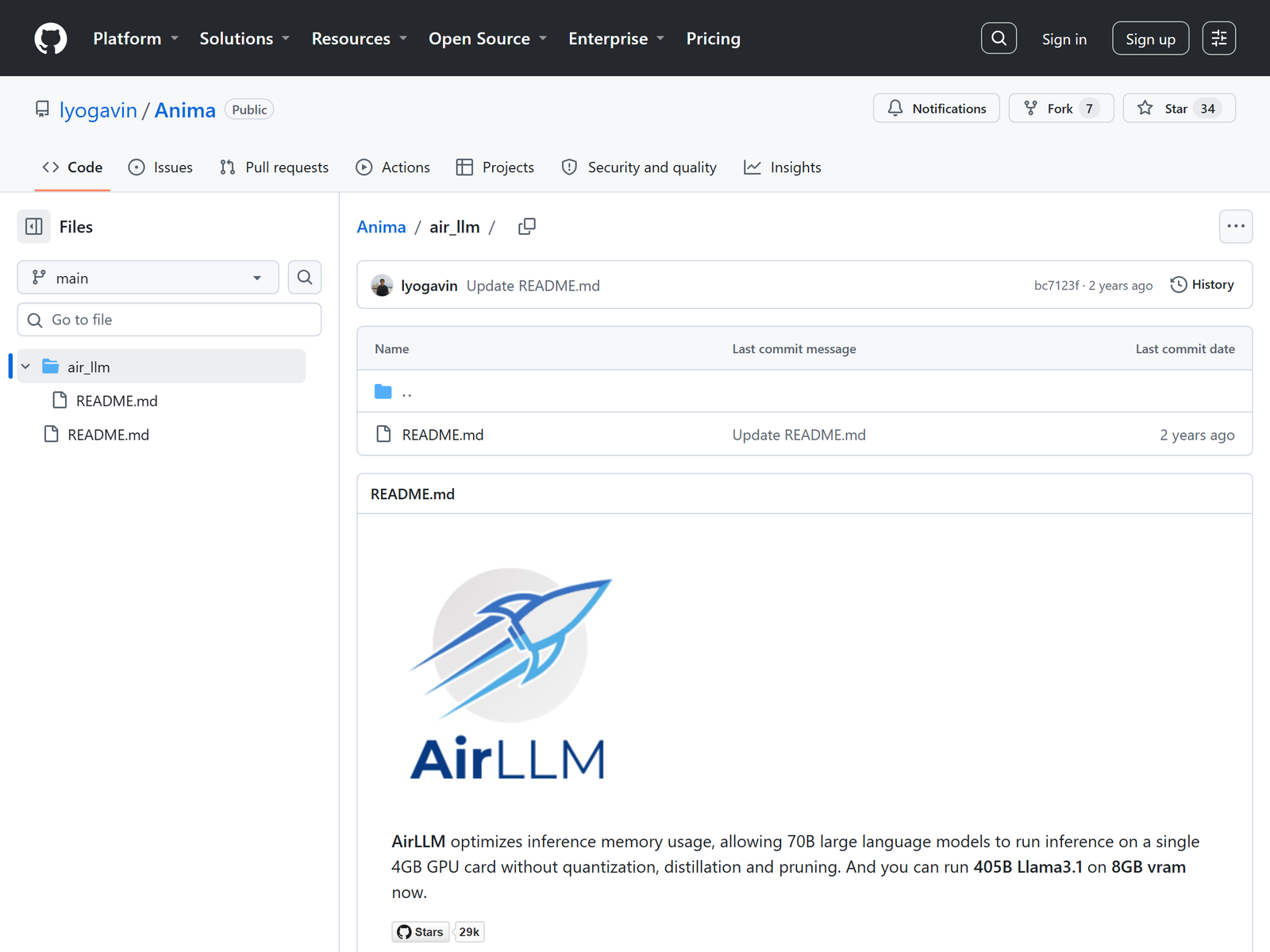
The usual rule of thumb says a 70-billion-parameter model needs roughly 140 GB of GPU memory in half precision, which is why most developers assume consumer GPUs cannot run frontier models. AirLLM breaks that assumption. Developed by Gavin Li and released under an Apache 2.0 license, AirLLM is an open-source inference framework that loads a transformer layer by layer instead of all at once, allowing a 2.8-trillion-parameter model such as Moonshot's Kimi K3 to run using less than 4 GB of VRAM on a consumer graphics card. AirLLM does not quantize, distill, or prune the model. It changes the loading strategy.
The Memory Wall AirLLM Is Tearing Down

Large language models are not monolithic blocks. They are stacks of transformer layers that run sequentially during inference. The output of layer N becomes the input to layer N plus one. That sequential dependency means, at any given moment, only one layer's weights actually need to be resident in GPU memory. AirLLM exploits that fact. Instead of loading the full model, it splits the weights into per-layer shards, loads the current layer, runs the forward pass, and immediately frees the memory before loading the next layer.
The result is a dramatic change in the memory floor. A 70B dense model that normally requires two 100 GB A100 GPUs can run on a single 4 GB consumer card. Llama 3.1 405B, a 405-billion-parameter model, fits in roughly 8 GB. DeepSeek-V3, at 671 billion parameters, needs about 12 GB. And Kimi K3, with 2.8 trillion total parameters thanks to its Mixture-of-Experts architecture, has been measured at 3.72 GB of end-to-end VRAM on an NVIDIA RTX 6000 Ada.
Layer-wise Streaming: How One Layer at a Time Works
The core technique is layer-wise inference. On first load, AirLLM rewrites the original HuggingFace checkpoint into per-layer safetensors files. Safetensors is used because its on-disk format matches the in-memory layout closely and supports memory-mapped loading. During generation, the framework uses HuggingFace Accelerate's meta device to build the model skeleton without allocating parameter memory, then dynamically moves only the active layer to the real GPU.
For MoE models the optimization goes one level deeper. Models like Kimi K3, DeepSeek-V3, and Qwen3 MoE route each token to only a small subset of experts. AirLLM streams weights at the expert level rather than the layer level, loading only the experts that the router actually selects. Because most experts stay dormant for any given token, the effective memory footprint collapses even though the total parameter count is enormous.
Two additional techniques keep the overhead manageable. Flash Attention reduces the attention computation's memory complexity from quadratic to roughly linear in sequence length, keeping the KV cache small. For a 100-token input the KV cache is roughly 30 MB. Prefetching, added in version 2.5, asynchronously loads the next layer or expert while the current one computes, overlapping disk I/O with GPU work and improving speed by about 10 percent. Optional 4-bit or 8-bit block-wise compression can cut transfer volume by up to 4x, delivering roughly a 3x speedup with minimal accuracy loss.
The Numbers: From 70B to 2.8T on Consumer Hardware

| Model | Total parameters | Architecture | Approximate VRAM with AirLLM |
|---|---|---|---|
| Llama 3 70B | 70 billion | Dense | ~4 GB |
| Qwen3-235B | 235 billion | MoE | ~3 GB |
| Llama 3.1 405B | 405 billion | Dense | ~8 GB |
| DeepSeek-V3 | 671 billion | MoE | ~12 GB |
| Kimi K3 | 2.8 trillion | MoE | <4 GB (3.72 GB measured) |
These figures come from AirLLM's own documentation and community benchmarks. They are not marketing claims from a closed lab; the code is on GitHub, the package is on PyPI, and the technique is published in a HuggingFace blog post. If you want to try it yourself, explore the open-source AI model tools on aifreetool.site to find inference frameworks and model hubs that fit your hardware.
My Take: AirLLM Changes Who Gets to Experiment
AirLLM is not a production inference system. It is deliberately slow because disk I/O becomes the bottleneck when every layer has to be read from storage for each token. The project itself says it is suited for exploration, testing, low-frequency batch jobs, and Apple Silicon Macs, not for real-time chatbot serving. Acknowledging that limitation is what makes the project credible.
What AirLLM does unlock is access. Researchers, students, and small teams who cannot afford H100 clusters can now run weights that were previously reserved for well-funded labs. That democratization has consequences for reproducibility, red-teaming, and grassroots model evaluation. A technique that lets a single RTX 3060 owner probe a 2.8-trillion-parameter model is a technique that changes who gets to ask questions about AI capabilities.
FAQ
Does AirLLM compress or quantize models?
No, by default AirLLM does not quantize, distill, or prune. It reduces memory by loading only the layer or expert needed for the current computation. Optional 4-bit or 8-bit block-wise compression is available for faster loading.
How much VRAM does Kimi K3 need?
AirLLM reports that Kimi K3's 2.8 trillion parameters run using 3.72 GB of VRAM on a single NVIDIA RTX 6000 Ada, thanks to expert-level streaming for its Mixture-of-Experts architecture.
Is AirLLM fast enough for production?
Generally no. Disk I/O becomes the bottleneck because each token generation loads all layers sequentially. AirLLM is designed for experimentation, testing, and low-frequency batch inference, not real-time serving.
Which models are supported?
AirLLM supports Llama, Qwen, DeepSeek, Mistral, Mixtral, Phi, Gemma, ChatGLM, Baichuan, InternLM, Yi, and Kimi K3, with most new models added close to release day.
Where can I find the code?
The project is on GitHub under lyogavin/Anima, with the air_llm sub-project, and is installable via pip as airllm.













