OkayFreedom Review 2026: Cheap German VPN, Read the Fine Print
Category: Most Cost-effective VPN
Last updated: October 2026. Written by the aifreetool testing team after testing the Windows application on a clean install.
TL;DR
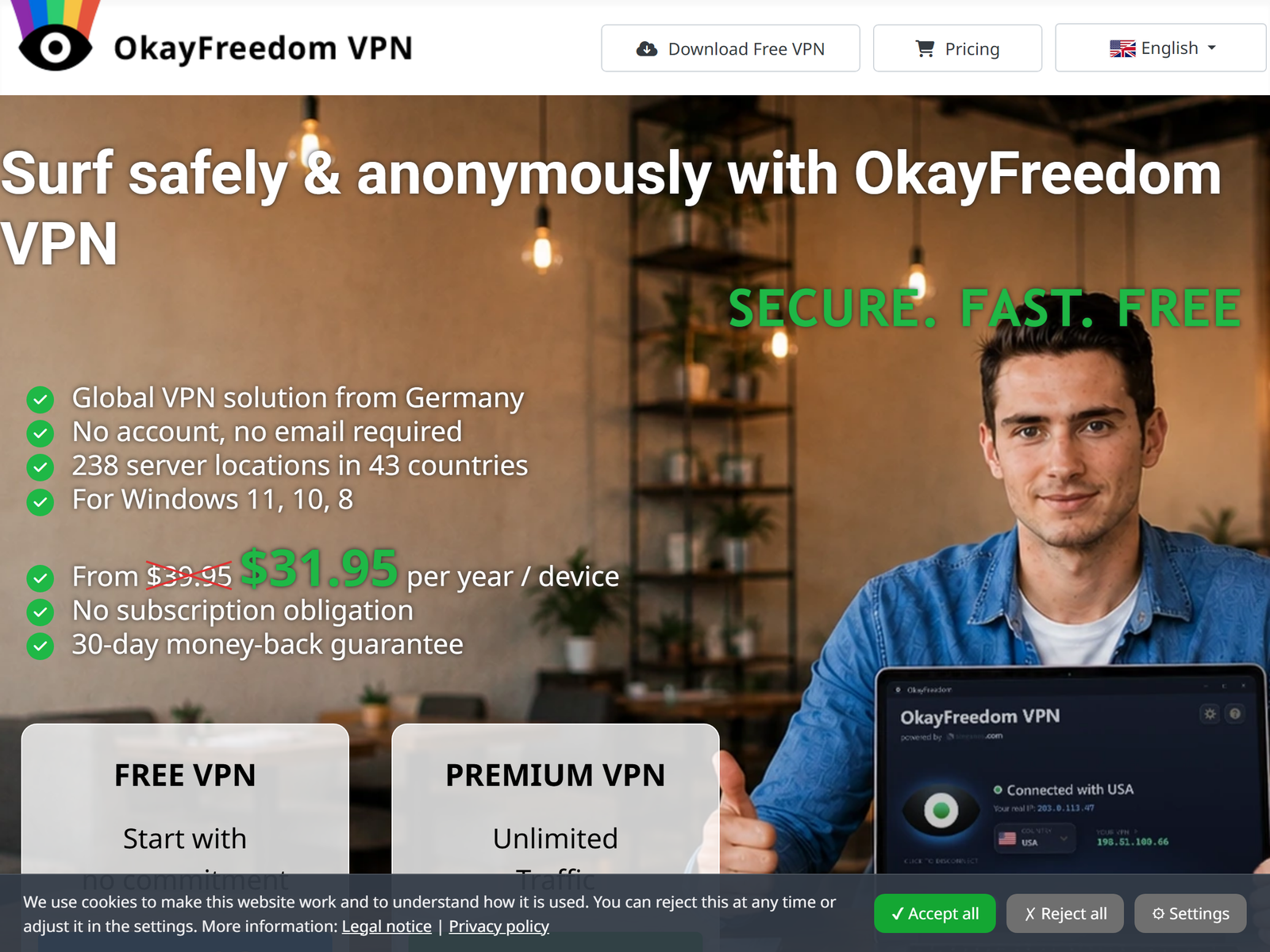
OkayFreedom is a Germany-based VPN from Steganos Software with a free tier and one of the cheaper yearly prices we cover, but it is Windows-only, allows just one connection, and lacks a kill switch. It is a reasonable pick for light privacy and public-Wi-Fi use on a PC, not for mobile users or anyone needing strict no-logs assurance. This review stays on privacy and anti-tracking; we do not cover ways to bypass national firewalls.
What Is OkayFreedom?
OkayFreedom is a consumer VPN offered by Steganos Software GmbH, a German company better known for its security suite. Its pitch is simplicity: install it, pick a country, and your IP is hidden with no account or password required. The free version gives you a taste of the network with a limited monthly data allowance, while the paid version unlocks unlimited traffic and the full country list. It is aimed at casual Windows users who want a low-friction way to encrypt a hotel or cafe connection.
Because there is no sign-up, OkayFreedom is easy to try. That same simplicity is also its ceiling: there are no advanced settings, no protocol picker, and no mobile apps, so power users will quickly hit the edges of what it can do.
How We Tested
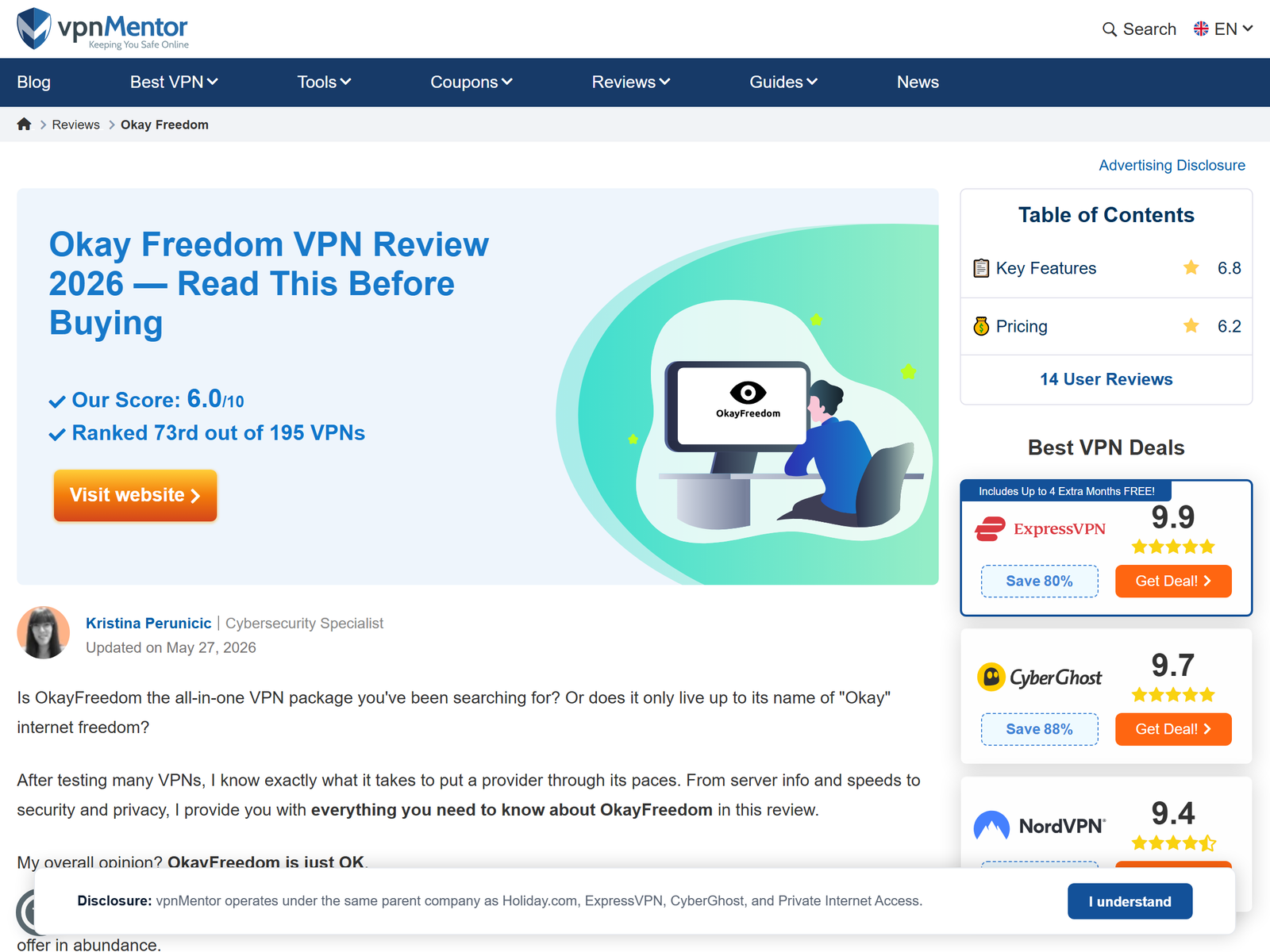
This review is independent. We have no affiliate relationship with OkayFreedom and received no compensation. Our testing team installed the Windows app, connected to several regions, and checked for IP and DNS leaks using public leak-test sites. We read the privacy policy and noted the protocol and refund terms. No payment was accepted for this assessment. We verified plan pricing on the official OkayFreedom site and reviewed the independent write-up at vpnMentor.
Pricing and Value
OkayFreedom is cheap. The free tier includes a small monthly data allowance (a few hundred MB) with limited locations and ads, which is enough to test the service but not for daily use. The paid plan is sold as a yearly purchase at around US$19.99 to US$39.95 depending on the promo, which works out to roughly US$2 to US$3 per month, with a 30-day money-back guarantee. Pricing is per device, so a second Windows machine needs its own license. For the price, the value is fair if you only need basic protection on one PC.
| Option | Price | Notes |
|---|---|---|
| Free | US$0 | Limited monthly data, ads, few locations |
| Paid yearly | ~US$20 to US$40 / year | Unlimited traffic, ~20+ countries, 30-day refund |
Security and Privacy
OkayFreedom uses AES-256 encryption to secure the tunnel, which is the same standard used by leading providers, so your traffic is protected on public Wi-Fi. The bigger question is the policy: OkayFreedom does not publish a strict no-logs commitment, and as a German company it may cooperate with lawful investigations. There is also no kill switch, which means a dropped tunnel can briefly expose your real IP. For casual browsing on a trusted network that is acceptable; for sensitive logins it is not enough.
Speed and Performance
Independent testers consistently describe OkayFreedom speeds as slow. On nearby European servers the connection is usable for browsing and standard video, but long-distance routes and high-bitrate streaming tend to buffer. If speed matters more than price, a larger provider will serve you better. Treat OkayFreedom as a privacy convenience, not a performance tool.
Streaming and Travel Use
The service can reach some streaming platforms you already subscribe to while you are traveling or on a restricted local network, but results are inconsistent and speeds are the limiting factor. We frame this as accessing content you are entitled to, not as a way around national restrictions. For most travelers, the main benefit is simply encrypting an unfamiliar connection.
Apps and Devices
OkayFreedom is Windows-only as a native app. There are no first-party macOS, Linux, Android, or iOS clients, and only one simultaneous connection is allowed. If your life spans multiple devices or you need phone protection, this is the single biggest limitation. It protects both browser and app traffic on the Windows machine, which is broader than a browser-only extension.
Pros and Cons
Pros:
- Very low yearly price and a free trial tier.
- No account or password required to start.
- AES-256 encryption that is genuinely useful on public Wi-Fi.
- Simple, dated-but-clear Windows interface.
Cons:
- Windows-only and one simultaneous connection.
- No kill switch and no strict no-logs commitment.
- Slow speeds on distant servers.
- No mobile or macOS support.
How OkayFreedom Compares
Next to the cost-effective VPN list, OkayFreedom is among the cheapest, but it trades features for price. For a cheap VPN with clearer privacy language, see our LimeVPN review, and for another budget pick with a privacy caveat, our SlickVPN review. If privacy is the real goal, our privacy VPN guide lists stronger choices.
FAQ
Is OkayFreedom free?
Yes, there is a free tier with a small monthly data cap and ads. It is fine for testing but too limited for daily use.
Is OkayFreedom safe on public Wi-Fi?
It encrypts your connection with AES-256, which blocks the most common public-network risks. Just remember it has no kill switch, so a dropped tunnel can briefly expose traffic.
Does it work on Mac or Android?
No. OkayFreedom is Windows-only, with a single connection per license.
Is the yearly plan good value?
At roughly US$2 to US$3 per month with a 30-day refund, it is cheap for one Windows PC, but the missing features cap its value.
My Take / The Bottom Line
OkayFreedom is a budget Windows VPN that does the basics: cheap, no account needed, and real encryption for public Wi-Fi. Its Windows-only design, single connection, missing kill switch, and weak logging promise keep it out of the top tier. If you only need light privacy on one PC and want the lowest possible price, it is worth a try with the refund guarantee. Compare it against our cost-effective VPN recommendations before you decide.