How to Make Money Selling Product Renders With Vizcom in 2026
Category: Monetization Guide
Written by the aifreetool.site editorial team. Last updated August 10, 2026. We verified Vizcom's plan structure and its data policy against the company's own pricing page before publishing. No affiliate links.
TL;DR: Selling product renders made in Vizcom pays $150 to $600 per concept board and $800 to $2,500 for a full sprint. A Professional seat runs $49 a month. Two projects a month is a realistic $1,200 to $3,000, and the paid tier becomes mandatory the moment a client mentions an NDA.
Selling product visualisation is one of the few design services where AI widened the market instead of collapsing the price. Hardware founders, furniture makers, footwear labels, and custom shops all need presentation-grade concept images long before they can justify hiring a 3D modeller. Vizcom turns a rough sketch into that image in under a minute.
What Vizcom Does for Product Designers
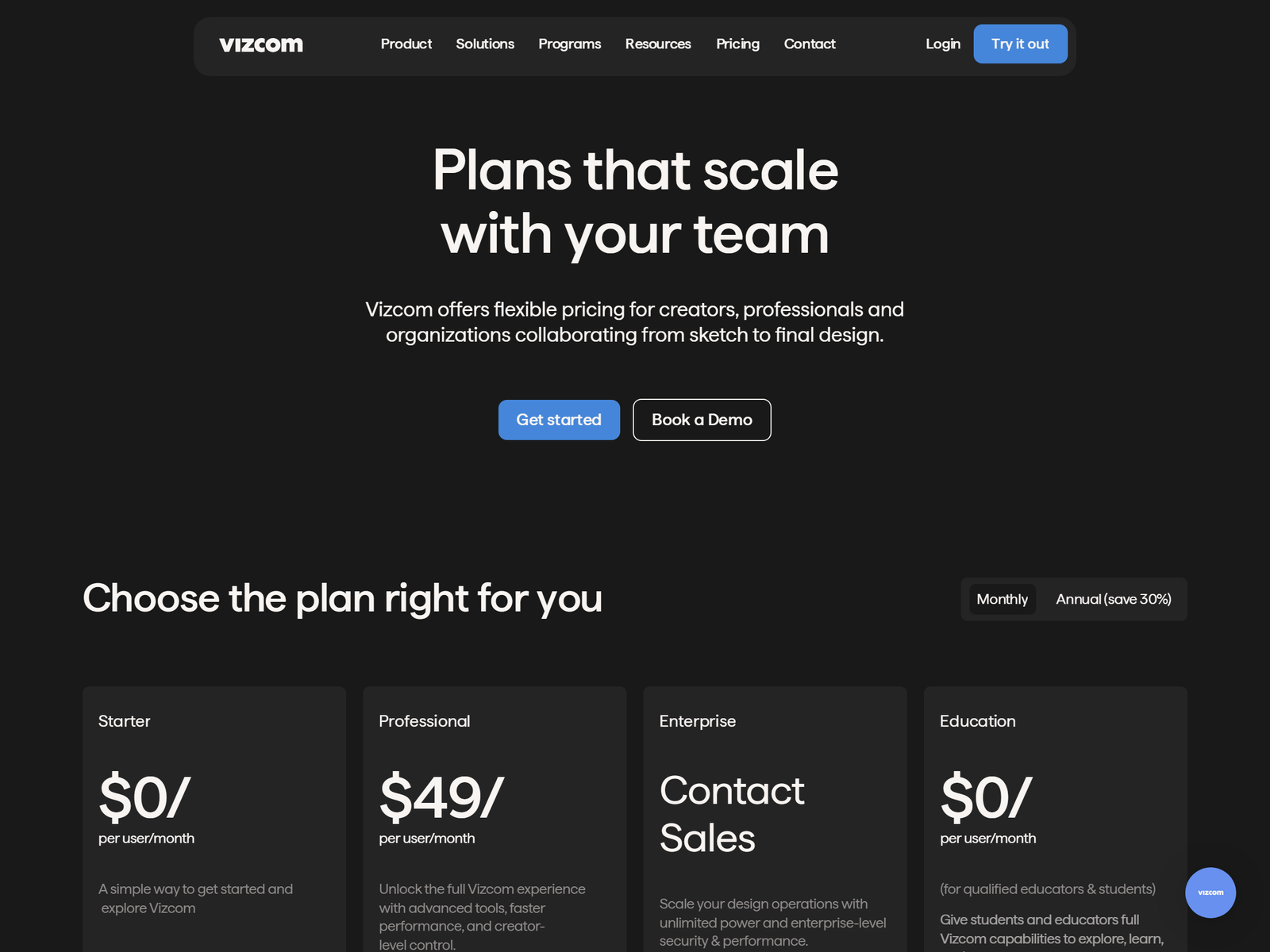
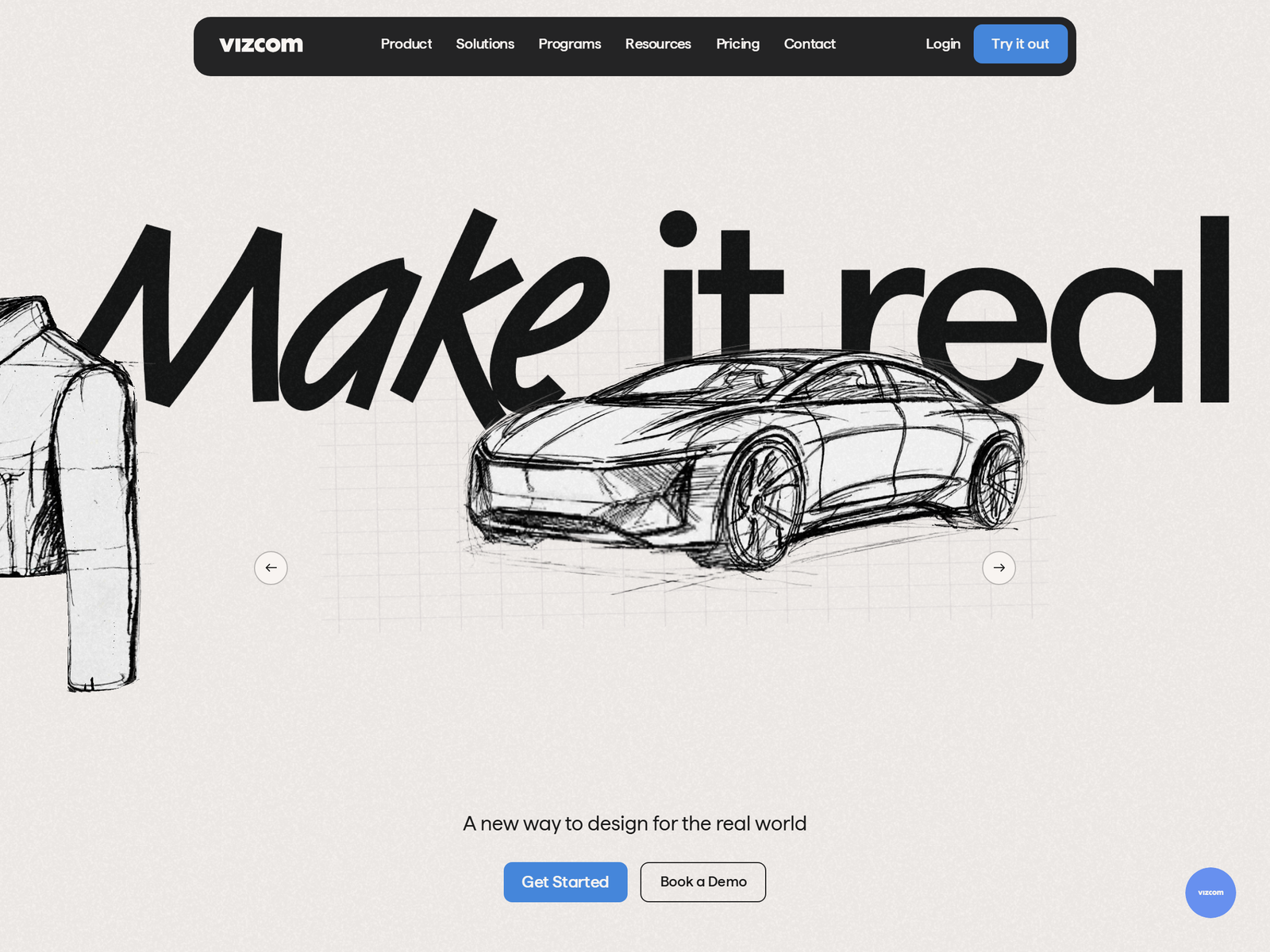
Vizcom is a sketch-first rendering platform built for industrial designers rather than for general image generation. Upload a hand drawing, or draw straight onto its canvas, and the model returns a photorealistic render while holding your original proportions, perspective, and key edges.
Four pieces matter for paid work. Live Render updates lighting and materials while you drag sliders. Material swatches drop onto one specific surface. Region-based editing changes a single area without disturbing the rest of the frame. A generated 3D view lets you rotate the form and check it from angles you never drew.
Vizcom lists Dell, Ford, Honda, Nissan, Brooks, and Hasbro among its users. That matters commercially. When you pitch a hardware startup, you are recommending software their eventual manufacturing partner may already run in-house.
The Service You Sell and What It Pays
Do not sell renders by the image. Sell a decision. A founder with four half-formed ideas wants a board that lets the team choose one, and that board is worth far more than four attractive pictures with no argument attached.
| Package | What the client receives | Price |
|---|---|---|
| Single concept render | One product, one angle, two colourways | $150 to $250 |
| Concept board | Four directions on one annotated page | $400 to $600 |
| Launch sprint | Twelve to twenty renders, two revision rounds, print-ready files | $800 to $2,500 |
| Monthly design partner | Standing capacity, two-day turnaround | $700 to $1,500 a month |
Against a $49 seat, one concept board covers your tooling for most of a year. The real input is your drawing hand and your taste, which is exactly why this service resists the race to the bottom that hit stock illustration.
The Data Clause That Decides Your Plan
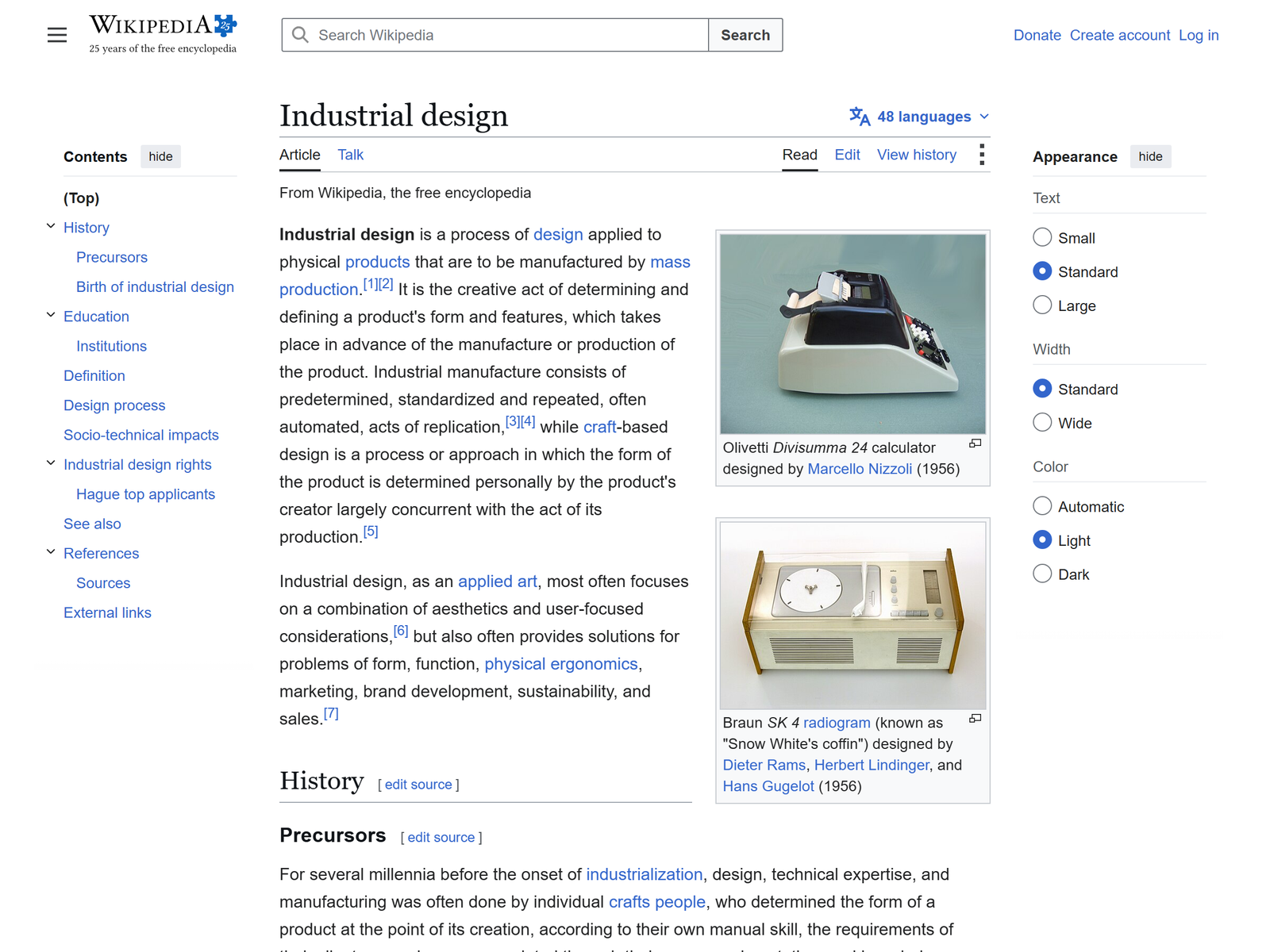
Read this before you accept client work on the free tier. Vizcom states that on paid plans your images and designs stay private and are not used to train its models. On the free Starter tier, generated images may be used to improve the service. The company does not claim ownership of your concepts, but those images are not walled off either.
Unreleased product design is precisely the material clients protect with an NDA. Signing one and then working on a free seat is a contract problem you cannot talk your way out of afterwards. Treat the $49 as the price of being allowed to take the job at all.
Two related details are worth knowing. Vizcom says you own what you create on any tier. And seat roles split cleanly: admins and editors are paid, while viewers are free, so you can drop a client into a shared canvas for review without paying for their access.
Your First 30 Days, Step by Step
- Days 1 to 6: burn the free credits deliberately. The Starter tier includes 2,250 credits. Render one object category repeatedly — a kettle, a sneaker, a chair — until you can predict what the model does with your line weight.
- Days 7 to 12: build three speculative boards. Pick real brands you would like to work with and redesign one of their products. Speculative work is the accepted portfolio currency in industrial design.
- Days 13 to 20: target the right buyers. Crowdfunding campaigns still in the prototype stage, small furniture studios, and custom automotive or footwear shops. They hold budget and have no in-house visualiser.
- Days 21 to 26: quote a fixed package. Lead with the $400 concept board instead of an hourly rate. Fixed scope is far easier for a founder to approve without calling a meeting.
- Days 27 to 30: upgrade against a signed job. Move to Professional once the first deposit clears, and note that annual billing saves roughly 20% over paying monthly.
Pro Tips and Pitfalls
- Sketch better, prompt less. Output follows your line work far more closely than your text description, so ten minutes cleaning up the drawing beats an hour of retries.
- Charge for the sketch phase. Two hours of concept drawing before you ever open the render view belongs on the invoice as discovery, not in the free column.
- Do not let renders pass as engineering. These are appearance studies, not manufacturable geometry. Write that on the deliverable so nobody hands your PNG to a factory.
- Keep colourways cheap and new directions expensive. Extra colours cost you seconds; extra directions cost you thinking time.
- When a client needs a rotatable asset rather than a picture, pass the job to a 3D pipeline such as Kaedim and take a referral fee.
Who This Is Realistic For
This suits anyone who can already sketch a product in perspective: design students, furniture makers, model builders, and illustrators who understand form. The software removes the rendering labour. It does not supply design judgement.
If you cannot draw, the ceiling arrives fast. You will produce handsome images that answer no brief, and clients notice inside one round of feedback. Spend three months on perspective sketching first, because that investment pays back better than any subscription you could buy.
FAQ: Making Money With Vizcom
Can I use Vizcom renders commercially? Vizcom states that you own what you create on free and paid tiers alike. For client work under an NDA, use a paid seat so the files stay private.
Is the free plan enough to start? For practice and a speculative portfolio, yes. The Starter tier ships 2,250 credits. Paid delivery calls for the Professional tier's larger credit pool, 4K exports, and priority queue.
Do I need 3D software as well? Not for concept work. You will need it, or a partner who owns it, the moment a client asks for a turntable animation or a file a factory can quote from.
How long does one concept board take? Roughly four to six hours once you are fluent: two hours sketching, one hour rendering and iterating, and the balance on layout and annotation.
Is there a student plan? Vizcom runs a free education tier with a much larger credit allowance than the standard free plan, which is worth applying for while you are enrolled.
My Take: The Bottom Line
Vizcom is the rare AI product that pays best for people who already own a craft. It compresses the tedious half of visualisation and leaves the valuable half — knowing which of four ideas deserves to be built — entirely in your hands.
My honest read: treat it as a speed multiplier on a design service you could already sell slowly, not as a shortcut into design from a standing start. Begin with the Vizcom listing on aifreetool.site, browse alternatives in our AI design category, and check current plan limits on Vizcom's pricing page before quoting your first board. If you want a second styling tool in the stack, Dzine covers the flatter graphic work Vizcom does not aim at.