How to Make Money With AI Voiceovers Using Murf in 2026
Category: Monetization Guide
Quick answer: You can make money with AI voiceovers using Murf by producing narration for YouTube creators, e-learning courses, ads, and corporate videos. Freelancers usually earn $600-$2,500 a month, reselling studio-quality voice work that costs them only $19-$66 in software.
Last updated by the aifreetool.site editorial team on August 31, 2026. This guide is independent; we have no affiliate relationship with Murf, and our income figures come from public platform pricing and freelancer rate data.
What Murf Does and the Plan You Would Use
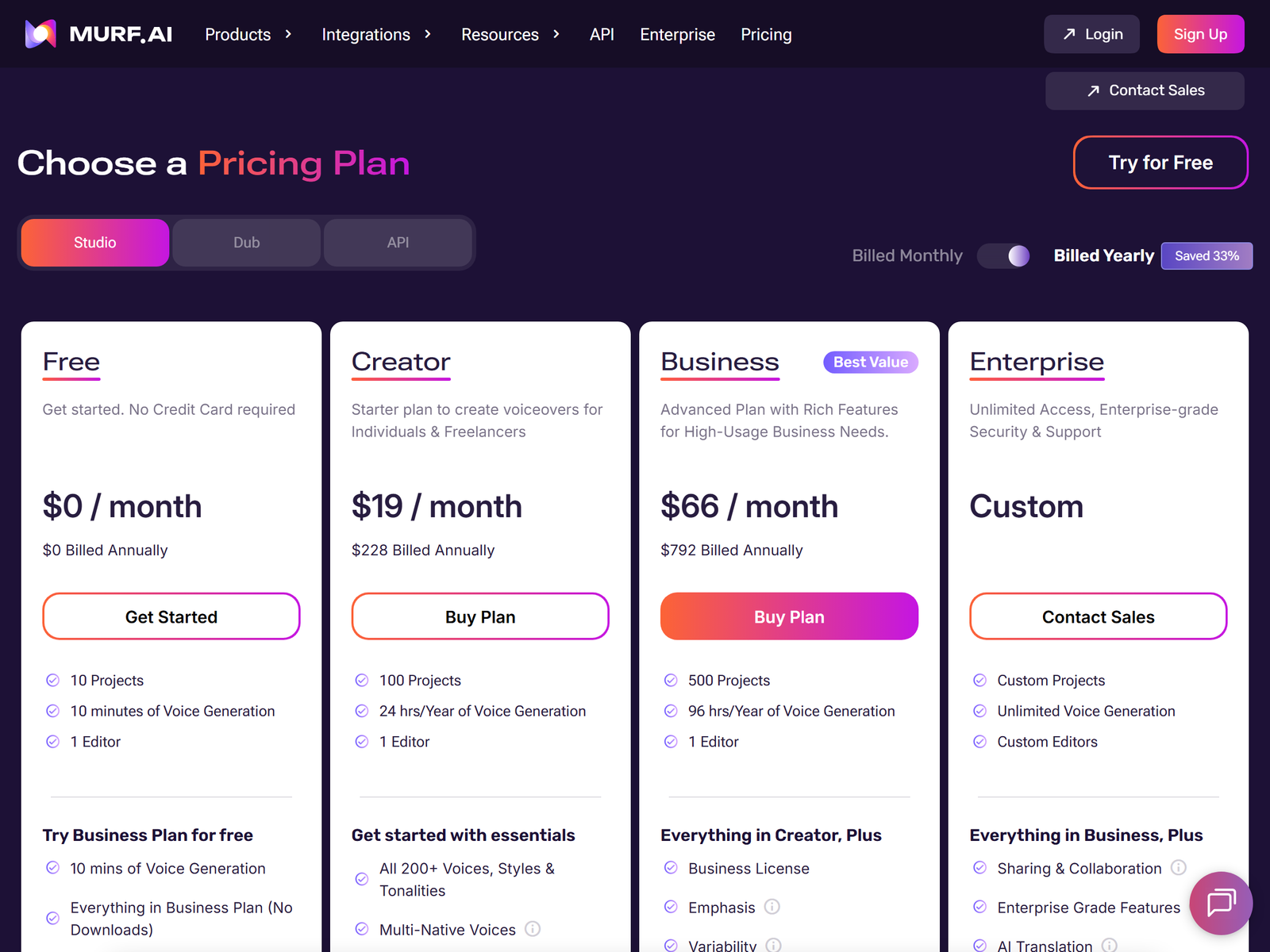
Murf is an AI voiceover studio with 200-plus voices across 30-plus languages, a built-in video editor, and a voice-changer mode. You type a script, pick a voice, adjust emphasis and pacing, and export a finished MP3 or WAV. The free plan gives 10 minutes of generation total with no downloads and no commercial rights, so it is only for testing. The Creator plan is $19 a month billed annually ($29 monthly) and includes 24 hours of generation per year, all 200-plus voices, unlimited downloads, and a commercial license. The Business plan at $66 a month annually ($99 monthly) adds a business license, emphasis and variability controls, and PowerPoint integration. Enterprise is custom.
Because the Creator plan already grants commercial rights, it is the entry point for paid client work. At roughly $19 a month you can deliver dozens of short voiceovers before the annual 24-hour cap becomes a concern.
| Plan | Monthly price (annual) | Generation time / year | Commercial rights |
|---|---|---|---|
| Free | $0 | 10 min total | No |
| Creator | $19 | 24 hours | Yes |
| Business | $66 | 96 hours | Business license |
| Enterprise | Custom | Unlimited | Yes |
The Monetization Idea: Sell Finished Narration
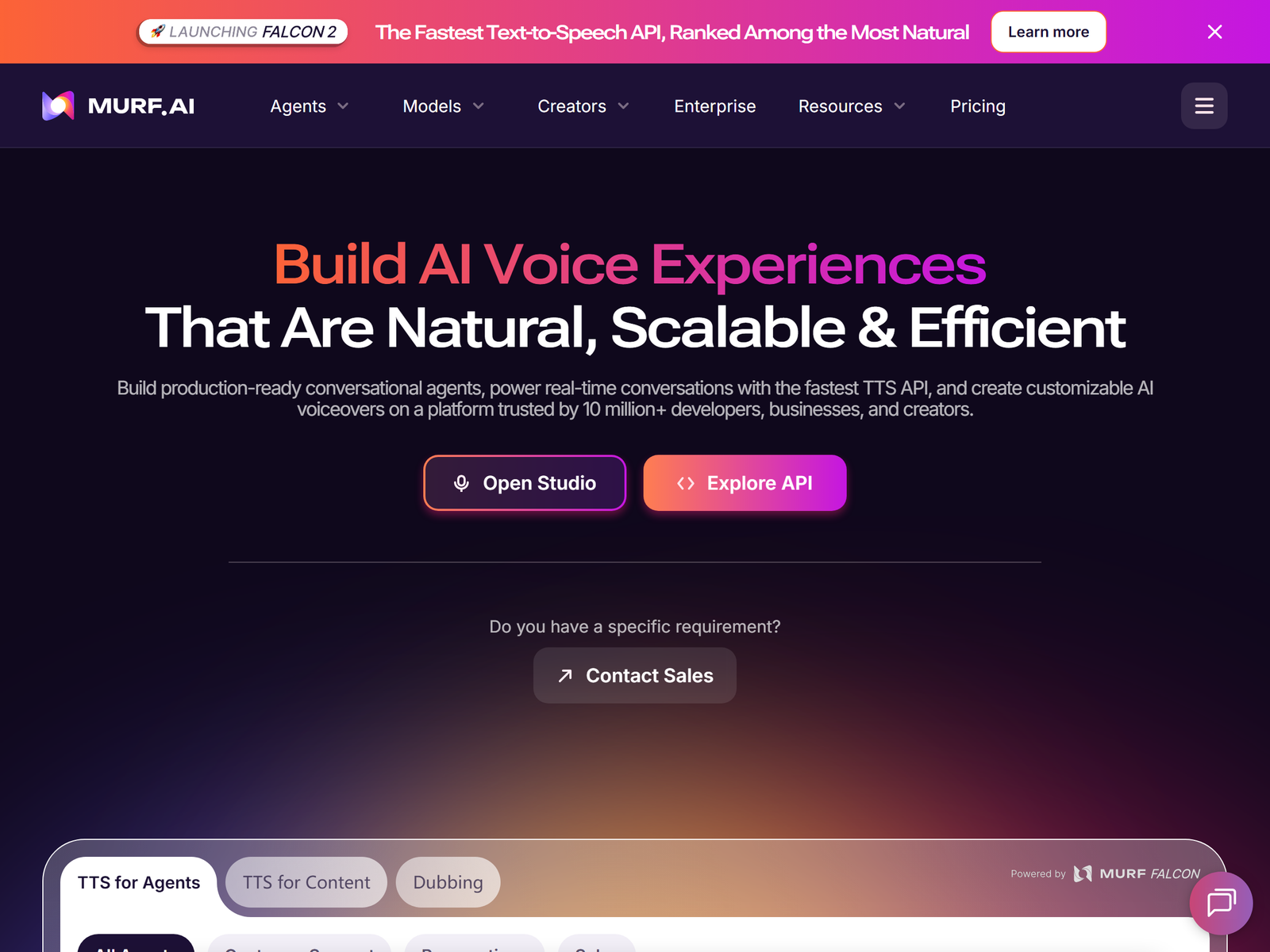
The offer is finished voiceover, not raw access to the tool. YouTube creators need intros and explainer narration, course builders need module audio, and small brands need ad reads. You charge per finished minute or per project, while your software cost stays flat.
Typical rates run $25-$60 per minute for standard narration and $100-$150 per minute for character or multi-voice work. A part-time operator handling 10-20 projects a week earns about $600-$2,500 a month. Since a 3-minute script renders in minutes, your time goes into script cleanup and client communication, not recording.
A concrete project makes the math clear. A course creator needs 40 minutes of narration across 10 modules. You clean the script, generate it in a calm explainer voice, and deliver WAV files with chapter markers. At $50 a minute that is a $2,000 project that took you under two hours of editing, because Murf renders the voice in minutes instead of recording it take after take. The same voice stays consistent across every module, which is hard to guarantee with human talent.
Step-by-Step Action Plan
- Subscribe to Murf Creator and generate five sample clips in different voices and tones.
- Define packages such as "YouTube intro voiceover $25" and "e-learning module $80".
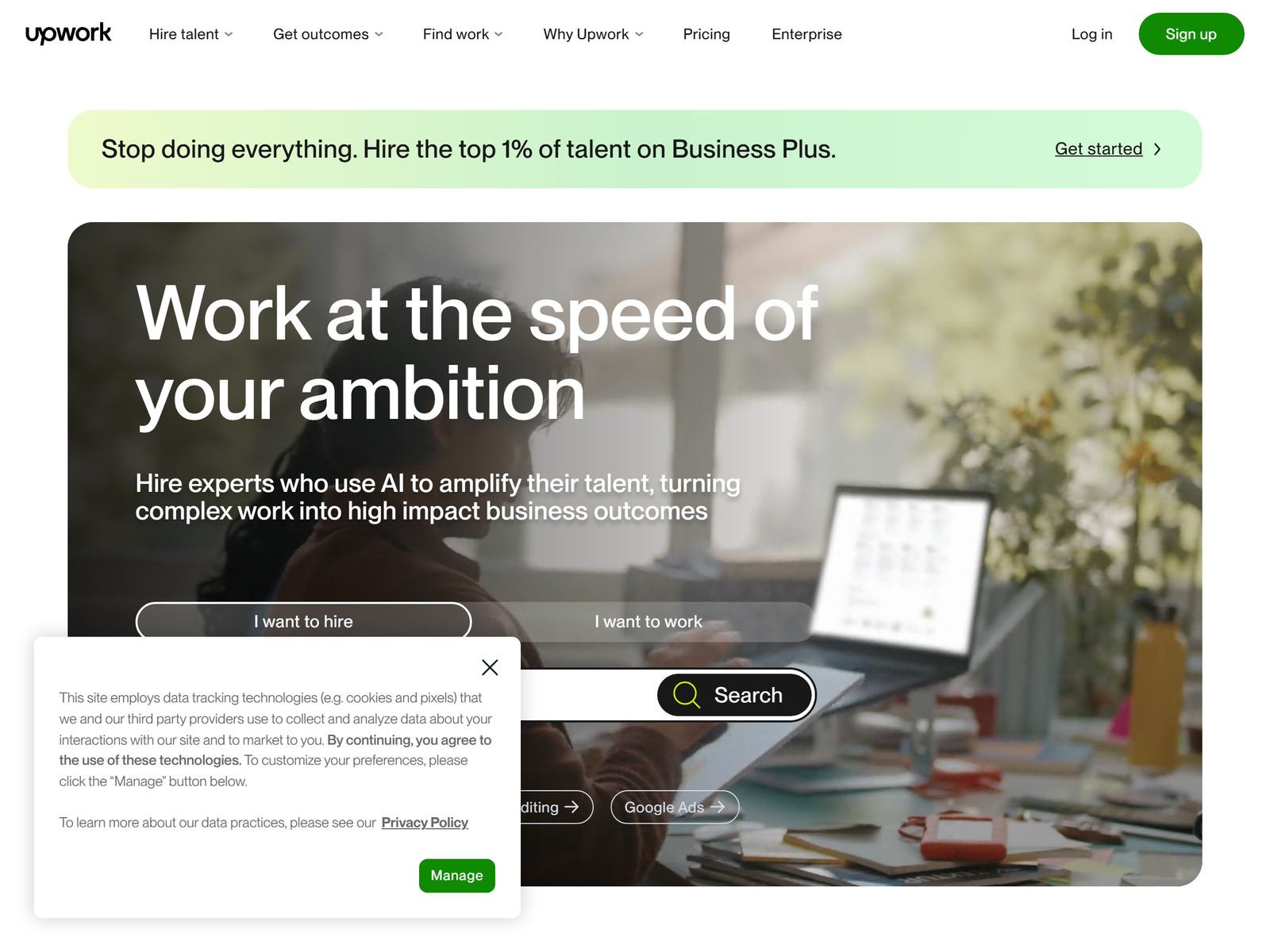
- List on Upwork and Fiverr with the phrase "AI voiceover narration" to match buyer searches.
- Pitch course creators and local businesses directly with a 20-second demo reel.
- Deliver WAV plus MP3, offer one revision, and collect a five-star review before raising rates.
Client Management and Quality Control
- Clarify pronunciation of brand and product names up front using Murf's pronunciation library.
- Keep the Creator commercial license active; never deliver free-tier audio to a paying client.
- Set a revision limit in the gig; endless tone tweaks destroy your margin.
- Store finished files outside Murf to avoid the plan's storage cap on large catalogs.
Pro Tips and Pitfalls to Avoid
- Lead with a niche: "voiceovers for mindfulness apps" beats a generic "I do voices" gig.
- Do not clone a real person's voice without consent; Murf's voice-clone add-on requires verification.
- Avoid the free plan for delivery, because it watermarks and blocks downloads.
- Match the voice to the brand; a harsh tone on a calm meditation clip loses the job.
Who This Is and Isn't For
This suits people comfortable editing text and managing tone, and who can turn scripts around fast. It is a weak fit if you dislike audio QA or client back-and-forth. You need no recording gear, which is the biggest advantage over traditional voice acting. For complementary audio work, see ElevenLabs on aifreetool.site as an alternative engine.
Your First Client This Week
Record a 15-second demo of a script you narrated in three different voices, post it on LinkedIn and a creator forum, and message five course builders with a fixed $25 quote. One accepted demo often leads to a full course, which is where the $2,000 projects come from. Keep the demo short so busy founders actually listen to it.
Frequently Asked Questions
Q: Is the Murf free plan enough to start?
A: Only for practice. It blocks downloads and commercial use, so paid client work requires at least the Creator plan.
Q: How much should I charge for a voiceover?
A: Standard narration sells for $25-$60 per finished minute; specialist or character work reaches $100-$150.
Q: Do I need to record my own voice?
A: No. Murf generates the voice from text, so you only edit scripts and timing.
Q: Can Murf handle other languages?
A: Yes, it supports 30-plus languages and accents, which lets you serve localized ad and course work.
My Take / The Bottom Line
Murf turns a laptop into a small voice studio with almost no upfront cost, and the commercial license on the $19 plan makes client work legitimate from day one. The ceiling is your sales effort, not the tool. Pick one niche, build a demo reel, and price by the minute. For the source numbers, check murf.ai/pricing and the freelance demand at Upwork. You can also review Murf's profile on aifreetool.site or browse the Monetization Guide category.