How to Make Money Setting Up AI Schedules With Motion in 2026
Category: Monetization Guide
Quick answer: You can make money setting up AI scheduling systems with Motion by building done-for-you calendar and task workflows for founders, consultants, and small agencies. Solo operators typically earn $500-$2,000 a month, charging $200-$800 to set up a client's Motion workspace plus $50-$300 a month to maintain it, on a Motion Pro AI plan that costs $19 a month.
Last updated by the aifreetool.site editorial team on September 2, 2026. This guide is independent; we have no affiliate relationship with Motion, and our income figures come from public platform pricing and freelancer rate data.
What Motion Does and the Plan You Would Use
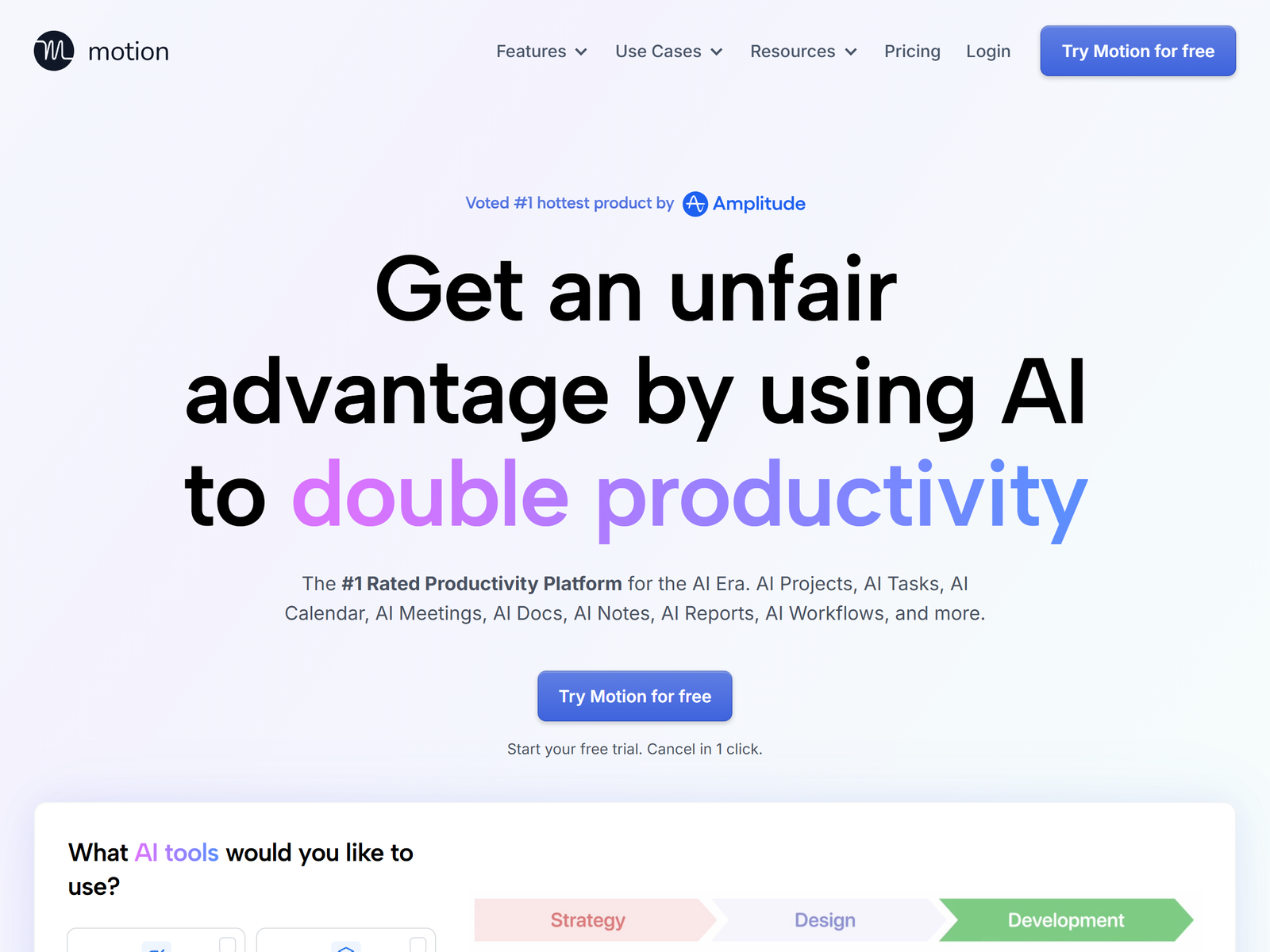
Motion is an AI productivity platform that auto-schedules tasks, meetings, and projects onto your calendar. Instead of dragging blocks around by hand, you enter deadlines and priorities, and Motion places the work into open time slots, then reshuffles the whole day in real time when something shifts. It has passed 1 million users and bundles tasks, projects, a meeting notetaker, docs, and integrations with Google Calendar, Outlook, iCloud, Zoom, Google Meet, Microsoft Teams, Gmail, Slack, Zapier, HubSpot, and Salesforce. The core value is hands-off calendar automation for people whose scheduling is genuine chaos.
Pricing in 2026 has no free plan, only a 7-day trial. Pro AI is $19 per seat a month billed annually ($29 monthly) with 7,500 AI credits; Business AI is $29 per seat a month annually ($49 monthly) with 15,000 credits, Gantt charts, time tracking, and team capacity planning. A key detail: the auto-scheduling engine itself does NOT burn AI credits. Credits only meter the newer SuperApp features like AI chat, notetaker, and docs. So for a scheduling service, the real cost stays at $19 a seat. For client work, a Teams Pro AI seat at $19 is the right starting point.
| Plan | Price /seat (annual) | AI credits | Best for |
|---|---|---|---|
| Pro AI | $19 | 7,500 | Solo setups and consultants |
| Business AI | $29 | 15,000 | Agency and team rollouts |
The Monetization Idea: A Motion Setup Service
The offer is a finished, running workspace: a client hands you their messy tasks and deadlines, and you build their Motion system, import their calendars, create project templates, and train them to use it. Founders carry too many hats. Consultants juggle multiple client deadlines. Agencies coordinate people and projects. They know they should plan, but they will not run the tool themselves.
Income breaks down like this: $200-$500 to set up a solo workspace, $500-$800 for a multi-project team rollout, and $50-$150 a month for basic maintenance or $150-$300 a month for active team management. A part-time operator serving three to six clients lands at roughly $500-$2,000 a month. Because Motion auto-schedules, your ongoing work is small tweaks and check-ins, not manual planning.
A concrete example shows the margin. A three-person agency wants projects auto-planned across the team. You create the workspaces, build project templates, sync their Google Calendars, and train the owner in a 45-minute call. You charge $600 setup plus $200 a month. The build takes about four hours, then roughly one hour a month. The $19 seat cost is almost the only expense, so the rest is profit, and the retainer keeps them on your books.
Step-by-Step Action Plan
- Open a Motion Pro AI account and build your own workspace so you learn auto-scheduling, project templates, and calendar sync.
- Define two fixed offers: "Solo setup $250" and "Team workspace $600 + $200 a month".
- List on Upwork and Fiverr as a "Motion setup consultant" or "AI calendar consultant" so founders find you.
- Pitch five founders or agencies with a free one-page sample of their week auto-planned by Motion.
- Deliver the workspace, record a short Loom walkthrough, and ask each happy client for a written review.
Client Management and Quality Control
- Audit the client's real bottleneck first; Motion only helps if the pain is scheduling, not email or CRM.
- Set a clear scope: number of projects, seats, and integrations, because anything beyond that is a new project.
- Train clients to create tasks inside Motion, since it works best when tasks live in the app rather than synced from elsewhere.
- Watch AI credit use on the SuperApp features (chat, notetaker, docs); the core scheduling engine is credit-free.
Pro Tips and Pitfalls to Avoid
- Specialize: "Motion setup for agencies" converts better than a generic productivity gig.
- Do not oversell AI Employees; that tier is still rolling out and sits behind team plans with three or more seats.
- Avoid promising email awareness; Motion has zero email awareness and is not a substitute for a mail client.
- Remember Motion has no free plan, so either bill the $19 seat into your quote or run it under your own account.
Who This Is and Isn't For
This fits operators who enjoy building systems and running client onboarding, and who want high-margin knowledge work with no coding. It is a poor fit if you dislike client calls or cannot explain a workflow clearly. You do not need design or dev skills. For broader docs-and-wiki work you can pair it with Notion's profile on aifreetool.site, and review Motion's profile on aifreetool.site for the feature breakdown.
Your First Client This Week
Find five founders whose posting or posting-about calendars looks chaotic, then send each a free sample of their next week auto-planned in Motion. The sample proves the value faster than any written pitch. One converted client funds the Pro AI plan many times over, and their founder peers become a steady referral stream.
Frequently Asked Questions
Q: Do I need to be a productivity expert to sell this?
A: No, but you need to understand deadlines and priorities; Motion does the actual scheduling once you set it up.
Q: Which Motion plan should I start with?
A: Pro AI at $19 a seat a month, because Business AI's Gantt and time tracking only matter once a client runs a team.
Q: Where do I find paying clients?
A: Upwork and Fiverr for volume, plus direct outreach to founders, consultants, and small agencies in your niche.
Q: Is Motion worth it for a single person?
A: Yes if scheduling is a real bottleneck; the core auto-scheduling is credit-free, so the $19 plan is the true cost.
Q: Can I manage several clients on one account?
A: Use separate seats or workspaces per client, because Motion bills per seat rather than per workspace.
My Take / The Bottom Line
Motion turns calendar chaos into an auto-planned system, and the $19 seat keeps your margin high while the AI does the daily replanning. The catch is that you sell a built and maintained workspace, not a one-off file, so your onboarding skill sets the ceiling. Check the numbers at usemotion.com/pricing and the freelance demand at Fiverr, then start from Motion's profile on aifreetool.site or browse the Monetization Guide category.