How to Make Money Selling Notion Templates You Build With Notion AI
Category: Monetization Guide
Reviewed by the aifreetool Editorial Team — a group of full-time AI-tool researchers and writers who verify every product claim against primary sources and independent testing.
Last updated August 12, 2026.
We keep no affiliate relationship with the products covered here and earn nothing if you click through. Where a claim could not be verified, we say so.
Selling Notion templates is the closest thing to a genuine digital-product business that a non-designer can start this month, and Notion AI cuts the build time roughly in half. Realistic numbers: 10 to 50 sales a month at $25 to $49 puts you at $200 to $2,000, and creators with an audience and three to five strong systems report $3,000 or more. You make money once and sell the same file forever — as long as you understand the fees, which take a bigger bite than most guides admit.
Why Templates Sell at All
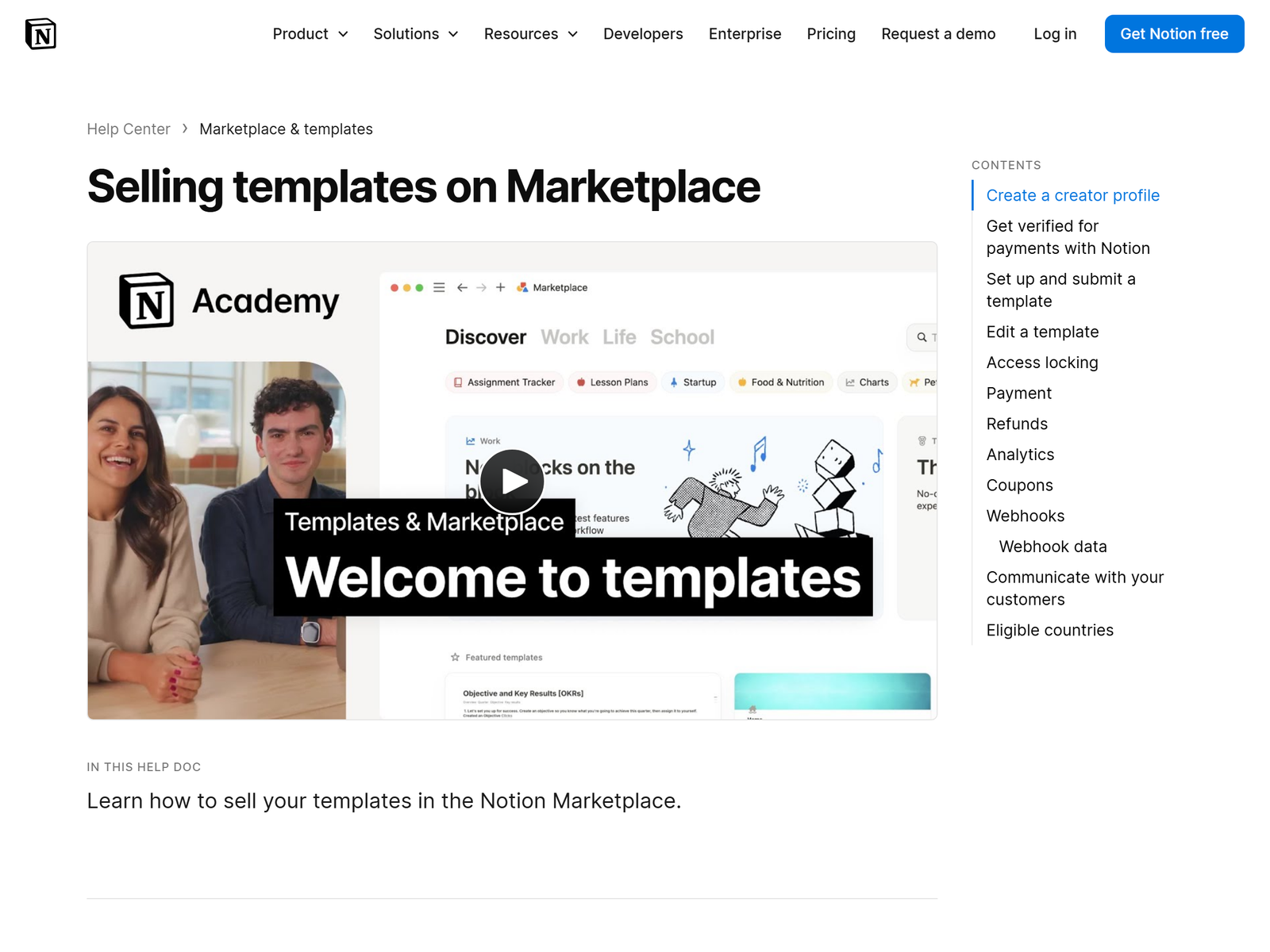
Notion passed 100 million users, and most of them open a blank page and freeze. A template is a pre-built system — a content calendar with linked databases, a freelance operating system with clients, invoices and projects wired together, a student planner with rollups already configured. Buyers pay to skip six hours of setup and, more honestly, to skip the decision fatigue.
Notion AI helps at three specific points in the build: drafting the instruction pages and onboarding copy that most templates get wrong, generating realistic sample data so a demo does not look empty, and explaining formula syntax when a rollup misbehaves. It does not design the system for you. The architecture — which databases relate to which, and why — is still the part you get paid for.
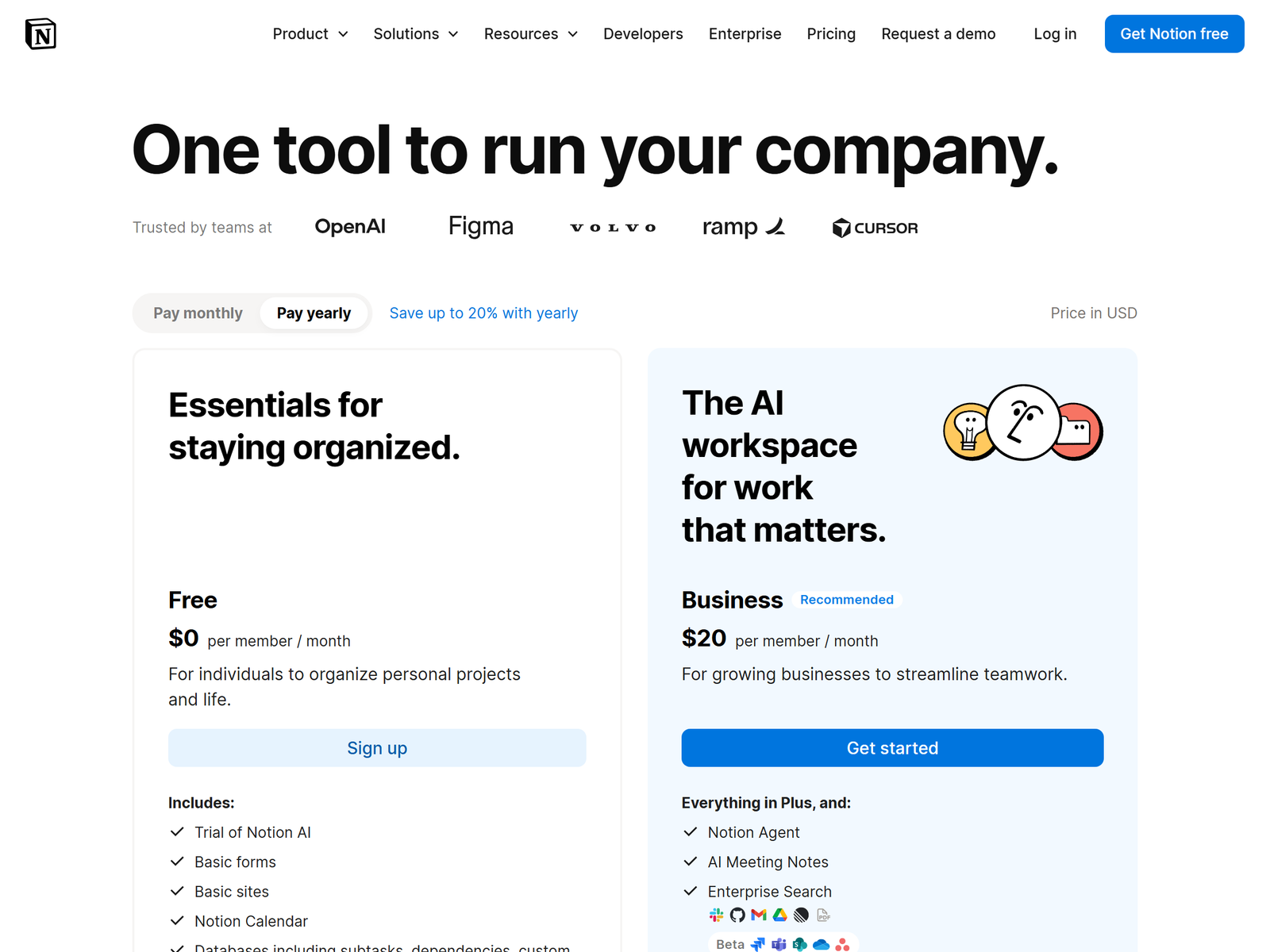
Notion's own plans: Free for personal use, Plus at $10 per member per month, Business at $20 per member per month with Notion Agent, and custom agents billed at roughly $10 per 1,000 credits. You can build and sell templates on the Free plan. Plus becomes worth it when you want unlimited file uploads and custom-branded Notion Sites for your sales pages.
The Fees Nobody Mentions
Where you sell changes your take-home more than your price does.
| Channel | Fees | Traffic | Net on a $49 sale |
|---|---|---|---|
| Notion Marketplace | 10% + $0.40 per transaction | Native Notion buyers | about $43.70 |
| Gumroad | 10% on the free plan plus payment processing | Some discovery | about $42 to $44 |
| Etsy | 6.5% transaction + $0.20 listing + about 3% processing | Very high, 90M+ buyers | about $44 |
| Your own site | Payment processing only | You provide all of it | about $47 |
Two Notion Marketplace specifics matter for cash flow. Payouts run biweekly on Thursdays at 9am Pacific with a $20 minimum balance, and funds are held 14 days to cover refunds. Buyers can request a refund within 14 days, and a refund strips every copy of the template from their workspace. Sellers outside the United States pay an extra 1 percent foreign exchange fee on payouts. Notion acts as merchant of record and handles regional sales tax and VAT, which quietly removes a real compliance headache.
Marketplace also offers access locking on templates sold or listed through Notion, which stops a buyer from moving your content into another workspace. That protection does not exist when you sell the same file as a plain duplicate link elsewhere.
Step-by-Step: Blank Page to First Sale
- Pick a niche you have actually lived in. Freelance videographers, therapists tracking client notes, Etsy sellers managing stock. Specific beats "productivity dashboard" every time, because specific gets found in search.
- Build the system for yourself first. Use it for two weeks. Every friction point you fix becomes a selling point on the listing page.
- Have Notion AI write the onboarding. A setup page, a 6-step quick start, and a short explanation of each database. Poor documentation is the number-one driver of support requests and refunds.
- Populate realistic demo data. Ask Notion AI to generate 20 plausible sample rows. An empty template looks broken in screenshots.
- Price in the $25 to $49 band to start. Below $15 you need 200 sales a month to earn anything. Premium systems at $49 to $97 need only 15 to 20 sales to clear $1,000, but they need proof you do not have yet.
- Submit to Notion Marketplace and list on one other channel. Marketplace gives credibility and access locking; Etsy or Gumroad gives discovery. Use a separate copy with a different Notion Site link for the third-party listing, since a paid Marketplace URL redirects to its own checkout.
- Record a 5-minute walkthrough video. Creators who ship tutorial videos consistently convert better, and the video doubles as free YouTube traffic.
What Separates the $200 Months From the $2,000 Months
- Three excellent templates beat ten mediocre ones. Every extra listing splits your attention and adds support load.
- An email list changes the maths. Give away a small free template to collect addresses, then launch paid products to people who already trust the work.
- Bundles raise average order value. Five related templates worth $250 sold together at $149 converts better than five separate listings.
- Update after Notion ships changes. Database and formula updates break older templates. Abandoned listings collect one-star reviews.
- Answer support inside 24 hours. Refunds are one click for the buyer and take the money straight back out of your Stripe balance.
The mistake I see most: pricing at $9 to build "volume". Cheap templates attract the most demanding buyers and generate the most support tickets per dollar earned. Charge $39 and serve fewer, happier customers.
Frequently Asked Questions
Do I need a paid Notion plan to sell templates?
No. The Free plan builds and publishes templates. Plus at $10 a month adds unlimited uploads and custom-branded sites, which helps once you are selling steadily.
How long does one template take to build?
A focused single-purpose tracker takes 6 to 12 hours. A multi-database operating system takes 30 to 60 hours including documentation and the walkthrough video.
Can Notion AI build the whole template?
No, and treat anyone claiming otherwise with suspicion. It writes copy, generates sample data and debugs formulas. Database relationships and the workflow logic are yours.
Marketplace or Etsy first?
Marketplace first for the verification badge and access locking, then Etsy for volume. Etsy's buyer traffic is far larger but the audience expects lower prices.
When do I actually get paid?
Notion pays biweekly on Thursdays, funds clear after a 14-day hold, and you need a $20 minimum balance. Plan on roughly a month between your first sale and your first payout.
My Take: The Bottom Line
Template selling is real income, but it is not passive in year one. The build is maybe 30 percent of the work; documentation, listing copy, video and promotion are the other 70 percent, and that split is exactly why most people quit after two listings.
It suits someone who already runs a system worth copying and enjoys teaching it. It does not suit anyone expecting to publish a habit tracker on Sunday and collect money on Monday. My recommended starting point: one niche you know from the inside, one $39 template, one free lead magnet, and a commitment to promote for 90 days before judging the result. The category listing at https://aifreetool.site/tool/notion/ on aifreetool.site is a quick way to compare it with other workspace tools, and you can start building free at notion.com.